1. Bubuka
This manual provides detailed instructions for the setup, operation, and maintenance of your TECLAST Mini PC N10. This compact desktop computer features an Intel Celeron N4000 processor, 6GB DDR4 RAM, 128GB SSD, and comes pre-installed with Windows 11 Pro. It is designed for various applications including office work, multimedia playback, and general computing tasks.
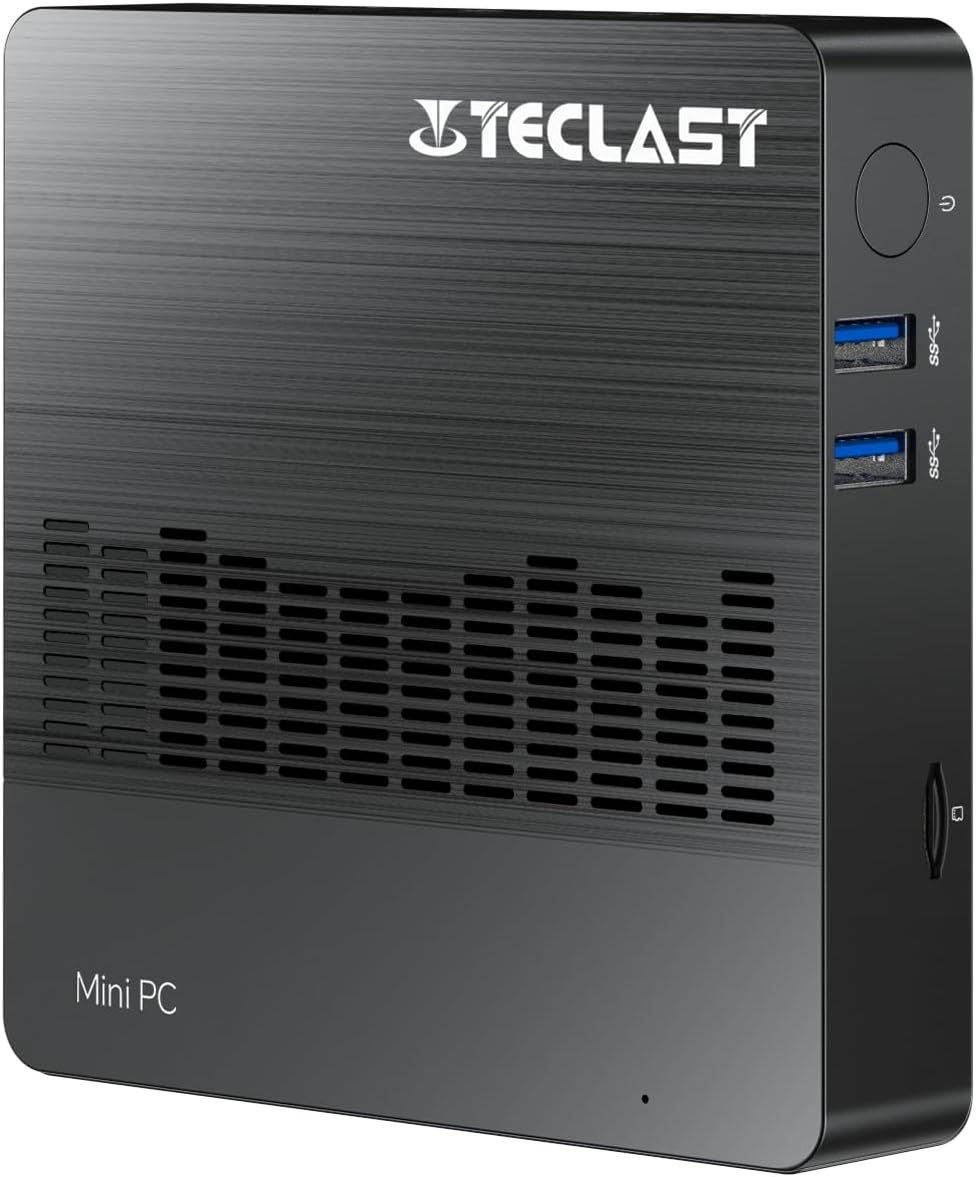
Gambar 1.1: Hareupeun view of the TECLAST Mini PC N10, showing its compact design and front ports.
2. Eusi Paket
Mangga parios pakét kanggo barang-barang ieu:
- TECLAST Mini PC N10 Unit
- Adaptor kakuatan
- Manual pamaké
Lamun aya item nu leungit atawa ruksak, mangga ngahubungan rojongan customer.
3. Produk Langkungview
3.1. Diménsi Fisik sareng Desain
The TECLAST Mini PC N10 is designed to be compact and lightweight, making it suitable for various environments. Its dimensions are approximately 11.9 x 11.9 x 2.4 cm, and it weighs around 700g.

Image 3.1: Illustration of the TECLAST Mini PC N10's compact dimensions (120mm x 120mm x 24mm) and lightweight design (200g, note: product specifications state 700g).
3.2. Port Perenah
The Mini PC N10 features a variety of ports for connectivity, located on its right, left, and back sides.

Gambar 3.2: Detil view of the TECLAST Mini PC N10's expansion ports.
- Sisi katuhu: TF (MicroSD) Card Reader x 1, USB 3.2 x 2, Power Button x 1
- Sisi kénca: VGA Port x 1
- Sisi tukang: Reset Button x 1, DC Power Input x 1, USB 3.2 x 1, HDMI Port x 1, RJ45 Ethernet Port x 1, 3.5mm Headphone Output x 1
4. Setup Awal
Follow these steps to set up your TECLAST Mini PC N10:
- Sambungkeun ka Layar: Connect your monitor or TV to the Mini PC using either the HDMI port or the VGA port. For optimal resolution, use the HDMI port.
- Sambungkeun Periferal: Plug in your keyboard and mouse to the available USB 3.2 ports.
- Nyambung ka Daya: Connect the power adapter to the DC power input port on the back of the Mini PC, then plug the adapter into a power outlet.
- Daya Hurung: Press the power button located on the right side of the Mini PC. The system will boot up.
- Setup Windows Awal: Turutan parentah dina layar pikeun ngalengkepan setelan Windows 11 Pro, kalebet basa, wilayah, sambungan jaringan, sareng nyieun akun pangguna.
5. Parentah Operasi
5.1. Nyambung ka Internét
- Sambungan kabel: Connect an Ethernet cable from your router or modem to the RJ45 Ethernet port on the back of the Mini PC.
- Sambungan nirkabel: The Mini PC supports 2.4GHz and 5GHz Wi-Fi. During Windows setup or via Windows settings, select your Wi-Fi network and enter the password.
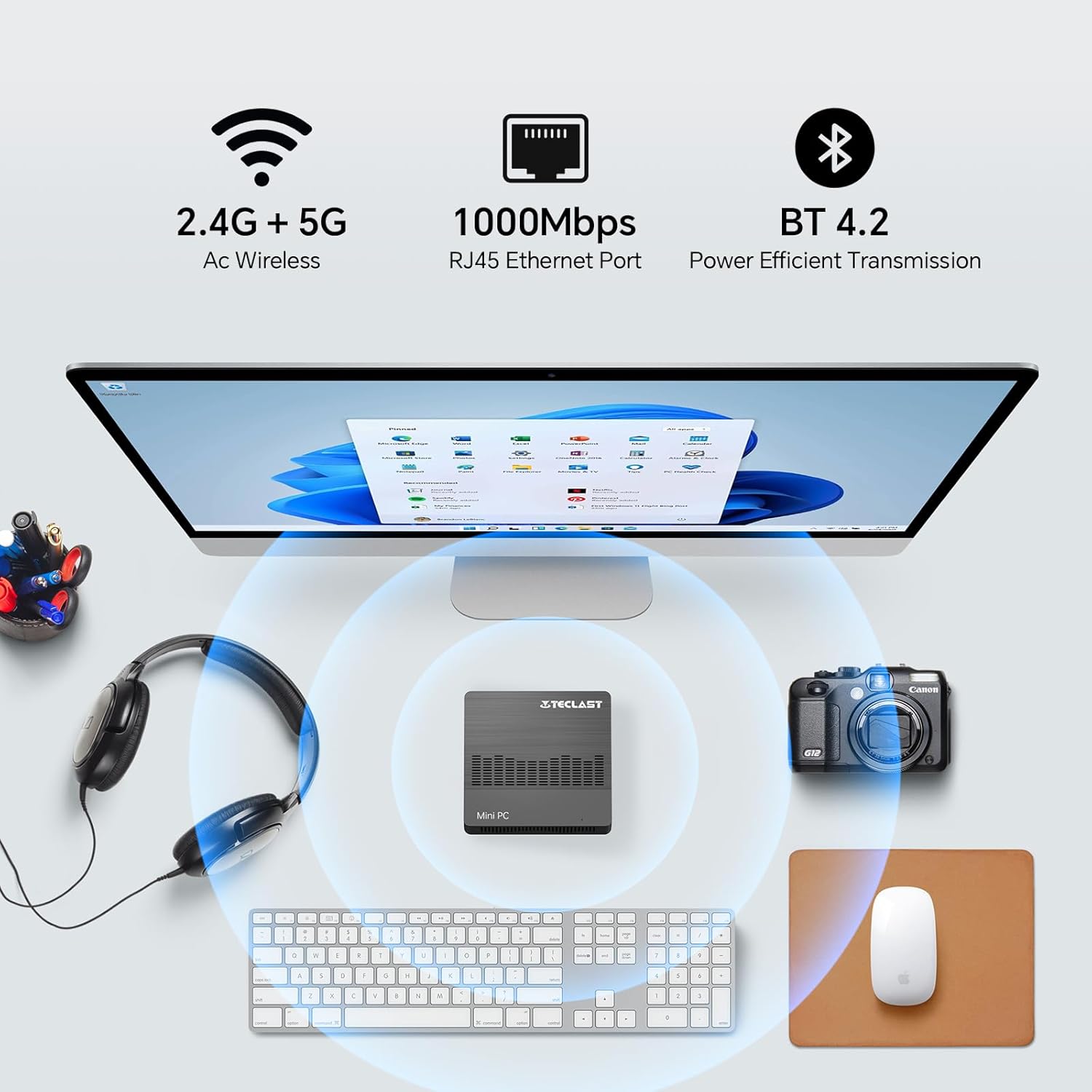
Image 5.1: The Mini PC N10 supports 2.4G+5G Wi-Fi, 1000Mbps RJ45 Ethernet, and Bluetooth 4.2 for versatile connectivity.
5.2. Dual Tampilan Setup
The TECLAST Mini PC N10 supports dual display output via its HDMI and VGA ports, allowing you to extend your desktop across two screens or duplicate your display.
- Sambungkeun monitor utama anjeun ka port HDMI.
- Connect your secondary monitor to the VGA port.
- Once both monitors are connected and powered on, Windows 11 should automatically detect them.
- To configure display settings (extend, duplicate, resolution), right-click on the desktop, select 'Display settings', and adjust as needed. The HDMI port supports up to 4K@60Hz resolution.

Image 5.2: The Mini PC N10 connected to two monitors via HDMI and VGA for dual display output.
5.3. Ékspansi gudang
The Mini PC N10 includes 128GB of internal SSD storage. For additional storage, it supports SATA protocol for M.2 SSD expansion (2242 length, M.2 interface, not included). A TF (MicroSD) card reader is also available for removable storage.
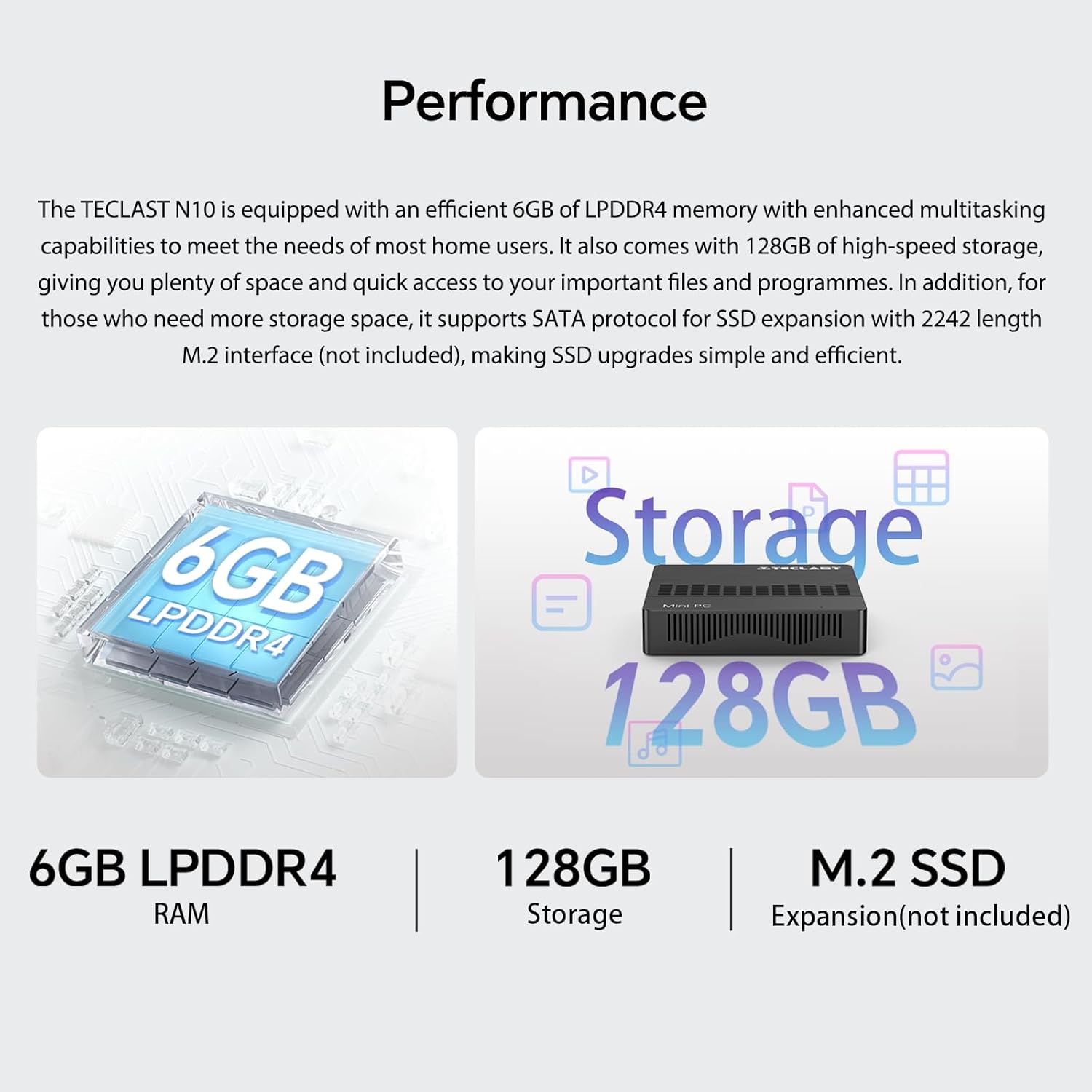
Gambar 5.3: Leuwihview of the Mini PC N10's 6GB LPDDR4 RAM, 128GB storage, and M.2 SSD expansion capability.
6. Spésifikasi
| Fitur | Rincian |
|---|---|
| merek | TECLAST |
| Ngaran modél | N10 |
| Dimensi produk | 11.9 x 11.9 x 2.4 cm |
| Beurat produk | 700 g |
| Warna | Hideung |
| Sistem operasi | Windows 11 Pro |
| Prosésor Produsén | Intel |
| Jenis prosésor | Intel Celeron N4000 |
| Laju prosésor | 2.6 GHz (Turbo Frequency) |
| Jumlah prosésor | 2 |
| Kamampuh RAM | 6 GB |
| Téhnologi mémori | DDR4 |
| Hard Drive Description | SSD |
| Kapasitas Panyimpenan Mémori | 128 GB |
| Grafik Coprocessor | Intel UHD Grafika 600 |
| Pedaran Kartu grafik | terpadu |
| Resolusi maksimum | 3840 x 2160 (4K) |
| Jenis Konéktipitas | Wi-Fi, Bluetooth |
| Jenis Sambungan Nirkabel | 2.4GHz + 5GHz Wi-Fi, Bluetooth 5.0 |
| Palabuhan | HDMI x 1, VGA x 1, USB 3.2 x 3, RJ45 Ethernet x 1, 3.5mm Audio x 1, TF (MicroSD) x 1 |

Image 6.1: Details of the Intel Celeron N4000 processor, featuring 14nm process, Gemini Lake Architecture, 4MB cache, and up to 2.6GHz turbo frequency.
7. Pangropéa
- beberesih: Use a soft, dry cloth to clean the exterior of the Mini PC. Avoid using liquid cleaners or sprays directly on the device.
- Ventilasi: Ensure the ventilation openings are not blocked to prevent overheating. Place the Mini PC on a flat, stable surface.
- Apdet parangkat lunak: Rutin pariksa sareng pasang apdet Windows pikeun mastikeun stabilitas sareng kaamanan sistem.
- Cadangan Data: Jieun cadangan data penting sacara périodik ka drive éksternal atanapi panyimpenan awan pikeun nyegah leungitna data.
8. Cara ngungkulan
8.1. Taya Daya
- Pastikeun adaptor kakuatan disambungkeun sacara aman ka Mini PC sareng stopkontak listrik anu tiasa dianggo.
- Pastikeun stop kontak listrik berpungsi ku cara nyolokkeun alat sejen.
8.2. Taya Témbongkeun
- Check that the HDMI or VGA cable is securely connected to both the Mini PC and the monitor.
- Pastikeun monitor hurung sareng disetel ka sumber input anu leres (HDMI/VGA).
- Try connecting to a different display or using a different cable to rule out faulty components.
8.3. Taya Konéksi Internét
- Maké kabel: Pariksa sambungan kabel Ethernet. Pastikeun router / modem anjeun berpungsi leres.
- Nirkabel: Ensure Wi-Fi is enabled in Windows settings. Check if you are connected to the correct network and have entered the password correctly. Restart your router/modem.
8.4. System Slowdown
- Tutup aplikasi anu teu perlu jalan di latar tukang.
- Pariksa sareng pasang apdet Windows anu ditangguhkeun.
- Pastikeun aya rohangan bébas anu cukup dina SSD.
- Jalankeun scan virus pikeun mariksa malware.
9. Garansi jeung Rojongan
9.1. Émbaran jaminan
The TECLAST Mini PC N10 comes with a 2-year warranty, valid immediately after purchase. Please retain your proof of purchase for warranty claims.
9.2. Rojongan Palanggan
If you require assistance or have any questions regarding your TECLAST Mini PC N10, please contact our customer support team. Send us a message, and our specialists will respond within 1 business day. We are committed to providing support for our products.


