1. Bubuka
This manual provides essential instructions for the installation, operation, and maintenance of the WatchGuard Firebox M390 Network Security/Firewall Appliance. The Firebox M390 is designed to deliver robust network security for small to midsize businesses and distributed enterprises.
fitur konci ngawengku:
- Enterprise-grade prevention, detection, correlation, and response capabilities.
- Integration with WatchGuard Cloud for network activity and security event visibility.
- Built-in compliance reports for standards like PCI and HIPAA.
- High firewall throughput of up to 18 Gbps and UTM throughput up to 2.4 Gbps with all security services enabled.
2. Eusi Paket
Pastikeun yén sadaya komponén aya dina bungkusan:
- WatchGuard Firebox M390 Appliance
- Kabel listrik
- Rack Mount Kit (screws may be included separately or require user-supplied hardware)
- Gancang Mimitian Guide
- Software License Information (for Basic Security Suite)
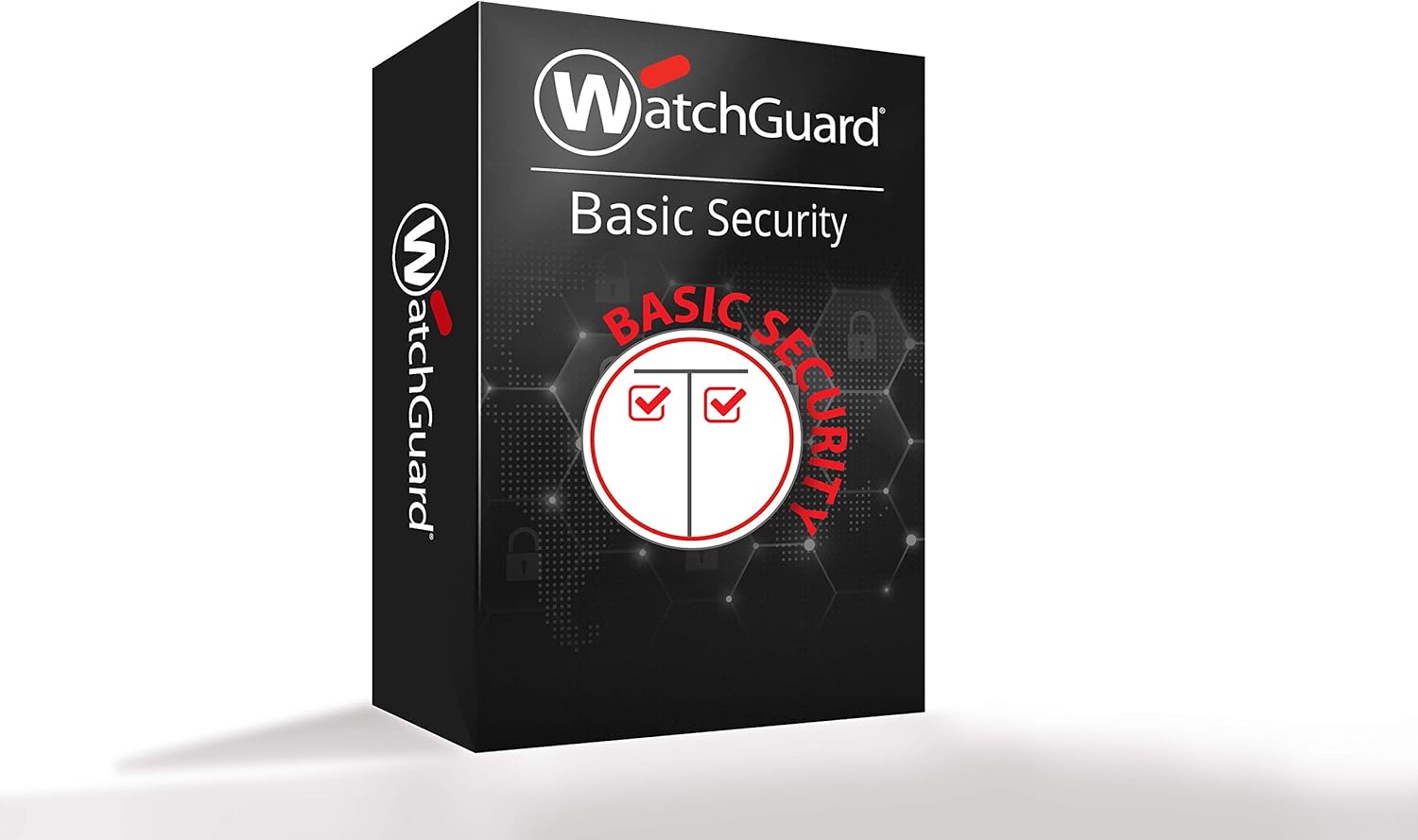
Figure 2.1: WatchGuard Basic Security Suite packaging, indicating the included software license.
3. Setup jeung Instalasi
3.1 Instalasi fisik
The Firebox M390 is designed for rack-mounting. Ensure adequate ventilation around the appliance.
- Secure the rack mount brackets to the sides of the Firebox M390 using the provided screws.
- Mount the appliance into a standard 19-inch server rack. Ensure proper rack screws are used to secure the device firmly.
- Connect the power cord to the appliance and then to a grounded power outlet.

Figure 3.1: Front panel of the WatchGuard Firebox M390, showing network ports and indicators.

Figure 3.2: Rear panel of the WatchGuard Firebox M390, showing power input and cooling fans.
3.2 Sambungan Jaringan
The Firebox M390 features 8x 1 Gigabit Ethernet ports. Connect your network cables as follows:
- Connect the internet-facing network cable to the designated WAN port (typically port 0 or 1, refer to the Quick Start Guide for specific port assignments).
- Connect your internal network switch or devices to the remaining LAN ports.
- The appliance also includes 1 serial and 2 USB ports for management and peripheral connections.
3.3 Konfigurasi Awal
Refer to the WatchGuard Quick Start Guide for detailed instructions on initial network configuration and accessing the management interface (WatchGuard System Manager or web UI). WatchGuard Cloud provides real-time visibility and management capabilities.
4. Operating the Firebox M390
4.1 Fitur Kaamanan
The Firebox M390 provides comprehensive security functionalities:
- Firewall: Stateful packet inspection, TLS decryption, proxy firewall.
- Application Proxies: HTTP, HTTPS, FTP, DNS, TCP/UDP, POP3S, SMTPS, IMAPS, and Explicit Proxy.
- Perlindungan Ancaman: Defends against DoS attacks, fragmented & malformed packets, and blended threats.
- Filtering Options: Browser Safe Search, Google for Business.
- VPN: Site-to-Site VPN (IKEv2, IPSec, Policy and Route Based Tunnels, TLS hub and spoke) and Remote Access VPN (IKEv2, IPSec, L2TP, TLS).

Figure 4.1: Detailed list of security features supported by the Firebox M390.

Figure 4.2: Comparison of security features included in Basic Security and Total Security Suites for Firebox solutions.
4.2 Konfigurasi Jaringan
The Firebox M390 supports various networking capabilities:
- SD-WAN: Failover multi-WAN, pilihan jalur dinamis, pangukuran jitter/rugi/latency.
- Dynamic Routing: RIP, OSPF, BGP.
- Kasadiaan luhur: Active/passive, active/active configurations.
- QoS: 802.1Q, DSCP, Présédén IP.
- Manajemén Lalu Lintas: Policy or application-based.
- Tugas Alamat IP: Statis, DHCP (server, klien, relay), PPPoE, DynDNS.
- NAT: Static, dynamic, 1:1, IPSec traversal, policy-based.
- Link Aggregasi: 802.3ad dynamic, static, active/backup.
4.3 Pemantauan sareng Pelaporan
WatchGuard Cloud provides comprehensive visibility into network activity and security events. It includes:
- Logging and Notifications: WatchGuard Cloud & Dimension, Syslog, SNMP v2/v3.
- Ngalaporkeun: Over 100 pre-defined reports, executive summary, and visibility tools.
5. Pangropéa
Regular maintenance ensures optimal performance and longevity of your Firebox M390 appliance.
- Apdet parangkat lunak: Regularly check for and apply the latest firmware and security updates through the WatchGuard management interface to ensure protection against emerging threats.
- Inspeksi Fisik: Periodically inspect the appliance for dust accumulation, especially around the ventilation areas and fans. Ensure proper airflow is maintained.
- Konfigurasi Nyadangkeun: Regularly back up your appliance configuration settings.
- Kaayaan Lingkungan: Ensure the appliance operates within recommended temperature and humidity ranges.
6. Cara ngungkulan
This section addresses common issues. For more complex problems, refer to the WatchGuard support documentation or contact technical support.
- Henteu aya kakuatan:
- Verify the power cord is securely connected to both the appliance and a working power outlet.
- Check the power indicator light on the front panel.
- Masalah Konektipitas Jaringan:
- Ensure all Ethernet cables are properly connected to the correct ports.
- Check the link/activity lights on the Ethernet ports.
- Verify network configuration settings in the management interface.
- Performance Lambat:
- Review the throughput specifications in Section 7.1 to ensure your usage is within the appliance's capabilities.
- Check WatchGuard Cloud for any alerts or high resource utilization.
- Rack Mounting Issues:
- Ensure appropriate rack screws are used and securely fastened to prevent movement.
7. Spésifikasi
7.1 Performance and Capacity

Figure 7.1: Throughput and capacity comparison between Firebox M290 and M390 models.
| métrik | Nilai |
|---|---|
| Throughput firewall | 18 Gbps |
| UTM (full scan) Throughput | 2.4 Gbps |
| VPN (IMIX) Throughput | 1.8 Gbps |
| HTTPS Content Inspection (IPS enabled) | 1.32 Gbps |
| Antivirus Throughput | 3.1 Gbps |
| IPS (full scan) Throughput | 3.3 Gbps |
| VPN (UDP 1518) Throughput | 5.2 Gbps |
| Interfaces 10/100/1000 | 8x 1 Gb |
| Abdi / O Antarbeungeut | 1 serial/2 USB |
| Sambungan babarengan | 4,500,000 |
| New Connections Per Second | 98,000 |
| VLAN | 250 |
| WSM Licenses (incl) | 4 |
| TDR Host Sensors Included | 150 |
| Branch Office VPN Tunnels | 250 |
| Mobile VPN Tunnels | 250 |
7.2 Physical and Environmental
| Ciri | Nilai |
|---|---|
| Ukuran produk (L x W x H) | 22.6 x 16.5 x 3.9 inci |
| Item Beurat | 12.57 pon |
| Warna | Beureum |
| Téhnologi konektipitas | Ethernet, USB |
| Produsén | Téhnologi WatchGuard, Inc. |
7.3 Sertifikasi
- Kaamanan: Pending: Common Criteria, FIPS 140-3
- Kasalametan: NRTL/CB
- Jaringan: IPv6 Ready Gold (routing)
- Hazardous Substance Control: WEEE, RoHS, REACH
8. Garansi jeung Rojongan
The WatchGuard Firebox M390 typically includes a 1-year Basic Security Suite, which provides access to essential security services and standard support. For detailed warranty information and terms of service, please refer to the documentation included with your product or visit the official WatchGuard websitus.
For technical assistance, product registration, and access to the latest software updates, please visit the WatchGuard support portal. WatchGuard Cloud also offers resources for monitoring and managing your appliance.