Produk Leuwihview
The DEDRA SAS+ALL DED7051 18V Cordless Angle Grinder is designed for cutting and grinding tasks. This tool features a powerful motor capable of reaching speeds up to 8500 RPM, compatible with 125 mm and 115 mm diameter discs. Its ergonomic design, lightweight construction (2.2 kg), and fiberglass-reinforced nylon housing ensure durability and comfortable operation.
Key features include a safety switch that interrupts power if excessive pressure is applied to the workpiece, preventing damage or overheating. The quick-release system for discs, a two-position side handle, and a rubberized grip enhance user comfort and control. The disc changing key is conveniently stored within the side handle.
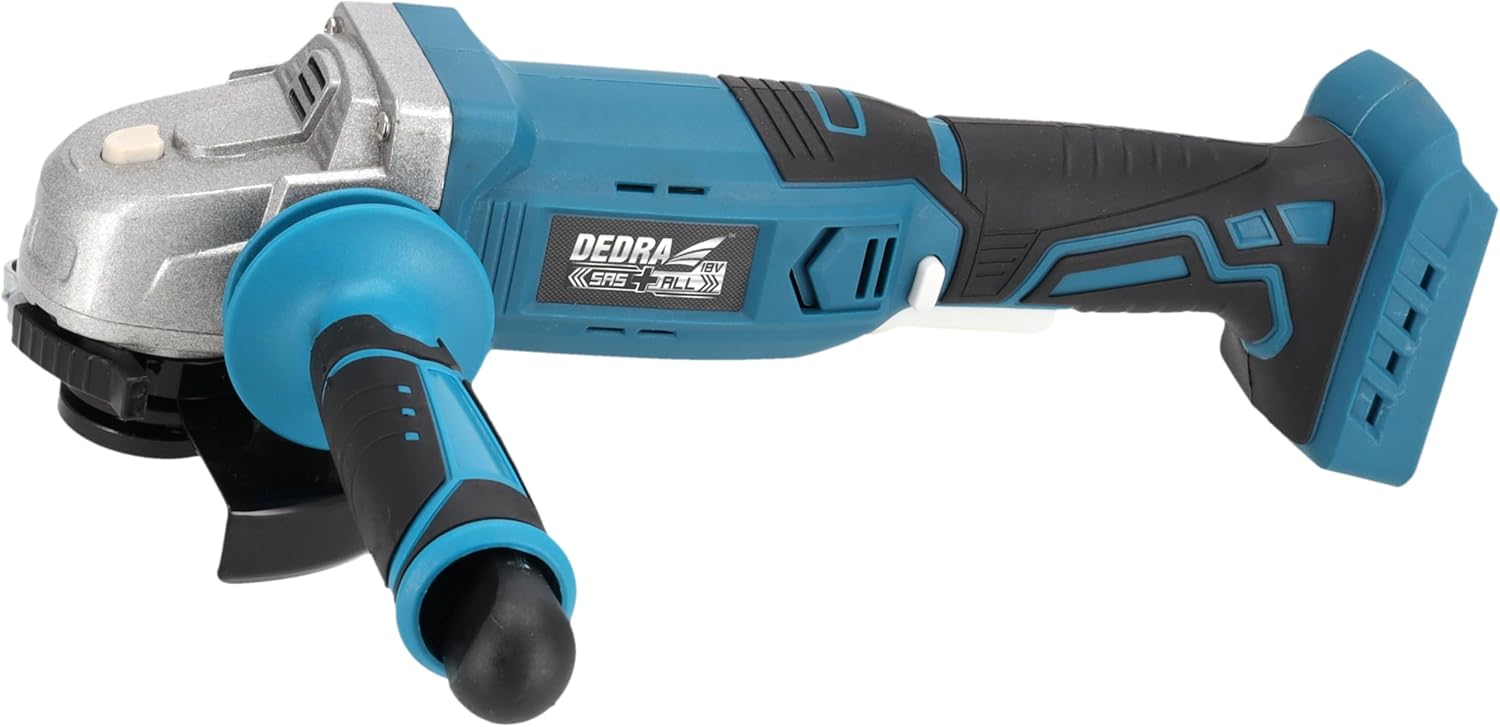
Image: DEDRA 18V Cordless Angle Grinder, showing the main unit with the side handle and disc guard installed.
Émbaran Kasalametan
Salawasna baca tur ngartos sagala warnings kaamanan, parentah, ilustrasi, sarta spésifikasi disadiakeun kalawan alat kakuatan ieu. Gagalna nuturkeun sadaya paréntah anu didaptarkeun di handap ieu tiasa nyababkeun shock listrik, seuneu, sareng/atawa tatu anu serius.
- Kasalametan Area Gawé: Tetep wewengkon gawé beresih jeung cahayana alus. Wewengkon nu pabalatak atawa poek ngondang kacilakaan. Ulah ngajalankeun parabot kakuatan dina atmosfir ngabeledug, kayaning ku ayana cairan kaduruk, gas atawa lebu.
- Kasalametan listrik: Hindarkeun kontak awak sareng permukaan bumi atanapi grounded, sapertos pipa, radiator, rentang sareng kulkas. Aya ngaronjat résiko shock listrik lamun awak anjeun earthed atawa grounded.
- Kasalametan Pribadi: Always wear eye protection. Use personal protective equipment such as dust masks, non-skid safety shoes, hard hats, or hearing protection for appropriate conditions.
- Pamakéan sareng Perawatan Alat: Ulah maksakeun alat kakuatan. Anggo alat kakuatan anu leres pikeun aplikasi anjeun. Alat kakuatan anu leres bakal ngalaksanakeun padamelan langkung saé sareng langkung aman dina laju anu dirarancang.
- Saklar kaamanan: The grinder is equipped with a safety switch that cuts off power if excessive pressure is applied to the workpiece. This prevents damage to the tool and potential overheating. Do not attempt to bypass or disable this safety feature.
- Kasaluyuan disc: Only use grinding and cutting discs with a diameter of 125 mm or 115 mm that are rated for the grinder's maximum RPM.
Naon dina Box
Saatos muka bungkusan, mangga pariksa yén sadaya komponén aya sareng henteu ruksak:
- 1 x DEDRA 18V Cordless Angle Grinder (Main Unit)
- 1 x bantu samping cecekelan
- 1 x Disc Guard
- 1 x Two-hole Wrench for Disc Change
- Note: Battery and charger are NOT included and must be purchased separately.
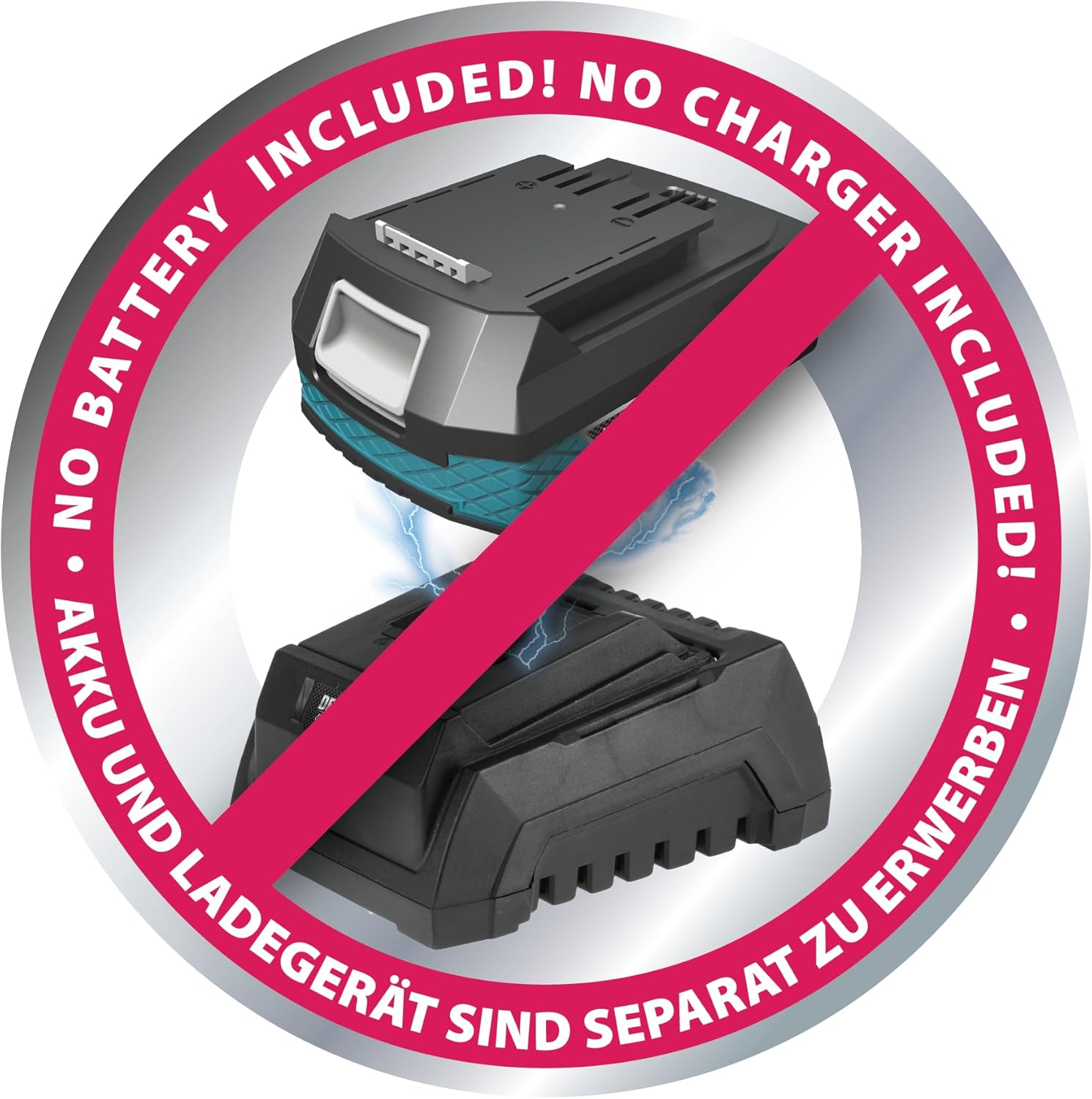
Image: A visual reminder that the battery and charger are sold separately from the angle grinder unit.
Disetél
- Ngalampirkeun gagang samping:
The auxiliary side handle can be screwed into either of the two threaded holes on the grinder's gear housing, depending on your preferred working position and hand dominance. Ensure it is tightened securely.

Image: The angle grinder with the side handle attached, demonstrating its position.
- Mounting the Disc Guard:
Position the disc guard over the spindle housing. Rotate it until it covers the disc adequately for your application, providing maximum protection. Tighten the guard's clamping mechanism firmly to prevent movement during operation.
- Installing the Grinding/Cutting Disc:
Ensure the grinder is switched off and the battery is removed before installing or changing discs. Press the spindle lock button to secure the spindle. Place the inner flange onto the spindle, then position the grinding or cutting disc onto the inner flange. Secure the disc with the outer flange and tighten it using the provided two-hole wrench. Release the spindle lock.

Gambar: Top view of the angle grinder showing the disc guard and the spindle assembly where the disc is mounted.
- Nyelapkeun batré:
Align the battery pack with the battery slot at the rear of the grinder handle. Slide the battery into place until it clicks securely. Ensure it is fully seated before operation.

Gambar: Tukangeun view of the angle grinder, highlighting the battery insertion slot.
Parentah Operasi
- Ngamimitian Grinder:
With the battery inserted and disc securely mounted, hold the grinder firmly with both hands. Press the power switch to start the tool. Allow the disc to reach full speed before making contact with the workpiece.
- Grinding and Cutting:
Apply light, consistent pressure. Do not force the tool. The integrated safety switch will activate and cut power if excessive pressure is detected, protecting the tool from overload and overheating. If this occurs, reduce pressure and restart the tool.
- Ngeureunkeun Grinder:
Release the power switch to stop the tool. Wait for the disc to come to a complete stop before setting the grinder down or performing any adjustments.
Pangropéa
- beberesih: Regularly clean the ventilation openings of the grinder to prevent dust accumulation, which can lead to overheating. Use a soft brush or compressed air.
- Inspeksi disk: Sateuacan dianggo, pariksa heula cakram gerinda atanapi motongna pikeun ayana retakan, pecah, atanapi karusakan anu kaleuleuwihi. Ganti cakram anu ruksak langsung.
- Panyimpenan: Store the grinder in a dry, secure place, out of reach of children. Remove the battery when storing for extended periods.
- Perawatan batré: Follow the manufacturer's instructions for charging and storing the battery pack. Do not expose batteries to extreme temperatures or moisture.
Pamérésan masalah
| Masalah | Mungkin Cukang lantaranana | Solusi |
|---|---|---|
| Coét teu ngamimitian. | Batré teu diselapkeun leres atanapi discharged. | Pastikeun batré pinuh seated. Ngecas batré lamun perlu. |
| Grinder eureun salila operasi. | Excessive pressure applied (safety switch activated). | Reduce pressure on the workpiece. Restart the tool. |
| Geter kaleuleuwihan atawa noise. | Disk teu dipasang kalawan bener atawa ruksak. | Check disc installation. Replace disc if damaged or worn. |
| Alat karasa panas. | Ventilasi anu kaleuleuwihi atanapi tersumbat. | Keun alatna tiis. Bersihkeun liang ventilasi. |
spésifikasi
| Atribut | Nilai |
|---|---|
| merek | Dedra |
| Nomer modél | DED7051 |
| Sumber Daya | Batré Powered (18V) |
| Max RPM | 8500 RPM/min |
| Outer Disc Diameter | 125 Millimeters (also compatible with 115 mm) |
| Diaméter Bor Cakram | 22.2 mm |
| Bahan | Nylon (fiberglass-reinforced) |
| Item Beurat | 2 kg |
| Ukuran Paket | 37 x 14 x 11 cm |
| Batré Kaasup | No |
| Batré Diperlukeun | Yes (Lithium-Manganese Dioxide type) |
Garansi sareng Rojongan
Dedra products are designed for quality and reliability, undergoing testing at every stage of their lifecycle to ensure high standards. While specific warranty details are not provided in this manual, for any product support, technical assistance, or warranty claims, please contact Dedra customer service or refer to the official Dedra websitus pikeun inpormasi anu paling up-to-date.
You can visit the official Dedra store on Amazon for more information and contact options: Dedra Store