1. Bubuka
The Logitech Signature M650 for Business is a versatile wireless mouse designed to enhance productivity and comfort. It offers dual connectivity options, a SmartWheel for adaptive scrolling, and SilentTouch technology for quiet operation. Available in two sizes, it caters to various hand sizes for optimal ergonomic support.
Fitur konci:
- Konektipitas Ganda: Connect via Logi Bolt USB receiver for secure connections or directly via Bluetooth Low Energy.
- SmartWheel Scrolling: Automatically switches between line-by-line precision and free-spin mode.
- Téhnologi SilentTouch: Ngurangan bising klik nepi ka 90% pikeun lingkungan kerja anu langkung sepi.
- Desain ergonomis: Contoured shape and soft thumb area for comfort, available in two sizes (M650 and M650 L).
- Tombol customizable: Side buttons can be customized for various functions.
- Hirup batré anu panjang: Nepi ka 24 bulan nganggo hiji batré AA.
- Kasaluyuan Multi-Platform: Works seamlessly with Windows, macOS, Linux, Chrome OS, iPadOS, and Android.

Image: Logitech Signature M650 for Business Wireless Mouse and its packaging, showcasing the product and its box.
2. Setélan
2.1. Naon dina Box
Sateuacan Anjeun ngawitan, pastikeun sadaya komponén aya:
- Mouse Wireless Logitech Signature M650
- Logi Bolt USB Panarima
- 1 Batré AA (tos dipasang sateuacanna)

Image: The Logitech M650 mouse, a Logi Bolt USB receiver, and a 1-meter USB cable, representing the items included in the product packaging.
2.2. Pamasangan batré
The mouse comes with one AA battery pre-installed. If you need to replace it:
- Open the battery compartment cover on the underside of the mouse.
- Insert a new AA battery, ensuring correct polarity (+/-).
- Tutup panutup kompartemen batré aman.
2.3. Nyambungkeun Mouse Anjeun
The Signature M650 offers two connection methods: Logi Bolt USB Receiver or Bluetooth Low Energy.
Option 1: Logi Bolt USB Receiver (Recommended for Secure Connections)
- Locate the Logi Bolt USB receiver, typically found inside the mouse's battery compartment or packaged separately.
- Colokkeun panarima USB Logi Bolt kana port USB anu sayogi dina komputer anjeun.
- Turn on the mouse using the power switch on its underside. The mouse should automatically connect.

Image: The Logi Bolt USB receiver securely plugged into a laptop's USB port, demonstrating its compact size and integration.
Pilihan 2: Bluetooth Énergi Leutik
- Hurungkeun beurit nganggo saklar daya di handapeunna.
- Press and hold the connect button on the underside of the mouse until the LED indicator starts blinking rapidly, indicating pairing mode.
- Dina komputer atanapi alat anjeun, buka setélan Bluetooth.
- Pilih "Logitech M650" tina daptar alat anu sayogi teras turutan pitunjuk dina layar pikeun ngalengkepan pamasangan.

Image: The Logitech M650 mouse positioned on a mousepad, with visual cues for both Bluetooth and Logi Bolt connectivity options.
3. Ngoperasikeun Mouse Anjeun
3.1. Ngagulung SmartWheel
The SmartWheel automatically adapts to your scrolling needs:
- Modeu Precision: For detailed, line-by-line scrolling, gently scroll the wheel.
- Modeu Spin Gratis: For rapid, long document or web page navigation, give the wheel a quick flick. It will spin freely.
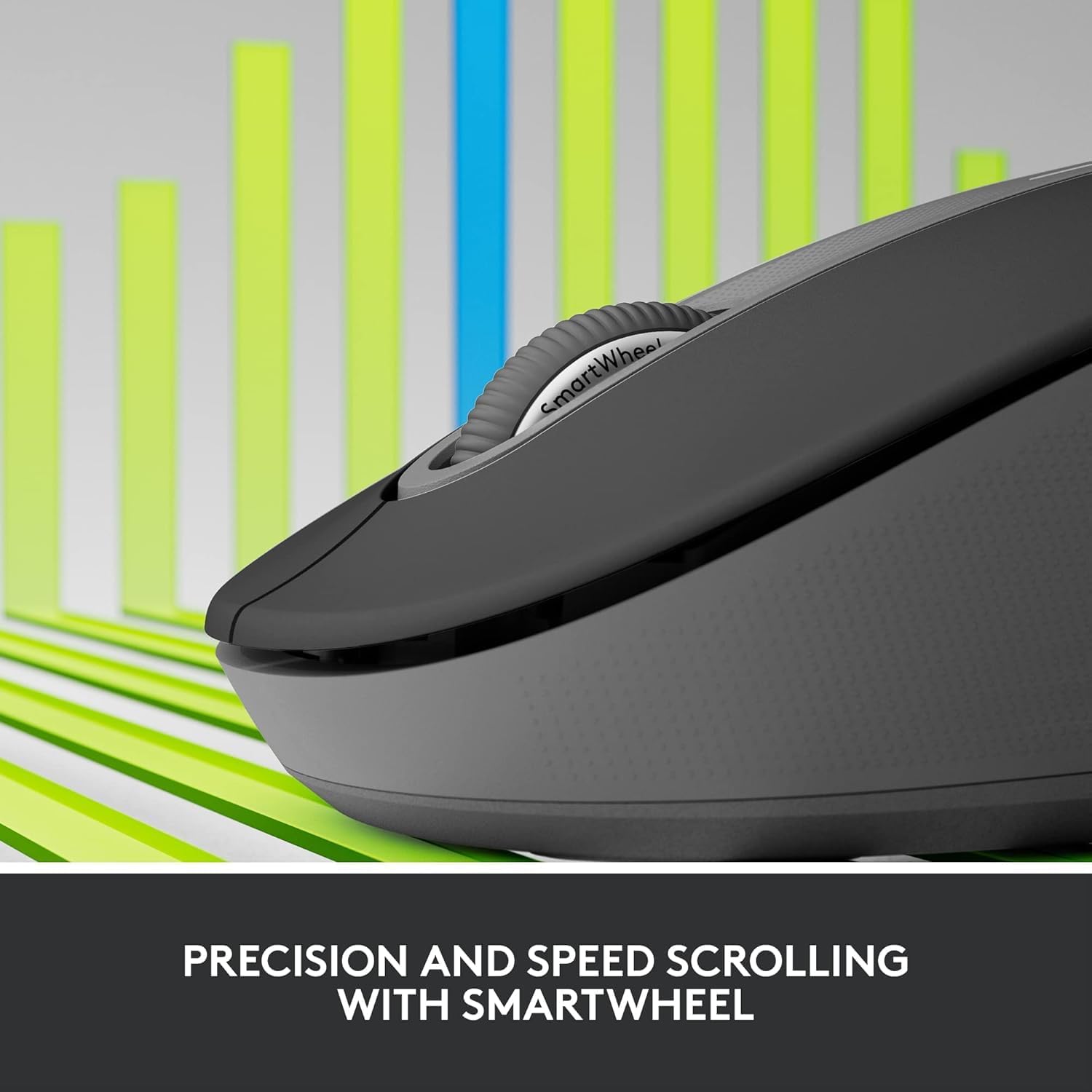
Image: A detailed close-up of the Logitech M650 mouse's SmartWheel, emphasizing its design for both precision and speed scrolling.
3.2. Tombol Samping anu Tiasa Disaluyukeun
The Signature M650 features two customizable side buttons. By default, these buttons may perform forward/back navigation in web browsers. To customize their functions, download and install the Logitech Options+ software from the official Logitech websitus.
3.3. Téhnologi SilentTouch
Experience a quieter workspace with SilentTouch technology, which significantly reduces the sound of clicks without compromising the tactile feel.
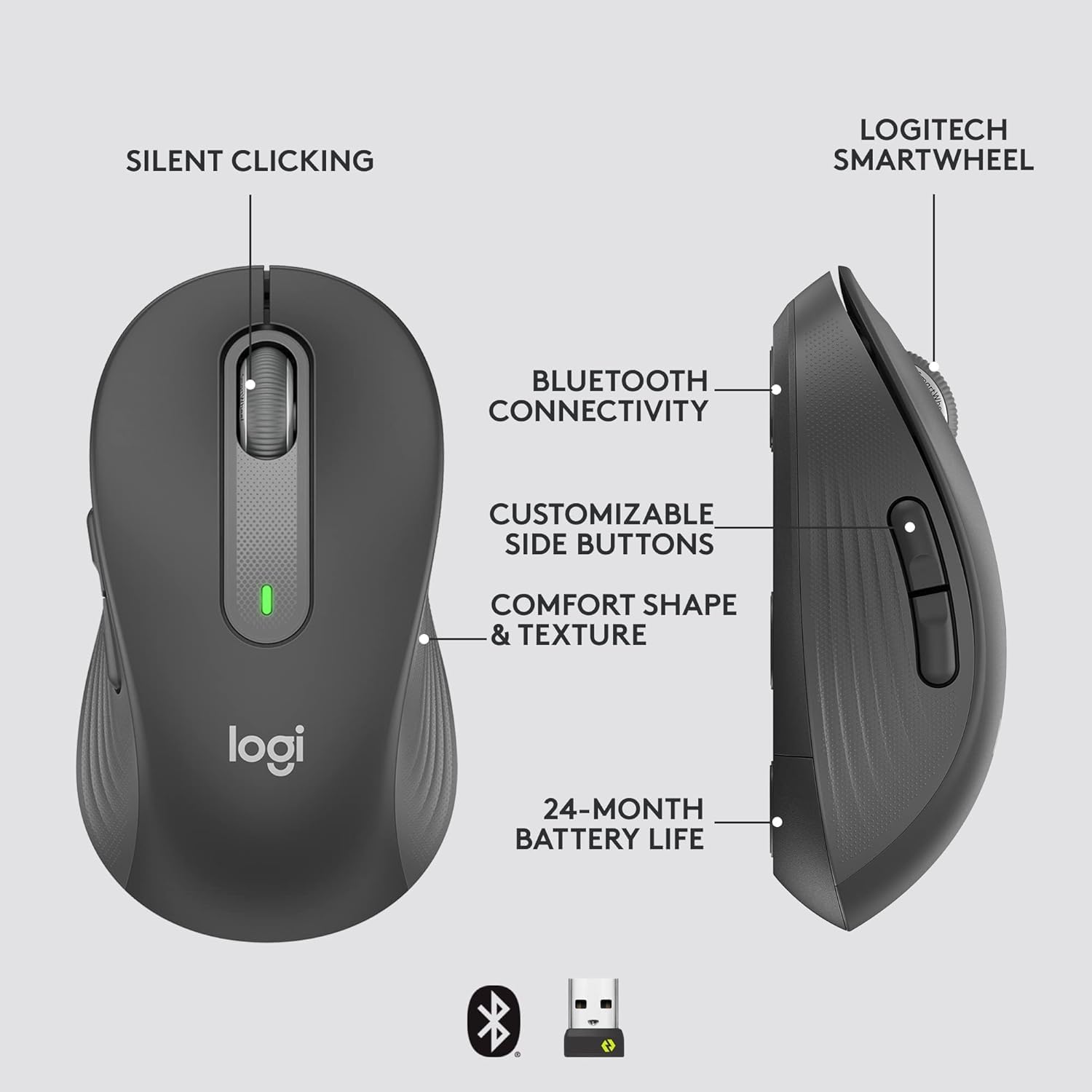
Image: An annotated diagram of the Logitech M650 mouse, highlighting key features such as Silent Clicking, Bluetooth Connectivity, Customizable Side Buttons, Comfort Shape & Texture, 24-Month Battery Life, and the Logitech SmartWheel.
4. Pangropéa
4.1. Ngagantian batré
The mouse uses one AA battery. When the battery is low, the LED indicator on the mouse may flash. Replace the battery as described in Section 2.2.
4.2. beberesih
Pikeun ngabersihkeun beurit anjeun, anggo lawon anu lemes sareng henteu ngaganggu. Pikeun kokotor anu bandel, radaampen lawon jeung cai. Ulah make bahan kimia kasar atawa bahan abrasive.
5. Cara ngungkulan
5.1. Beurit Teu Ngabales
- Pariksa batré: Pastikeun batréna leres dipasang sareng gaduh muatan anu cekap. Ganti lamun perlu.
- Daya Hurung: Verify the mouse is turned on using the power switch.
- Ngadegkeun deui Sambungan:
- Logi Bolt: Try plugging the receiver into a different USB port. Ensure no obstructions are between the mouse and receiver.
- Bluetooth: Go to your device's Bluetooth settings, remove the mouse, and re-pair it.
- gangguan: Move the mouse closer to the receiver or device. Avoid using the mouse near other wireless devices that might cause interference.
5.2. Gerakan Kursor Anu Henteu Teratur
- Sensor beresih: Pastikeun sénsor optik di handapeun beurit bersih sareng bébas tina kokotor.
- Beungeut: Anggo beurit dina permukaan anu bersih, henteu mantul, sareng rata. Disarankeun nganggo alas beurit.
6. Spésifikasi Téknis
| Fitur | Spésifikasi |
|---|---|
| Nomer modél | 910-006272 |
| Konektipitas | Panarima USB Logi Bolt, Bluetooth Énergi Leutik |
| Téknologi Sénsor | Optik |
| Jenis Batré | 1 x batré AA (kaasup) |
| Kahirupan batré | Nepi ka 24 bulan |
| Dimensions (M650) | 4.22 x 2.43 x 1.49 inci (10.7 x 6.17 x 3.78 cm) |
| Beurat | 3.57 ons (101.2 g) |
| Warna | Grafit |
| Kasaluyuan System Operasi | Windows, macOS, Linux, Chrome OS, iPadOS, Android |

Image: A visual comparison of the Logitech M650 and M650 L mouse sizes, indicating their respective lengths of 10.5cm and 11.5cm.
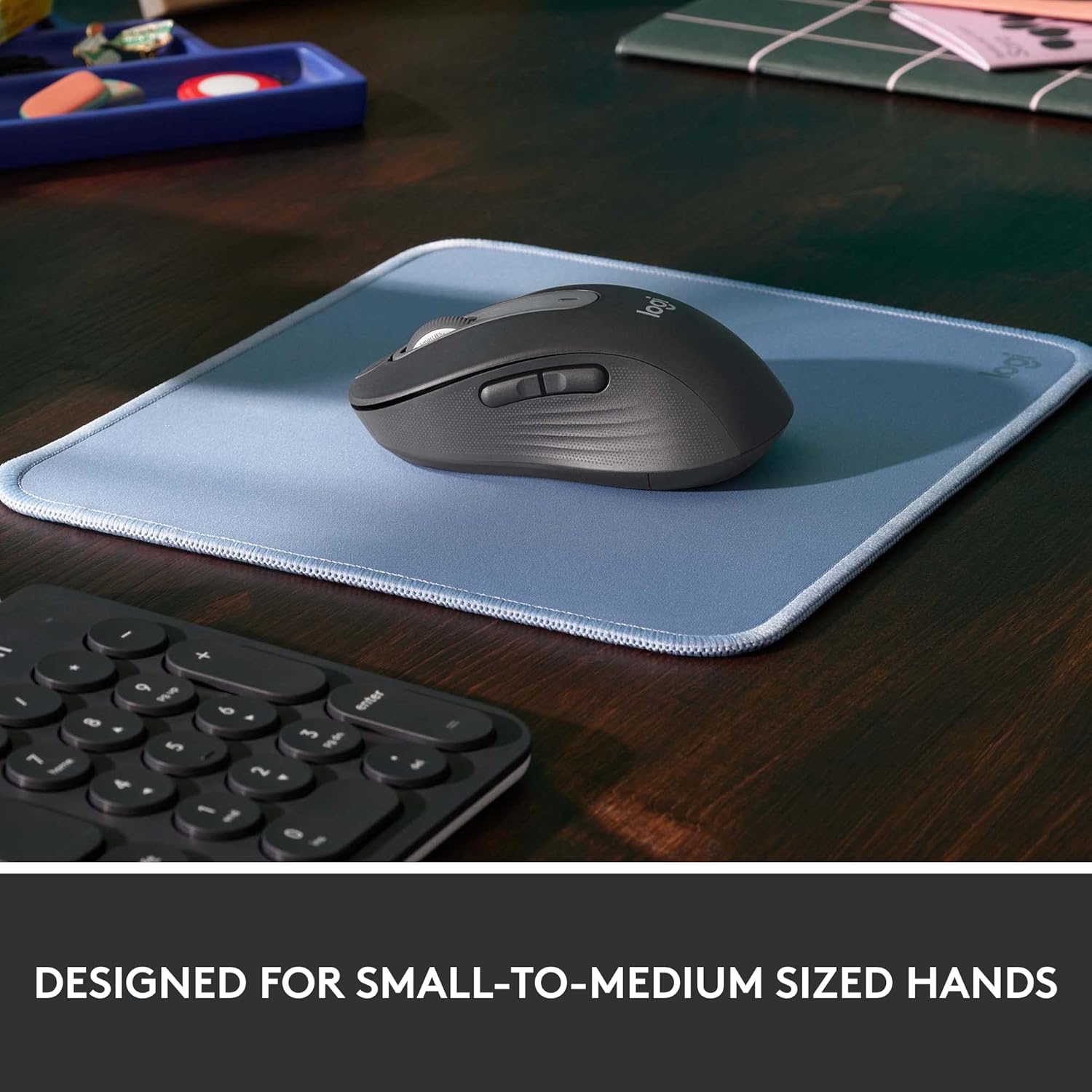
Image: The Logitech M650 mouse resting on a light blue mousepad, illustrating its ergonomic shape designed to fit comfortably in small to medium-sized hands.
7. Garansi jeung Rojongan
Logitech products are manufactured to the highest quality standards. For detailed warranty information, please refer to the warranty card included with your product or visit the official Logitech support websitus.
For technical assistance, troubleshooting, or to download the latest software and drivers, please visit the Logitech Support page:


