1. Bubuka
The ThruNite TN12 Pro is a high-performance, USB-C rechargeable Everyday Carry (EDC) flashlight designed for versatility and reliability. It features a powerful SFT40 LED, delivering up to 1900 lumens, and offers a maximum beam distance of 380 meters. Its dual-switch interface provides intuitive control, making it suitable for various applications from daily tasks to tactical use.

Figure 1.1: The ThruNite TN12 Pro Flashlight, showcasindesainna anu ringkes sareng klip saku.
Constructed from durable aluminum alloy with a scratch-resistant anodized finish, the TN12 Pro is built to withstand challenging conditions. It is also waterproof with an IPX-8 rating, ensuring performance even when submerged up to 2 meters. The integrated USB-C charging port allows for convenient and fast recharging without removing the battery.
2. Setélan
2.1 Eusi pakét
Sateuacan dianggo anu munggaran, mangga pastikeun sadaya barang aya dina bungkusan:
- ThruNite TN12 Pro Flashlight
- 1x Lithium Ion Battery (included)
- Kabel Ngecas USB-C
- Sarung
- Lanyard
- O-cingcin cadang
- Spare USB Port Cover

Figure 2.1: All components included in the ThruNite TN12 Pro product package.
2.2 Battery Installation & Initial Charging
The TN12 Pro comes with a pre-installed Lithium Ion battery. Ensure the battery is properly seated before first use. For optimal performance, fully charge the flashlight before its initial operation.
- Buka tutup buntut senter.
- Ensure the included 18650 Lithium Ion battery is inserted with the positive (+) terminal facing towards the head of the flashlight.
- Screw tutup buntut deui aman.
- Connect the provided USB-C cable to the flashlight's charging port and to a USB power source (e.g., wall adapter, computer USB port).
- The indicator light on the side switch will show the charging status:
- Beureum: Ngecas
- Biru: Dicas pinuh
- Ungu: ngecas abnormal
- Once fully charged, disconnect the USB-C cable and replace the port cover to maintain water resistance.

Figure 2.2: Illustration of the USB-C charging port and the color-coded charging indicator on the side switch.

Gambar 2.3: Detil view of the power indicator on the side switch, showing battery level ranges.
3. Operasi
3.1 Fungsi Umum
- Konci/Buka konci: When the flashlight is off, press and hold the side switch to enter Firefly mode. From Firefly mode, press and hold the side switch again to access lockout mode. To unlock, press and hold the side switch.
- Hurungkeun/Pareuman: After the light is unlocked, press the side switch to turn the light ON/OFF. The light will turn on in the last mode used, except for Firefly, Turbo, and Strobe.
- Robah Modeu: Single-click the side switch to activate the last used mode. Then, press and hold the side switch to cycle through Low, Medium, and High modes.
3.2 Modeu husus
- Potong kompas ka Firefly: When the light is off, press and hold the side switch to directly access Firefly mode.
- Direct Access to Turbo (Side Switch): Double-click the side switch quickly from any mode to activate Turbo mode.
- Direct Access to Turbo (Tail Switch): When the flashlight is unlocked, single-click the tactical tail switch to access Turbo mode directly.
- Strobe: Triple-click the side switch quickly from any mode to activate Strobe mode.

Figure 3.1: Demonstrates holding the TN12 Pro and its versatility for everyday carry, including clipping to a pocket or bag.
4. Pangropéa
4.1 Perawatan Umum
- Jaga senter tetep bersih, utamana ulir sareng O-ring. Lumasi O-ring sacara berkala ku gajih silikon pikeun ngajaga daya tahan cai.
- Avoid dropping the flashlight or subjecting it to severe impacts.
- Simpen senter di tempat anu tiis sareng garing upami henteu dianggo salami lami.
- If the flashlight will not be used for a long time, it is recommended to remove the battery to prevent potential leakage.
4.2 Waterproofing
The TN12 Pro is rated IPX-8 waterproof, meaning it can be continuously submerged in water up to 2 meters. To ensure this rating is maintained:
- Pastikeun cap buntut sapinuhna pageuh.
- Ensure the USB-C charging port cover is securely closed.
- Regularly inspect and replace O-rings if they appear damaged or worn.
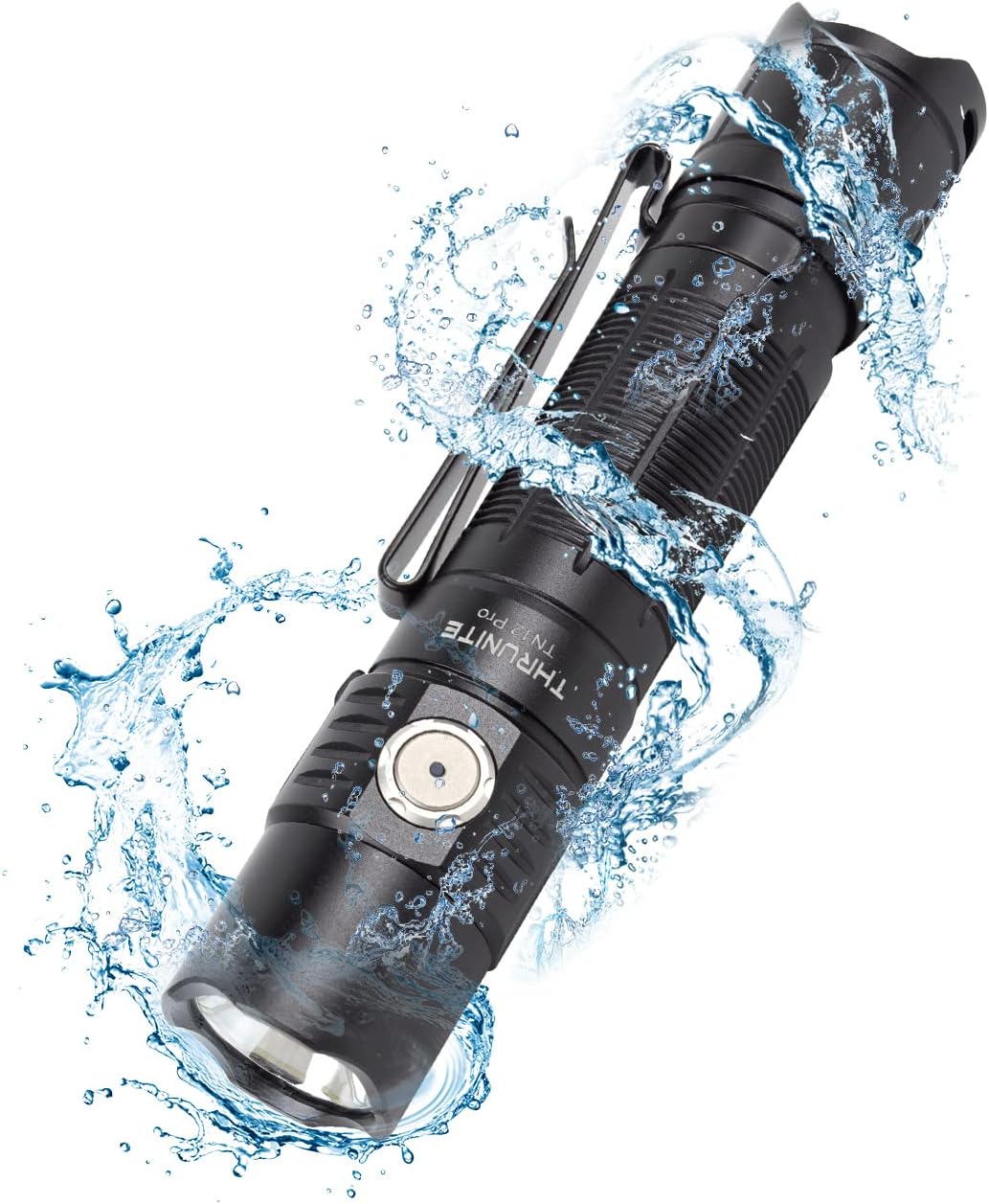
Figure 4.1: The TN12 Pro demonstrating its IPX-8 waterproof capability, suitable for use in wet conditions.
5. Spésifikasi
Below are the detailed specifications for the ThruNite TN12 Pro Flashlight:
| Fitur | Rincian |
|---|---|
| Modél | TN12 Pro cw |
| merek | ThruNite |
| Sumber Cahaya | SFT40 LED |
| Kaluaran Max | 1900 Lumén |
| Jarak Beam Max | 380 méter |
| Sumber Daya | 1x Lithium Ion Battery (included) |
| Ngecas | USB-C ngecas Gancang |
| Bahan | Aluminium Alloy |
| Tahan cai | IPX-8 (2 méter submersible) |
| Résistansi Dampak | 1.5 méter |
| Diménsi | 131.5mm (Length) x 27mm (Head Diameter) x 25.5mm (Body Diameter) |
| Beurat | 85g (kaasup batré) |
| Modeu Lampu | Firefly, Low, Medium, High, Turbo, Strobe |
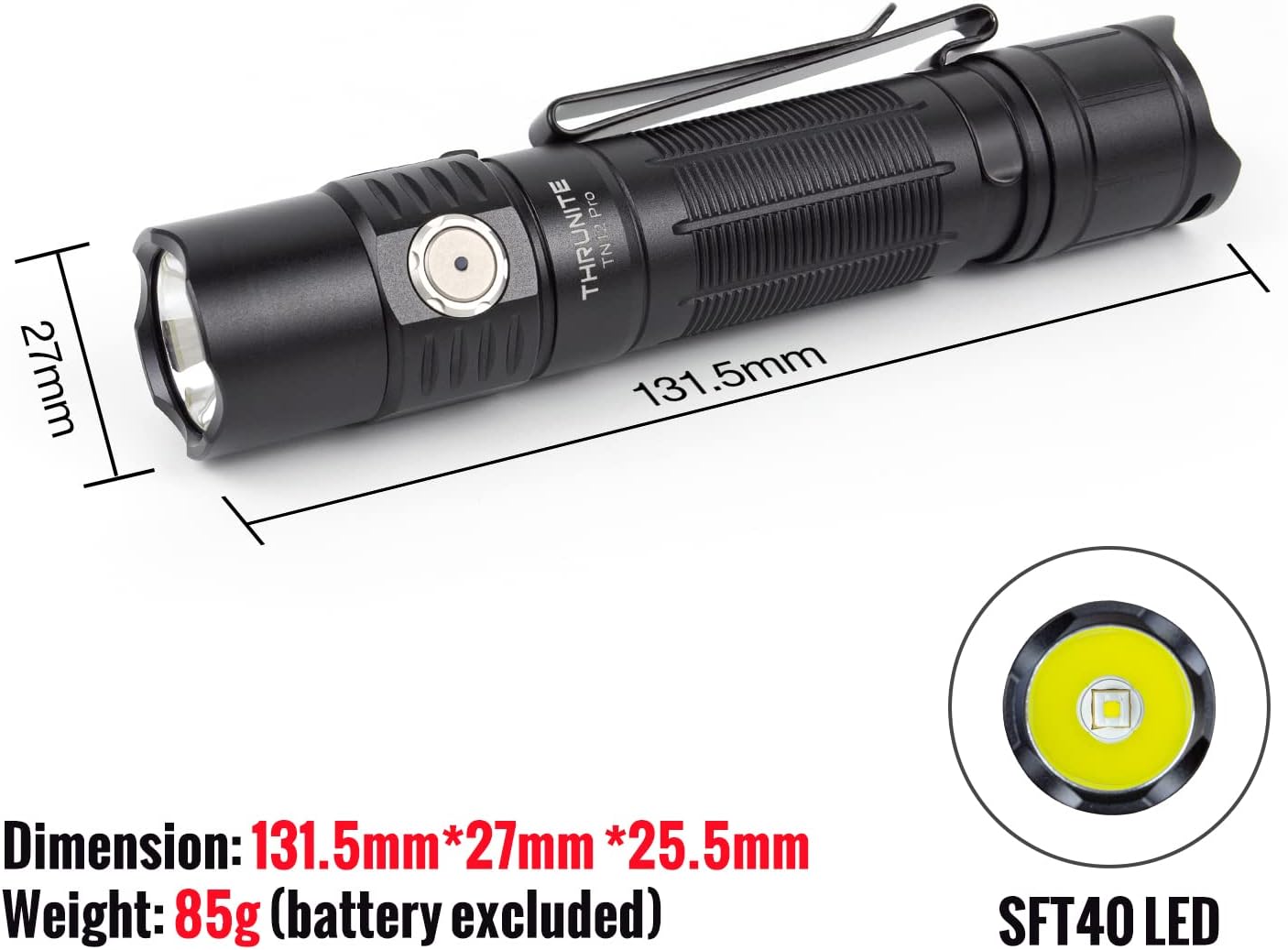
Figure 5.1: Physical dimensions and the SFT40 LED of the TN12 Pro flashlight.

Figure 5.2: Key performance metrics including max output, runtime, beam distance, waterproof rating, and impact resistance.
6. Cara ngungkulan
If you encounter issues with your ThruNite TN12 Pro, please refer to the following common solutions:
- Senter teu hurung:
- Pastikeun batréna leres diselapkeun sareng terminal positip (+) nyanghareup sirah.
- Pariksa lamun batréna geus dieusian. Ngecas deui lamun perlu.
- Make sure the tail cap is fully tightened. A loose tail cap can prevent electrical contact.
- Check if the flashlight is in lockout mode. Press and hold the side switch to unlock.
- Lampu kaluaran redup atanapi kedip-kedip:
- Batré bisa jadi lemah. Ngecas batré.
- Clean the battery contacts and flashlight threads with a clean cloth.
- Flashlight gets hot during use:
- High output modes (e.g., Turbo) generate significant heat. This is normal. The flashlight has thermal regulation to prevent overheating.
- If it becomes uncomfortably hot, switch to a lower mode.
- Ngecas teu jalan:
- Pastikeun kabel USB-C disambungkeun kalayan leres kana senter sareng sumber daya.
- Coba kabel USB-C atanapi adaptor kakuatan anu sanés.
- Check the charging indicator light for status (Red for charging, Blue for full, Purple for abnormal).
7. Jaminan & Dukungan
7.1 Émbaran jaminan
For detailed warranty information regarding your ThruNite TN12 Pro flashlight, please refer to the official ThruNite website or the warranty card included with your product. ThruNite typically offers a limited warranty covering manufacturing defects.
7.2 Rojongan Palanggan
If you require further assistance, have questions not covered in this manual, or need to report a defect, please contact ThruNite customer support through their official website or the contact information provided in your product packaging. Please have your model number (TN12 Pro cw) and purchase date ready when contacting support.
Catetan: Teu aya video produk resmi anu sayogi dina data anu disayogikeun pikeun disematkeun.


