1. Bubuka
This manual provides instructions for the Meizu LifemeHIFI Audio USB-C to 3.5mm DAC Headphone Adapter. This device converts digital audio signals from a USB-C port to analog audio for 3.5mm headphones, while also functioning as a headphone amplifier. Please read this manual carefully before use to ensure proper operation and to maximize your audio experience.
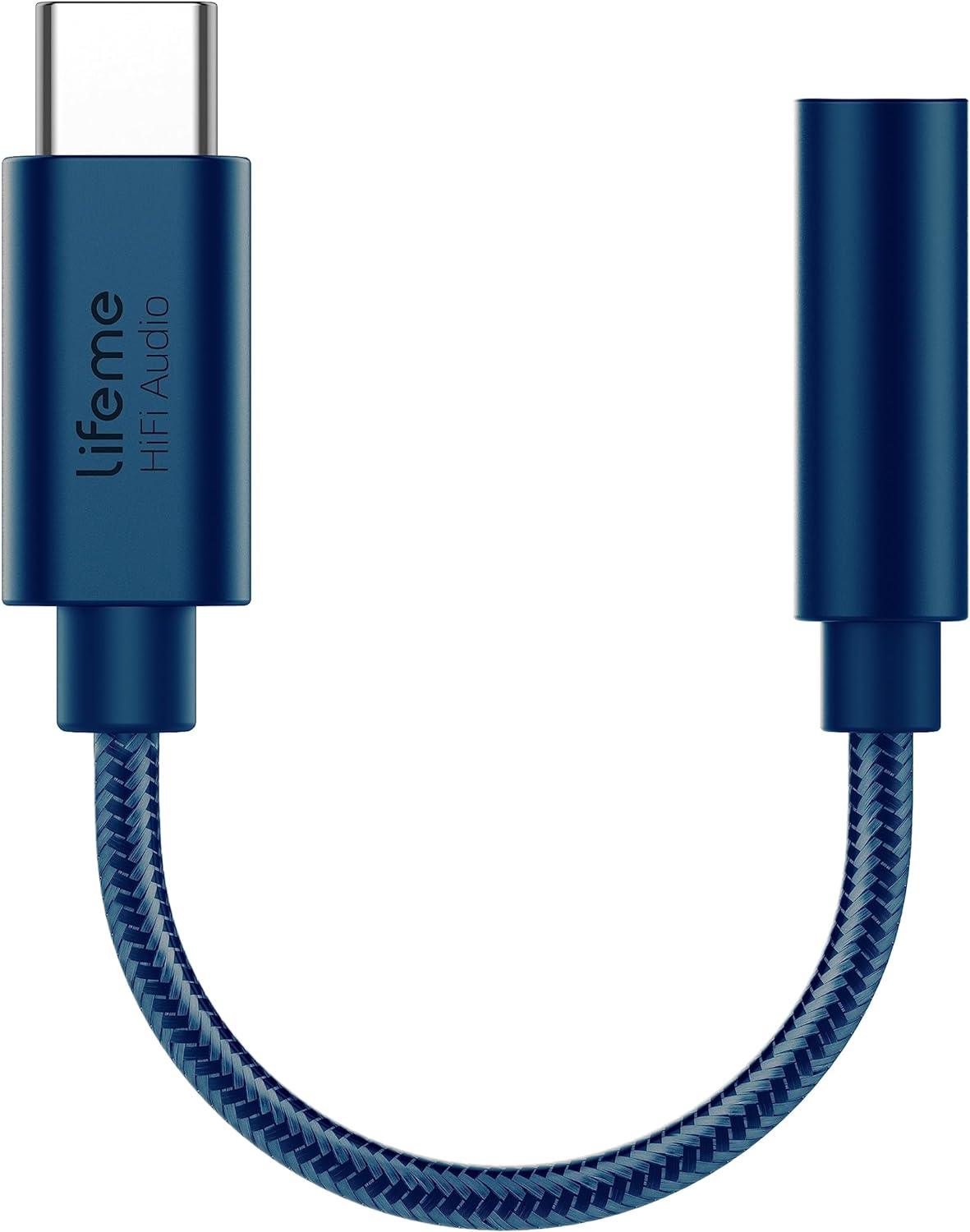
Gambar 1: Meizu LifemeHIFI Audio USB-C to 3.5mm DAC Headphone Adapter. This image shows the compact design of the adapter, featuring a USB-C male connector on one end and a 3.5mm female jack on the other, connected by a braided cable.
2. Fitur Produk
- High-Fidelity Audio Conversion: Integrates a Digital-to-Analog Converter (DAC) for superior sound quality.
- Headphone Amppanguat: Built-in precision power amplifier circuit supports headphone impedances from 16 to 600 ohms.
- Kasaluyuan lega: Designed for devices with a USB-C port, including various smartphones and tablets (e.g., Samsung S24/S23, iPad Pro, Google Pixel 9/8/7).
- Advanced DAC Chip: Utilizes the Conexant CX31993 high-performance independent DAC decoder chip.
- Exceptional Audio Specifications:
- Signal-to-Noise Ratio (SNR): >124dB
- Dynamic Range (DNR): >111dB
- Distortion (THD+N): -95dB
- PCM Decoding: Up to 32bit/384kHz
- Tanggapan Frékuénsi: 20-40kHz
- Output Load: 16-600Ω adaptive
- Output Power: 31mW dual channel @32Ω
- Desain awét: Features a braided cable for enhanced durability, tested for a 10,000 bend lifespan.

Gambar 2: Independent DAC Decoder Chip. This image highlights the Conexant CX31993 DAC chip, emphasizing its role in providing a pure HiFi audio experience with high signal-to-noise ratio and dynamic range.

Gambar 3: 600 Ohm Impedance Support. This graphic illustrates the adapter's capability to drive headphones with impedances from 16 to 600 ohms, along with its 32bit/384kHz PCM output and DSD64/DSD128 decoding.

Gambar 4: Built to Last Design. This image showcases the adapter's robust construction, highlighting its braided cable and a tested 10,000 bend lifespan, indicating enhanced durability.
3. Parentah Setup
- Sambungkeun headphone: Plug your 3.5mm headphones or audio device into the 3.5mm female jack of the Meizu LifemeHIFI Audio adapter. Ensure the connection is secure.
- Nyambung ka Alat: Insert the USB-C male connector of the adapter into the USB-C port of your compatible smartphone, tablet, or computer.
- Pangenal otomatis: Most compatible devices will automatically recognize the adapter as an external audio output device. No additional drivers are typically required.
- Audio Output Selection (if necessary): On some devices, you may need to manually select the USB audio output in your device's sound settings. Refer to your device's user manual for specific instructions on audio output selection.

Gambar 5: Wide Compatibility. This image displays various smartphones and tablets with USB-C ports, illustrating the broad range of devices compatible with the Meizu LifemeHIFI Audio adapter.
4. Parentah Operasi
Once the adapter is connected and recognized by your device, it operates as a standard audio output. Simply play audio from your device, and the sound will be routed through the adapter to your connected 3.5mm headphones.
- Kontrol volume: Adjust the volume using your connected device's volume controls. The adapter amplifies the signal, but the primary volume control remains with the source device.
- High Impedance Headphones: The diwangun-di amplifier is designed to drive high-impedance headphones effectively, providing clear and powerful audio.
5. Pangropéa
- beberesih: Anggo lawon anu lemes sareng garing pikeun ngabersihkeun adaptor. Ulah nganggo pembersih cair atanapi pelarut.
- Panyimpenan: Simpen adaptor di tempat anu tiis sareng garing nalika henteu dianggo. Hindarkeun suhu anu ekstrim.
- Penanganan: Do not bend the cable excessively or apply undue force to the connectors. While designed for durability, improper handling can cause damage.
- Perawatan Konektor: Keep the USB-C and 3.5mm connectors free from dust and debris to ensure optimal connection.
6. Cara ngungkulan
| Masalah | Mungkin Cukang lantaranana | Solusi |
|---|---|---|
| Taya sora tina headphone. |
|
|
| Sora statis atawa distorsi. |
|
|
| Adapter not recognized by device. |
|
|
7. Spésifikasi
| Fitur | Rincian |
|---|---|
| Modél | LifemeHIFI Audio (HA01) |
| merek | Meizu |
| Tipe Panyambung | USB Type-C Male to 3.5mm Female Auxiliary |
| Chip DAC | Conexant CX31993 |
| Rasio Sinyal-Ka-Sora (SNR) | > 124dB |
| Kisaran Dinamis (DNR) | > 111dB |
| Distorsi (THD+N) | -95dB |
| PCM Decoding | Nepi ka 32bit / 384kHz |
| Réspon Frékuénsi | 20-40kHz |
| Beban kaluaran | 16-600Ω adaptive |
| Daya Kaluaran | 31mW dual channel @32Ω |
| Item Beurat | 0.634 ons (kira-kira 18 gram) |
| Warna | Biru |
8. Garansi jeung Rojongan
Meizu products are designed for reliability and performance. For warranty information and technical support, please refer to the official Meizu websitus atanapi hubungi pangecér anjeun. Simpen resi pameseran anjeun salaku bukti pameseran pikeun klaim garansi naon waé.
Pikeun pitulung salajengna, mangga buka di Meizu Store on Amazon.


