Bubuka
The MXR M233 Micro Amp+ is an advanced guitar and bass effects pedal designed to boost and enhance your instrument's tone. Building upon the classic Micro Amp circuit, this pedal features added EQ controls (Bass and Treble), low-noise operational amplifiers, and true bypass switching for superior signal integrity. It provides up to +26dB of clean boost, allowing you to drive your amplifier harder or increase your signal level for solos.
Émbaran Kasalametan
- Use only the specified 9V DC power supply (center-negative). Incorrect power supplies can damage the unit and void the warranty.
- Ulah ngantepkeun pedal ka suhu anu ekstrim, kalembaban, atanapi sinar panonpoé langsung.
- Ulah ngaleupaskeun pedal atawa ngabalukarkeun pedal kakeunaan dampak anu kuat.
- Do not attempt to open the pedal enclosure or modify its internal components. Refer all servicing to qualified personnel.
- Jauhkeun tina jangkauan barudak.
Eusi pakét
Your MXR M233 Micro Amp+ bundle includes:
- MXR M233 Micro Amp+ Pedal
- 9V DC Power Supply (not explicitly listed in product data, but implied by 'PSU' in model number and standard pedal operation)
- Two (2) Instrument Cables
- Two (2) Patch Cables
- Manual pangguna (dokumén ieu)
Produk Leuwihview
The MXR M233 Micro Amp+ features intuitive controls for precise tone shaping and signal boosting.
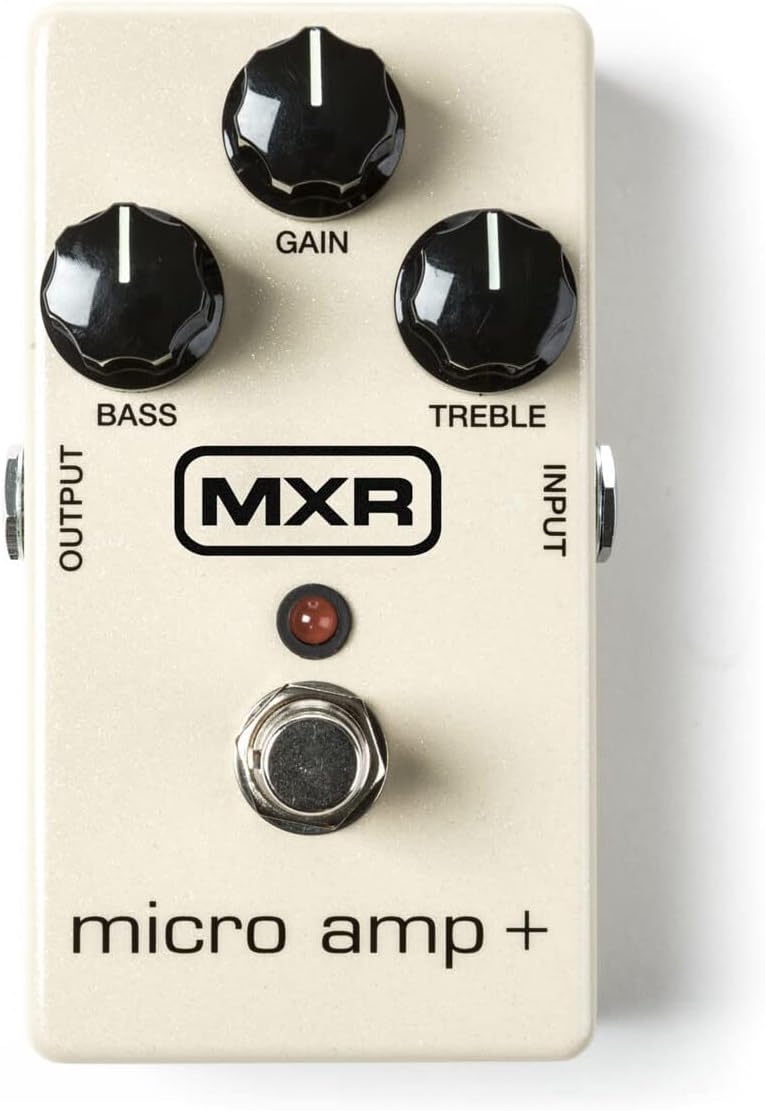
Gambar 1: Hareupeun view of the MXR M233 Micro Amp+ pedal, showing the Gain, Bass, and Treble control knobs, the footswitch, and the Input/Output jacks.
Controls and Jacks:
- Knob GAIN: Adjusts the amount of boost applied to your signal, from unity gain up to +26dB.
- Knob BASS: Controls the low-frequency response of the boosted signal. Turn clockwise for more bass, counter-clockwise for less.
- TREBLE kenop: Controls the high-frequency response of the boosted signal. Turn clockwise for more treble, counter-clockwise for less.
- INPUT Jack: Connect your instrument or the output of another effects pedal here.
- Jack OUTPUT: Sambungkeun ieu ka anjeun ampinput lifier atawa input pedal salajengna dina ranté sinyal anjeun.
- KUKUH: Toggles the effect on and off. The LED illuminates when the effect is active.
- 9V DC Input: Connect a 9V DC (center-negative) power adapter here.
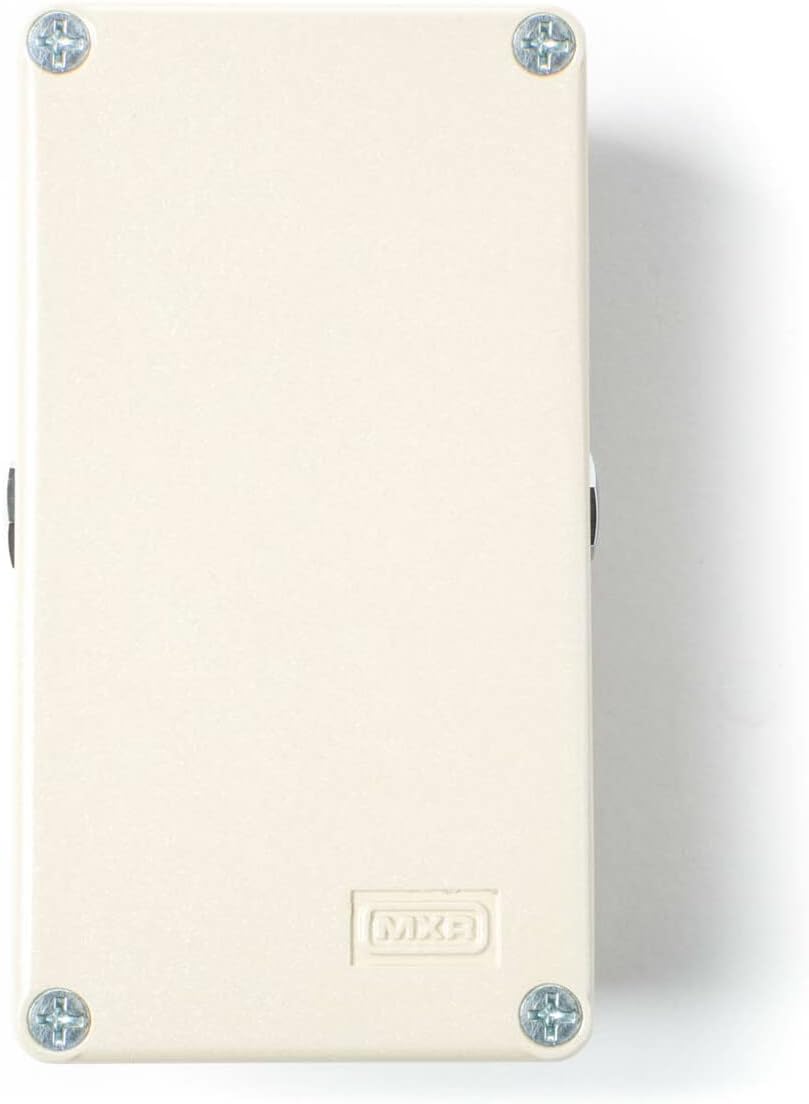
Gambar 2: Tukangeun view of the MXR Micro Amp+ pedal, highlighting the 9V DC power input jack.
Disetél
Follow these steps to connect your MXR M233 Micro Amp+ pedal:
- Sambungan Daya: Connect a 9V DC (center-negative) power adapter to the 9V DC input jack on the pedal. Ensure the power adapter is compatible to prevent damage.
- Sambungan Instrumen: Use one of the provided instrument cables to connect your guitar or bass to the INPUT jack of the Micro Amp+.
- AmpSambungan Lifier: Use another instrument cable to connect the OUTPUT jack of the Micro Amp+ to your ampinput liifier urang.
- Signal Chain Integration (Optional): If integrating into an existing pedalboard, use the provided patch cables to connect the Micro Amp+ between other effects pedals. The Micro Amp+ is typically placed early in the signal chain to boost the instrument's signal before other effects, or later to boost the overall signal for solos.
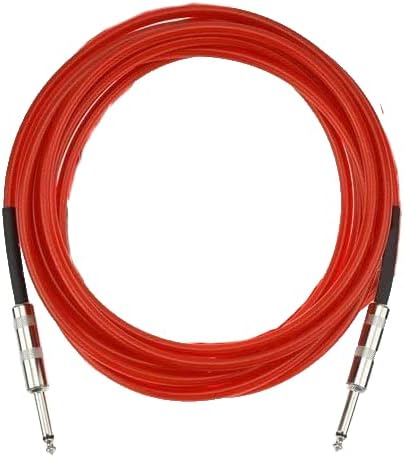
Gambar 3: Example of an instrument cable included in the bundle.

Gambar 4: Example of a patch cable included in the bundle.
Parentah Operasi
Once connected, operate your MXR M233 Micro Amp+ as follows:
- Activate the Pedal: Press the footswitch to engage the effect. The LED will light up, indicating the pedal is active. Press again to bypass the effect (true bypass).
- Saluyukeun Keuntungan: Hurungkeun GAIN knob clockwise to increase the boost level. Start with the knob at a lower setting and gradually increase to achieve the desired volume and drive.
- Shape Tone with EQ:
- BASS: Saluyukeun bass knob to add or cut low frequencies. For a classic Micro Amp sound, set this knob to the 12 o'clock (noon) position.
- TREBLE: Saluyukeun TREBLE knob to add or cut high frequencies. For a classic Micro Amp sound, set this knob to the 12 o'clock (noon) position.
- ékspérimén: The optimal settings will vary depending on your instrument, amplifier, and other pedals. Experiment with different knob positions to find the sound that best suits your needs.
Pangropéa
To ensure the longevity and optimal performance of your MXR M233 Micro Amp+:
- beberesih: Wipe the pedal with a soft, dry cloth. Do not use abrasive cleaners or solvents.
- Panyimpenan: Simpen pedal di tempat anu tiis sareng garing, jauh tina sinar panonpoé langsung sareng suhu anu ekstrim nalika henteu dianggo.
- Perawatan kabel: Handle instrument and patch cables carefully. Avoid sharp bends or kinks that can damage the internal wiring.
- Sasayogian tanaga: Salawasna pegatkeun sambungan catu daya nalika pedal henteu dianggo salami waktos anu lami.
Pamérésan masalah
| Masalah | Mungkin Cukang lantaranana | Solusi |
|---|---|---|
| No sound when pedal is active. | Incorrect power supply, faulty cables, incorrect connections, pedal bypassed. | Verify 9V DC (center-negative) power supply. Check all cable connections. Ensure footswitch LED is illuminated. Test cables with another device. |
| Noise atawa dengung nu kaleuleuwihi. | Kawat ground, catu daya rusak, gangguan ti éléktronika anu sanés. | Use a high-quality isolated power supply. Try a different power outlet. Move pedal away from other electronic devices. Check for faulty cables. |
| LED teu hurung. | No power, faulty power supply, pedal not engaged. | Ensure power supply is connected and functional. Press the footswitch to engage the effect. |
| Boost level is too low/high. | GAIN knob setting. | Adjust the GAIN knob to the desired level. |
If you continue to experience issues, please contact customer support.
spésifikasi
| Fitur | Rincian |
|---|---|
| Modél | M233 Micro Amp+ |
| Format Sinyal | Analog |
| Éfék Kaluaran Audio | Praamp / Boost |
| Keuntungan Max | +26dB |
| Sumber Daya | Corded Electric (9V DC, center-negative) |
| Voltage | 9 volt |
| Ngalihkeun | Bypass leres |
| Item Beurat | 1.68 pounds (pedal and bundle accessories) |
| Ukuran Paket | 11.3 x 9.96 x 2.99 inci |
| Warna | Bodas |
Garansi sareng Rojongan
This product is covered by a manufacturer's warranty against defects in materials and workmanship. For specific warranty terms and conditions, please refer to the documentation provided with your purchase or visit the official MXR website. For technical support, troubleshooting assistance, or warranty claims, please contact the retailer where the product was purchased or the manufacturer's customer service department.
For additional resources and product information, you may visit the official MXR websitus: www.jimdunlop.com/mxr/


