Bubuka
Thank you for choosing the MAJORITY Tru 1 Wireless Bluetooth Earbuds. This manual provides essential information for setting up, operating, and maintaining your new earbuds. Please read these instructions carefully before use and retain them for future reference.
For optimal performance and safety, always follow the guidelines provided in this manual.
Eusi pakét

Image: The retail packaging for the MAJORITY Tru 1 earbuds, displaying the earbuds, charging case, USB-C cable, and three pairs of silicone ear tips.
Pastikeun sadaya item aya dina bungkusan:
- 1x Set of MAJORITY Tru 1 Wireless Earbuds
- 1x Wireless Charging Case
- 1x Kabel Ngecas USB-C
- 3x Pairs of Silicone Ear Tips (various sizes)
- 1x Manual Pamaké (dokumén ieu)
Produk Leuwihview

Image: The MAJORITY Tru 1 wireless earbuds standing upright next to their open charging case, all in white.
The MAJORITY Tru 1 earbuds are designed for comfortable wear and high-quality audio. Each earbud features a touch-sensitive control area and an integrated microphone. The compact charging case protects the earbuds and provides additional battery life.

Image: An exploded diagram showing the internal components of a MAJORITY Tru 1 earbud, highlighting the 13mm driver and other acoustic elements.
The earbuds are equipped with 13mm drivers for clear sound reproduction and a built-in microphone for calls.
Disetél
1. Ngecas Earbuds jeung Case

Image: The MAJORITY Tru 1 earbuds placed inside their open charging case, illustrating the Type-C fast charge capability and long playtime.
- Muatan Awal: Sateuacan dianggo anu munggaran, eusian pinuh earbud sareng wadahna.
- Ngecas Kasus: Connect the supplied USB-C cable to the charging port on the case and to a compatible USB power source. The LED indicator on the case will show charging status.
- Ngecas Earbuds: Place the earbuds into their respective slots in the charging case. Ensure they are correctly seated. The earbuds will begin charging automatically.
A full charge of the earbuds provides approximately 7.5 hours of playtime. The charging case provides an additional 3 full charges, extending total playtime up to 30 hours. A quick 30-minute charge can provide up to 2 hours of playtime.
2. Nyapasangkeun sareng Alat Bluetooth
- Aktipkeun Bluetooth: Ensure Bluetooth is enabled on your audio device (smartphone, tablet, laptop, etc.).
- Lebetkeun Mode Papasangan: Buka wadah pangisi daya teras cabut dua earbud. Éta bakal otomatis lebet kana modeu pairing.
- Pilih Alat: On your audio device, search for new Bluetooth devices. Select "MAJORITY Tru 1" from the list of available devices.
- Konfirmasi sambungan: Saatos nyambung, anjeun bakal ngadangu pesen audio, sareng lampu indikator earbud bakal robih.
The earbuds use Bluetooth 5.3 for a stable and efficient wireless connection. They will automatically reconnect to the last paired device when removed from the case, if Bluetooth is active on the device.
Parentah Operasi
Toél Kontrol
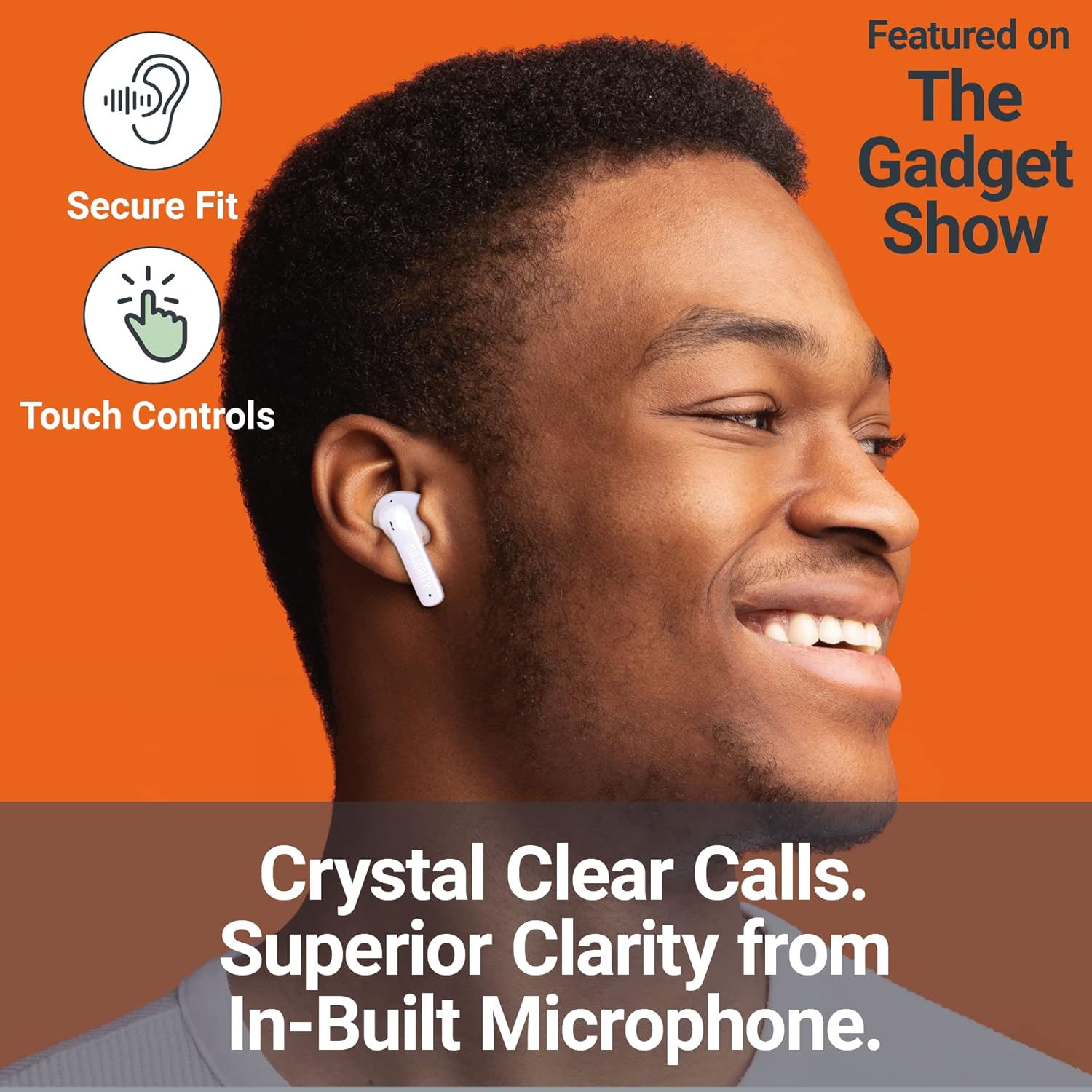
Image: A person smiling while wearing a MAJORITY Tru 1 earbud, emphasizing the secure fit, touch controls, and clear call quality from the built-in microphone.
The MAJORITY Tru 1 earbuds feature intuitive touch controls on each earbud. Specific functions may vary slightly depending on your device and operating system.
- Puter / Reureuh: Ketok tunggal dina boh earbud.
- Lagu salajengna: Ketok dua kali dina earbud katuhu.
- Lagu Sateuacanna: Ketok dua kali dina earbud kénca.
- Ngajawab / mungkas Telepon: Ketok sakedap boh earbud salami sauran asup atanapi sauran aktip.
- Nolak Telepon: Pencet jeung tahan boh earbud salila 2 detik dina mangsa telepon asup.
- Aktipkeun Asisten Sora: Ketok tilu kali dina boh earbud (contona, Siri, Asisten Google).
- Volume Up: Pencét terus tahan earbud katuhu.
- Volume Turun: Pencét terus tahan earbud kénca.
Nelepon jeung Narima Telepon
The built-in microphone ensures clear communication during phone calls. Use the touch controls as described above to manage your calls.
Ngagem Earbuds
Select the ear tips that provide the most comfortable and secure fit for optimal sound quality and noise isolation. Gently insert each earbud into your ear canal and twist slightly to secure it.
Pangropéa
- beberesih: Rutin ngabersihkeun earbuds sareng wadah ngecas ku lawon anu lemes, garing, teu aya lint. Ulah make bahan kimia kasar atawa bahan abrasive.
- Tahan cai: The earbuds are IPX7 waterproof, meaning they can withstand immersion in water up to 1 meter for 30 minutes. However, the charging case is not waterproof. Ensure earbuds are completely dry before placing them back in the charging case to prevent damage.
- Panyimpenan: Nalika henteu dianggo, simpen earbuds dina wadah ngecasna pikeun ngajagi sareng tetep dicas. Nyimpen dina tiis, tempat garing jauh ti suhu ekstrim.
- Perawatan batré: Pikeun manjangkeun umur batré, ulah sering ngosongkeun batré earbud sareng wadahna. Cas sacara rutin, sanaos henteu dianggo terus-terusan.
Pamérésan masalah
| Masalah | Solusi |
|---|---|
| Earbuds teu dipasangkeun |
|
| Teu aya sora ti hiji earbud |
|
| Kasus ngecas teu ngecas |
|
| Kualitas sora goréng |
|
spésifikasi
| Fitur | Rincian |
|---|---|
| Ngaran modél | TRU 1 |
| Konektipitas | Bluetooth 5.3 |
| Tahan cai | IPX7 (Earbuds wungkul) |
| Ukuran supir | 13 mm |
| Earbud Playtime | Nepi ka 7.5 jam |
| Total Playtime (kalawan kasus) | Nepi ka 30 jam |
| Ngecas Gancang | 30 menit ngecas pikeun 2 jam playtime |
| Jenis Batré | Litium Ion (kaasup) |
| Port ngecas | USB-C |
| Bahan | palastik |
| Ukuran Paket | 11.3 x 9.9 x 3.2 cm |
| Beurat | 100 g (bungkusna) |
Garansi sareng Rojongan
MAJORITY offers an extended 3-year warranty for the Tru 1 Wireless Bluetooth Earbuds upon registration. To register your product and activate the extended warranty, please visit the official MAJORITY websitus:
Daftarkeun Produk Anjeun Di Dieu
For any support inquiries, troubleshooting assistance, or to learn more about MAJORITY products, please refer to the contact information provided on the official MAJORITY website. MAJORITY is a Cambridge, UK-based audio brand committed to providing reliable products and customer service.

Image: The side of the MAJORITY product box, showing details about the extended warranty and a QR code for registration.


