Bubuka
Thank you for choosing the Baseus GaN5 Pro 100W Quick Wall Charger. This high-performance charger is designed to provide efficient and fast charging for a wide range of devices, including laptops, tablets, and smartphones. Please read this manual carefully before use to ensure proper operation and to maximize the lifespan of your device.
Émbaran Kasalametan
- Ulah ngalaan carjer ka cai, kalembaban, atawa kalembaban anu luhur.
- Avoid dropping, impacting, or disassembling the charger.
- Jauhkeun tina jangkauan barudak.
- Paké ngan di wewengkon well-ventilated.
- Cabut colokan carjer nalika badai kilat atanapi nalika henteu dianggo kanggo waktos anu lami.
- Do not operate if the charger or cable is damaged.
Produk Leuwihview
The Baseus GaN5 Pro 100W Quick Wall Charger features a compact design with multiple fast-charging ports, utilizing advanced GaN technology for efficient power delivery.
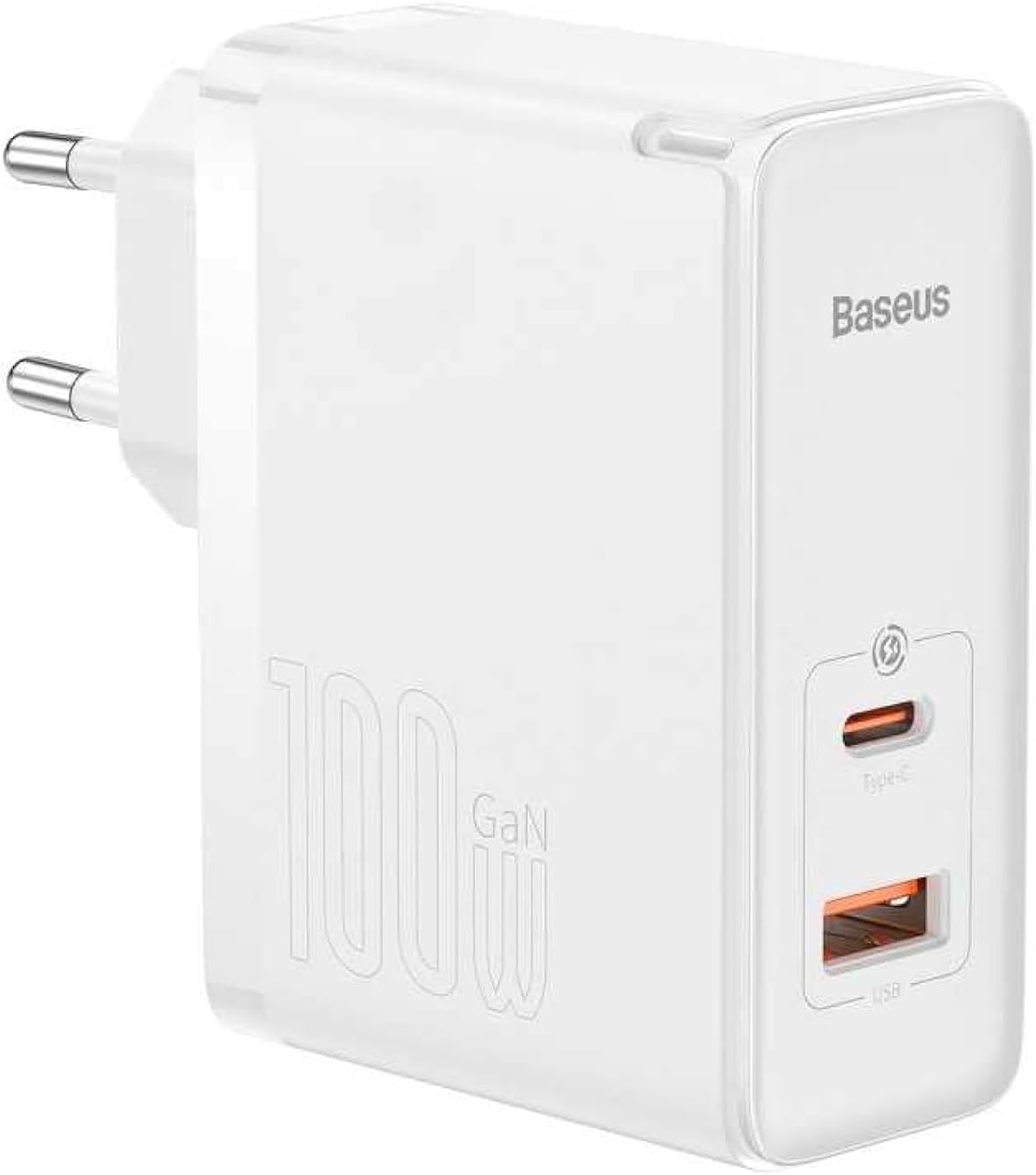
Gambar: Hareupeun view of the Baseus GaN5 Pro 100W Quick Wall Charger, showcasing its compact white design and the USB-C and USB-A output ports.

Gambar: Top view of the charger, highlighting the USB-C (Type-C) and USB-A output ports, ready for device connection.
Disetél
To set up your Baseus GaN5 Pro 100W Quick Wall Charger, follow these simple steps:
- Ngabongkar: Taliti cabut carjer tina bungkusanna.
- Colokkeun: Insert the charger's EU plug into a standard wall outlet. Ensure the connection is firm.

Gambar: Sisi view of the Baseus charger, showing the integrated EU plug ready for insertion into a wall socket.
Parentah Operasi
Using your Baseus GaN5 Pro 100W Quick Wall Charger is straightforward:
- Sambungkeun Alat: Use a compatible charging cable (not included) to connect your device (e.g., laptop, smartphone, tablet) to either the USB-C or USB-A port on the charger.
- Ngecas dimimitian: Charging will begin automatically. The charger intelligently detects the connected device and delivers the optimal charging power.
- Sababaraha Alat: You can charge two devices simultaneously using both the USB-C and USB-A ports. The charger will distribute power efficiently.
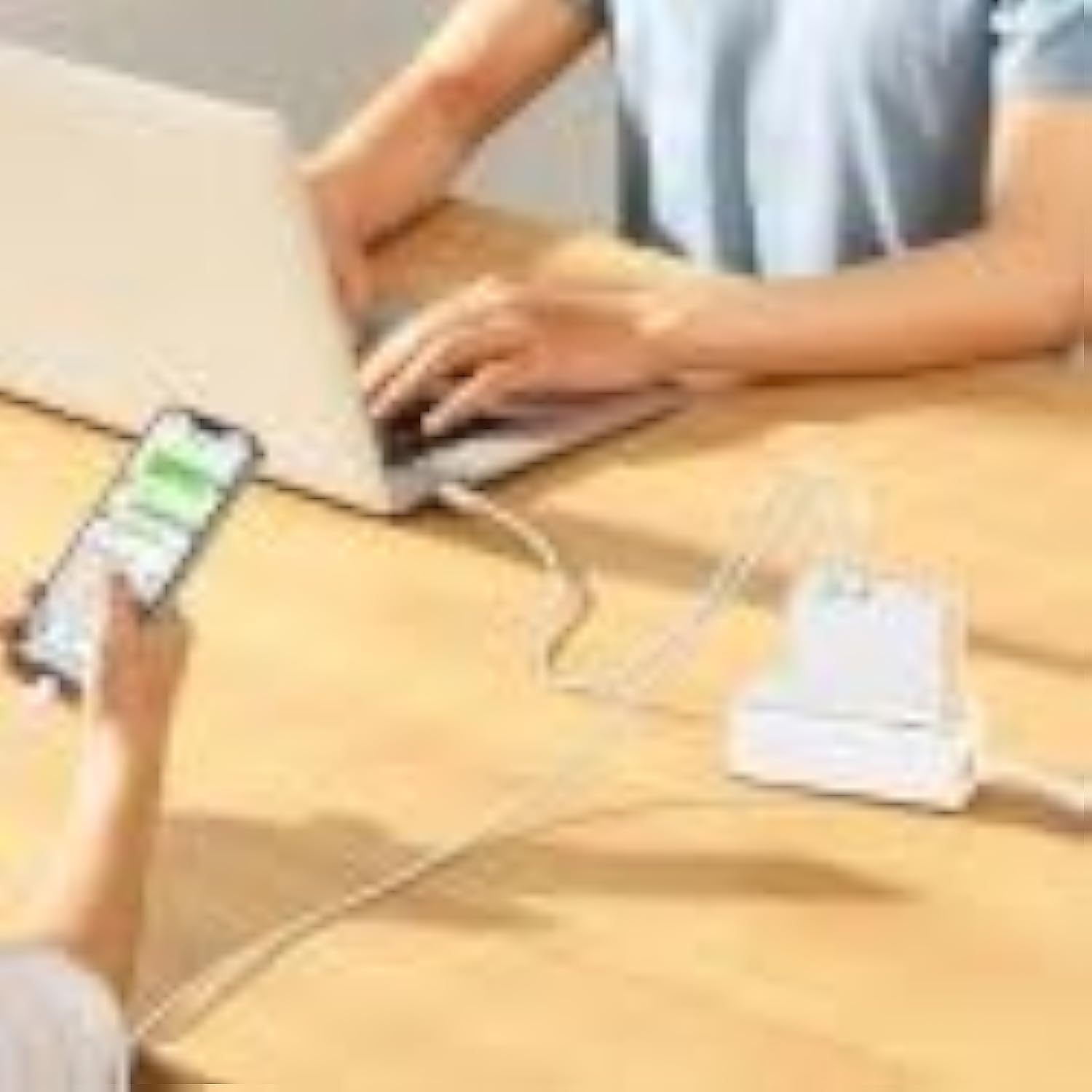
Image: The Baseus charger actively charging a laptop via its USB-C port and a smartphone via its USB-A port, demonstrating its multi-device charging capability.
Pangropéa
- beberesih: Pegatkeun sambungan carjer tina stopkontak sareng sadaya alat sateuacan beberesih. Paké kaen lemes, garing pikeun ngusap beungeut cai. Ulah make cleaners cair atawa aerosol.
- Panyimpenan: Simpen carjer dina tempat anu tiis sareng garing jauh tina sinar panonpoé langsung sareng suhu anu ekstrim.
- Penanganan: Handle the charger and cables gently to prevent damage.
Pamérésan masalah
| Masalah | Mungkin Cukang lantaranana | Solusi |
|---|---|---|
| Alat teu ngecas | Carjer teu dipasang kalawan bener; kabelna rusak; alatna teu cocog. | Ensure charger is firmly plugged into outlet. Try a different charging cable. Verify device compatibility with charger specifications. |
| Ngecas lalaunan | Kabel teu ngadukung ngecas gancang; alat teu ngadukung ngecas gancang; sababaraha alat nyambung. | Use a high-quality, fast-charging compatible cable. Check if your device supports PD3.0/QC4.0+. If charging two devices, power distribution may reduce individual speeds. |
| Chargerna panas | Normal operation under heavy load; poor ventilation. | It is normal for the charger to warm up during operation, especially when delivering high power. Ensure adequate ventilation around the charger. If excessively hot, disconnect and allow to cool. |
spésifikasi
| Fitur | Rincian |
|---|---|
| merek | Baseus |
| Nomer modél | CCGP090202 |
| Warna | Black (Note: Product image shows white, but specification lists black) |
| Téhnologi konektipitas | USB |
| Tipe Panyambung | USB Tipe C + USB Tipe A |
| Alat nu cocog | Smartwatch, Laptops, Smartphones, Tablets (general compatibility) |
| Fitur husus | Desain ramah-travel |
| Total palabuhan USB | 2 |
| Wattage | 100 Watt |
| Sumber Daya | Kabel Listrik |
| Ukuran barang (L x W x H) | 5.5 x 3 x 7.5 séntiméter |
| Beurat produk | 229 gram |
Garansi sareng Rojongan
This Baseus product comes with a 2-taun jaminan produsén urang. Punten tahan bukti pameseran anjeun pikeun klaim garansi.
For technical support or warranty inquiries, please contact Baseus customer service through their official website or the retailer where the product was purchased. Provide your product model number (CCGP090202) and a detailed description of the issue.


