1. Bubuka
The Sonic Blast Digital Alarm Clock with Projection is designed to provide a reliable and effective wake-up experience, especially for heavy sleepers. It combines an extra-loud alarm with a bright strobe light, time projection, Bluetooth audio, and a USB charging port. This manual will guide you through the setup, operation, and maintenance of your device.

Image 1.1: The Sonic Blast Digital Alarm Clock with Projection, showing its display, time projection, and USB charging capability.
2. Émbaran Kasalametan
- Baca sadaya parentah sateuacan ngoperasikeun alat.
- Jauhkeun alat ieu tina cai atanapi kalembaban anu kaleuleuwihi.
- Ulah ngalaan alat ka suhu ekstrim atawa sinar panonpoé langsung.
- Paké ngan adaptor kakuatan disadiakeun.
- Ulah nyobian ngabongkar atawa ngalereskeun alat sorangan. Rujuk sadayana jasa ka tanaga anu mumpuni.
- Pastikeun ventilasi ditangtoskeun sabudeureun alat.
3. Eusi Paket
- Sonic Blast Digital Alarm Clock with Projection (Model SB775B)
- Adaptor kakuatan
- Manual pamaké
4. Produk Langkungview: Controls and Indicators
Familiarize yourself with the various buttons, ports, and indicators on your Sonic Blast alarm clock.

Gambar 4.1: Hareupeun view of the Sonic Blast alarm clock highlighting display and feature icons.
Panel hareup
- Témbong LED: Shows current time, alarm status (AL1, AL2), PM indicator, and Bluetooth (BT) status.
- Lampu Strobe: Flashes during alarm.
Panel luhur

Image 4.2: Top panel controls, including the SNOOZE/DIMMER button.
- Tombol DAYA: Hurungkeun unit / pareum.
- VOL- / VOL+ Buttons: Saluyukeun polumeu.
- AL.SET Button: Used to set alarms.
- Tombol DIMMER: Adjusts display brightness (5 levels).
- Tombol JAM / MENIT: Adjust time and alarm settings.
- Tombol SNOOZE: Activates snooze function.
- BUZZER/TONE Switch: Selects alarm sound type.
- ALM1 / ALM2 / VIB Switch: Selects alarm mode (Alarm 1, Alarm 2, or Vibration).
- PROJECTION IMAGE ON/OFF / ROTATE Button: Controls the projection feature.
- FOCUSING Wheel: Adjusts the clarity of the projected time.
Panel tukang

Gambar 4.3: Tukangeun view of the Sonic Blast alarm clock, showing USB and AUX ports.
- DC IN Jack: Pikeun nyambungkeun adaptor kakuatan.
- Palabuhan Ngecas USB: Pikeun ngecas alat éksternal.
- AUX IN Jack: Pikeun nyambungkeun sumber audio éksternal.
- VIBRATOR Jack: For connecting an optional bed shaker (sold separately).
5. Setélan
5.1 Sambungan Daya
- Plug the power adapter into the DC IN jack on the rear of the alarm clock.
- Colokkeun tungtung adaptor nu séjén kana stop kontak témbok standar.
- Layar jam bakal hurung.
5.2 Pamasangan Cadangan Batré
A CR2032 lithium battery (not included) can be installed to maintain time and alarm settings during a power outage.

Image 5.1: Illustration of the CR2032 battery for backup power.
- Tangtukeun lokasi kompartemen batré dina handapeun unit.
- Buka panutup kompartemen batré.
- Insert one CR2032 lithium battery, ensuring the correct polarity (+/-).
- Tutup panutup kompartemen batré aman.
5.3 Nyetél Waktos
- Pencét jeung tahan tombol WAKTU tombol dugi tampilan hurung.
- Ngagunakeun éta JAM jeung MIN tombol pikeun nyetel jam sareng menit ayeuna.
- Pencét éta WAKTU tombol deui pikeun mastikeun setelan.
6. Parentah Operasi
6.1 Nyetel Alarm (Alarm 1 sareng Alarm 2)
Jam ieu ngadukung dua alarm mandiri.

Image 6.1: The Sonic Blast alarm clock supporting dual alarms.
- Pencét jeung tahan tombol AL.SET button. AL1 will flash on the display.
- Ngagunakeun éta JAM jeung MIN tombol pikeun nyetel waktos alarm anu dipikahoyong pikeun Alarm 1.
- Pencét AL.SET again to set Alarm 2, repeating the process.
- After setting both alarms, press AL.SET one more time to exit alarm setting mode.
- To activate an alarm, slide the ALM1 / ALM2 / VIB switch to the desired alarm (AL1 or AL2). The corresponding indicator will light up.
- To select the alarm sound, slide the BUZZER/TONE switch to BUZZER or TONE.
6.2 Fungsi Tunda
Nalika alarm disada, pencét éta SNOOZE button to temporarily silence the alarm for a preset duration.

Image 6.2: Adjustable snooze feature for customized wake-up delays.
- The snooze duration is adjustable. Refer to the full manual for specific steps to adjust snooze time.
6.3 Nyaluyukeun Jilid sareng Nada
Customize your alarm sound to your preference.

Image 6.3: Graphic illustrating the adjustable volume feature.
- Ngagunakeun éta VOL- jeung VOL+ buttons to adjust the alarm volume.
- Geser ka BUZZER/TONE switch to select between a standard buzzer or an adjustable tone.

Image 6.4: Close-up of the tone adjustment controls.
6.4 Projection Feature
Project the time onto your ceiling or wall for easy viewing.
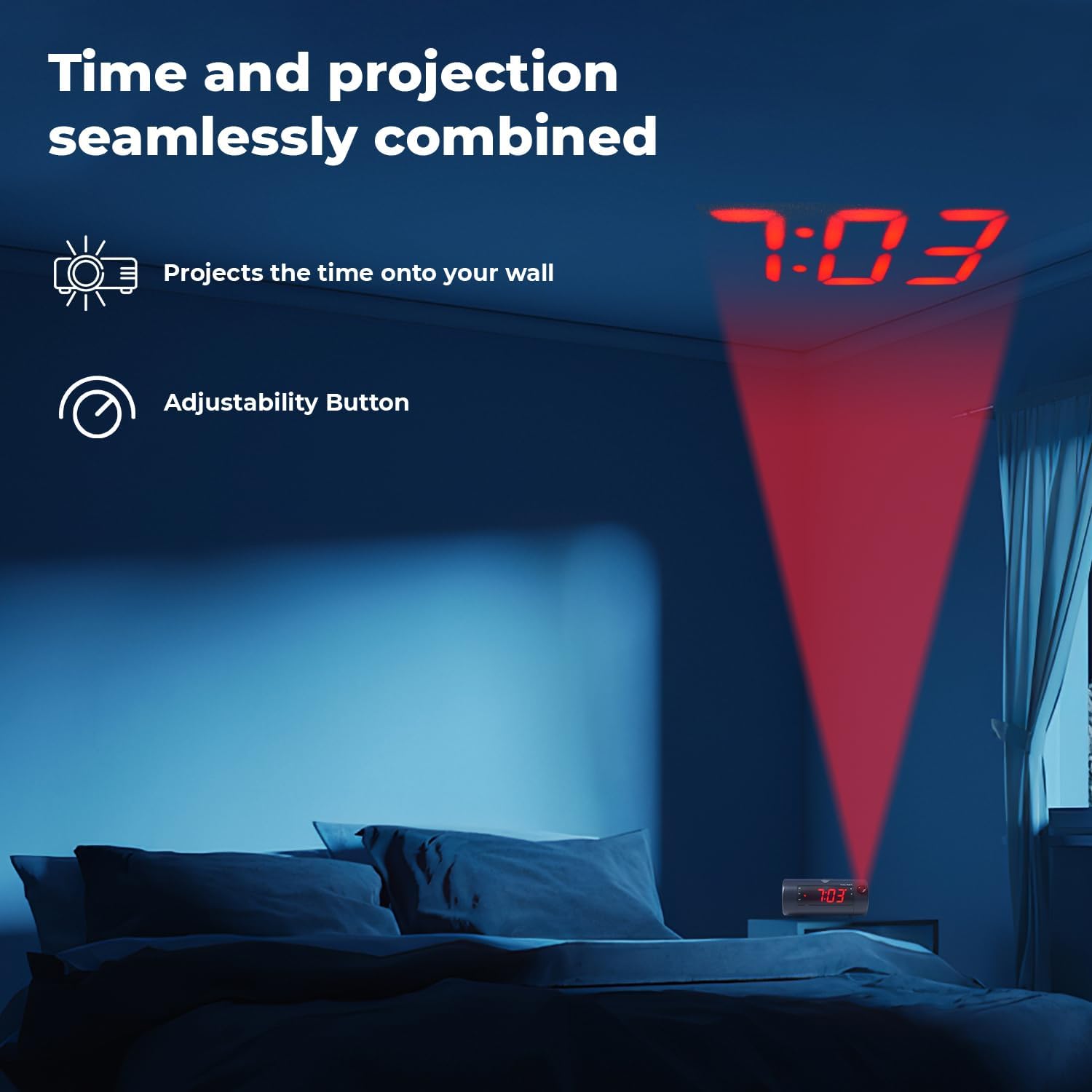
Image 6.5: Time projected onto a bedroom wall.
- Pencét éta PROJECTION IMAGE ON/OFF tombol pikeun ngaktipkeun atanapi mareuman proyéksi.
- Ngagunakeun éta FOKUS wheel to adjust the clarity of the projected image.
- Pencét jeung tahan tombol PROJECTION IMAGE ROTATE button to rotate the projected time to the desired orientation.

Image 6.6: Close-up of the projection focus, on/off, and rotation controls.
6.5 Ngapasangkeun Spiker Bluetooth
Connect your smartphone or tablet to play audio through the alarm clock's speaker.
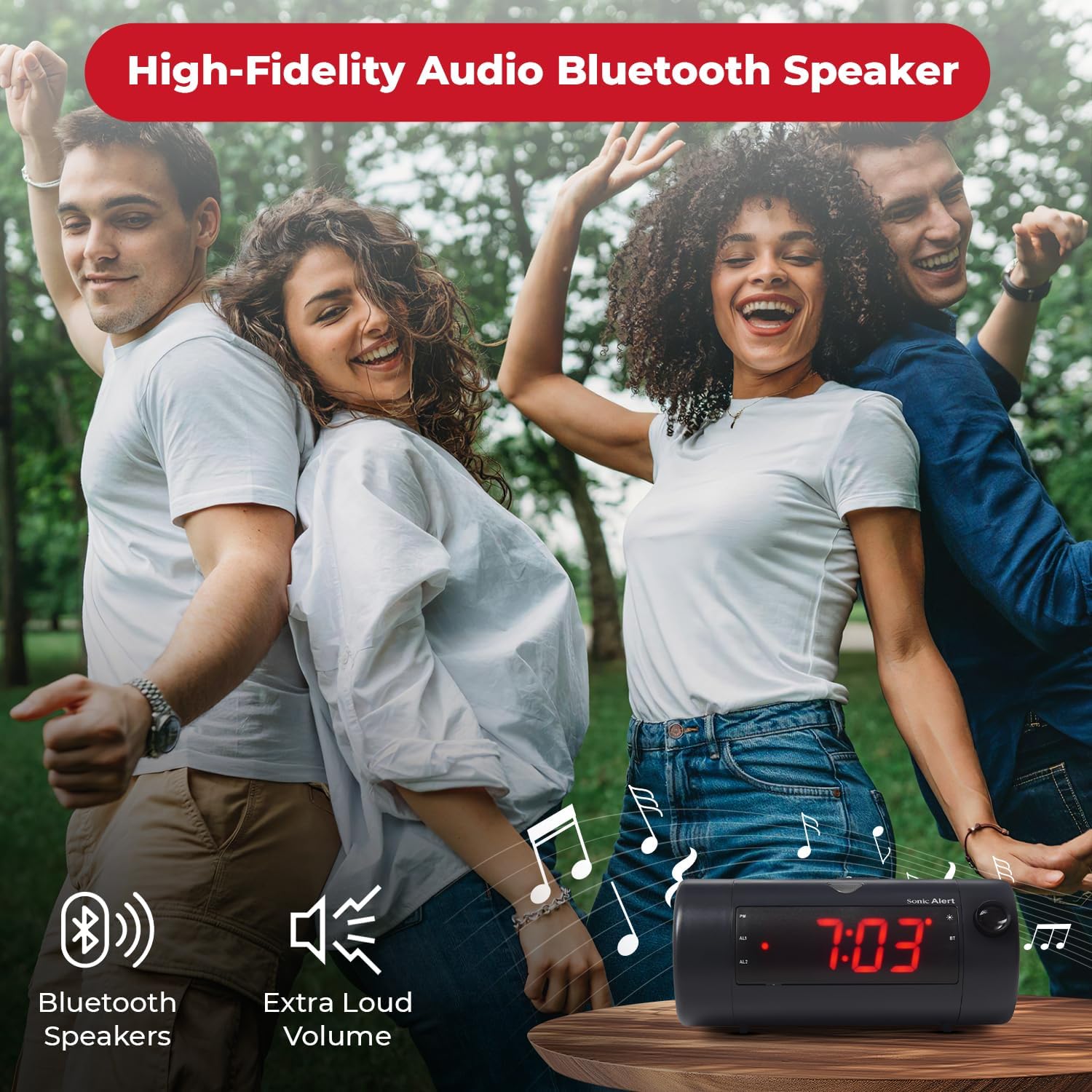
Image 6.7: The Sonic Blast alarm clock functioning as a Bluetooth speaker.
- Pastikeun jam alarm hurung.
- Aktipkeun Bluetooth dina alat sélulér Anjeun.
- Milarian pikeun "Sonic Blast" in your device's Bluetooth settings and select it to pair.
- The "BT" indicator on the clock display will illuminate when successfully paired.
6.6 USB Charging Port Usage
Use the built-in USB port to charge your compatible devices.

Image 6.8: Smartphone charging via the alarm clock's USB port.
- Connect your device's USB charging cable to the USB port on the rear of the alarm clock.
- The alarm clock must be connected to power for the USB charging port to function.
6.7 Recordable Alarm
The Sonic Blast allows you to record a custom alarm message.

Image 6.9: The recordable alarm feature in use.
- Refer to the detailed instructions in the full manual for recording and setting your custom alarm message.
6.8 12/24 Hour Display
- To switch between 12-hour and 24-hour time format, press the WAKTU button briefly while the time is displayed.
7. Pangropéa
- Bersihkeun alat ku kaen anu lemes sareng garing. Ulah make cleaners cair atawa bahan abrasive.
- Jaga alat tina lebu sareng lebu.
- If the battery backup is used, replace the CR2032 battery annually or when the low battery indicator appears.
8. Cara ngungkulan
| Masalah | Solusi |
|---|---|
| Tampilan jam pareum. | Ensure the power adapter is securely connected. Check the wall outlet. Press the POWER button to turn the unit on. |
| Alarm teu disada. | Verify that the alarm is activated (AL1 or AL2 indicator is on). Check alarm volume. Ensure the correct alarm mode (BUZZER/TONE) is selected. |
| Proyéksina burem atanapi teu katingali. | Saluyukeun FOKUS wheel. Ensure the projection is turned on. Check the distance to the projection surface. |
| Alat Bluetooth teu tiasa dipasangkeun. | Ensure Bluetooth is enabled on your device and the alarm clock. Move devices closer. Try restarting both devices. |
| Ngecas USB teu jalan. | Ensure the alarm clock is connected to a power source. Check the USB cable and the device being charged. |
9. Spésifikasi
| Fitur | Rincian |
|---|---|
| Nomer modél | SB775B |
| merek | Sonic Siaga |
| Volume alarem | Nepi ka 113 dB |
| Tipe tampilan | Digital LED with 5-level dimmer |
| Fitur husus | Adjustable Projection Clock, Bluetooth Wireless Audio, USB Charging Port, Dual Alarm, Bright Flashing Light, Adjustable Volume & Tone, Adjustable Snooze, Recordable Alarm, Vibrating Bed Shaker Port (for optional SS5V shaker) |
| Sumber Daya | Kabel Listrik |
| Nyadangkeun batré | 1 x CR2032 Lithium Cell (not included) |
| Dimensi produk | Approximately 1"W x 1"H (Note: This dimension seems incorrect based on typical alarm clock sizes and product images. Please refer to product packaging for accurate dimensions.) |
| Item Beurat | 1.39 pon (0.63 Kilogram) |
10. Garansi jeung Rojongan
For warranty information and customer support, please refer to the official Sonic Alert websitus atanapi ngahubungan departemén layanan palanggan maranéhna. Simpen resi pameseran anjeun pikeun klaim jaminan.
Inpormasi kontak: Please visit the Sonic Alert websitus pikeun wincik kontak nu paling up-to-date.


