Bubuka
Thank you for choosing the Gembird Powerbank 10,000 mAh. This portable power bank is designed to provide reliable and convenient charging for your mobile devices on the go. With its high capacity and dual USB outputs, you can charge multiple devices or recharge a single device multiple times. Please read this manual carefully before using the product to ensure safe and optimal performance.
Émbaran Kasalametan
- Do not expose the power bank to extreme temperatures (above 45°C or below -10°C), direct sunlight, or fire.
- Ulah ngalelepkeun power bank kana cai atawa ngantepkeun kana hujan atawa kalembaban.
- Do not disassemble, modify, or attempt to repair the power bank yourself. This will void the warranty and may cause damage or injury.
- Jauhkeun power bank ti barudak.
- Anggo ngan ukur kabel sareng adaptor ngecas anu disertifikasi.
- Hindarkeun ngaragragkeun atanapi matuhkeun bank daya kana dampak anu kuat.
- Miceun power bank sacara tanggung jawab numutkeun peraturan lokal. Ulah miceun éta babarengan jeung runtah rumah tangga.
Eusi pakét
Mangga parios pakét kanggo barang-barang ieu:
- Gembird Powerbank 10,000 mAh
- Manual pangguna (dokumén ieu)
- Note: Charging cable may or may not be included depending on the specific retail package.

Image: The Gembird Powerbank 10,000 mAh shown in its retail packaging, highlighting its features and design.
Produk Leuwihview
Familiarize yourself with the components of your Gembird Powerbank.
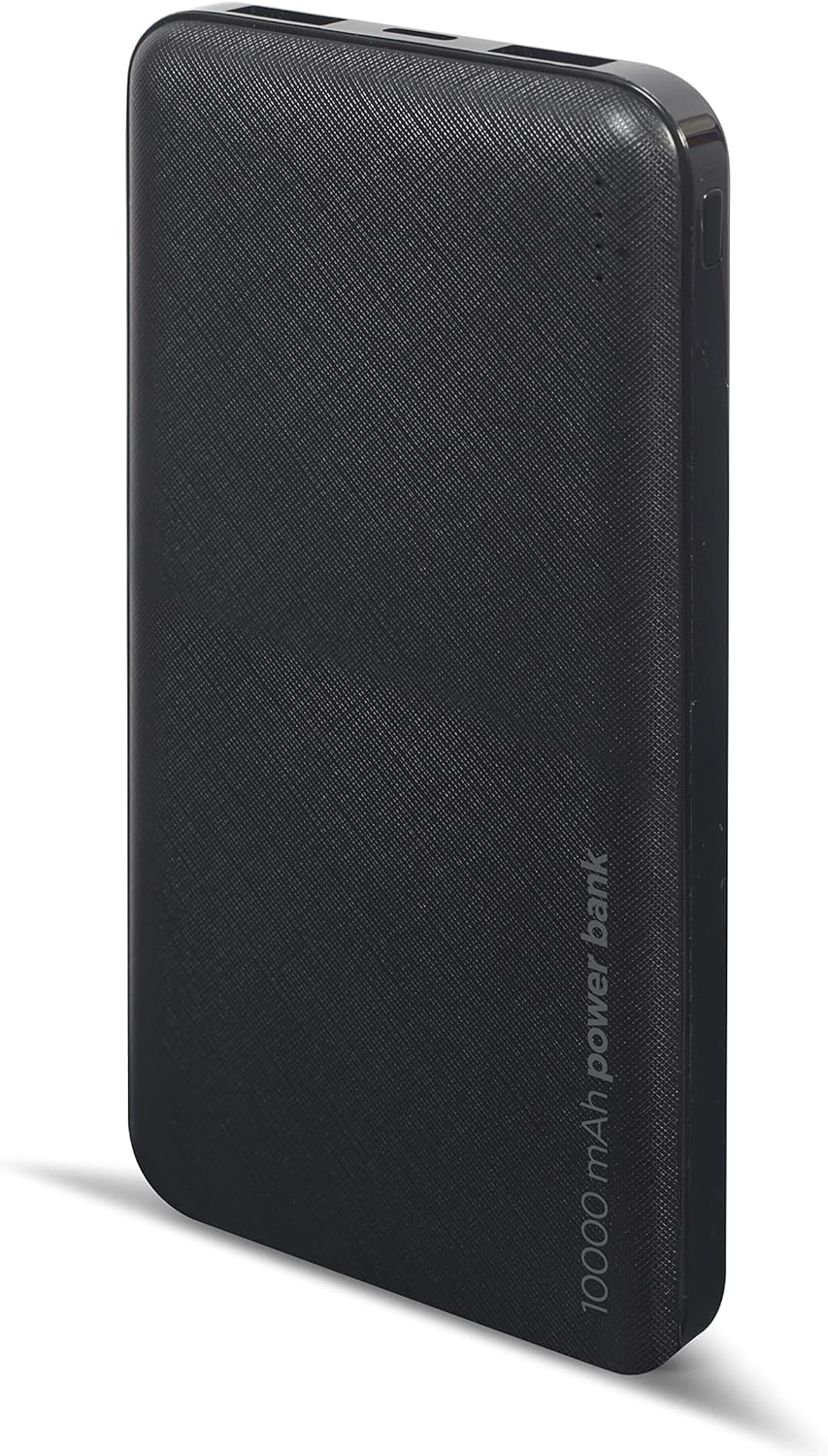
Gambar: Hareupeun view of the Gembird Powerbank, showcasing its sleek black design and textured surface.

Gambar: Angled view of the Gembird Powerbank, highlighting the two USB-A output ports on one end.

Gambar: Sisi view of the Gembird Powerbank, showing the Micro USB and USB Type-C input ports for charging the power bank itself.
Komponén konci:
- Port Kaluaran USB-A (x2): Dianggo pikeun ngecas alat éksternal.
- Port Input Mikro USB: Dianggo pikeun ngecas power bank.
- USB Type-C Input Port: Dianggo pikeun ngecas power bank.
- Indikator LED: Show the remaining battery level of the power bank.
- Tombol Daya: Ngaktipkeun power bank sareng mariksa tingkat batré.
Disetél
Before first use, it is recommended to fully charge your Gembird Powerbank.
- Ngecas Power Bank:
- Connect a compatible USB charging cable (Micro USB or USB Type-C) to one of the input ports on the power bank.
- Connect the other end of the cable to a USB wall adapter (not included), computer USB port, or other compatible USB power source.
- Indikator LED bakal hurung pikeun nunjukkeun kamajuan ngecas. Sadaya LED bakal hurung padet nalika dicas pinuh.
- Mariksa Tingkat Batré:
- Pencét tombol daya sakali. Indikator LED bakal hurung pikeun nunjukkeun tingkat batré ayeuna.
Ngoperasikeun
Ngecas Alat Anjeun:
- Pastikeun bank daya dieusi cekap.
- Sambungkeun kabel ngecas alat anjeun ka salah sahiji port kaluaran USB-A dina power bank.
- Sambungkeun tungtung kabel anu sanés ka alat anjeun.
- Bank daya kedahna otomatis ngecas alat anjeun. Upami henteu, pencét tombol daya sakali pikeun ngamimitian ngecas.
- The LED indicators on the power bank will show its remaining battery level during charging.
- Pegatkeun sambungan alat Anjeun saatos dicas pinuh atawa sawaktos Anjeun teu kedah ngeusi deui.
Note: The power bank can charge two devices simultaneously using both USB-A output ports.
Pangropéa
- beberesih: Use a soft, dry cloth to wipe the surface of the power bank. Do not use harsh chemicals or abrasive cleaners.
- Panyimpenan: Store the power bank in a cool, dry place away from direct sunlight and extreme temperatures. If storing for a long period, charge the power bank to about 50-70% capacity every 3-6 months to maintain battery health.
- Ulah Ngaleupaskeun Kaluar Kabiasaan: Ulah nepi ka power bank sering-sering ngosongkeun batréna, sabab ieu bisa ngurangan umur batréna.
Pamérésan masalah
| Masalah | Mungkin Cukang lantaranana | Solusi |
|---|---|---|
| Power bank teu ngecas. | Cable is faulty or not properly connected. Power source is insufficient. | Try a different charging cable. Ensure the cable is securely connected. Use a reliable USB wall adapter. |
| Alat teu ngecas tina power bank. | Power bank battery is low. Device cable is faulty. Power bank is not activated. | Recharge the power bank. Try a different device charging cable. Press the power button on the power bank. |
| Ngecas lalaunan. | Cable is not suitable. Device requires higher input. | Use a high-quality charging cable. Ensure your device is compatible with the power bank's output. |
| Indikator LED teu jalan. | Power bank is completely discharged. Faulty unit. | Charge the power bank for an extended period. If problem persists, contact customer support. |
spésifikasi
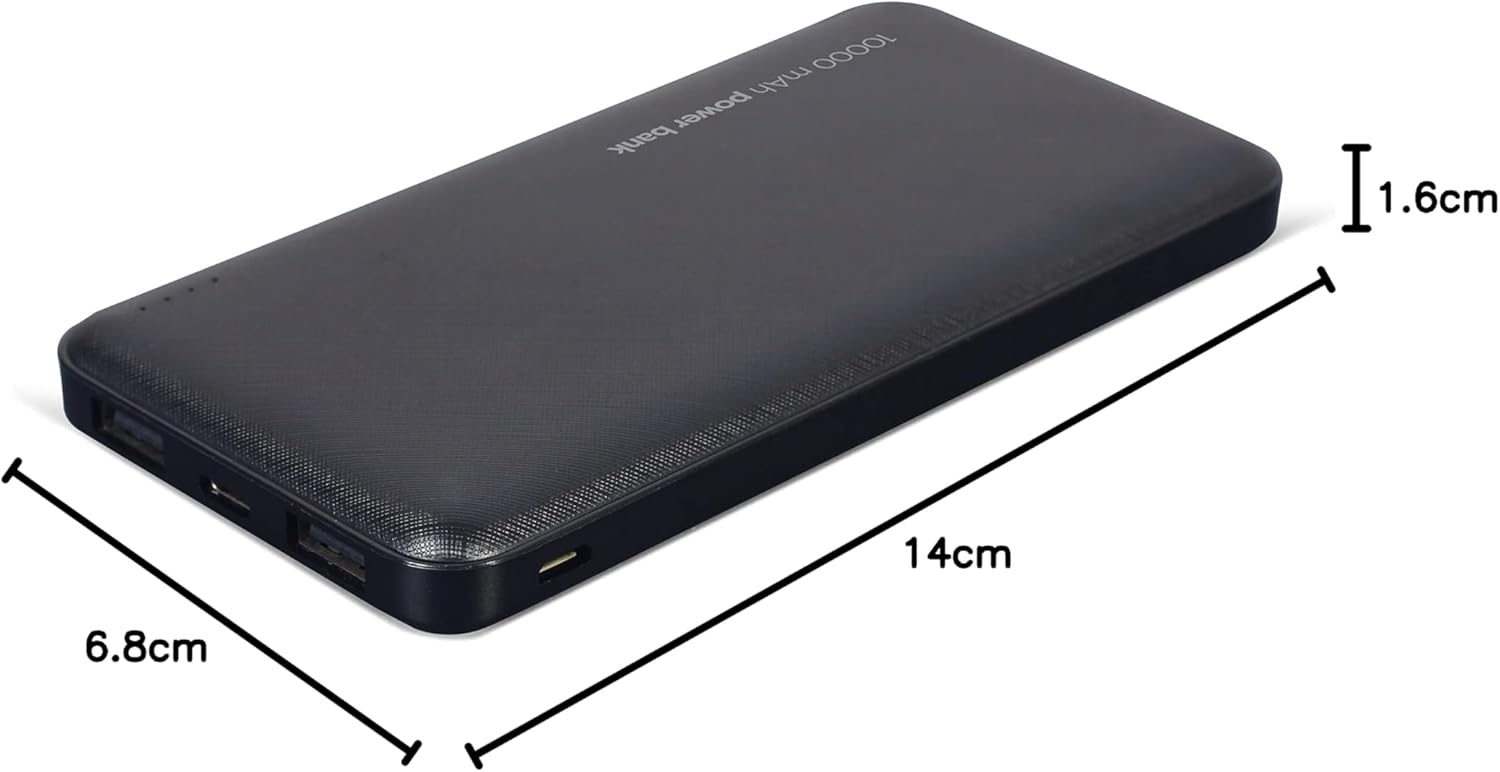
Image: The Gembird Powerbank with its approximate dimensions: 14cm length, 6.8cm width, and 1.6cm thickness.
| Modél | PB10-02 |
| Jenis Batré | Li-polimér |
| Kapasitas | 10,000 mAh |
| Input (Micro USB) | 5V DC, 2A (Max) |
| Masukan (USB Type-C) | 5V DC, 2A (Max) |
| Output (USB-A x2) | 5V DC, 2.1A (Max total) |
| Diménsi | Kira-kira 14 cm x 6.8 cm x 1.6 cm |
| Beurat | Kira-kira 200 g |
| Warna | Hideung |
Garansi sareng Rojongan
Gembird products are manufactured to the highest quality standards. For information regarding warranty terms and conditions, please refer to the warranty card included with your product or visit the official Gembird website. If you encounter any issues or have questions not covered in this manual, please contact Gembird customer support through their official channels.
Kanggo inpormasi pangrojong anu paling énggal, mangga buka: www.gembird.com


