Bubuka
This manual provides detailed instructions for the setup, operation, and maintenance of your VTech CS2000 DECT Cordless Home Phone. Please read this manual thoroughly before using your new phone to ensure proper functionality and to take full advantage tina fitur na.
The VTech CS2000 is designed for home use, offering reliable long-range communication, essential call management features, and user-friendly design.

Figure 1: VTech CS2000 DECT Cordless Home Phone, showing the handset docked in its base unit.
Disetél
Eusi pakét
Pastikeun sadaya item aya dina pakét anjeun:
- VTech CS2000 Handset
- VTech CS2000 Base Unit
- Adaptor kakuatan pikeun Unit Base
- Tali Telepon
- Rechargeable NiMH Battery (1 included)
Instalasi batré sareng Ngecas
The VTech CS2000 uses a rechargeable NiMH battery. Proper installation and initial charging are crucial for optimal performance.
- Panggihan kompartemen batré dina tonggong handset.
- Insert the supplied NiMH battery, ensuring the polarity matches the diagram inside the compartment.
- Tutup panutup kompartemen batré aman.
- Place the handset on the base unit. The charging indicator on the handset should illuminate.
- Allow the handset to charge for at least 16 hours before initial use, even if the display indicates a full charge sooner. This ensures maximum battery capacity.
Nyambungkeun Unit Base
- Sambungkeun hiji tungtung kabel saluran telepon ka jack TEL LINE dina tonggong unit dasar.
- Sambungkeun tungtung nu sejen tina kabel saluran telepon ka jack témbok telepon.
- Sambungkeun tungtung leutik adaptor daya kana colokan POWER di tukang unit dasar.
- Colokkeun tungtung adaptor daya anu ageung kana stop kontak listrik standar.
- Pastikeun sadaya sambungan aman.
Ngoperasikeun Telepon Anjeun
Nelepon jeung Narima Telepon
Nelepon:
- Pencét éta Obrolan button (green receiver icon) or lift the handset from the base.
- Pencét nomer telepon anu dipikahoyong.
- Pencét éta TUNGTUNG button (red receiver icon) or place the handset back on the base to end the call.
Narima Telepon:
Sawaktos telepon hurung, pencét tombol Obrolan button or lift the handset from the base to answer.
Speakerphone Hands-Free
The VTech CS2000 features a hands-free speakerphone function, allowing you to talk without holding the handset.
- Nalika nelepon, pencét éta SPEAKER button (speaker icon).
- To switch back to the handset, press the Obrolan tombol deui.
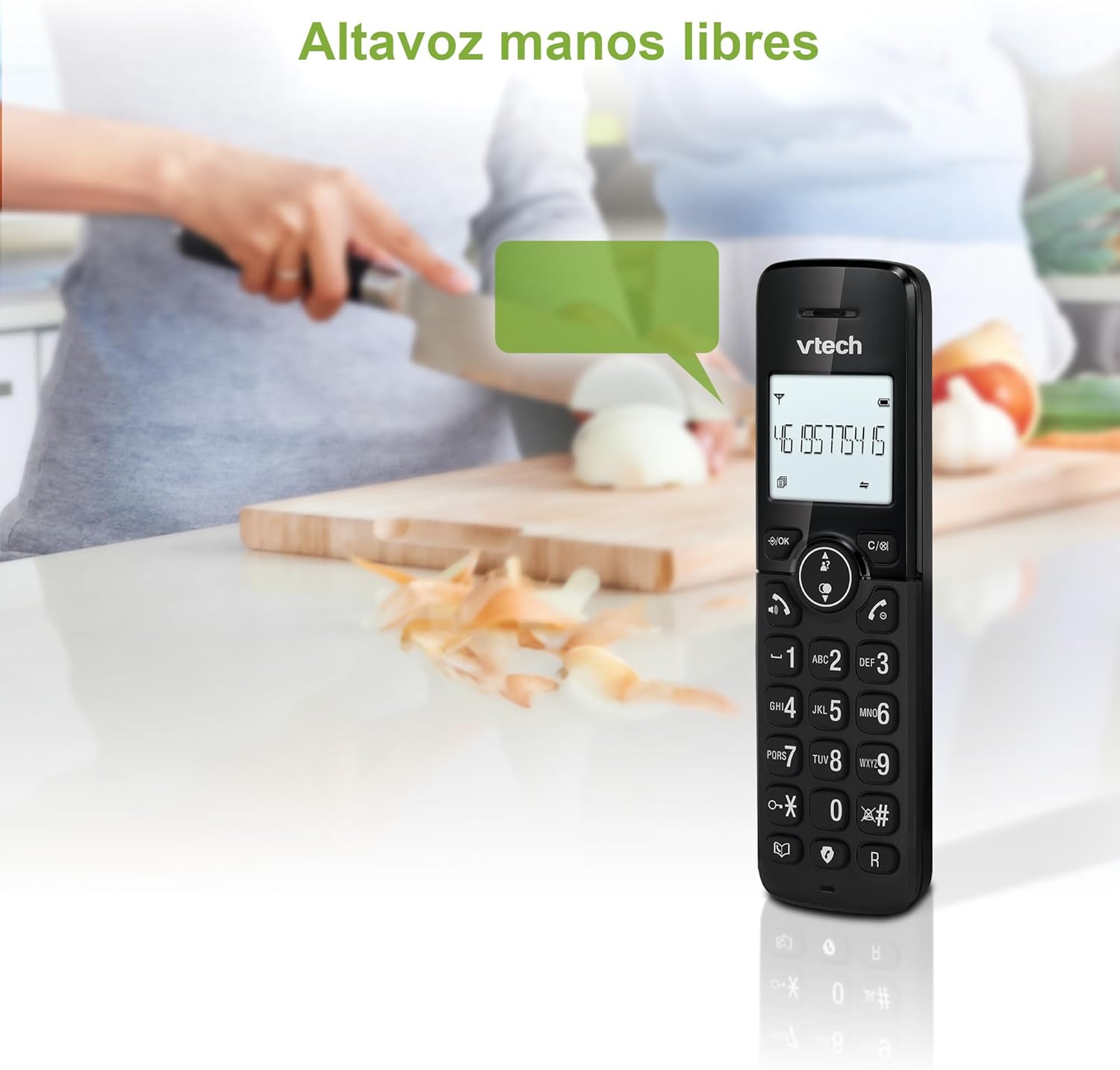
Figure 2: Using the hands-free speakerphone function.
Meungpeung Telepon
The call blocking feature allows you to prevent unwanted calls. You can block up to 30 numbers.
- To block a number during a call, press the TELEPON BLOK kancing.
- To add a number to the block list manually, navigate to the Call Block menu in the phone settings.
- Follow the on-screen prompts to add or remove numbers from the block list.
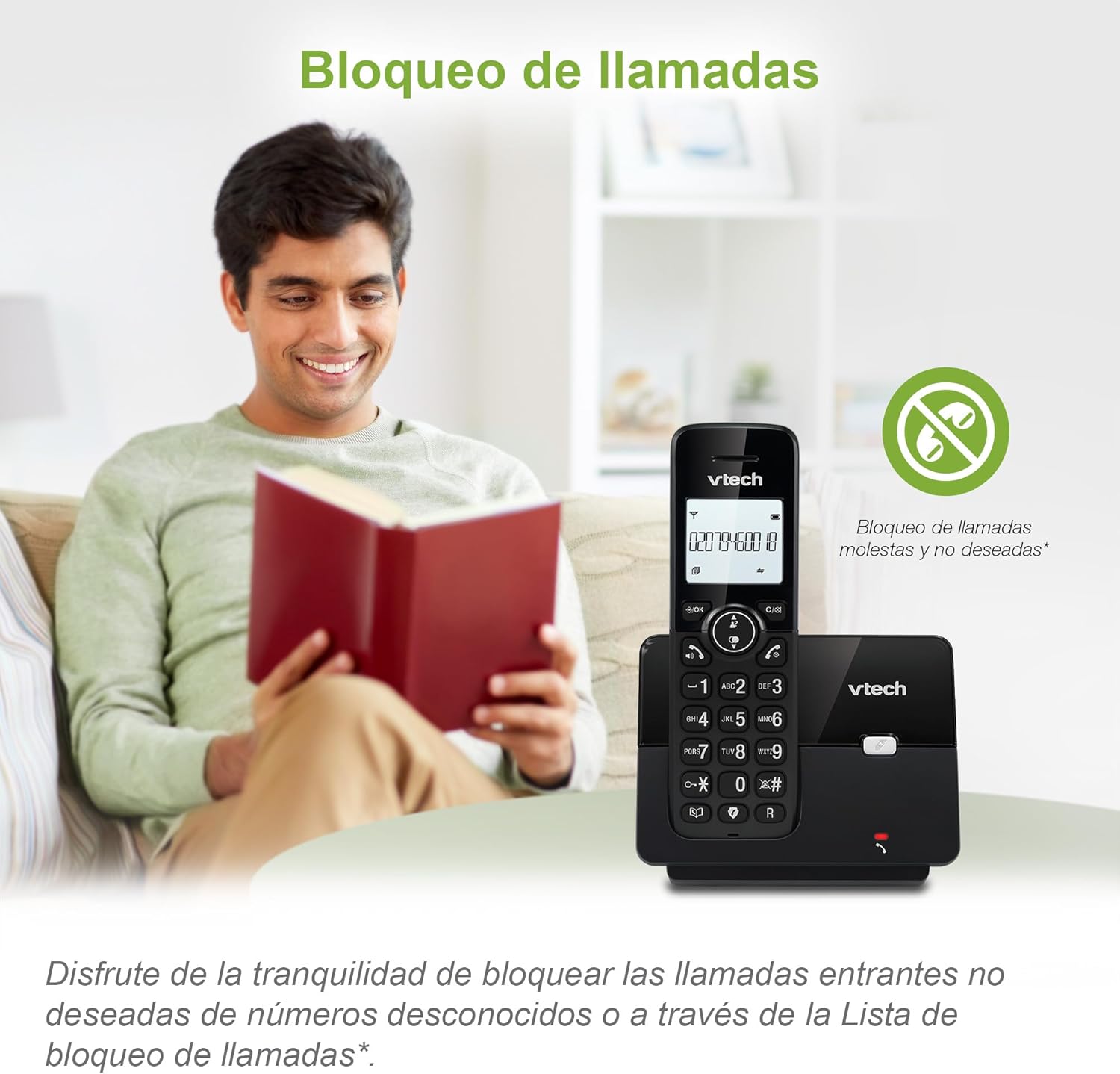
Figure 3: The call blocking feature helps manage unwanted calls.
Phonebook (Directory)
Simpen dugi ka 30 nami sareng nomer dina buku telepon kanggo nelepon gancang.
- Pencét éta MENU / OKÉ kancing.
- Navigate to the "Phonebook" or "Directory" option.
- Select "Add New Entry" and follow the prompts to enter the name and number.
- To dial from the phonebook, press the DIREKTORI button and scroll to the desired entry, then press Obrolan.

Figure 4: Managing contacts in the phonebook.
ID panelepon sareng Telepon Tungguan
The phone stores up to 20 caller ID records with name and number (service subscription may be required).
When a new call comes in while you are on another call, the call waiting feature alerts you (service subscription may be required).
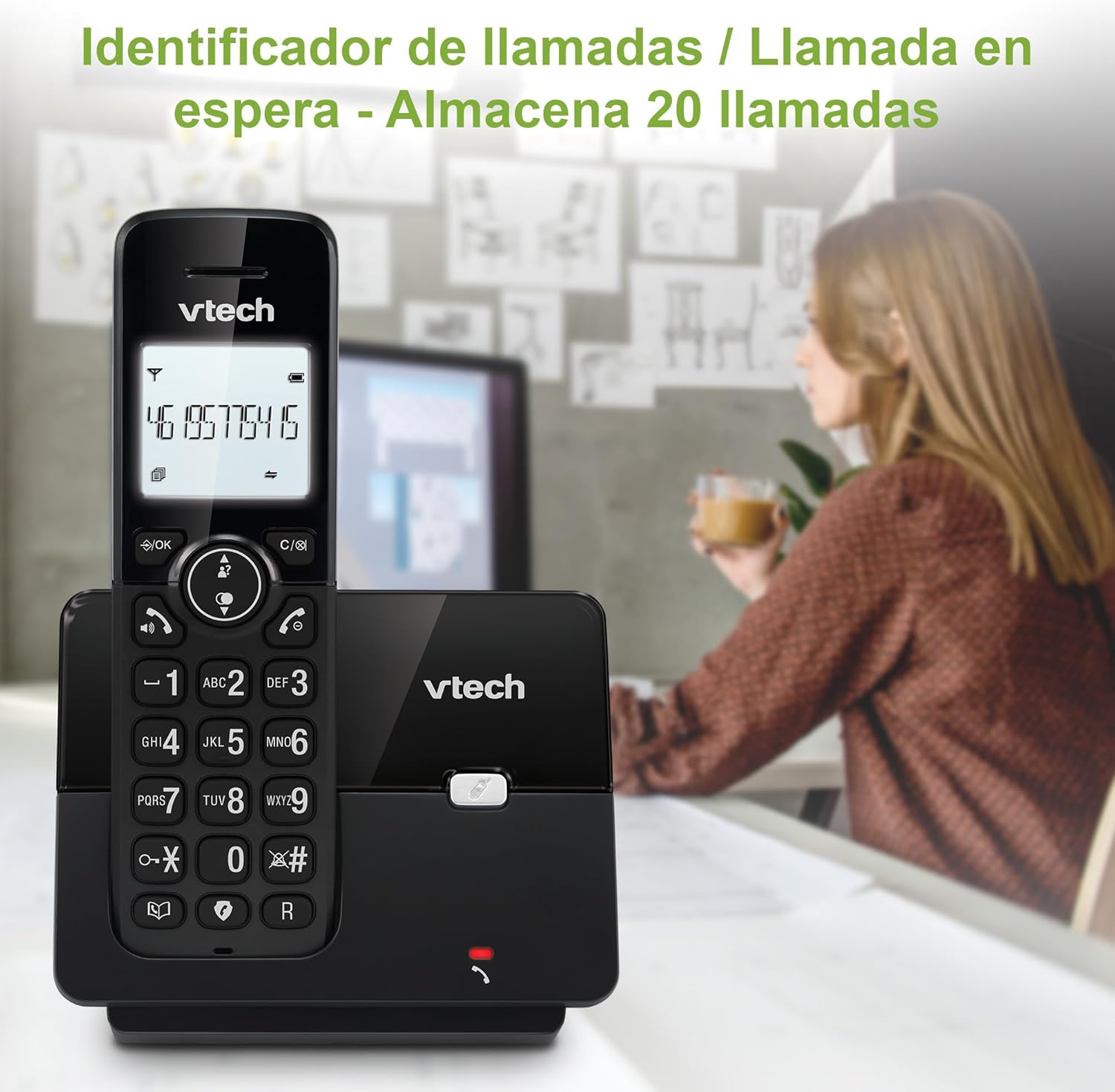
Figure 5: Caller ID display on the handset.
Daptar ulang
The phone stores the last 10 dialed numbers for quick redialing.
- Pencét éta REDIAL kancing.
- Scroll through the list using the navigation keys.
- Pencét Obrolan to redial the selected number.

Figure 6: Accessing the redial list.
Modeu ECO
The ECO mode automatically adjusts the radio frequency power based on the distance between the handset and the base unit, helping to conserve energy.
Adjusting Ring Volume and Melody
You can customize the ring volume and melody of your handset.
- Pencét éta MENU / OKÉ kancing.
- Navigate to "Settings" or "Ring Settings".
- Select "Ring Volume" or "Ring Melody" and choose your preference.
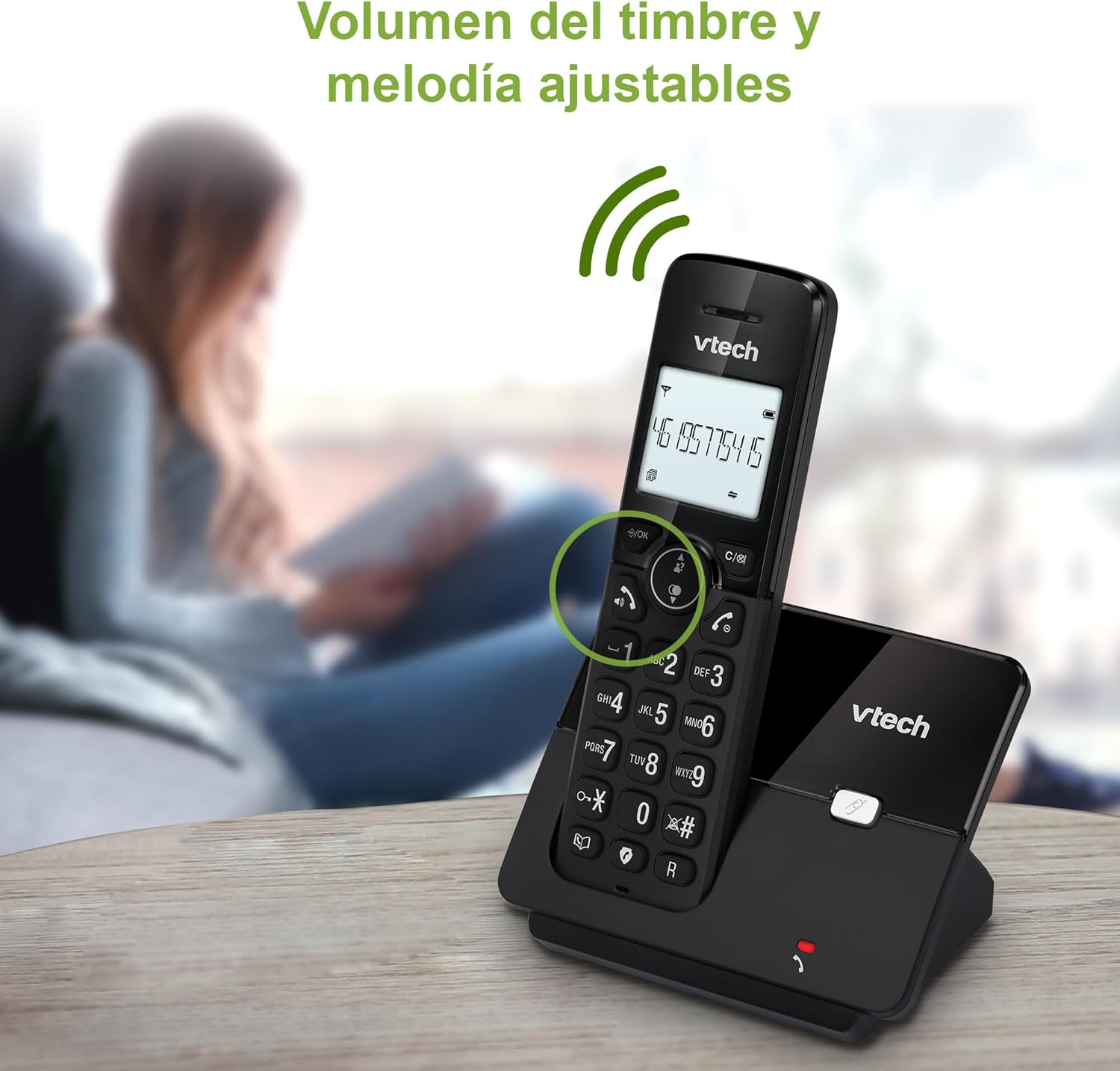
Figure 7: Adjusting ring volume and melody.
Alarm and Silence Function
The phone includes an alarm function and a silence mode for convenience.
- To set an alarm, navigate to the "Alarm" option in the menu and follow the prompts.
- To activate silence mode, typically press and hold the BISA button or access the "Silence" option in the settings.

Figure 8: Alarm and silence functions.
Tampilan Backlit
The 1.8-inch backlit display provides clear visibility, especially in low-light conditions.

Figure 9: The 1.8-inch backlit display for clear viewing.
Long Range Capability
The VTech CS2000 utilizes DECT technology to provide a stable operating range of up to 300 meters outdoors, ensuring clear communication throughout your home and property.

Figure 10: The phone offers reliable long-range coverage.
Pangropéa
beberesih
Bersihkeun telepon sareng unit dasar nganggo kaén anu lemes,amp cloth. Do not use cleaning sprays or abrasive cleaners, as they can damage the finish or electrical components.
Perawatan batré
- Only use the supplied rechargeable NiMH battery or an approved replacement.
- Upami telepon moal dianggo dina waktos anu lami, cabut batréna pikeun nyegah bocor.
- Buang batré sacara tanggung jawab nurutkeun peraturan lokal.
Pamérésan masalah
If you experience issues with your VTech CS2000 phone, try the following solutions:
| Masalah | Solusi |
|---|---|
| Taya nada dial. | Ensure the telephone line cord is securely connected to both the base unit and the wall jack. Check if the power adapter is properly connected and plugged into a working outlet. |
| Handset teu ngecas. | Ensure the handset is correctly placed on the base unit. Clean the charging contacts on both the handset and base unit with a dry cloth. Verify the power adapter is connected. |
| Kualitas sora goréng atanapi statik. | Move closer to the base unit. Ensure there are no large metal objects or other electronic devices interfering with the signal. Check for loose telephone line connections. |
| Teu tiasa nelepon atanapi nampi telepon. | Check if the phone line is active. Ensure the handset is registered to the base unit (refer to the full manual for registration steps if needed). Temporarily unplug the base unit's power adapter, wait a few seconds, then plug it back in. |
| ID panelepon henteu ditingalikeun. | Pastikeun anjeun parantos ngalanggan layanan Caller ID ti panyadia layanan telepon anjeun. |
spésifikasi
| merek | VTech |
| Nomer modél | CS2000 |
| Warna | Hideung |
| Tipe Telepon | Telepon DECT Tanpa Kabel |
| Ukuran layar | 1.8 inci |
| Komposisi batré | NiMH |
| Jumlah Batré | 1 (Product Specific - Included) |
| Bahan | palastik |
| Sumber Daya | Batré Powered |
| Tipe Telepon | Keypad Tunggal |
| Jenis System Ngajawab | Tanpa kabel |
| Item Beurat | 300 gram |
| Operasi Multi-jalur | Operasi Jalur Tunggal |
| Fitur husus | Cordless, Call Blocking, Hands-Free Speakerphone, Backlit Display, ECO Mode, Caller ID, Phonebook, Redial |
Garansi sareng Rojongan
For warranty information and technical support, please refer to the documentation included with your purchase or visit the official VTech websitus. Simpen resi pameseran anjeun salaku bukti pameseran.
Pabrikan: VTECH TELECOMMUNICATIONS LTD
Negara asal: Cina


