Bubuka
Thank you for choosing the Roberts Radio Digital Play11. This portable radio offers high-quality audio with DAB, DAB+, and FM reception. Designed for ease of use, it features a headphone jack for personal listening and flexible power options. This manual provides essential information for setting up, operating, and maintaining your device.
Émbaran Kasalametan
Mangga baca sareng ngartos sadaya parentah kaamanan sateuacan nganggo produk ieu. Tetep parentah ieu pikeun rujukan hareup.
- Ulah ngantepkeun radio ka hujan, kalembaban, atanapi suhu anu ekstrim.
- Hindarkeun nempatkeun unit caket sumber panas atanapi dina sinar panonpoé langsung.
- Use only the specified power supply (USB-C cable) or 4 x AA batteries.
- Entong nyobian ngabongkar atanapi ngarobih unit. Rujuk sadayana jasa ka tanaga anu mumpuni.
- Ensure proper ventilation; do not cover ventilation openings.
- Buang batré sacara tanggung jawab nurutkeun peraturan lokal.
Naon dina Box
Saatos ngabongkar bungkusan, pastikeun sadaya barang di handap ieu aya:
- Roberts Radio Digital Play11
- Gancang Mimitian Guide
- Kabel kakuatan USB-C
- Kasalametan jeung jaminan brosur leutik
Produk Leuwihview
Familiarize yourself with the main components and controls of your Play11 radio.

Gambar: Hareupeun view of the Roberts Play11 radio with labels indicating the On/Off button, Volume knob, Antenna, LCD Display, Select knob, Favourites button, Info/Menu button, Mode button, and Next/Previous buttons.
- Tombol Hurung/Pareum: Ngahurungkeun atanapi mareuman unit.
- Jilid Kenop: Saluyukeun tingkat kaluaran audio.
- anteneu: Extend for optimal radio reception.
- Layar LCD: Nembongkeun inpormasi stasiun, waktos, sareng pilihan ménu.
- Pilih Knob: Navigates ménu jeung confirms selections.
- Favourites (2 sec) Button: Press and hold to save a favourite station; short press to recall.
- Info | Menu Button: Displays station information; press and hold to access the main menu.
- Tombol Mode: Switches between DAB, DAB+, and FM modes.
- Next | Previous Buttons: Navigates through stations or menu options.
- Jack headphone: For private listening (3.5mm AUX Out Port).
- Palabuhan USB-C: Pikeun catu daya.

Gambar: Deukeut view of the Roberts Play11 radio, highlighting the 3.5mm headphone jack on the side for personal listening.
Disetél
1. Power Supply
The Play11 can be powered by either batteries or the included USB-C power cable.

Gambar: Tukangeun view of the Roberts Play11 radio, illustrating the battery compartment for 4x AA batteries (not included) and the USB-C power input port.
- Operasi batré: Open the battery compartment on the rear of the radio. Insert 4 x AA (LR6) batteries, ensuring correct polarity. Close the compartment securely. Batteries are not included.
- Operasi utama: Connect the supplied USB-C power cable to the USB-C port on the radio and plug the other end into a suitable USB power adapter (not supplied).
2. Anténeu
Extend the telescopic antenna fully for optimal reception in both DAB/DAB+ and FM modes.
3. Daya Awal Hurung
Pencét éta Hurung/Pareuman button to power on the radio. If this is the first time using the radio, it will automatically perform a full scan for DAB/DAB+ stations.
Parentah Operasi
Switching Modes (DAB/DAB+/FM)
Pencét éta Modus button repeatedly to cycle between DAB, DAB+, and FM radio modes.
DAB / DAB + Radio
- Nyeken pikeun Stasion: After initial power-on, the radio will automatically scan. To perform a manual scan, press and hold the Inpo | Ménu button, navigate to "Full Scan" using the Pilih knob, and press Pilih pikeun mastikeun.
- Milih Stasion: Puterkeun Pilih knob to browse available stations. Press the Pilih knob to tune into the desired station.
- Saving Presets (Favourites): Setel ka stasiun anu dipikahoyong. Pencét terus tahan tombol Favourites (2 sec) button until "Preset Store" appears. Rotate the Pilih knob to choose a preset number (1-10) and press Pilih pikeun nyimpen.
- Nginget-nginget Préparasi: Pencét pondok Favourites (2 sec) kancing. Puterkeun Pilih knob to choose the desired preset and press Pilih to tune in.
Radio FM
- Nyeken pikeun Stasion: Dina modeu FM, pencét jeung tahan tombol Next | Previous tombol pikeun otomatis nyeken stasiun sadia salajengna.
- Tuning Manual: Puterkeun Pilih knob to manually tune to a specific frequency.
- Saving Presets (Favourites): Setel ka stasiun anu dipikahoyong. Pencét terus tahan tombol Favourites (2 sec) button until "Preset Store" appears. Rotate the Pilih knob to choose a preset number (1-10) and press Pilih pikeun nyimpen.
- Nginget-nginget Préparasi: Pencét pondok Favourites (2 sec) kancing. Puterkeun Pilih knob to choose the desired preset and press Pilih to tune in.
Ngagunakeun Headphone
Connect standard 3.5mm headphones to the headphone jack on the side of the radio for private listening. The internal speaker will automatically mute when headphones are connected.
Pangropéa
- beberesih: Ngusap radio ku lawon lemes, garing. Ulah make cleaners abrasive atawa pangleyur.
- Ngagantian batré: When using batteries, replace all four AA batteries simultaneously when the low battery indicator appears on the display. Ensure correct polarity.
- Panyimpenan: Upami nyimpen radio kanggo waktos anu lami, cabut batréna pikeun nyegah bocor.
Pamérésan masalah
| Masalah | Mungkin Cukang lantaranana | Solusi |
|---|---|---|
| Taya kakuatan | Batteries are flat or incorrectly inserted; USB-C cable not connected properly. | Replace batteries, ensuring correct polarity. Check USB-C cable connection and power adapter. |
| Panarimaan DAB/FM anu goréng | Anteneu teu manjang sapinuhna; daérah sinyal lemah; gangguan. | Fully extend the telescopic antenna. Try repositioning the radio. Perform a full scan for DAB stations. |
| Taya sora | Volume too low; headphones connected; unit muted. | Increase volume. Disconnect headphones. Check if the unit is muted (though this model doesn't have a dedicated mute button, ensure volume is not at zero). |
| Tombol teu ngaréspon | glitch software samentara. | Turn the radio off and on again. If problem persists, remove power source (batteries/USB-C) for a few minutes, then reconnect. |
spésifikasi
| Modél | PLAY11BK |
| Tipe Tuner | DAB, DAB+, FM |
| Prasetél | 10 DAB, 10 FM |
| Sumber Daya | 4 x AA batteries (not included) or USB-C (4.5 Volts) |
| Panganteur Hardware | USB Tipe C |
| Jack headphone | 3.5 mm |
| Tipe tampilan | LCD |
| Ukuran (L x W x H) | 17.4 x 6 x 11 cm |
| Beurat | 357 g |
| Bahan | Plastik, Polikarbonat (PC) |
Garansi sareng Rojongan
Your Roberts Radio Digital Play11 comes with a 2-year warranty. Please refer to the included Safety and Warranty leaflet for detailed terms and conditions. For technical support or service inquiries, please visit the official Roberts Radio websitus atanapi ngahubungan departemén layanan palanggan maranéhna.
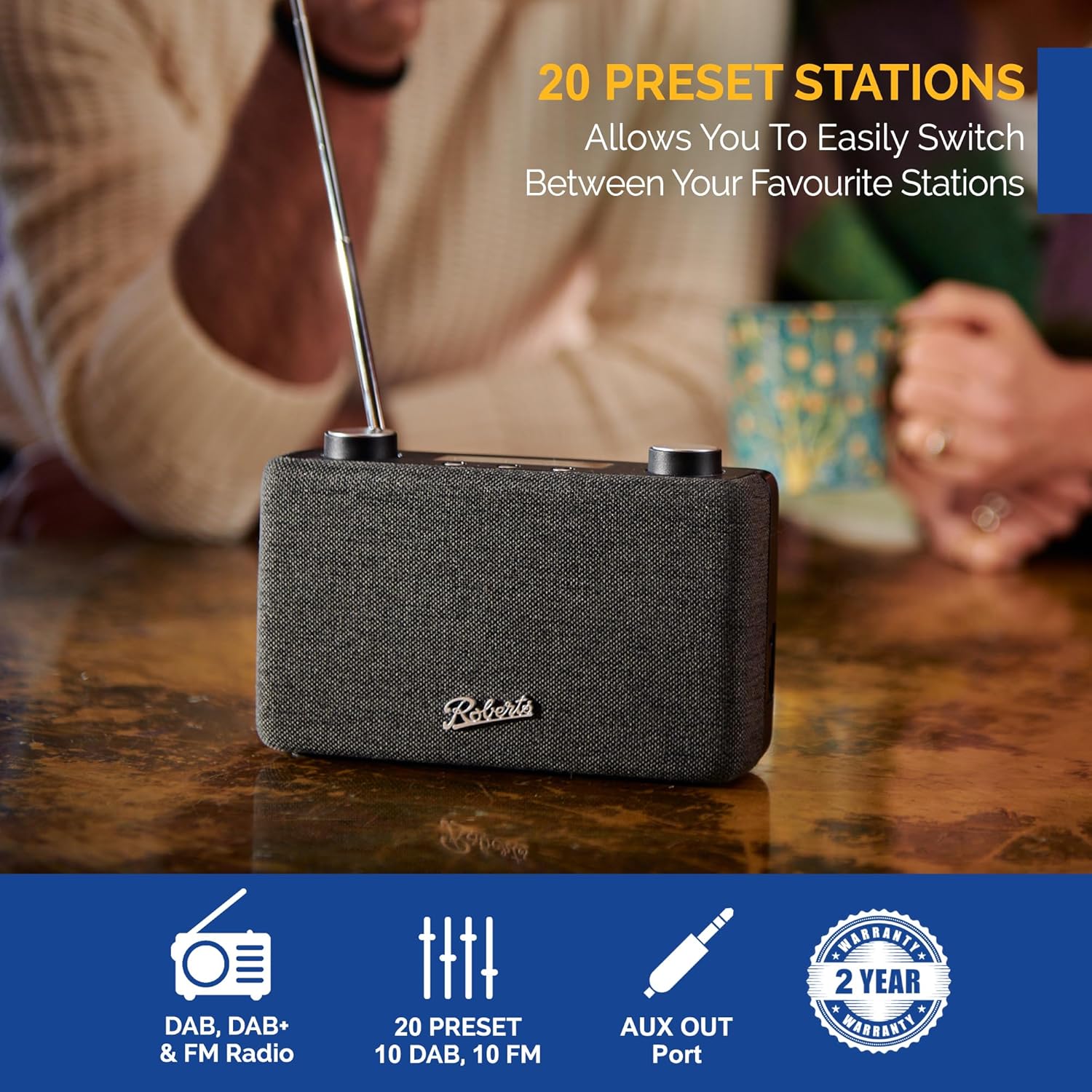
Image: The Roberts Play11 radio displayed alongside icons indicating DAB/DAB+ & FM Radio, 20 Presets, AUX Out Port, and a 2-Year Warranty badge.


