1. Bubuka
Thank you for choosing the Baseus Bowie D05 Wireless Headphones. This manual provides detailed instructions on how to set up, operate, maintain, and troubleshoot your new headphones. Please read this manual carefully before use to ensure optimal performance and longevity of your device.
2. Naon dina Box
Saatos unboxing, mangga pastikeun sadaya item di handap ieu aya:
- Headphone nirkabel Baseus Bowie D05
- USB-A ka USB-C ngecas Cable
- Kabel Audio 3.5mm
- Manual pamaké
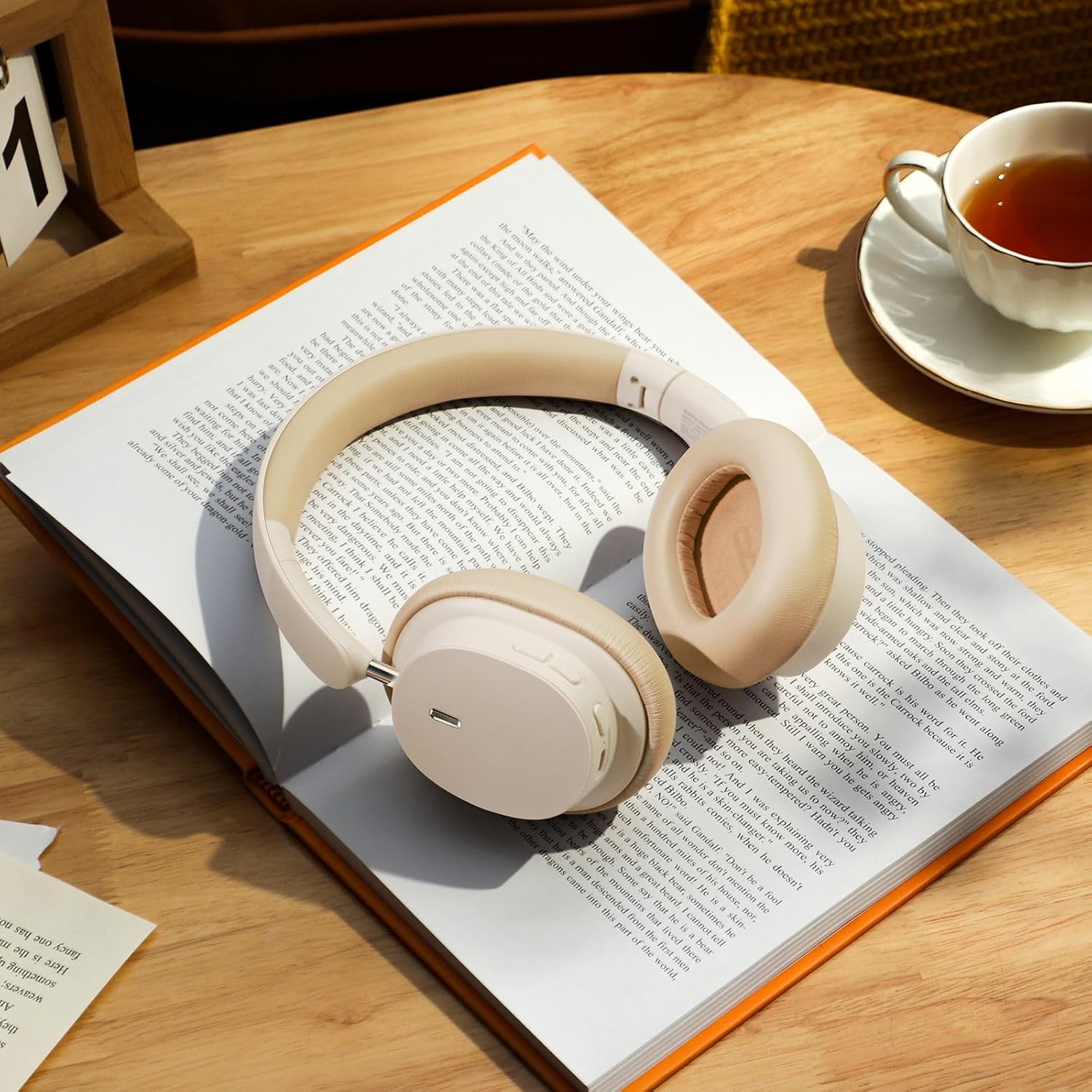
Image: The Baseus Bowie D05 headphones shown alongside their USB-C charging cable and 3.5mm audio cable, illustrating the complete package contents.
3. Produk Langkungview
Familiarize yourself with the various parts and controls of your Baseus Bowie D05 headphones:
- Tombol Daya/Multi-fungsi: Dipaké pikeun ngahurungkeun / mareuman, maén / ngareureuhkeun, ngawalon / ngeureunkeun telepon, sareng ngaktipkeun asisten sora.
- Tombol Volume Up: Ngaronjatkeun polumeu, pencét lila pikeun lagu salajengna.
- Tombol Volume Turun: Ngurangan polumeu, pencét lila pikeun lagu saméméhna.
- Port ngecas USB-C: Pikeun ngecas headphone.
- 3.5mm Audio Jack: Pikeun sambungan kabel.
- Indikator LED: Némbongkeun status daya, ngecas, sareng pasangan.
- Mikropon: Pikeun nelepon jeung paréntah sora.

Gambar: A lengkep view of the left earcup of the Baseus Bowie D05 headphones, highlighting the location of the control buttons (volume up/down, multi-function) and the charging/audio ports.
4. Setélan
4.1 Ngecas Headphone
- Connect the USB-C end of the charging cable to the headphone's charging port.
- Connect the USB-A end to a USB power adapter (5V/1A recommended) or a computer's USB port.
- The LED indicator will show red during charging and turn off or blue when fully charged.
- Ngeusi batre pinuh biasana butuh 1.5-2 jam.
4.2 Nyapasangkeun Bluetooth
- Pastikeun headphone dicas pinuh.
- Press and hold the Power/Multi-function button for 3-5 seconds until the LED indicator flashes blue and red alternately, indicating pairing mode.
- Dina alat anjeun (smartphone, tablet, komputer), aktipkeun Bluetooth.
- Milarian pikeun "Baseus Bowie D05" in the list of available Bluetooth devices.
- Select "Baseus Bowie D05" to connect. Once connected, the LED indicator will flash blue slowly or turn off.
4.3 Wired Connection (Optional)
You can use the headphones with the included 3.5mm audio cable when the battery is low or for devices without Bluetooth connectivity.
- Colokkeun hiji tungtung kabel audio 3.5mm kana colokan audio 3.5mm headphone.
- Colokkeun tungtung anu hiji deui kana colokan kaluaran audio alat anjeun.
- Note: Controls on the headphones may not function in wired mode.
5. Parentah Operasi
5.1 Daya Hurung/Pareuman
- Daya Hurung: Pencét terus tahan tombol Daya/Multi-fungsi salami 3 detik.
- Pareum listrik: Pencét terus tahan tombol Daya/Multi-fungsi salami 5 detik.
5.2 Puterkeun Musik
- Puter / Reureuh: Pencét pondok tombol Daya/Multi-fungsi.
- Volume Up: Pencét pondok tombol Volume Up.
- Volume Turun: Pencét pondok tombol Volume Turun.
- Lagu salajengna: Pencét lila tombol Volume Up.
- Lagu Sateuacanna: Pencét lila tombol Jilid Turun.
5.3 Manajemén Telepon
- Ngajawab / mungkas Telepon: Pencét pondok tombol Daya/Multi-fungsi.
- Nolak Telepon: Pencét lila tombol Daya/Multi-fungsi salami 2 detik.
5.4 Sambungan Multi-Alat
The Baseus Bowie D05 headphones support simultaneous connection to two devices, allowing seamless switching between them.
- Sambungkeun headphone ka alat anu munggaran via Bluetooth sapertos anu dijelaskeun dina bagian 4.2.
- Cabut sambungan headphone tina alat anu munggaran (ulah dicabut sambunganna).
- Connect the headphones to the second device via Bluetooth.
- Sambungkeun deui headphone ka alat anu kahiji tina setélan Bluetooth-na. Headphone ayeuna kedahna parantos nyambung ka kadua alat.
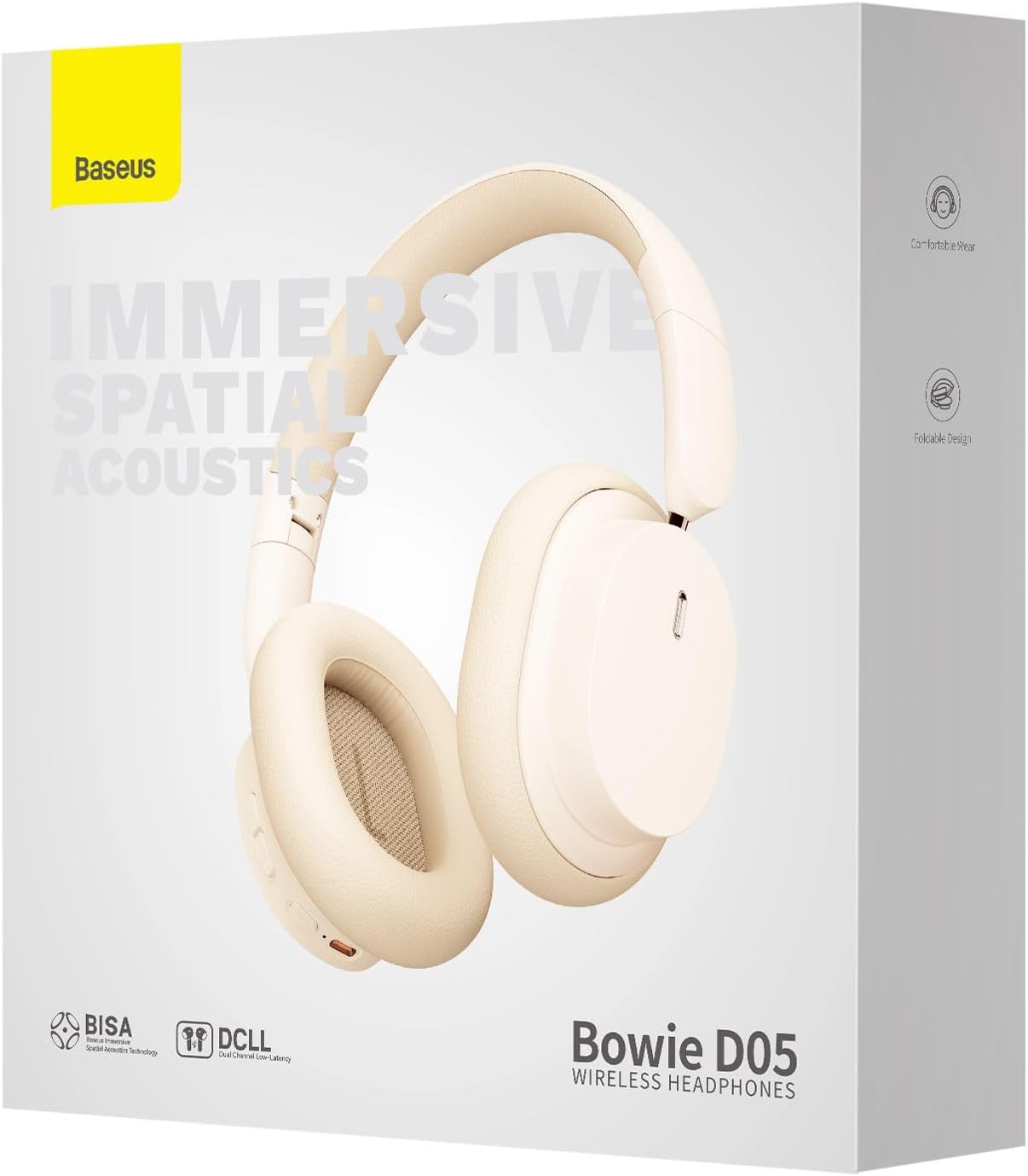
Image: The Baseus Bowie D05 headphones are depicted wirelessly connected to both a smartphone and a tablet, demonstrating their multi-device connectivity feature.
6. Pangropéa
Pikeun mastikeun umur panjang sareng kinerja optimal headphone anjeun, turutan tungtunan pangropéa ieu:
- beberesih: Anggo lawon anu lemes, garing, henteu lint pikeun ngabersihan headphone. Ulah make cleaners abrasive, alkohol, atawa pangleyur kimiawi.
- Panyimpenan: Nalika henteu dianggo, simpen headphone dina tempat anu tiis, garing, jauh tina sinar panonpoé langsung sareng suhu anu ekstrim.
- Hindarkeun Uap: Jauhkeun headphone tina cai sareng kalembaban anu kaleuleuwihan.
- Nanganan kalayan ati-ati: Hindarkeun leupaskeun atanapi nahan headphone kana dampak anu kuat.
7. Cara ngungkulan
If you encounter any issues with your Baseus Bowie D05 headphones, please refer to the following common problems and solutions:
| Masalah | Solusi anu mungkin |
|---|---|
| Headphone teu hurung. | Pastikeun headphone dicas pinuh. Sambungkeun ka sumber listrik teras cobian deui. |
| Teu tiasa dipasangkeun sareng alat. | Ensure headphones are in pairing mode (flashing blue/red). Turn off and on Bluetooth on your device. Clear previous Bluetooth connections on your device. Move headphones closer to the device. |
| Taya sora atawa volume low. | Check headphone and device volume levels. Ensure headphones are properly connected. Try playing different audio. If using wired connection, ensure cable is fully inserted. |
| Kualitas sora henteu saé. | Move closer to your device to avoid interference. Avoid obstacles between headphones and device. Try disconnecting and reconnecting. |
| Headphone sering dipegatkeun. | Ensure headphones are fully charged. Keep within Bluetooth range (typically 10 meters). Avoid strong electromagnetic interference. |
Lamun masalah persists sanggeus nyobian solusi ieu, mangga ngahubungan rojongan customer.
8. Spésifikasi
Detailed technical specifications for the Baseus Bowie D05 Wireless Headphones:
- Ngaran modél: NGTD020202
- merek: Baseus
- Téknologi konektipitas: Nirkabel (Bluetooth)
- Téknologi Komunikasi Nirkabel: Bluetooth
- Penempatan Ceuli: Leuwih Ceuli
- Faktor Bentuk: Leuwih Ceuli
- Jenis Supir Audio: Supir dinamis
- Ukuran Unit Supir: 40 mm
- Kahirupan batré: Up to 70 hours of audio playback (at 70% volume)
- Port ngecas: USB-C
- Jack audio: 3.5 mm Jack
- Bahan: palastik
- Beurat barang: Kira-kira 209 gram (7.37 ons)
- warna: Creamy-White (as per product title, though spec says Black)
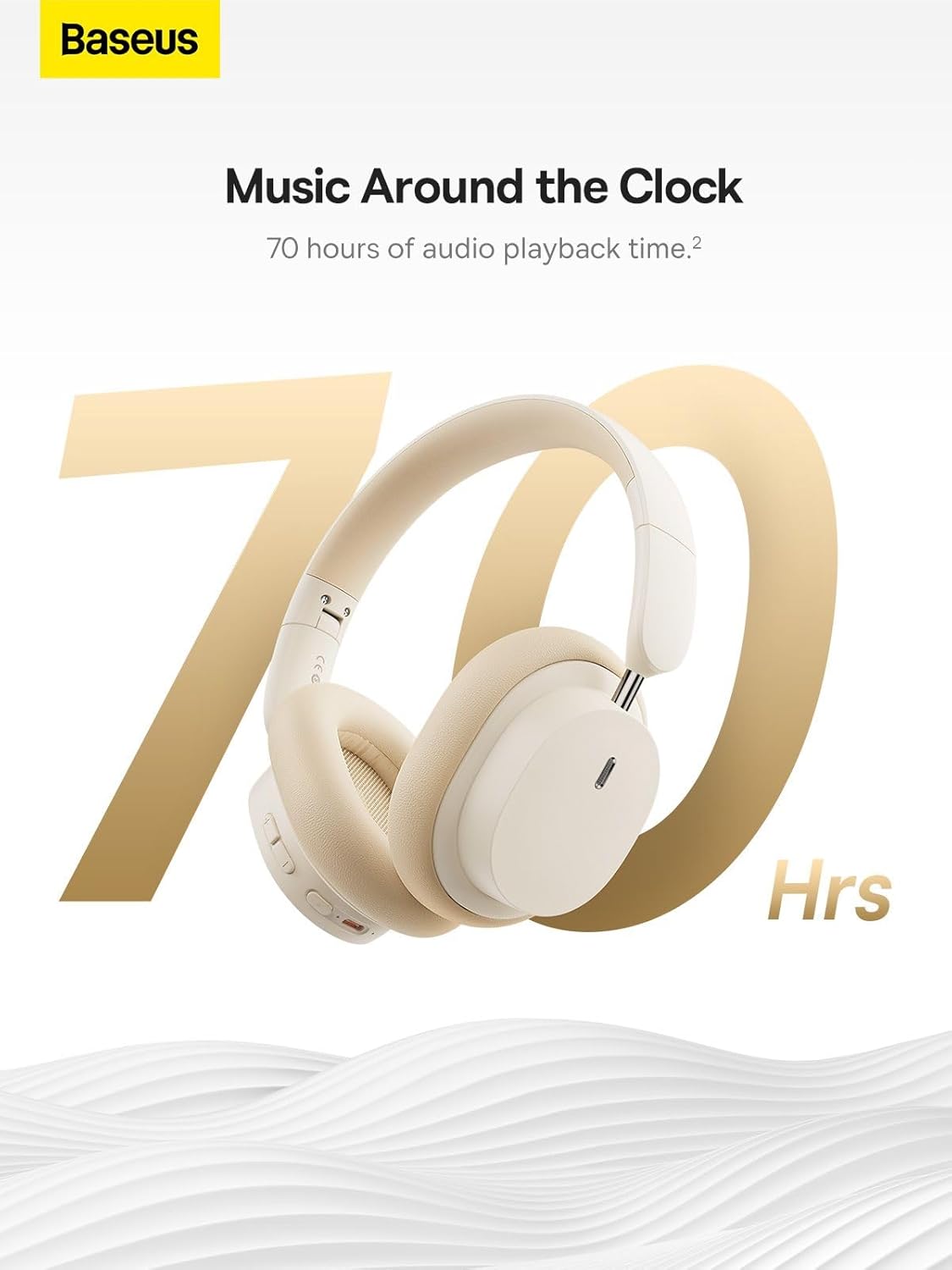
Image: The Baseus Bowie D05 headphones are featured with a prominent '70 Hrs' graphic, highlighting their extended audio playback time on a single charge.

Image: Two individuals are shown comfortably wearing the Baseus Bowie D05 headphones, emphasizing their lightweight design with the text 'Only 209g' for extended listening sessions.

Image: A visual representation of a 40mm large driver unit, illustrating its capability to deliver detailed high-end and fuller low-end audio performance.
9. Garansi jeung Rojongan
9.1 Émbaran jaminan
Baseus products are covered by a limited warranty from the date of purchase. Please refer to the warranty card included in your product packaging or visit the official Baseus websitus pikeun istilah jeung kaayaan jaminan lengkep.
9.2 Rojongan Palanggan
For technical assistance, troubleshooting, or warranty claims, please contact Baseus customer support through the following channels:
- Resmi Websitus: Visit the Baseus official websitus pikeun FAQs, sumberdaya rojongan, sarta formulir kontak.
- Rojongan Email: Tingali kana bungkusan produk anjeun atanapi resmi websitus pikeun alamat surélék dukungan palanggan.
- Authorized Retailer: Contact the retailer from whom you purchased the product for assistance.



