Bubuka
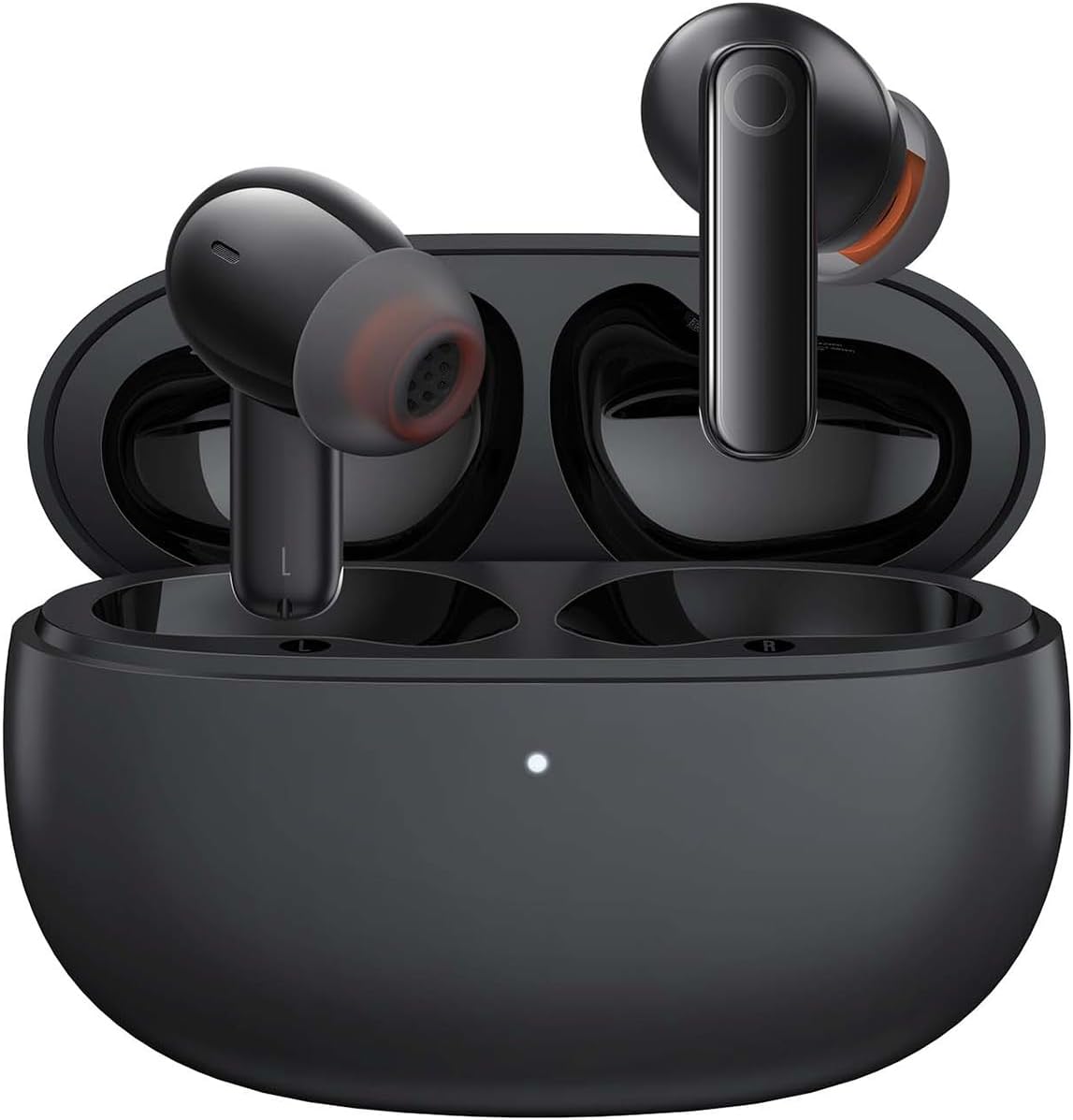
Image: The Baseus Bowie MZ10 True Wireless Stereo Earphones, shown in their open charging case, ready for use.
This manual provides detailed instructions for the operation, maintenance, and troubleshooting of your Baseus Bowie MZ10 TWS Earphones. Please read this manual thoroughly before using the product to ensure proper function and longevity.
Naon dina Box
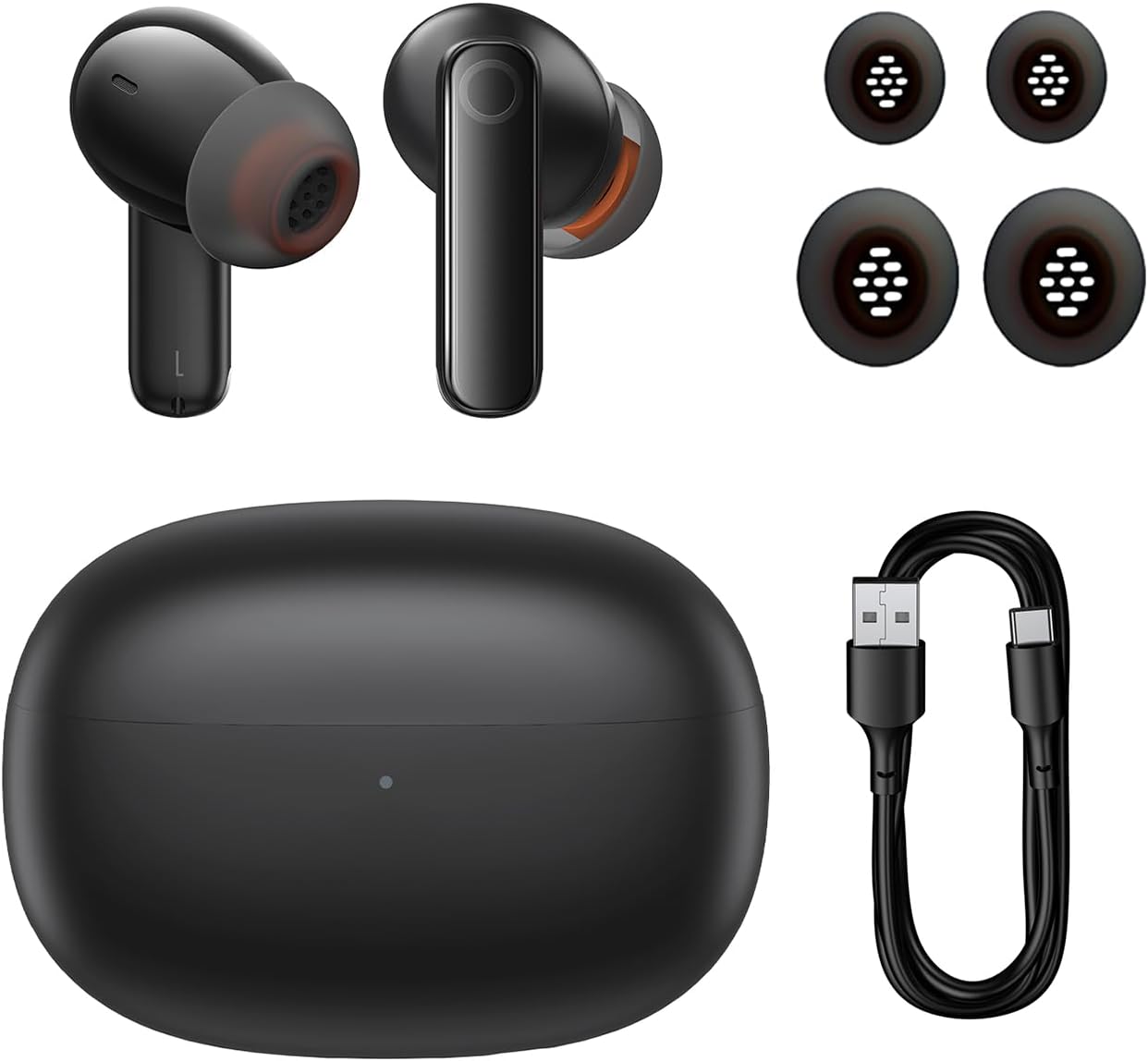
Image: The package contents of the Baseus Bowie MZ10 TWS Earphones, showing the two earbuds, the charging case, multiple sizes of ear tips, and a USB-C charging cable.
- Baseus Bowie MZ10 TWS Earbuds (Left and Right)
- Ngecas Case
- Kabel Ngecas USB-C
- Ujung Ceuli Silikon (rupa-rupa ukuran)
- Manual pangguna (dokumén ieu)
Disetél
1. Ngecas Earphone jeung Case
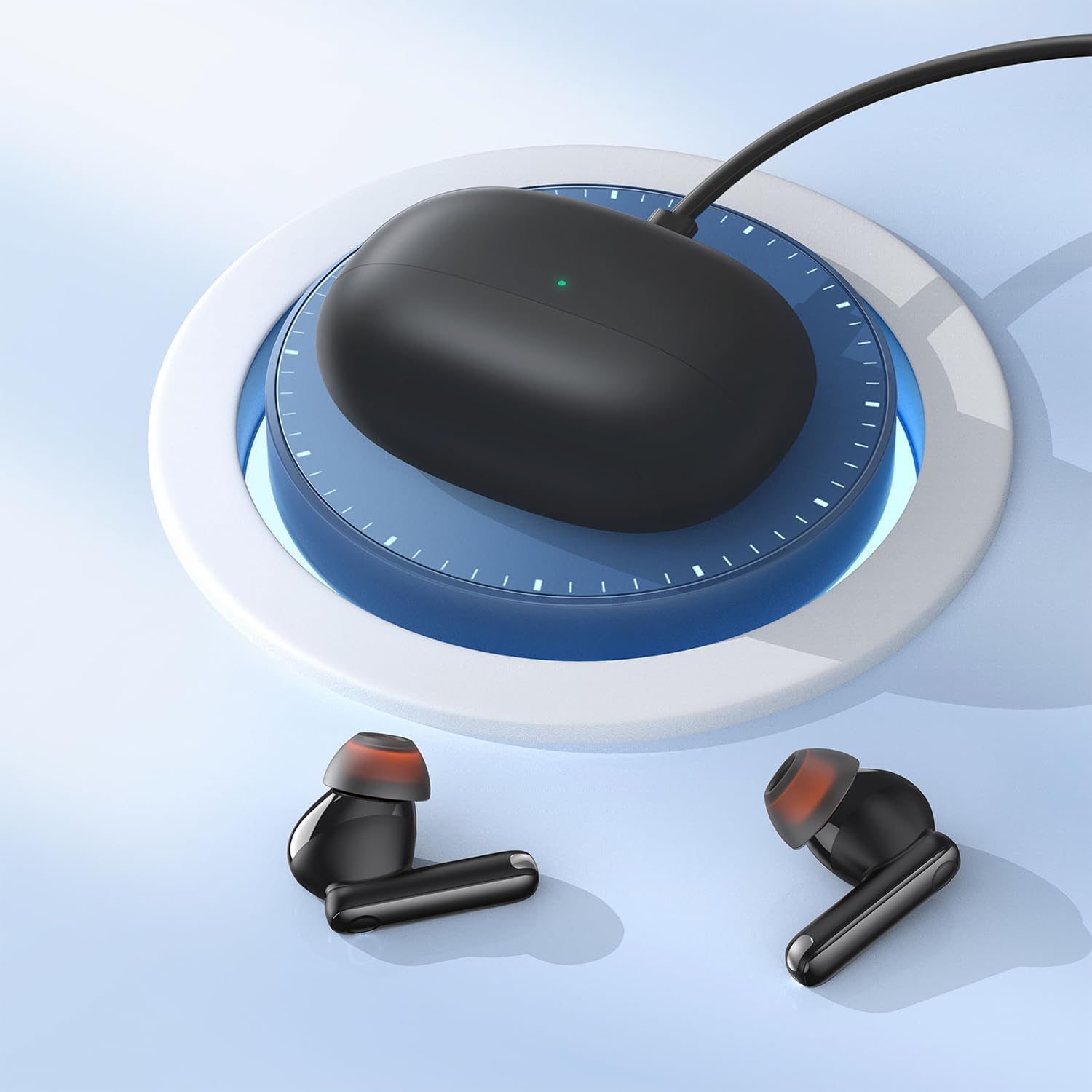
Image: The Baseus Bowie MZ10 charging case being charged via a USB-C cable, indicated by a green light on the case.
- Saméméh dipaké munggaran, eusian pinuh wadahna ngecas na earbuds.
- Sambungkeun kabel ngecas USB-C kana port ngecas dina casing sareng kana sumber daya.
- Lampu indikator dina wadahna bakal némbongkeun status ngecas. Muatan pinuh dituduhkeun nalika lampu tetep hurung.
- Place the earbuds into the charging case to charge them. The earbuds will automatically charge when placed correctly in the case.
2. Papasangan Bluetooth
- Open the charging case. The earbuds will automatically enter pairing mode, and the indicator light on the case will flash.
- Dina alat Anjeun (smartphone, tablet, jsb), aktipkeun Bluetooth.
- Milarian pikeun "Baseus Bowie MZ10" in the list of available Bluetooth devices.
- Select "Baseus Bowie MZ10" to connect. Once connected, the indicator light on the case will turn off or show a steady light.
- Upami papasangan gagal, tutup wadahna, antosan sababaraha detik, teras malikan deui léngkah-léngkahna.
Parentah Operasi
Toél Kontrol
The Baseus Bowie MZ10 earphones feature touch-sensitive controls on each earbud. The specific functions may vary slightly depending on your device and application.
| Aksi | Fungsi |
|---|---|
| Ketok Tunggal (Kénca/Katuhu) | Puter/Reureuh musik, Jawab/Tungtung telepon |
| Ketok dua kali (Katuhu) | lagu salajengna |
| Ketok dua kali (Kénca) | lagu saméméhna |
| Pencét Panjang (Kénca/Katuhu) | Switch between ANC/Transparency Mode (if applicable) |
| Ketok Triple (Kénca/Katuhu) | Aktipkeun Asisten Sora |
Aktif Noise pembatalan (ANC)
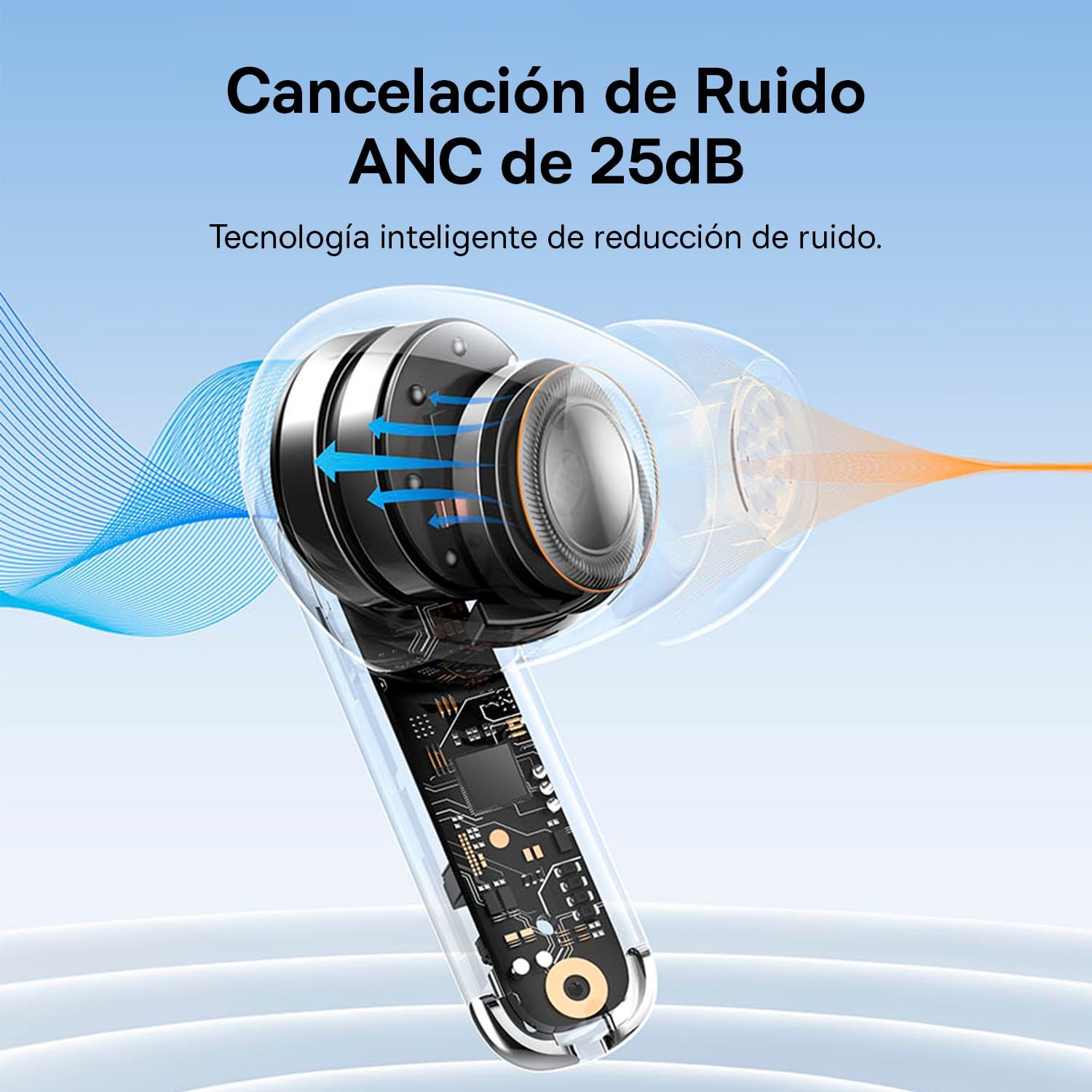
Image: A diagram showing how Active Noise Cancellation (ANC) works within the earbud, with sound waves being cancelled out.
The Baseus Bowie MZ10 earphones feature Active Noise Cancellation to reduce ambient noise. To activate or deactivate ANC, perform a long press on the touch area of either earbud. You may hear an audible prompt indicating the mode change.
Pangurangan Bising Lingkungan (ENC) pikeun Telepon
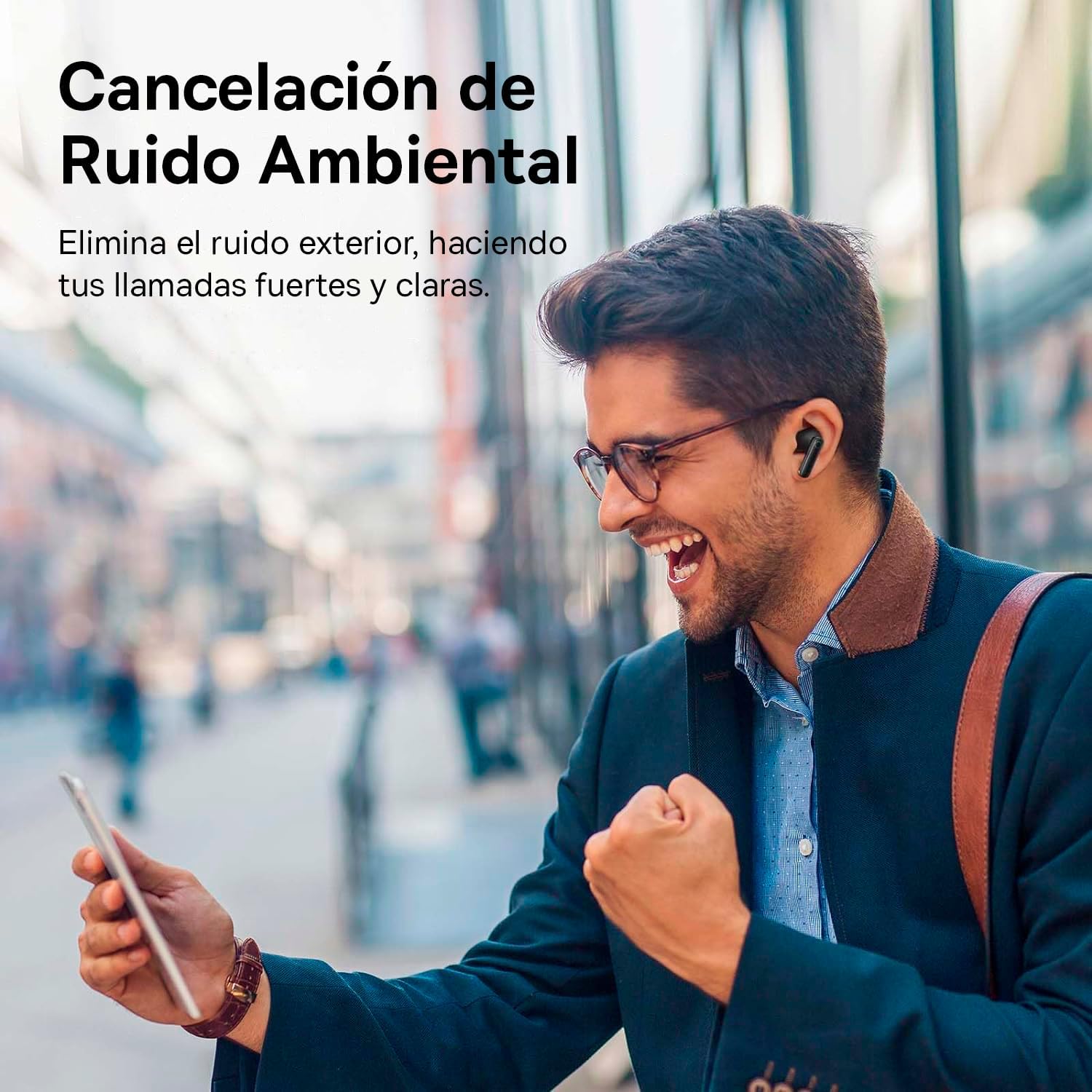
Image: A person smiling while using the Baseus Bowie MZ10 earphones in an outdoor setting, suggesting clear call quality despite ambient noise.
The earphones are equipped with Environmental Noise Cancellation (ENC) technology, which helps to suppress background noise during phone calls, ensuring your voice is transmitted clearly to the other party.
Low Latency Mode for Gaming
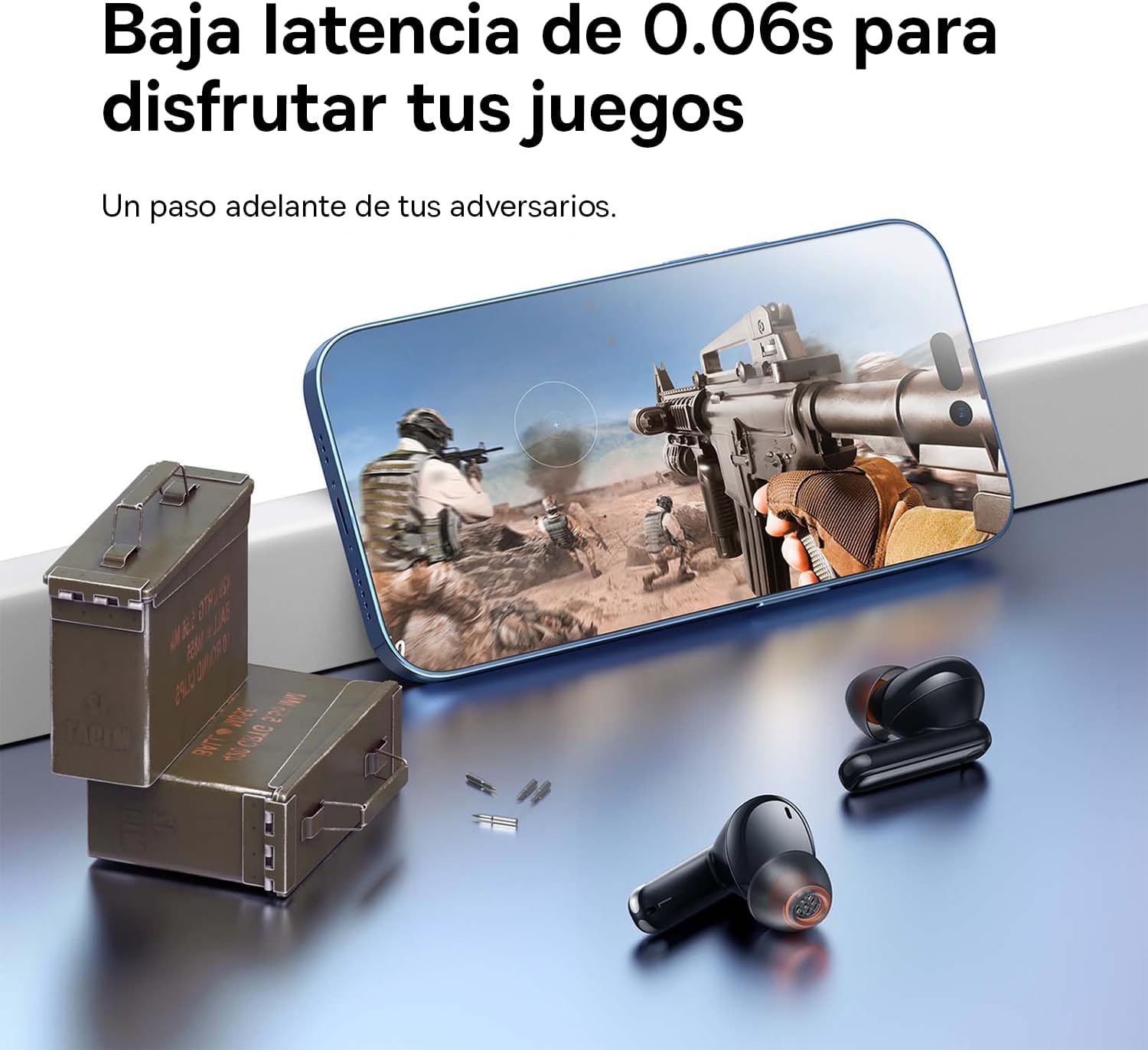
Image: The Baseus Bowie MZ10 earphones positioned near a smartphone displaying a video game, highlighting their low latency feature for an enhanced gaming experience.
For an optimized gaming experience, the Baseus Bowie MZ10 earphones offer a low latency mode. This mode reduces audio delay, ensuring that sound effects and dialogue are synchronized with on-screen actions. Refer to the Baseus app or specific earbud gestures (if available) to activate this mode.
Pangropéa
- beberesih: Regularly clean the earbuds and charging case with a soft, dry, lint-free cloth. Do not use abrasive cleaners or immerse the product in water.
- Tips ceuli: Cabut tip ceuli sacara périodik sareng bersihkeun nganggo iklanamp lawon. Pastikeun aranjeunna tos rengse garing saméméh reattaching.
- Panyimpenan: Upami teu dianggo, simpen earphone dina wadah ngecasna pikeun ngajaga sareng ngajaga daya tetep dicas. Simpen di tempat anu tiis, garing, sareng jauh tina sinar panonpoé langsung sareng suhu anu ekstrim.
- Perawatan batré: Pikeun ngahémat umur batré, ulah sering-sering ngosongkeun batréna. Cas earphone sacara rutin, sanaos henteu dianggo terus-terusan.
Pamérésan masalah
| Masalah | Solusi anu mungkin |
|---|---|
| Earbuds henteu dipasangkeun sareng alat |
|
| Ngan hiji earbud maén sora |
|
| Volume lemah atawa kualitas sora goréng |
|
| Kasus ngecas teu ngecas |
|
spésifikasi
- merek: Baseus
- Jumlah modél: NGTW340001
- Jenis produk: True Wireless Stereo (TWS) Earphones
- warna: Hideung
- Batré: Litium-ion (bisa dieusi ulang)
- Fitur: Active Noise Cancellation (ANC), Environmental Noise Cancellation (ENC), Low Latency Mode
- Konektipitas: Bluetooth (version not specified, but typically 5.0 or higher for TWS)
- Pangeusian Antarmuka: USB-C
Garansi sareng Rojongan
Baseus products are designed and manufactured to the highest quality standards. For information regarding warranty coverage, technical support, or service, please refer to the warranty card included with your purchase or visit the official Baseus websitus. Simpen bukti pameseran anjeun pikeun klaim garansi.
For further assistance, you may contact Baseus customer support through their official channels.


