1. Bubuka jeung Leuwihview
Welcome to the user manual for your HiFuture Flybuds 3 Wireless Bluetooth Headphones. These advanced earbuds are designed to provide a superior audio experience with seamless connectivity and comfort. Featuring Bluetooth 5.3 technology, they ensure a stable and high-quality connection with your devices.
The Flybuds 3 are equipped with 4 built-in microphones for crystal-clear calls and Active Noise Cancellation (ENC) to immerse you in your music. Their IPX5 water and sweat resistance makes them ideal for workouts and active lifestyles. Enjoy up to 32 hours of playtime with the charging case, ensuring your music accompanies you throughout the day.

The HiFuture Flybuds 3 in their charging case, ready for use.

HiFuture Flybuds 3 available in multiple colors, highlighting the new music era.
2. Naon dina Box
Mangga parios eusi pakét pikeun mastikeun yén sadaya barang aya:
- HiFuture Flybuds 3 Earbuds (Left and Right)
- Ngecas Case
- Kabel Ngecas USB
- Manual pamaké
3. Setélan
3.1 Charging Your Flybuds 3
Before first use, it is recommended to fully charge your Flybuds 3. This ensures optimal battery performance.
- Place both earbuds into their respective slots in the charging case.
- Connect the USB charging cable to the charging port on the case and plug the other end into a compatible USB power source (e.g., wall adapter, computer USB port).
- The indicator light on the charging case will illuminate to show charging status. A full charge typically takes approximately 2 hours.
- Saatos dicas pinuh, pegatkeun sambungan kabel ngecas.
3.2 Nyapasangkeun Bluetooth
Follow these steps to pair your Flybuds 3 with your device:
- Pastikeun yén earbuds dieusi sareng disimpen di jero wadah ngecas.
- Open the lid of the charging case. The earbuds will automatically power on and enter Bluetooth pairing mode.
- On your smartphone, tablet, laptop, or other Bluetooth-enabled device, go to the Bluetooth settings.
- Aktipkeun Bluetooth sareng milarian alat anyar.
- Select 'HiFuture Flybuds 3' from the list of available devices.
- Sakali nyambung, aya paréntah sora anu bakal mastikeun pasangan anu suksés. Headphone ayeuna parantos siap dianggo.
4. Parentah Operasi
4.1 Kontrol Toél
The Flybuds 3 feature intuitive touch controls on each earbud. Familiarize yourself with the following functions:
| Fungsi | Aksi |
|---|---|
| Puter/Reureuh Musik | Ketok tunggal dina boh earbud |
| Lagu salajengna | Ketok dua kali Earbud Katuhu |
| Lagu saméméhna | Ketok dua kali ceuli Kénca |
| Ngajawab / mungkas Telepon | Ketok tunggal dina boh earbud |
| Nolak Telepon | Pencét jeung tahan boh earbud salila 2 detik |
| Aktipkeun Asisten Sora | Ketok tilu kali dina boh earbud |
| Togél Modeu ANC/Transparansi | Press and hold the Right earbud for 2 seconds |
4.2 Nelepon
The 4 built-in microphones ensure clear voice pickup during calls. Use the touch controls as described above to manage your phone calls.
4.3 Puterkeun Musik
Enjoy your favorite music with rich audio quality. Control playback directly from the earbuds using the touch functions.

Enjoy up to 30 hours of playtime with the charging case.

Experience bold bass and rich audio with Flybuds 3.
4.4 Active Noise Cancellation (ENC)
The Flybuds 3 feature Environmental Noise Cancellation (ENC) to reduce ambient sounds, allowing you to focus on your audio. Use the touch control to toggle between ANC and Transparency modes.

Active Noise Cancellation (ENC) for an immersive listening experience.
5. Pangropéa
5.1 beberesih
To maintain the performance and appearance of your Flybuds 3:
- Lembut usap earbuds sareng wadah ngecas ku lawon anu lemes, garing, teu aya serat.
- Ulah make cleaners abrasive, pangleyur, atawa bahan kimia kasar.
- Ulah meunang Uap dina sagala bukaan.
5.2 Panyimpenan
Always store the earbuds in their charging case when not in use. This protects them from damage and keeps them charged for your next use.
5.3 Tahan Cai (IPX5)
The HiFuture Flybuds 3 are IPX5 water resistant, meaning they are protected against low-pressure water jets from any direction. This makes them suitable for use during workouts and in light rain.
- Ulah ngalelepkeun earbud atanapi wadah ngecas kana cai.
- Ulah ngalaan aranjeunna ka cai asin atawa cairan séjén.
- If they get wet, wipe them dry before placing them back in the charging case or charging.
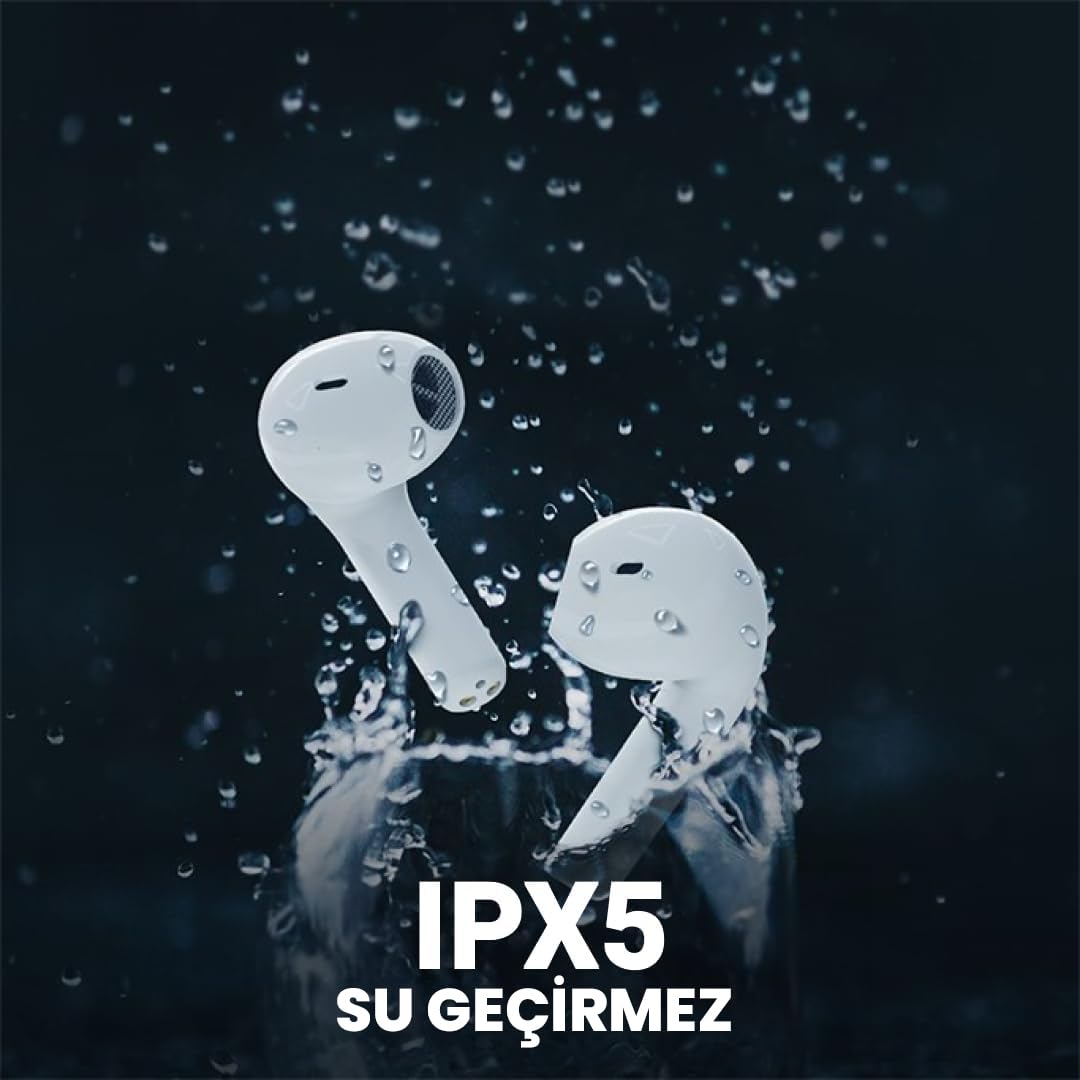
The Flybuds 3 are IPX5 water resistant, suitable for active use.
6. Cara ngungkulan
If you encounter any issues with your Flybuds 3, please refer to the following common solutions:
- Earbuds teu dipasangkeun: Ensure both earbuds are charged and within range of your device. Turn Bluetooth off and on again on your device. Try placing the earbuds back in the case, closing the lid, and then reopening it to re-enter pairing mode.
- Taya sora ti hiji atawa duanana earbuds: Check the volume levels on both your connected device and the earbuds. Ensure the earbuds are properly connected to your device. Try re-pairing the earbuds.
- Kualitas telepon goréng: Ensure the microphones on the earbuds are not obstructed. Move to an area with less background noise.
- hirup batré pondok: Ensure the earbuds and charging case are fully charged. Battery life can vary based on usage patterns, volume levels, and ANC usage.
- Earbuds teu ngecas: Pastikeun kabel ngecas disambungkeun pageuh kana wadah sareng sumber daya. Pariksa naha port ngecas bersih sareng bébas tina kokotor.
Upami masalahna masih aya, mangga tingali bagian Garansi sareng Dukungan kanggo bantosan salajengna.
7. Spésifikasi
Detailed specifications for your HiFuture Flybuds 3:
| Fitur | Rincian |
|---|---|
| Modél | FLYBUDS3-BK |
| Vérsi Bluetooth | 5.3 |
| Kahirupan Batré (Earbuds + Case) | Nepi ka 32 Jam |
| Waktu Ngecas | Kira-kira. 2 jam |
| Mikropon | 4 Diwangun-di |
| Tahan cai | IPX5 |
| Kontrol bising | Pangurangan Bising Aktif (ENC) |
| Métode kontrol | Toél |
| Beurat | 80 Grams (total product) |
| Alat nu cocog | Smartphone, Tablet, Laptop, Desktop |

Key features highlighted on the product packaging.

Ergonomic design ensures a comfortable and secure fit.
8. Garansi jeung Rojongan
8.1 Émbaran jaminan
Your HiFuture Flybuds 3 come with a 1-year manufacturer's warranty from the date of purchase. This warranty covers manufacturing defects and ensures your product performs as expected under normal use.
- Please retain your proof of purchase (receipt or invoice) as it is required for any warranty claims.
- Garansi ieu henteu ngawengku karusakan anu disababkeun ku salah panggunaan, kacilakaan, modifikasi anu henteu sah, atanapi panggunaan normal.
8.2 Rojongan Palanggan
For further assistance, troubleshooting, or to inquire about warranty claims, please contact HiFuture customer support. You can typically find contact information on the official HiFuture websitus.
Thank you for choosing HiFuture Flybuds 3. We hope you enjoy your listening experience!


