1. Bubuka
Welcome to the instruction manual for your Silverlit Exost Thunder Clap RC Buggy. This high-performance remote-controlled vehicle is designed for exciting indoor and outdoor play. Featuring a 1:10 scale, a robust design, and 2.4 GHz technology, the Thunder Clap offers precise control and impressive speed. Please read this manual thoroughly before operating the vehicle to ensure safe and optimal performance.
2. Émbaran Kasalametan
- Saran umur: This product is not suitable for children under 36 months due to small parts. Adult supervision is required during operation.
- Kasalametan batré:
- Ulah campur accu heubeul jeung anyar.
- Ulah gaul batré basa, standar (karbon-séng), atawa rechargeable (nikel-kadmium).
- Selapkeun batré sareng polaritasna anu leres (+ sareng -).
- Cabut batréna béak tina produk.
- Batré anu tiasa dicas deui kedah dicabut tina cocooan sateuacan dicas.
- Batré anu tiasa dicas deui ngan ukur kedah dieusi dina pangawasan sawawa.
- Batré anu teu tiasa dieusi deui henteu kedah dieusi deui.
- Ulah short-circuit terminal suplai.
- Lingkungan Operasi: Avoid operating the vehicle near water, sand, or excessive dust. Do not operate in crowded areas or near public roads.
- Ngahindarkeun Dampak: Avoid collisions with people, pets, or objects to prevent injury or damage.
- beberesih: Disconnect power and remove batteries before cleaning. Use a damp lawon; ulah beuleum dina cai.
3. Eusi Paket
Punten pastikeun sadaya barang anu didaptarkeun di handap aya dina pakét anjeun:
- 1 x Silverlit Exost Thunder Clap RC Buggy (1:10 Scale)
- 1 x Remote Control (2.4 GHz)
- 1 x Rechargeable Battery Pack for Buggy
- 1 x USB Charging Cable for Battery Pack

4. Setup Guide
4.1. Charging the Buggy Battery
- Locate the rechargeable battery pack and the USB charging cable.
- Sambungkeun pak batré ka kabel ngecas USB.
- Colokkeun kabel ngecas USB kana adaptor daya USB standar (henteu kalebet) atanapi kana port USB komputer.
- Allow the battery to charge fully. The charging indicator (if present on the cable or battery) will change color or turn off when charging is complete.
- Cabut batré tina carjer saatos dicas pinuh.
4.2. Masang Batré dina Remote Control
- Panggihan kompartemen batré dina tonggong kadali jauh.
- Buka panutup kompartemen batré.
- Insert 2 x AA batteries (not included) into the compartment, ensuring correct polarity (+ and -).
- Tutup panutup kompartemen batré aman.
4.3. Installing the Buggy Battery
- Locate the battery compartment on the underside of the Thunder Clap buggy.
- Buka panutup kompartemen batré.
- Connect the fully charged battery pack to the buggy's power connector.
- Carefully place the battery pack inside the compartment.
- Tutup panutup kompartemen batré aman.
4.4. Pairing the Remote Control and Buggy
The Thunder Clap uses 2.4 GHz technology for automatic pairing.
- Ensure both the buggy and the remote control have fresh or fully charged batteries installed.
- Turn on the power switch on the buggy.
- Hurungkeun saklar daya dina remot kontrol.
- The remote control and buggy should automatically pair. An indicator light on the remote (if present) may stop flashing or turn solid to confirm pairing.
- If pairing fails, turn both devices off and repeat the process.
5. Parentah Operasi
5.1. Kadali dasar
- Throttle pemicu: Pull the trigger to move the buggy forward. Push the trigger forward to move backward or brake.
- Setir: Turn the steering wheel left to turn the buggy left, and right to turn the buggy right.
5.2. Tip Nyetir
- Start slowly to get a feel for the controls.
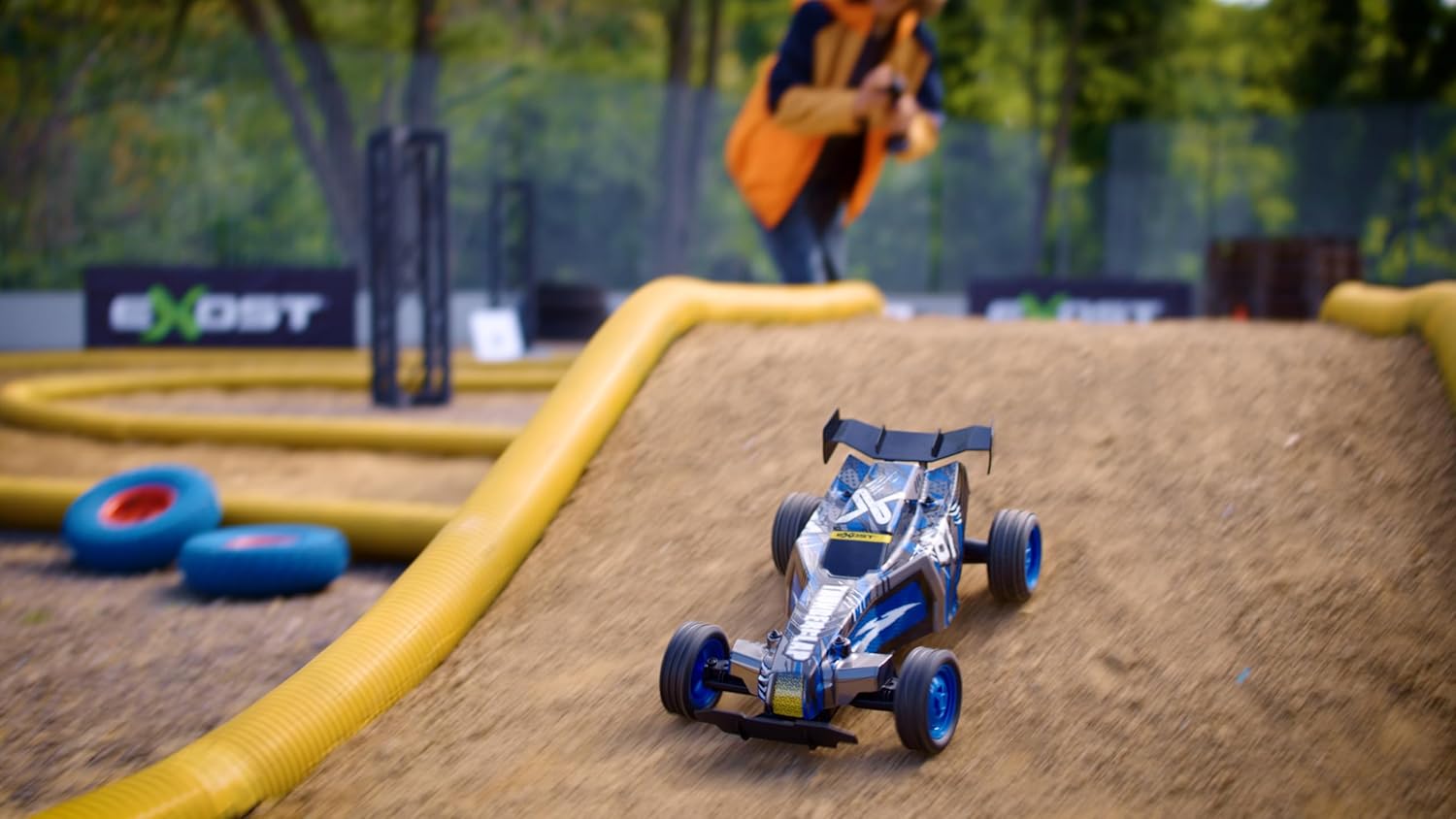
- The Thunder Clap's knobby tires provide excellent grip for sharp turns and varied terrains.
- Practice in an open area before attempting more complex maneuvers.
- The 2.4 GHz technology allows multiple vehicles to operate simultaneously without interference, making it suitable for racing with friends.
6. Pangropéa
6.1. beberesih
- Always turn off the buggy and remote control, and remove batteries before cleaning.
- Use a soft, dry cloth to wipe down the vehicle. For stubborn dirt, a slightly damp cloth can be used, but ensure no water enters electronic components.
- Do not use chemical cleaners or solvents, as these may damage the plastic parts or decals.
- Remove any debris (grass, hair, dirt) from the wheels and axles to ensure smooth operation.
6.2. Panyimpenan
- When not in use for extended periods, remove all batteries from both the buggy and the remote control.
- Store the vehicle and remote control in a cool, dry place, away from direct sunlight and extreme temperatures.
- Keep the original packaging for storage and transport if possible.
7. Cara ngungkulan
| Masalah | Mungkin Cukang lantaranana | Solusi |
|---|---|---|
| Buggy does not move or respond. |
|
|
| Short operating range or intermittent control. |
|
|
| Buggy moves slowly or lacks power. |
|
|
8. Spésifikasi
- merek: Silverlit
- Ngaran modél: Thunder Clap
- Rujukan Pabrikan: 20645
- Skala: 1:10
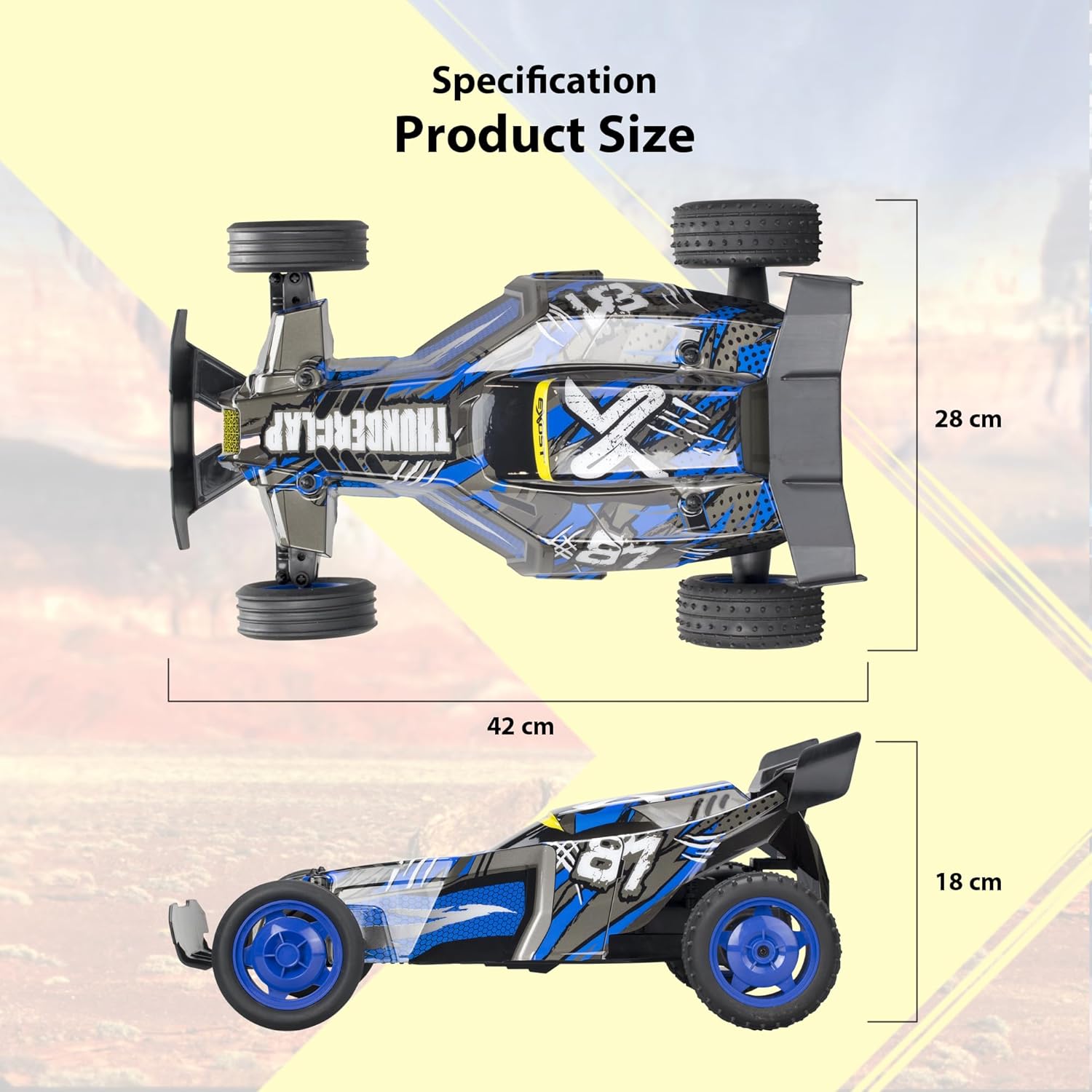
- Ukuran (L x W x H): Kira-kira 42 cm x 28 cm x 18 cm
- beurat: 1.5 kg
- Bahan: palastik
- warna: Biru jeung Hideung
- Laju Max: Approximately 20 km/h
- Jenis Kontrol Radio: 2.4 GHz
- Buggy Power: Batré Rechargeable (kaasup)
- Daya Kadali Jauh: 2 x Batré AA (teu kalebet)
- Umur Disarankeun: 5 taun ka luhur
9. Garansi jeung Rojongan
For warranty information and customer support, please refer to the documentation included with your purchase or visit the official Silverlit websitus. Inpormasi ngeunaan kasadiaan suku cadang teu disayogikeun dina manual ieu.
Pabrikan: Silverlit Toys Manufactory Ltd.


