1. Bubuka jeung Leuwihview
The ETOE TV Box is a powerful streaming device designed to transform your television into a smart entertainment hub. Running on the latest Android 11.0 OS and equipped with a high-performance 64-bit Cortex-A53 quad-core processor, it provides a smooth streaming experience for HD, 4K, and HDR content. This device offers access to a vast library of applications and features, including built-in Google Assistant and Chromecast.
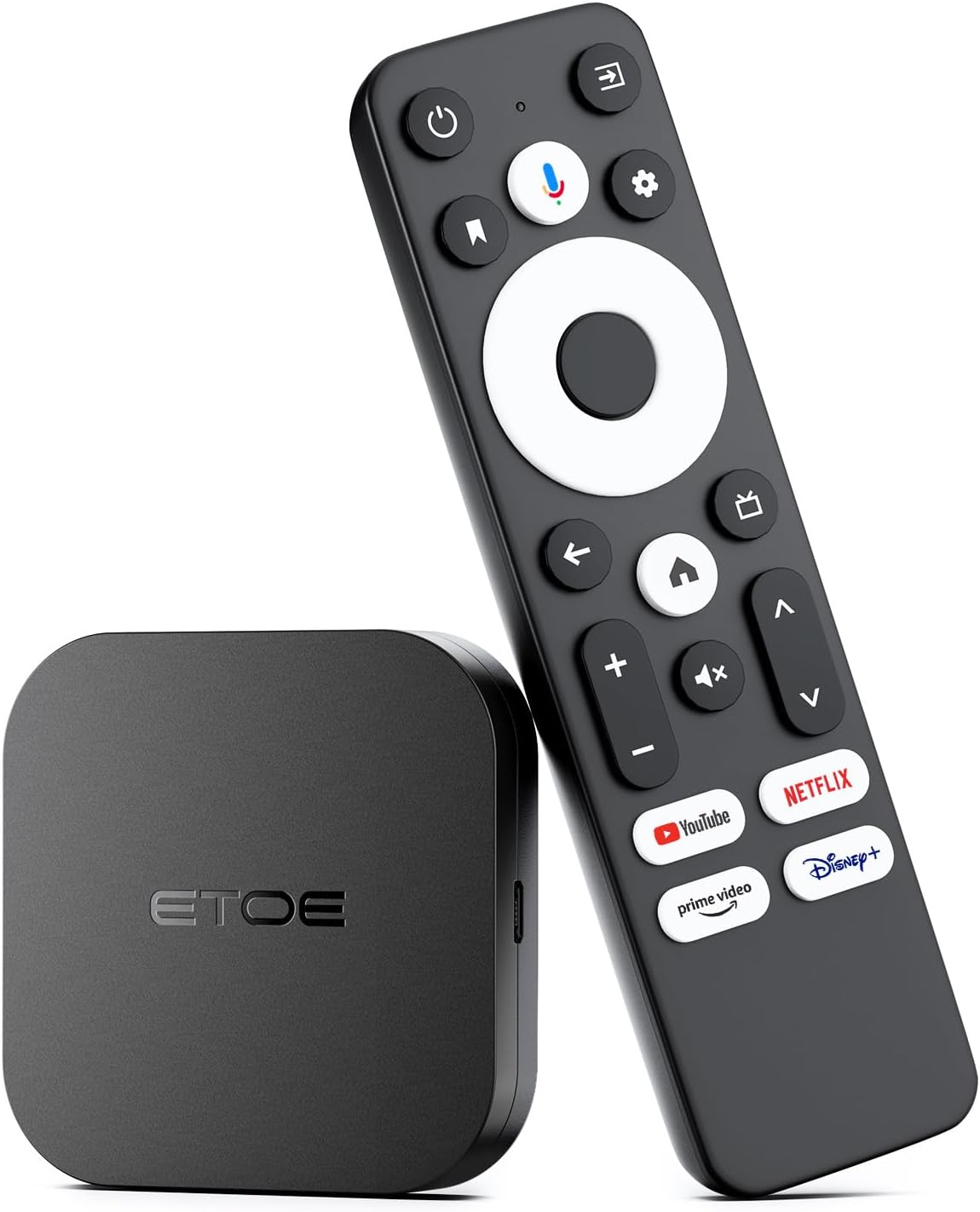
Image: The ETOE TV Box, a compact black square device, is shown alongside its black remote control. The remote features a circular navigation pad, dedicated buttons for popular streaming services like Netflix, YouTube, Prime Video, and Disney+, and a microphone button for voice commands.
2. Setup Guide
Setting up your ETOE TV Box is a straightforward process, allowing you to quickly access your favorite streaming content.
2.1 Sambungan Awal
- Nyambung ka TV: Plug the ETOE TV Box into an available HDMI port on your television using an HDMI cable (not included).
- Daya Hurung: Connect the power adapter to the TV Box and then to a power outlet. The device will automatically power on.
- Pilih Input: On your TV, select the corresponding HDMI input source using your TV remote.

Image: A visual representation of the ETOE TV Box connected to the back of a television via an HDMI port, illustrating the simple setup process. The text indicates that setup is easy, requiring only connection to an HDMI port and Wi-Fi to enjoy streaming services.
2.2 Konfigurasi Jaringan
- Sambungan Wi-Fi: Once the device boots up, navigate to the settings menu on the screen. Select 'Network & Internet' and choose your Wi-Fi network from the list. Enter your Wi-Fi password to connect. The device supports 2.4GHz and 5GHz dual-band Wi-Fi for reliable streaming.
- Sambungan Ethernet (Opsional): For a wired connection, plug an Ethernet cable from your router into the Ethernet port on the ETOE TV Box. The device will automatically detect and use the wired connection.
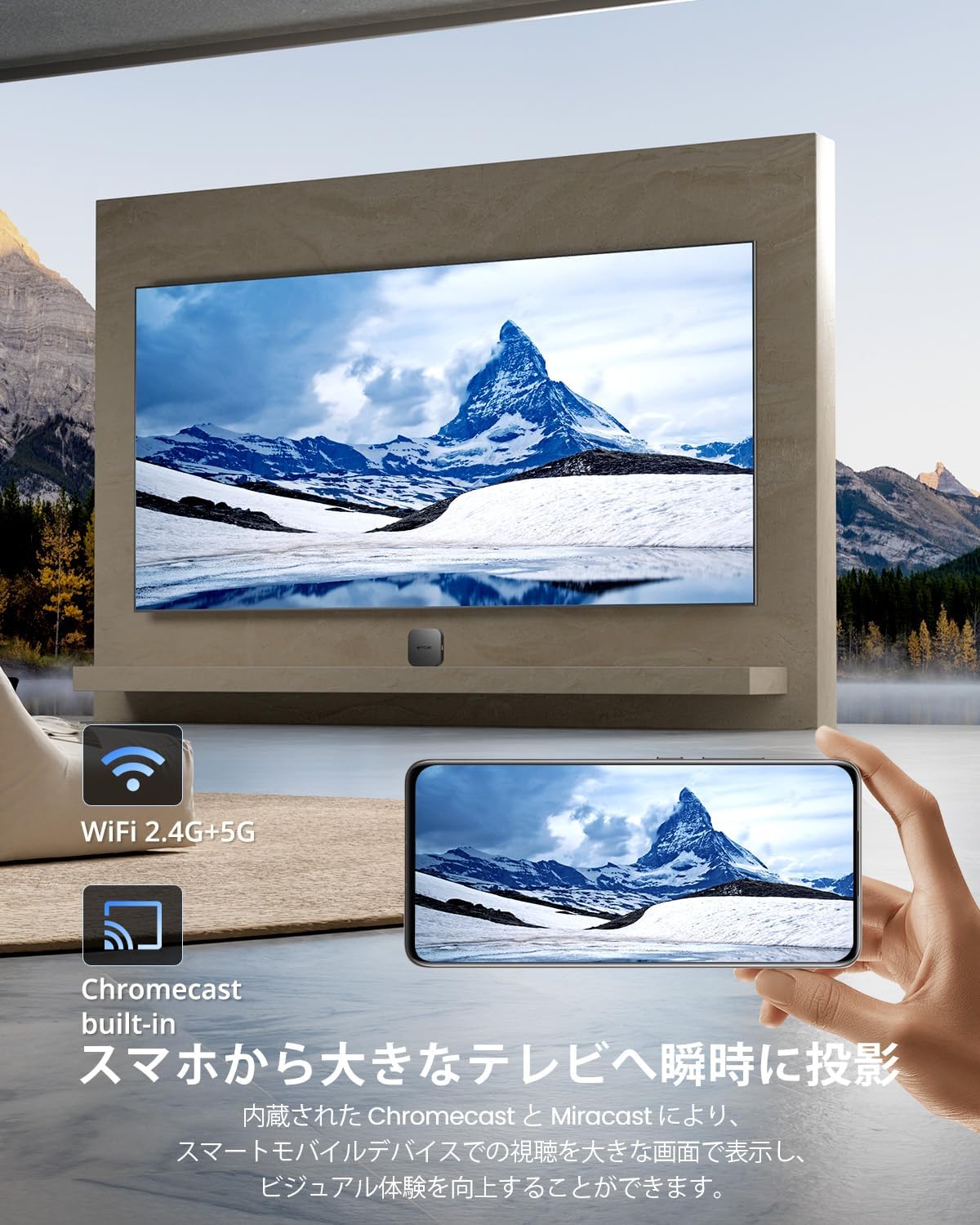
Image: The ETOE TV Box is shown in a living room setting, with a television displaying a scenic mountain view. Icons for Wi-Fi 2.4G+5G and Chromecast built-in are visible, emphasizing the device's wireless capabilities and screen mirroring function. A hand holding a smartphone is shown casting content to the TV, demonstrating the Chromecast feature.
2.3 Setélan Akun Google
Follow the on-screen prompts to sign in with your Google account. This step is essential for accessing the Google Play Store and other Google services.
3. Parentah Operasi
The ETOE TV Box offers various ways to navigate and enjoy your content.
3.1 Pamakéan Remote Control
- Napigasi: Anggo pad arah pikeun mindahkeun ménu sareng milih barang.
- Tombol imah: Press the home button to return to the main Android TV home screen.
- Tombol Balik: Use the back button to go to the previous screen or exit an application.
- Kontrol volume: Saluyukeun polumeu nganggo tombol polumeu khusus.
- Tombol Aplikasi khusus: Quickly launch popular streaming services like Netflix, YouTube, Prime Video, and Disney+ using their respective buttons.
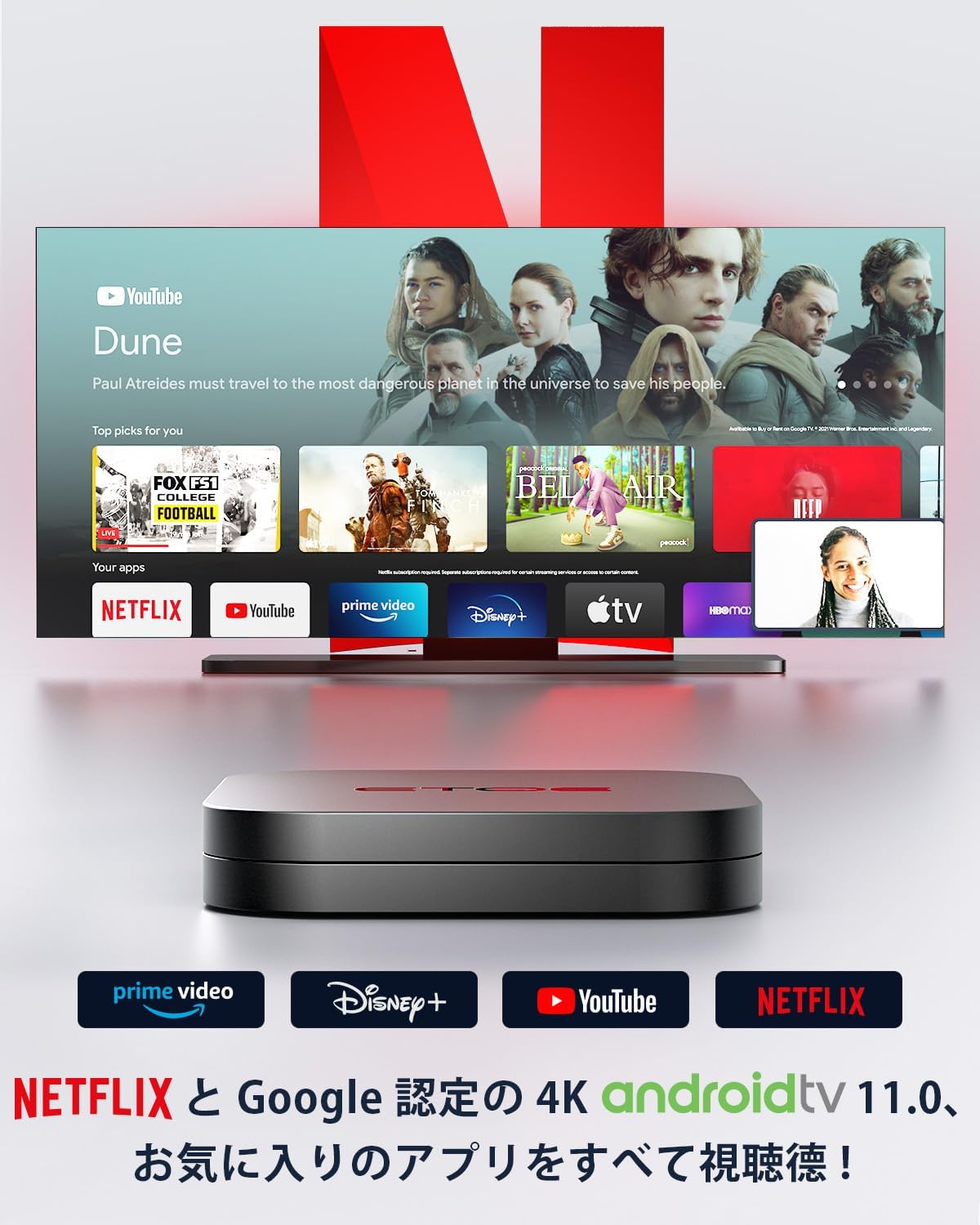
Image: The ETOE TV Box is positioned in front of a television screen displaying various streaming applications, including YouTube, Netflix, Prime Video, and Disney+. This highlights the device's capability to access a wide range of entertainment content.
3.2 Asistén Google
The ETOE TV Box features built-in Google Assistant for voice control.
- Aktipkeun: Press the microphone button on your remote control.
- Paréntah sora: Speak clearly into the remote to search for content, control playback, manage smart home devices, and get answers to your questions. For example, you can say "Find me a sci-fi movie," "Pause the movie," or "Play some music."
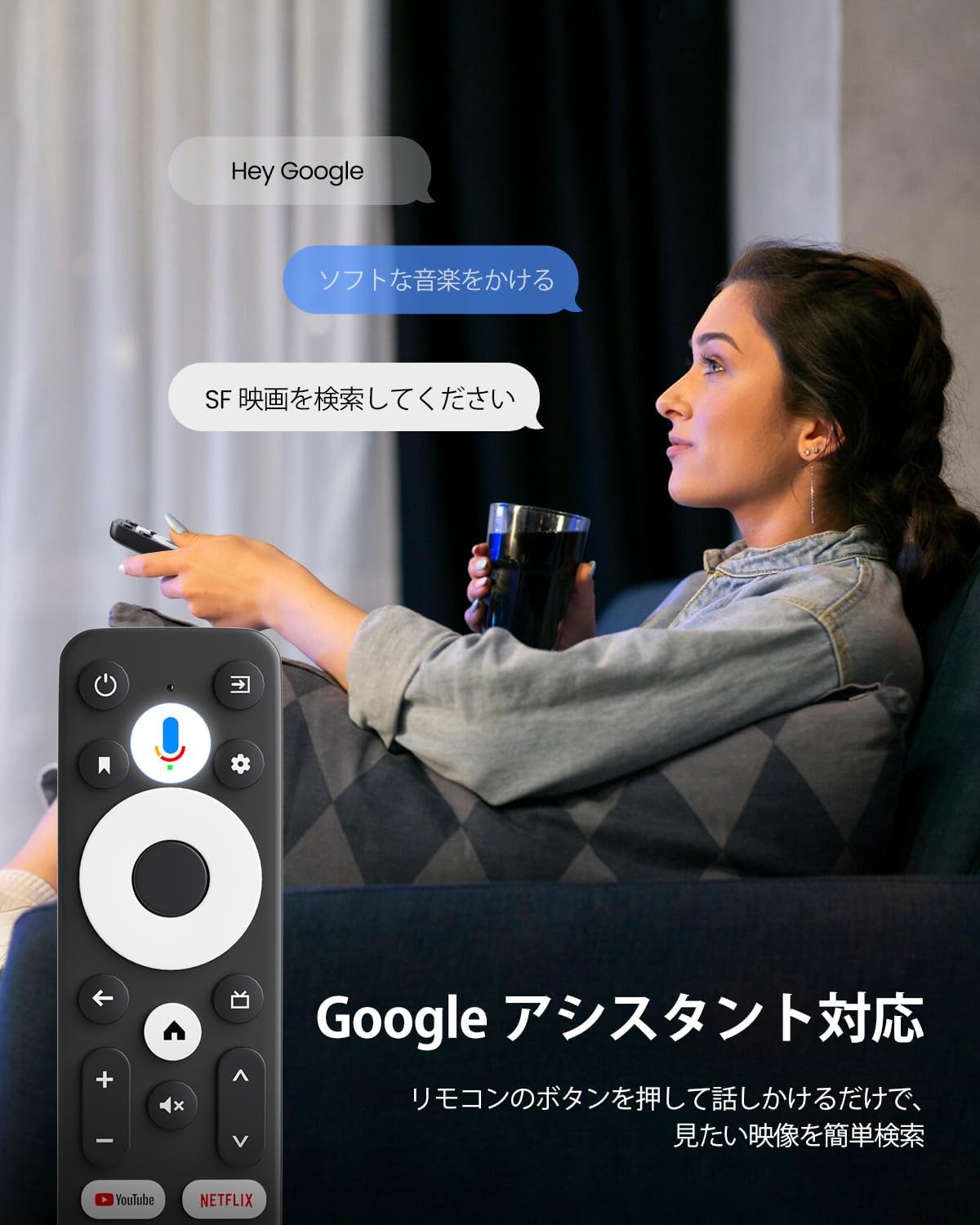
Image: A user is shown comfortably seated, holding the ETOE TV Box remote control and interacting with the Google Assistant. Speech bubbles on the screen illustrate voice commands such as "Play soft music" and "Milarian pikeun SF movies," demonstrating the ease of voice-controlled operation.
3.3 Chromecast Diwangun-di
Easily cast content from your mobile devices or computer to your TV.
- Casting: From a compatible app on your smartphone, tablet, or PC, tap the Chromecast icon to cast photos, videos, music, and more directly to your television screen.

Image: This image illustrates the Chromecast built-in functionality, showing a smartphone screen mirroring content (a sports car) onto a larger television screen via the ETOE TV Box. This demonstrates how users can quickly cast photos, videos, and music from their mobile devices or PCs to the TV.
4. Fitur konci
The ETOE TV Box is equipped with advanced features for an enhanced entertainment experience.
- Powerful Android 11 TV Box: Features the latest Android 11.0 OS and a high-performance 64-bit Cortex-A53 quad-core processor, ensuring smooth wired and wireless streaming. It delivers powerful performance necessary for your main TV, optimized for HD, 4K, and HDR streaming.
- Immersive 4K Visuals and Dolby Audio: Experience breathtaking picture quality with vivid resolution and vibrant colors, optimized for your TV, whether streaming content in HD, 4K, or HDR. With Dolby Audio, movies come to life, immersing you in a 3-dimensional audio experience that truly draws you into the action.

Image: A television screen displays a stunning 4K image of a snowy mountain, with a prominent "4K SUPPORTED" badge, highlighting the device's capability to deliver ultra-high-definition visuals.
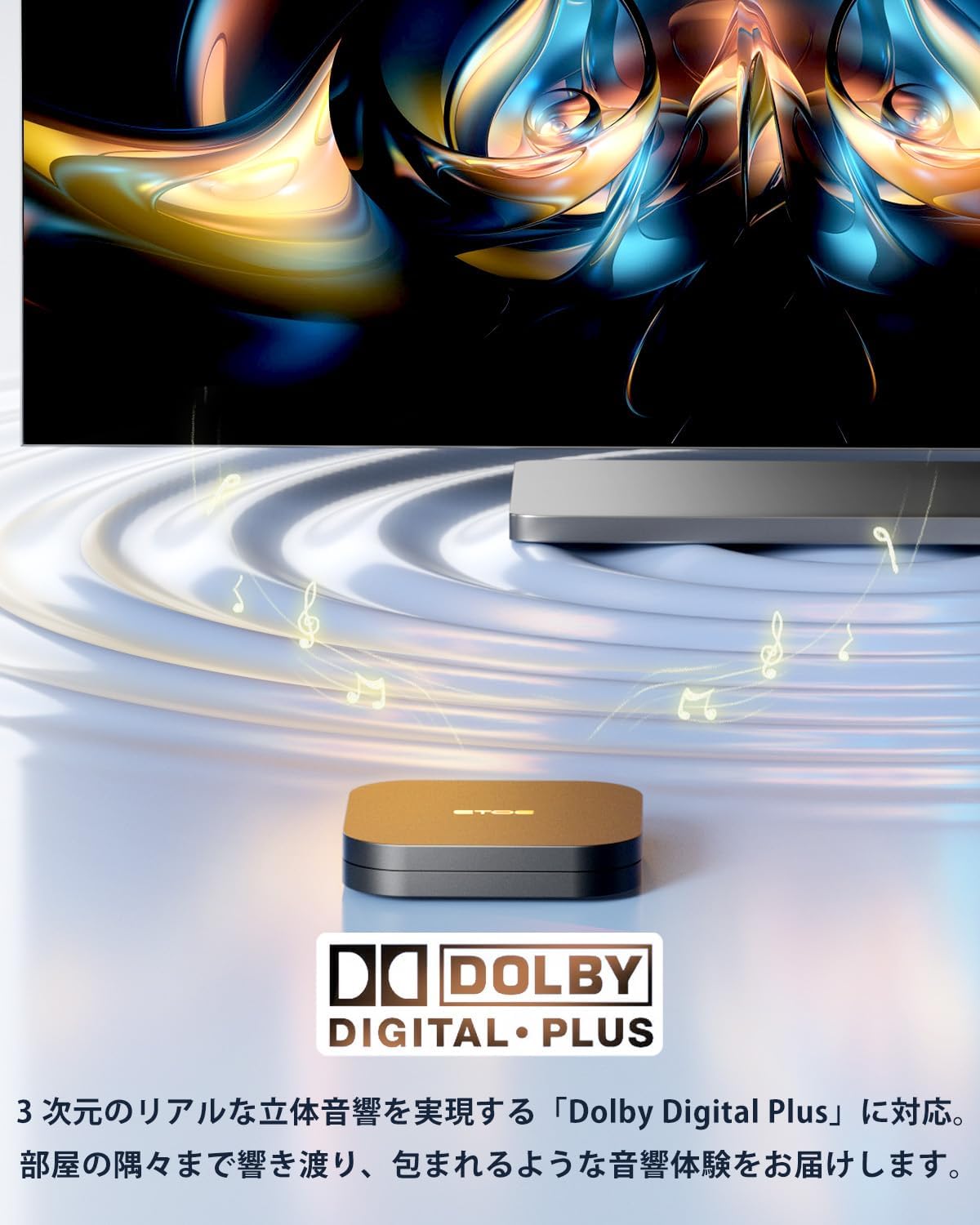
Image: The ETOE TV Box is shown with musical notes emanating from it, accompanied by the Dolby Digital Plus logo. This visual emphasizes the device's support for immersive 3D audio, enhancing the cinematic experience.
- Support for Over 9000 Apps: This smart TV box comes with popular streaming services like official Netflix certified TV version, Google Play, Prime Video, Disney+, YouTube, and Spotify, allowing direct access to platforms like Netflix. You can also access YouTube, Prime Video, and Google Play with one click. Furthermore, you can access over 9,000 apps available on the Google Play Store.
- Wi-Fi 2.4G/5G: Enjoy reliable streaming connections using either 2.4/5GHz dual-band wireless or Ethernet.
- Ample Memory and Enhanced Features: The device is equipped with 2GB RAM and 16GB internal storage, ensuring faster performance and a more comfortable user experience.

Gambar: A lengkep view of the internal components of the ETOE TV Box, highlighting the processor and memory. Text overlays indicate "2G + 16G," signifying the device's 2GB RAM and 16GB internal storage, which contribute to its enhanced performance.
5. Spésifikasi
Detailed technical specifications for the ETOE TV Box.
| Fitur | Spésifikasi |
|---|---|
| Nomer modél | D1221411-V2 |
| merek | etoe |
| Warna | Hideung |
| Faktor Bentuk | TV Stick (Box) |
| Sistem operasi | Android 11.0 OS |
| Prosesor | 64-bit Cortex-A53 Quad-Core |
| Resolusi | 4K |
| Téhnologi konektipitas | USB, Wi-Fi (2.4G/5G) |
| Tipe Panyambung | Micro USB |
| Fitur husus | Chromecast Terintegrasi, Asisten Google |
| Dirojong jasa Internét | Netflix, Prime Video, Disney+, YouTube, Spotify, Google Play |
| Alat nu cocog | Personal Computer, Tablet, Monitor |
| Item Beurat | 0.23 kg (230 g) |
| Ukuran Paket | 16.3 x 10.1 x 4.9 cm |

Image: A diagram illustrating the physical dimensions of both the ETOE TV Box and its remote control. The TV box measures 6.5 cm x 6.5 cm x 1 cm, while the remote measures 13.7 cm x 3.7 cm x 1.8 cm, providing a clear understanding of their compact sizes.
6. Cara ngungkulan
If you encounter issues with your ETOE TV Box, refer to the following common troubleshooting steps.
- Henteu aya kakuatan: Ensure the power adapter is securely connected to both the device and a working power outlet. Try a different outlet if necessary.
- Teu aya gambar dina TV: Verify that the HDMI cable is firmly connected to both the TV Box and the TV. Confirm that your TV is set to the correct HDMI input source.
- Henteu aya sambungan Wi-Fi: Check your router to ensure it is powered on and functioning correctly. Re-enter your Wi-Fi password in the device settings to confirm it is correct. Move the device closer to the router if signal strength is weak.
- Aplikasi katirisan / nabrak: Close and restart the application. If the issue persists, try clearing the app's cache and data in the device settings (Settings > Apps > [App Name] > Clear Cache/Clear Data).
- Remote Control Teu Ngabales: Check the batteries in the remote control and replace them if needed. Ensure there are no obstructions between the remote and the TV Box.
- Performance Lambat: Close any unused applications running in the background. Consider restarting the device.
7. Pangropéa
Proper maintenance helps ensure the longevity and optimal performance of your ETOE TV Box.
- beberesih: Anggo lawon anu lemes sareng garing pikeun ngusap bagian luar alat. Entong nganggo pembersih cair atanapi bahan anu kasar.
- Ventilasi: Pastikeun alat disimpen di daérah anu ventilasi saé pikeun nyegah overheating. Ulah meungpeuk sagala bukaan ventilasi.
- Apdet parangkat lunak: Periodically check for and install system software updates to ensure you have the latest features and security enhancements. You can usually find this option in the device's settings menu under 'About' or 'System Update'.
- Manajemén Panyimpenan: Regularly clear unnecessary apps and data to free up storage space, which can improve performance.
8. Garansi jeung Rojongan
ETOE provides comprehensive support and warranty coverage for your TV Box.
- 30-Day Price Guarantee: Details regarding this guarantee should be confirmed with the retailer or ETOE directly.
- Garansi 12 Bulan: The product is covered by a 12-month warranty from the date of purchase. This warranty covers manufacturing defects and malfunctions under normal use.
- Rojongan Palanggan: For any questions or assistance, ETOE aims to provide a response within 12 hours.
Inpormasi kontak:
Upami anjeun aya patarosan, mangga ngahubungi kami di:
We guarantee 100% satisfaction.


