1. Bubuka
This manual provides detailed instructions for the Noise Buds VS404 Truly Wireless Earbuds. Please read this guide thoroughly to ensure proper usage, optimal performance, and longevity of your device. Keep this manual for future reference.
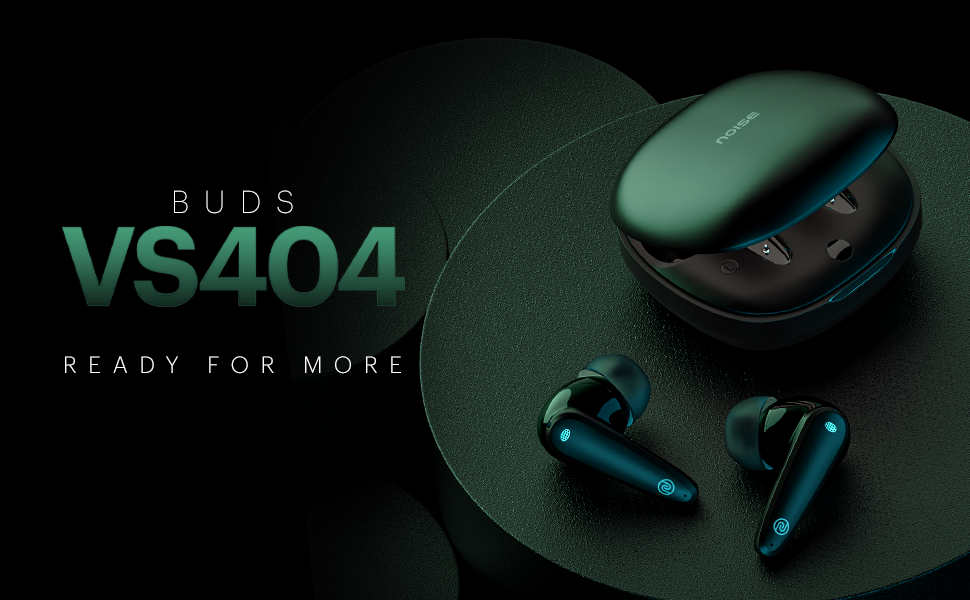
Gambar 1.1: Leuwihview of Noise Buds VS404 key features including extended playtime, advanced microphone system, multiple sound modes, and fast charging.
2. Naon dina Box
Pastikeun yén sadaya item di handap ieu kalebet dina pakét anjeun:
- 1N Bluetooth Headphone (Pair of Earbuds)
- 1N Ngecas Case
- Kabel Ngecas 1N (Tipe-C)
- 1N Buku Panduan
- 1N Warranty Registration Card
3. Produk Langkungview
The Noise Buds VS404 are designed for comfort and high-quality audio. Each earbud features a 10mm dynamic driver and a quad-microphone setup with Environmental Noise Cancellation (ENC) for clear calls. The charging case provides additional battery life and protects the earbuds.

Image 3.1: The Noise Buds VS404 earbuds and their charging case.
3.1. Earbud Components
- Area Kontrol Toél: Pikeun ngatur musik, telepon, sareng asistén sora.
- Mikropon: Quad-mic setup for calls and ENC.
- Speaker: 10mm dynamic driver.
- Ngecas Kontak: Pikeun ngecas di jero wadahna.
3.2. Komponen Kotak Pangisi Daya
- Slot Earbud: Nyepeng sareng ngecas earbuds kalayan aman.
- Port ngecas: Type-C port for charging the case.
- Indikator LED: Némbongkeun status ngecas sareng tingkat batré.
4. Setélan
4.1. Ngecas Earbuds jeung Case
Saméméh dipaké munggaran, eusian pinuh ku earbuds jeung wadah ngecas.
- Teundeun earbuds kana wadah ngecas. Pastikeun aranjeunna leres seated.
- Sambungkeun kabel ngecas Tipe-C ka port ngecas dina casing sareng ka sumber listrik.
- Indikator LED dina wadahna bakal némbongkeun status ngecas. Sakali dicas pinuh, indikatorna bakal robah atanapi pareum.
The Noise Buds VS404 feature Instacharge, providing approximately 200 minutes of playtime with just 10 minutes of charging.
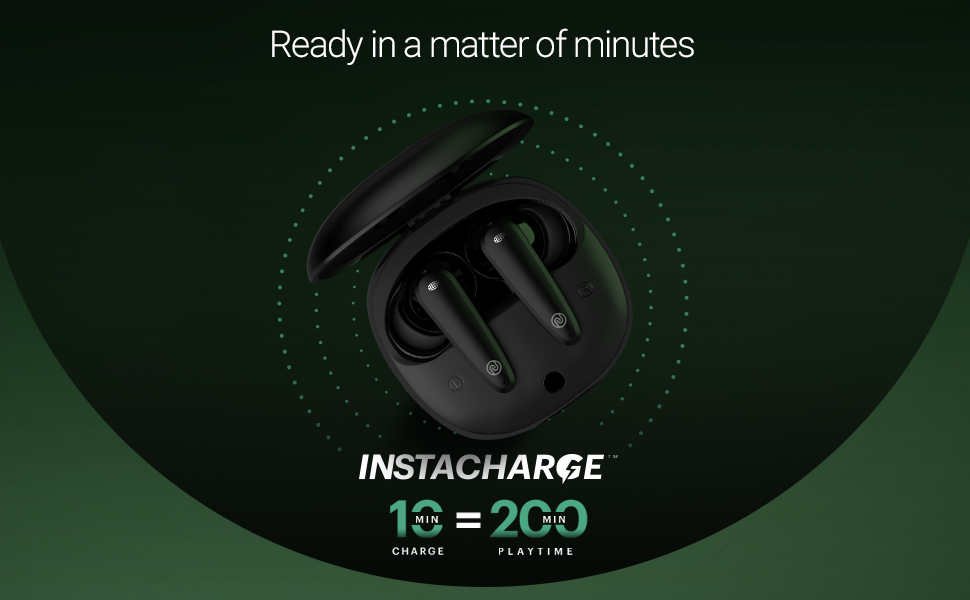
Image 4.1: Instacharge capability of the Noise Buds VS404, offering quick power-ups.
Ngecas pinuh nyadiakeun dugi ka 50 jam total waktos puter deui nganggo wadah ngecas.
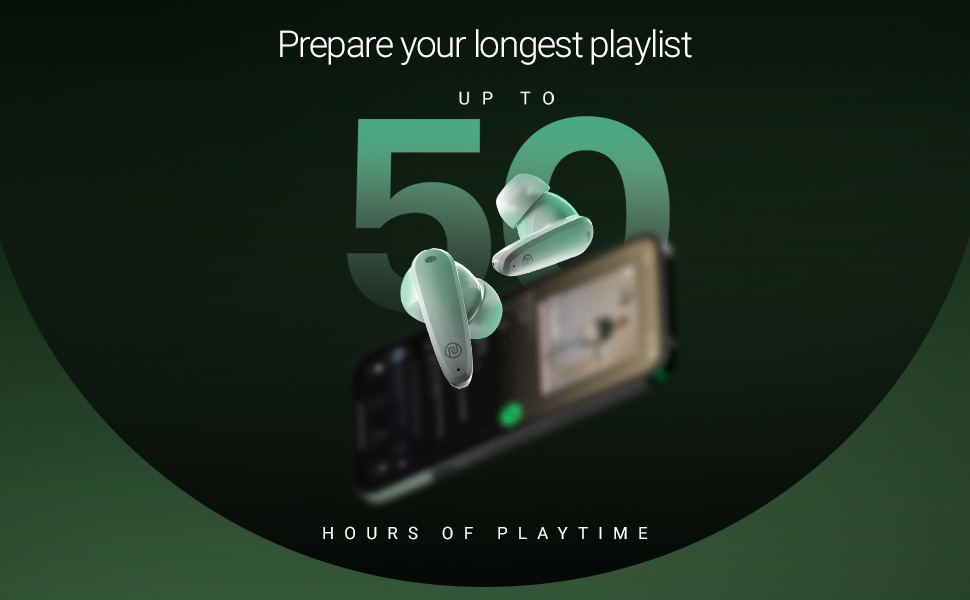
Image 4.2: The Noise Buds VS404 provide up to 50 hours of total playback time.
4.2. Papasangan Bluetooth
Pikeun nyambungkeun earbud anjeun ka alat:
- Buka wadah ngecas. Earbuds bakal otomatis asup kana mode papasangan.
- Dina alat anjeun (smartphone, tablet, laptop), aktipkeun Bluetooth.
- Milarian pikeun available Bluetooth devices and select "Noise Buds VS404" from the list.
- Once connected, you will hear an audio prompt, and the LED indicator on the earbuds may change.
The earbuds use Bluetooth v5.3 for a stable connection up to 10 meters.
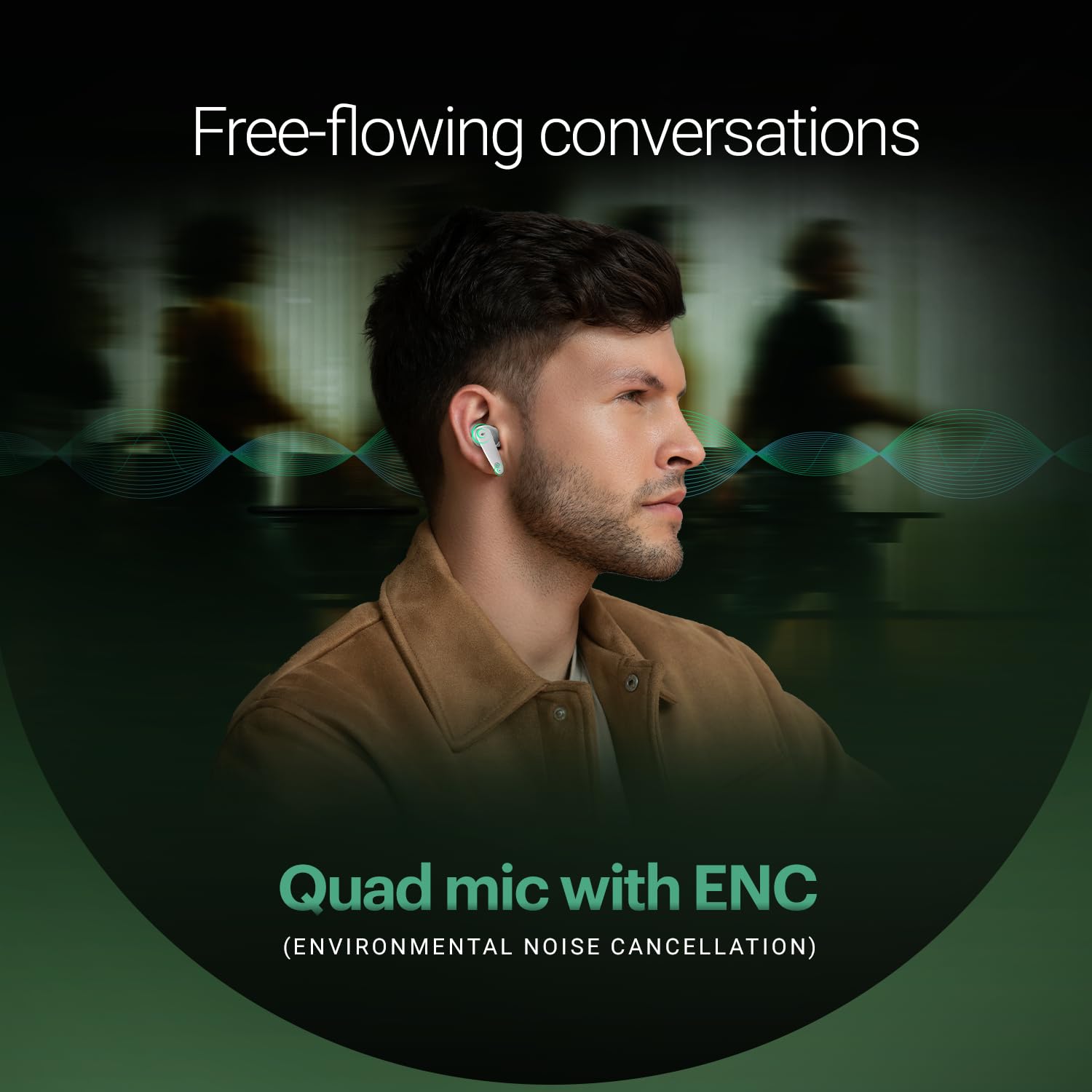
Image 4.3: Noise Buds VS404 establishing a flawless Bluetooth connection with a mobile device.
5. Parentah Operasi
5.1. Daya Hurung / Pareum
- Daya Hurung: Buka wadah pangisi daya, teras earbud bakal otomatis hurung sareng nyobian nyambung ka alat anu terakhir dipasangkeun.
- Pareum listrik: Teundeun earbuds deui kana wadah ngecas sareng tutup tutupna. Aranjeunna bakal otomatis pareum sareng ngawitan ngecas.
5.2. Kontrol Musik
Use the touch control area on the earbuds for music playback:
- Puter / Reureuh: Ketok tunggal dina boh earbud.
- Lagu salajengna: Ketok dua kali dina earbud katuhu.
- Lagu Sateuacanna: Ketok dua kali dina earbud kénca.
5.3. Manajemén nelepon
Atur telepon nganggo kontrol toél:
- Ngajawab / mungkas Telepon: Ketok tunggal dina boh earbud.
- Nolak Telepon: Pencét jeung tahan boh earbud salila 2 detik.
The earbuds feature a quad-mic setup with Environmental Noise Cancellation (ENC) for clear voice transmission during calls.
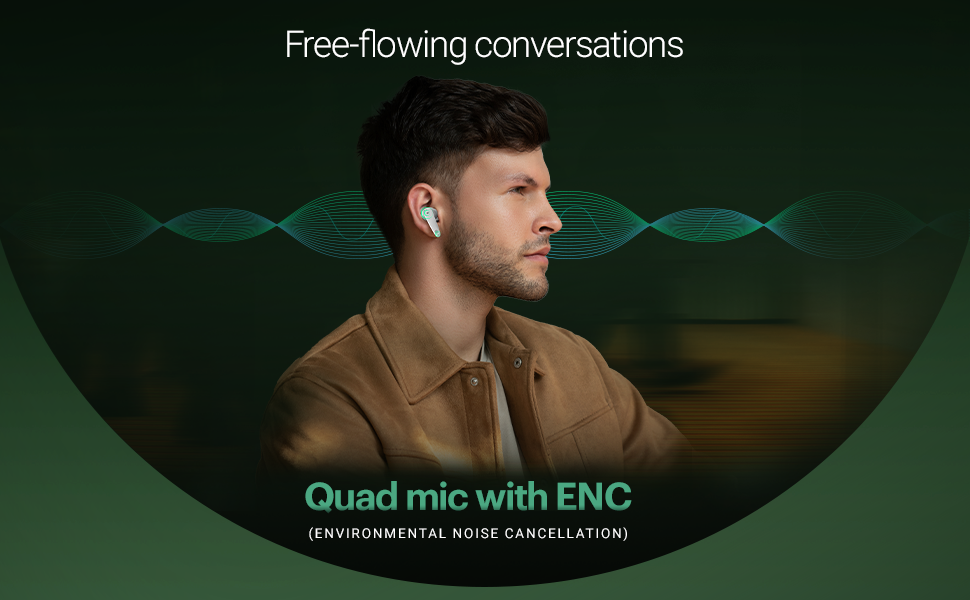
Image 5.1: The Noise Buds VS404 utilize a quad microphone system with ENC for enhanced call clarity.
5.4. Modeu EQ
The Noise Buds VS404 offer three distinct EQ modes to tailor your audio experience:
- Modeu Bass: Enhances low frequencies for a deeper sound.
- Mode Kaulinan: Optimizes audio for gaming, reducing latency.
- Modeu Normal: Nyayogikeun pro audio anu saimbangfile for everyday listening.
To switch between EQ modes, triple tap on either earbud.
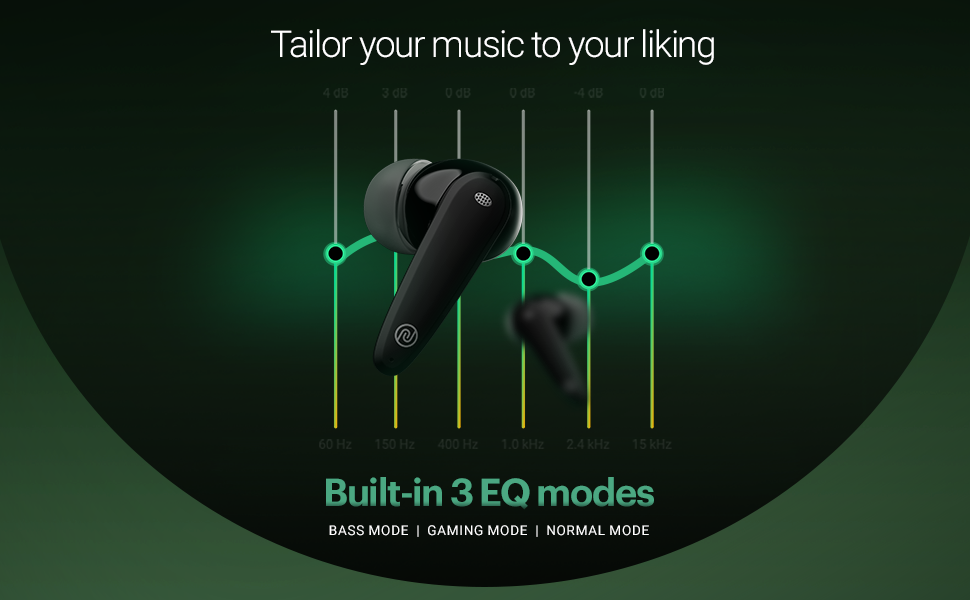
Image 5.2: Visual representation of the three built-in EQ modes available on the Noise Buds VS404.
5.5. Asisten sora
Activate your device's voice assistant (Google Assistant, Siri) by pressing and holding either earbud for 2 seconds.
6. Pangropéa
6.1. beberesih
- Rutin ngabersihkeun earbuds sareng wadah ngecas ku lawon anu lemes, garing, teu aya lint.
- Ulah make bahan kimia kasar, pangleyur beberesih, atawa detergents kuat.
- Bersihkeun kontak pangisi daya dina earbud sareng wadahna pikeun mastikeun pangisian daya anu leres.
6.2. Panyimpenan
- Lamun teu dipake, sok nyimpen earbuds dina wadah ngecas maranéhanana pikeun ngajaga eta jeung tetep dicas.
- Simpen alat dina tempat anu tiis, garing, jauh tina suhu anu ekstrim sareng sinar panonpoé langsung.
The earbuds are IPX5 water-resistant, meaning they can withstand splashes and sweat, making them suitable for workouts and outdoor use. However, they are not designed for submersion in water.

Image 6.1: The Noise Buds VS404 are built with IPX5 water resistance, suitable for outdoor activities.
7. Cara ngungkulan
If you encounter issues with your Noise Buds VS404, refer to the following common solutions:
| Masalah | Solusi |
|---|---|
| Earbuds teu dipasangkeun | Pastikeun earbuds dieusi. Pareuman sareng aktipkeun Bluetooth dina alat anjeun. Poho alat dina setélan Bluetooth sareng sapasangkeun deui. |
| Ngan hiji earbud jalan | Place both earbuds back in the case, close the lid, wait a few seconds, then open again. Check if both are charged. |
| Volume lemah atawa kualitas sora goréng | Clean earbud speaker meshes. Adjust volume on your device. Try different EQ modes. Ensure earbuds are properly seated in your ears. |
| Masalah ngecas | Ensure charging cable is securely connected. Clean charging contacts on earbuds and case. Try a different charging cable or power adapter. |
| Earbuds not disconnecting from device when placed in case | Ensure the charging case has sufficient battery. Close the lid firmly. If the issue persists, manually disconnect from your device's Bluetooth settings. |
8. Spésifikasi
| Fitur | Rincian |
|---|---|
| Ngaran modél | Pucuk VS404 |
| Téhnologi konektipitas | Nirkabel (Bluetooth v5.3) |
| Rentang Bluetooth | 10 Méter |
| Tipe Supir Audio | 10mm Supir Dinamis |
| Kahirupan Batré (Total) | Nepi ka 50 Jam (kalayan wadah ngecas) |
| Ngecas Gancang | Instacharge (10 min charge = 200 min playtime) |
| Port ngecas | Tipe-C |
| Mikropon | Quad Mic sareng Pembatalan Noise Lingkungan (ENC) |
| Modeu EQ | Bass, Gaming, Normal |
| Tahan cai | IPX5 (tahan kesang sareng cipratan) |
| Métode kontrol | Touch, Voice (Google Assistant, Siri) |
| Bahan | Polikarbonat (PC) |
| Item Beurat | 50 gram |
| Dimensi produk | 6.5 x 4.9 x 2.9 cm |
9. Garansi jeung Rojongan
Your Noise Buds VS404 come with a 1-year warranty. Please refer to the included Warranty Registration Card for details on how to register your product and claim warranty services.
For technical support, service, or further inquiries, please contact Noise customer support. Contact information can be found on the warranty card or the official Noise websitus.
Pabrikan: Nexxbase Marketing Pvt. Ltd, Khasra No-146/25/2/1, Jail Road Badshahpur, Gurugram Haryana-122101


