1. Bubuka
The S.M.S.L VMV D2R is a high-performance Digital-to-Analog Converter (DAC) designed to deliver exceptional audio fidelity. It incorporates advanced technologies and premium components to ensure a superior listening experience. This manual provides detailed instructions for setting up, operating, and maintaining your VMV D2R DAC.

Gambar 1.1: Hareupeun view of the S.M.S.L VMV D2R Audio DAC.
2. Fitur konci
- ROHM BD34301EKV DAC Chip: Equipped with ROHM's flagship BD34301EKV DAC chip, optimized for ultra-low THD+N (-117dB) and high SNR (-130dB) for clear, undistorted sound.
- XMOS XU316 USB Processor: Features the 3rd generation XMOS XU316 solution, supporting PCM up to 32bit/768kHz and DSD native playback up to DSD512.
- MQA & MQA-CD Support: Full MQA decoding for supported file formats and MQA-CD playback via optical and coaxial inputs.
- "CK-03" Clock Processing: Incorporates the "CK-03" clock circuit for ultra-low jitter, ensuring precise audio timing.
- Konektipitas Bluetooth 5.1: Qualcomm's Bluetooth 5.1 technology with support for high-resolution codecs including LDAC, AptX HD, AptX, SBC, and AAC, offering stable wireless transmission.
- Sababaraha Input/Output: Versatile input options including USB, Optical, Coaxial, I2S, Bluetooth, and AES. Outputs include RCA and XLR.
- Catu daya anu dipercaya: Built-in linear power supply with a British Porcupine toroidal transformer and multiple low-noise regulated power supplies for stable and clean power delivery.
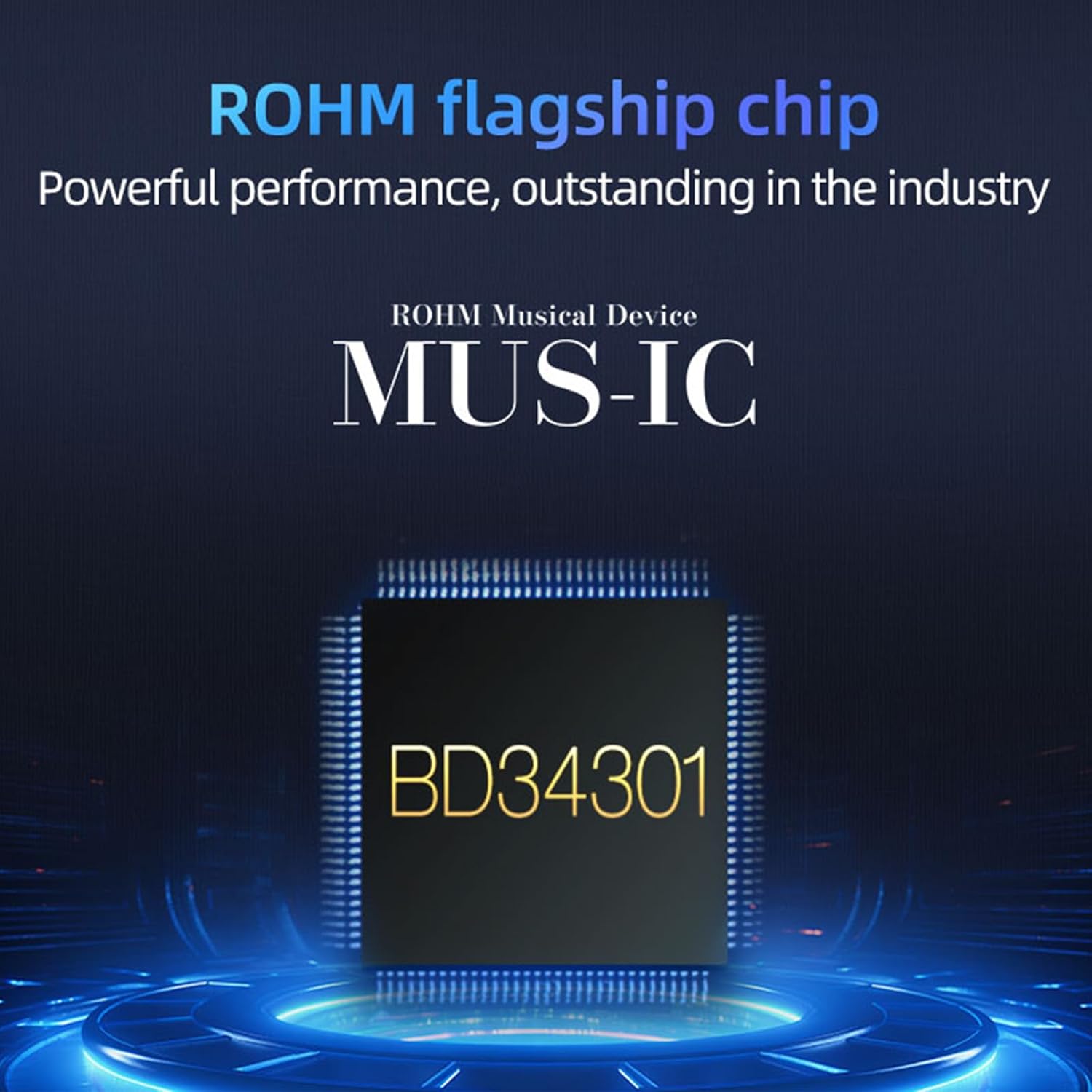
Gambar 2.1: Leuwihview of the S.M.S.L VMV D2R's key features and technologies.
3. Produk Langkungview
3.1 Panel payun

Image 3.1: Front and rear panel layout with numbered components.
- tampilan
- Lampu indikator
- Jandéla jauh
- kenop multi-fungsi
3.2 Panel tukang
- Kaluaran XLR
- Kaluaran RCA
- input AES
- Input coaxial
- Input optik
- Input USB
- Input I²S
- Panyambung anteneu Bluetooth
- AC IN (100V-240V AC)
4. Parentah Setup
4.1 Ngabongkar sareng Nempatkeun
- Carefully remove the VMV D2R from its packaging.
- Teundeun unit dina tempat anu stabil, datar jauh tina sinar panonpoé langsung, sumber panas, sareng kalembaban anu kaleuleuwihan.
- Pastikeun ventilasi nyukupan di sabudeureun unit.
4.2 Nyambungkeun Sumber Audio
The VMV D2R offers multiple input options. Choose the appropriate input cable for your audio source:
- Input USB: Connect your computer or other USB audio source to the USB input port (10) on the rear panel using a high-quality USB cable.
- Input optik: Connect an optical cable from your source device to the Optical input port (9).
- Input Coaxial: Connect a coaxial cable from your source device to the Coaxial input port (8).
- I²S Input: For compatible devices, connect an I²S cable to the I²S input port (11).
- Input AES: Connect an AES/EBU cable from your source device to the AES input port (7).
- Bluetooth: Attach the provided Bluetooth antenna to the Bluetooth antenna connector (12).
4.3 Nyambungkeun ka hiji Amplifier / Speaker
Connect the VMV D2R to your amplifier or active speakers using either RCA or XLR cables:
- Kaluaran RCA: Use RCA cables to connect the RCA output ports (6) to the corresponding analog inputs on your amppangagung.
- Kaluaran XLR: For balanced connections, use XLR cables to connect the XLR output ports (5) to the balanced analog inputs on your amppangagung.
4.4 Sambungan Daya
- Connect the power cable to the AC IN port (13) on the rear panel.
- Plug the other end of the power cable into a suitable AC power outlet (100V-240V AC).
5. Parentah Operasi
5.1 Daya Hurung/Pareuman
- After all connections are made, flip the power switch on the rear panel to the "ON" position.
- The display (1) on the front panel will illuminate.
- To power off, flip the power switch to the "OFF" position.
5.2 Pamilihan Input
- Use the multi-function knob (4) on the front panel or the remote control to navigate through the input options (USB, Optical, Coaxial, I2S, AES, Bluetooth).
- Rotate the knob to scroll through options and press to select.
5.3 Volume Control
- The multi-function knob (4) also controls the output volume. Rotate it clockwise to increase volume and counter-clockwise to decrease.
- Volume can also be adjusted via the remote control.
5.4 Nyapasangkeun Bluetooth
- Select "Bluetooth" as the input source on the VMV D2R.
- On your mobile device, search for Bluetooth devices and select "S.M.S.L VMV D2R" to pair.
- Once paired, audio from your device will be streamed to the DAC.
5.5 Putereun MQA
- When playing MQA content, the display will indicate MQA status.
- Ensure your audio source is configured to output MQA streams for full decoding.
Video 5.1: A visual demonstration of the S.M.S.L VMV D2R's features and operation, including input selection and display information.
6. Pangropéa
- Tetep unit bersih ku ngusap eta ku lawon lemes, garing. Ulah make cleaners abrasive atawa pangleyur.
- Pastikeun unit pareum sareng cabut colokan sateuacan beberesih.
- Ulah meungpeuk bukaan ventilasi.
7. Cara ngungkulan
| Masalah | Mungkin Cukang lantaranana | Solusi |
|---|---|---|
| Taya kakuatan | Kabel listrik teu nyambung; Saklar listrik pareum | Check power cable connection; Ensure power switch is ON. |
| Taya kaluaran sora | Incorrect input selected; Cables loose; Amplifier off; Volume too low | Select correct input; Check all cable connections; Turn on amplifier; Increase volume. |
| Sora distort | Poor cable connection; Source issue; Sample laju mismatch | Check cable integrity; Test with another source; Verify sample setélan laju. |
| Bluetooth teu nyambung | Not in pairing mode; Device too far; Interference | Ensure Bluetooth input is selected; Move device closer; Reduce interference. |
8. Spésifikasi
- Ukuran produk: 11.02 x 9.28 x 2.01 inci
- Beurat barang: 10.21 pon
- Jumlah modél: VMV D2R
- Chip DAC: ROHM BD34301EKV
- USB Processor: XMOS XU316
- PCM Support: Nepi ka 32bit / 768kHz
- Dukungan DSD: Asalna DSD512
- Dukungan MQA: Full MQA decoding, MQA-CD support
- Vérsi Bluetooth: 5.1
- Codec Bluetooth: LDAC, AptX HD, AptX, SBC, AAC
- Input: USB, Optical, Coaxial, Bluetooth, I²S, AES
- Kaluaran: RCA, XLR
9. Garansi jeung Rojongan
S.M.S.L is committed to providing excellent products and services. If you have any questions regarding your VMV D2R (including firmware updates, product issues, etc.), please feel free to contact us at any time. Please note that the MAC system does not support firmware updates.
Warranty information may vary. Please refer to your purchase documentation or contact S.M.S.L customer support for specific warranty details.


