Bubuka
Thank you for choosing the EMOS EMILY Rechargeable LED Desk Lamp. manual ieu nyadiakeun informasi penting pikeun pamakéan aman tur efisien tina l anyar Anjeunamp. The EMILY lamp features a flexible gooseneck, continuous dimming, and a built-in rechargeable battery, making it ideal for various applications.
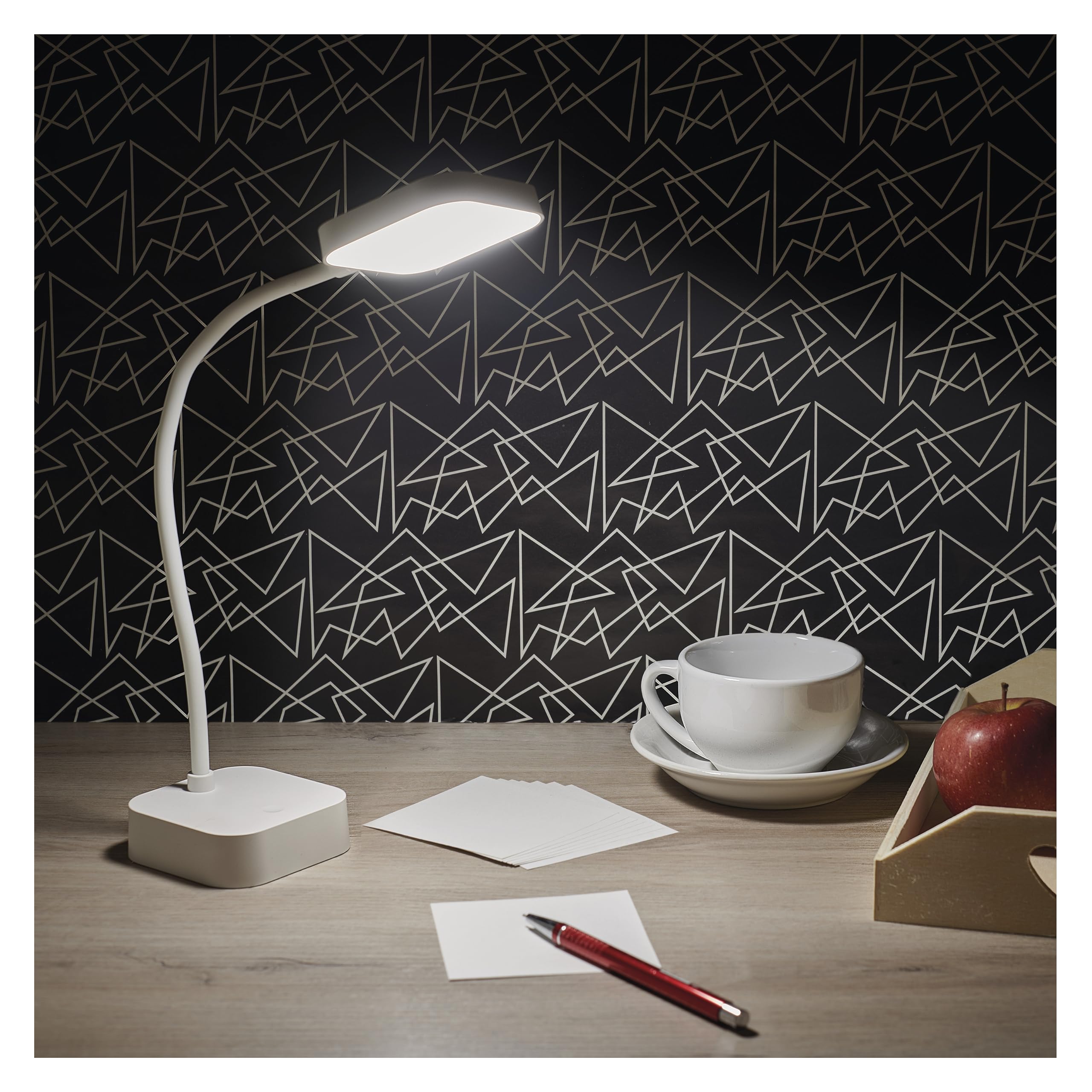
Image: The EMOS EMILY LED Desk Lamp in white, featuring a square base and lamp head connected by a flexible gooseneck.
Disetél
- Buka bungkus Lamp: Taliti miceun lamp and all accessories from the packaging. Ensure all components listed in the specifications are present.
- Muatan Awal: Saméméh dipaké munggaran, ngeusi pinuh lamp. Connect the supplied 1-meter USB charging cable to the lamp's charging port and to a suitable USB power adapter (not included). The charging indicator light will show the charging status.

Image: Close-up of the lamp's base showing the ON/OFF slide switch and the DC 5V charging port, with a charging cable being inserted.
- Aktipkeun Lamp: Locate the slide switch on the back of the lamp's base. Slide it from the "OFF" position to the "ON" position to enable the lampfungsi-fungsina.
Parentah Operasi
- Hurungkeun/Pareuman: Kalayan lamp activated (switch in "ON" position), lightly touch the touch button located on the lamp's base to turn the light on or off.
- Saluyukeun Caang (Dimming): To adjust the light intensity, press and hold the touch button. The brightness will continuously cycle between 10% and 100%. Release the button when the desired brightness is reached.
- Posisi Lamp: Anu lamp features a flexible gooseneck. Bend and rotate the gooseneck to direct the light precisely where needed.

Image: Three EMOS EMILY lamps shown from different angles, highlighting the flexibility of their gooseneck arms.
Pangropéa
- beberesih: Pegatkeun sambungan lamp from any power source before cleaning. Use a soft, dry cloth to wipe the lamp's surface. Do not use abrasive cleaners or solvents.
- Panyimpenan: Lamun nyimpen lamp for an extended period, ensure it is fully charged and then turn the slide switch to the "OFF" position. Store in a cool, dry place.
- Perawatan batré: To prolong battery life, avoid completely discharging the battery frequently. Recharge the lamp nalika kaluaran cahaya ngurangan sacara signifikan.
Pamérésan masalah
| Masalah | Mungkin Cukang lantaranana | Solusi |
|---|---|---|
| Lamp henteu hurung. | Batré discharged. Saklar daya OFF. Touch button not responding. | Muatan lamp. Geser saklar daya ka "ON". Ensure the touch button is clean and try again. |
| Cahya taram atawa kedip-kedip. | batré lemah. Dimming setting is too low. | Ngecas deui lamp pinuh. Press and hold the touch button to increase brightness. |
| Lamp teu ngecas. | USB cable or adapter faulty. Port ngecas tersumbat. | Try a different USB cable and adapter. Pariksa port ngecas pikeun lebu. |
spésifikasi
- Jumlah modél: Z7627
- merek: EMOS
- kakuatan: 2 W
- Fluks cahaya: Max 100 lm
- Suhu warna: 5000 Kelvin (Bodas Netral)
- Dimming: Continuous (10-100%)
- Kahirupan batré: Up to 96 hours (depending on brightness setting)
- Jenis Batré: 1 batré Litium-Ion (kaasup)
- Ngecas: USB (1m cable included, adapter not included)
- Bahan: palastik
- Ukuran produk: 8 x 8 x 30 cm (kira-kira 3.15 x 3.15 x 11.8 inci)
- beurat: 340 gram (kira-kira 0.75 lbs)
- Komponén Kaasup: 1 Meja Lamp, 1 USB Charging Cable

Image: Technical drawing illustrating the dimensions of the EMOS EMILY LED Desk Lamp, including height, base diameter, and lamp ukuran sirah.
Émbaran jaminan
Specific warranty details for the EMOS EMILY LED Desk Lamp may vary by region and retailer. Please refer to the warranty card included with your purchase or contact your point of sale for detailed information regarding warranty coverage and terms.
Rojongan Palanggan
For further assistance, technical support, or inquiries regarding your EMOS EMILY LED Desk Lamp, please contact the retailer from whom you purchased the product. You may also visit the official EMOS websitus pikeun informasi produk umum jeung sumber rojongan.


