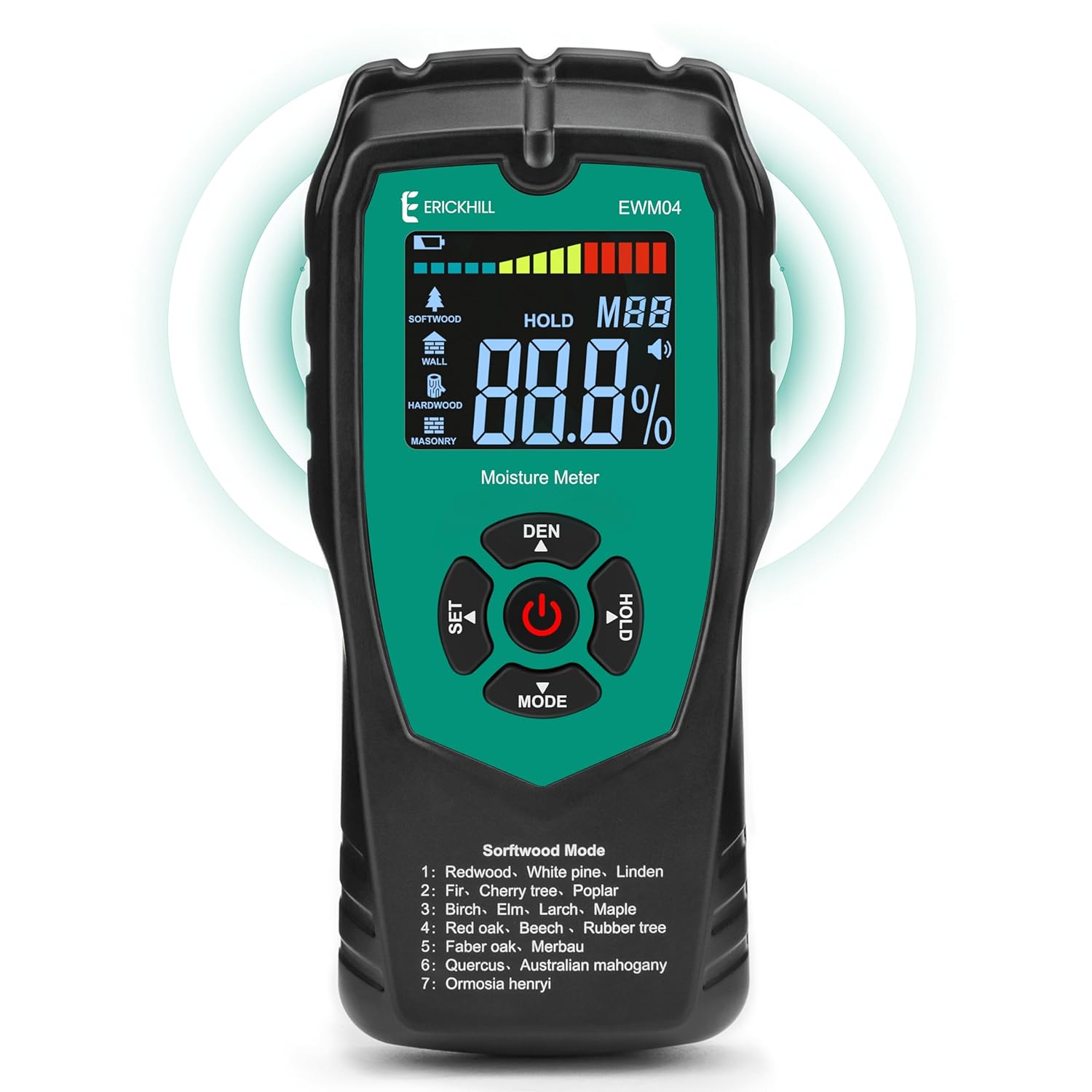
1. Bubuka
The ERICKHILL EWM04 is a non-destructive moisture meter designed to measure moisture content in various materials such as wood, drywall, masonry, and other building materials. It utilizes inductive methods to provide accurate readings without damaging the surface of the material being tested. This manual provides detailed instructions for the proper use and maintenance of your device.

Image: ERICKHILL brand banner, indicating the company's focus on precision tools.
2. Eusi Paket
Punten parios eusi bungkusan saatos nampi pikeun mastikeun yén sadaya barang aya:
- 1 x ERICKHILL EWM04 Pinless Wood Moisture Meter
- 3 x Batré AAA
- 1 x Manual Pamaké

Image: A visual representation of the package contents, including the meter, batteries, and user manual.
3. Fitur konci
- Non-Destructive Measurement: Measures moisture without piercing the surface, preserving material integrity.
- Multiple Material Modes: Dedicated modes for Softwood, Hardwood, Wall (drywall), and Masonry for accurate readings.
- Deep Inspection: Capable of detecting moisture up to 2 inches (50mm) below the surface.
- Visual and Audible Alerts: Features an LCD backlight and a tri-color bar indicator (Green, Yellow, Red) along with an audible alarm for easy interpretation of moisture levels.
- Fungsi Pareum Otomatis: Automatically powers off after 3 minutes of inactivity to conserve battery life.
- Fungsi Data Tahan: Allows users to freeze the current reading on the display.
- Indikator Daya Lemah: Panggeuing lamun ngagantian batré diperlukeun.

Image: Illustrates the non-destructive nature of the EWM04 (pinless) compared to traditional pin-type meters.

Image: A diagram highlighting the larger sensing area and deeper sensing depth of the meter.
4. Setélan
4.1 Pamasangan batré
- Teang tempat panutup kompartemen batre dina tonggong alat.
- Geser panutupna muka.
- Pasangkeun tilu (3) batré AAA, pastikeun polaritasna (+/-) bener.
- Tutup panutup kompartemen batré aman.
5. Parentah Operasi
5.1 Daya Hurung/Pareuman
- Pikeun mareuman alat, pencét tombol Kakuatan kancing.
- Pikeun mareuman alat, pencét jeung tahan kenop Kakuatan button for approximately 2 seconds. The device will also automatically power off after 3 minutes of inactivity.

Image: The meter screen indicating the 3-minute auto-off function for power saving.
5.2 Pamilihan Mode
The EWM04 offers four measurement modes for different materials. Press the MODÉ button to cycle through the following options:
- Softwood Mode: For various types of softwood.
- Hardwood Mode: For various types of hardwood.
- Mode témbok: For drywall and similar wall materials.
- Masonry Mode: For brick, concrete, and other masonry materials.

Image: Visual representation of the four measurement modes and their typical ranges.

Image: Illustrates the different material types and their corresponding moisture measurement ranges.
5.3 Nyokot Pangukuran
- Select the appropriate material mode using the MODÉ kancing.
- Place the back of the meter flat against the surface of the material you wish to measure. Ensure full contact between the sensor area and the surface.
- The moisture content will be displayed on the LCD screen.

Image: A person using the EWM04 to measure moisture in a large log, demonstrating practical application.
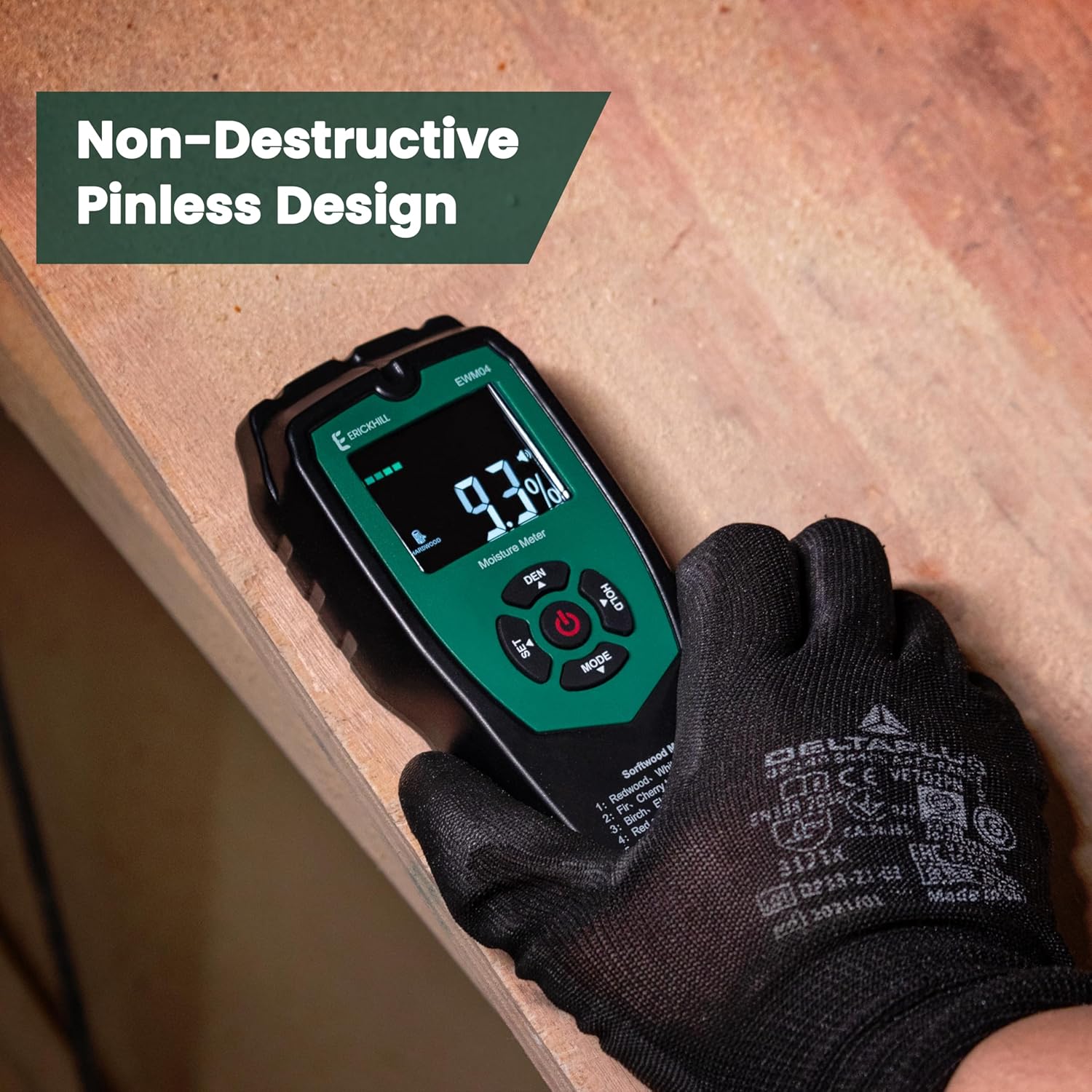
Image: A close-up of a hand holding the meter against a wooden surface, showing the non-destructive measurement process.
5.4 Understanding Readings and Alerts
The EWM04 provides clear visual and audible indications of moisture levels:
- Lampu tukang LCD: The screen is backlit for visibility in various lighting conditions.
- Tri-Color Bar Indicator: A bar graph on the display changes color to indicate moisture levels:
- héjo: Garing
- Koneng: Mid-level moisture
- Beureum: Wet, indicating high moisture content.
- Alarm Karungu: An alarm will sound when moisture levels exceed a preset threshold, indicating a potentially problematic wet area.
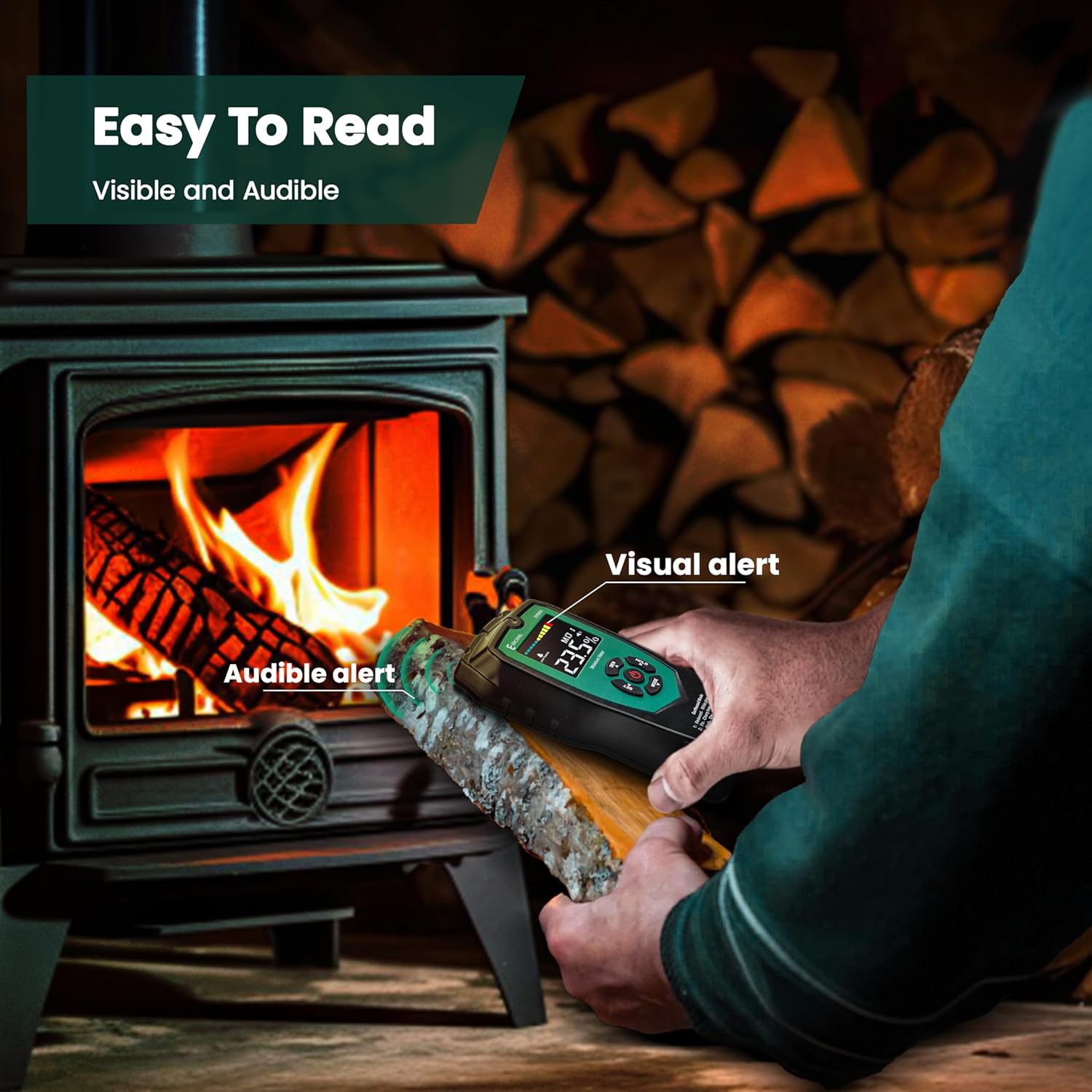
Image: A person checking wood moisture, with visual and audible alerts highlighted on the meter's display.

Image: A reference table detailing the moisture percentage thresholds for Green (Dry), Yellow (Mid), and Red (Wet) indicators across different material types.
5.5 Data Tahan Fungsi
Pencét éta TAHAN button to freeze the current measurement on the display. Press it again to release the hold and resume live measurements.

Image: The meter screen showing the 'HOLD' indicator, signifying that the displayed reading is frozen.
5.6 Water Leak Detection
The EWM04 can assist in identifying potential water leaks behind surfaces. By scanning walls or ceilings, significant changes in moisture readings can indicate hidden water damage.

Image: The moisture meter being used to detect a water leak behind a wall, showing a high moisture reading.
6. Rentang Pangukuran sareng Akurasi
The ERICKHILL EWM04 provides the following measurement capabilities:
- kayu lemes: 0% ~ 60%
- Kayu atos: 0% ~ 36%
- Tembok: 0% ~ 96%
- Masonry: 0% ~ 100%
Akurasi: ±4% (for Softwood & Hardwood)
7. Spésifikasi
| Fitur | Spésifikasi |
|---|---|
| Nomer modél | EWM04 |
| Prinsip Pangukuran | Non-destructive, Inductive |
| Max Sensing Depth | 50mm (2 inci) |
| Sumber Daya | 3 x Batré AAA (kaasup) |
| Pareuman-otomatis | 3 menit teu aktip |
| tampilan | LCD with Backlight, Tri-color Bar Indicator |
| Diménsi | 7.01 x 3.39 x 1.93 inci |
| Beurat | 8.82 ons |
8. Pangropéa
- Tetep alat beresih jeung garing. Ngusap ku hipu, damp lawon lamun perlu.
- Ulah nepi ka alat ieu kakeunaan suhu anu ekstrim, kalembaban anu luhur, atanapi sinar panonpoé langsung.
- Cabut batré upami alat moal dianggo kanggo waktos anu panjang pikeun nyegah bocor.
- Store the device in a safe place, away from dust and potential damage.
9. Cara ngungkulan
9.1 Alat Teu Hurung
- Pariksa naha batréna dipasang leres kalayan polaritasna anu leres.
- Ganti batréna ku batré AAA anyar.
- Pastikeun tombol daya dipencet pageuh.
9.2 Bacaan teu akurat
- Ensure the correct material mode (Softwood, Hardwood, Wall, Masonry) is selected for the material being tested.
- Make sure the sensor area on the back of the meter is in full and flat contact with the surface.
- Avoid measuring near metal objects or electrical wiring, as this can interfere with readings.
- Calibrate the device if possible (refer to specific instructions if a calibration feature is available, otherwise assume factory calibration).
9.3 Masalah tampilan
- If the display is dim, replace the batteries.
- If the display shows an error message, try turning the device off and on again.
10. Garansi jeung Rojongan
ERICKHILL provides comprehensive support for its products:
- Garansi 3 Taun: Your ERICKHILL EWM04 moisture meter is covered by a 3-year warranty from the date of purchase.
- 30-Day Free Return Policy: Enjoy a 30-day free return policy for your peace of mind.
- 24-Hour Guaranteed Reply: For any inquiries or support needs, contact ERICKHILL customer service. A response is guaranteed within 24 hours.
For customer support, please refer to the contact information provided in your user manual or visit the official ERICKHILL websitus.

Image: Graphic detailing the 3-year warranty, 24-hour reply, and 30-day return policy.


