1. Bubuka
This manual provides detailed instructions for the setup, operation, and maintenance of your VTech ES2001 DECT Cordless Phone. Please read this manual thoroughly before using your new phone to ensure proper functionality and to take full advantage of its features, including the nuisance call blocker, volume booster, and handsfree speakerphone.

Image: The VTech ES2001 twin handset DECT cordless phone system, showing one handset in its charging cradle and another standing upright next to its smaller charging base.
2. Eusi Paket
Pastikeun sadaya item aya dina pakét anjeun:
- 2 Base Units
- 2 Handset tanpa kabel
- 2 Charger handset
- 2 Battery Packs (AAA batteries included)
- Tali Telepon
- Gancang Mimitian Guide
3. Setélan
3.1 Nyambungkeun Unit Base
- Connect the telephone line cord to the TEL LINE port on the main base unit and to your telephone wall socket.
- Connect the power adapter to the POWER port on the main base unit and to a wall power outlet.
- Place the second charging base in a convenient location and connect its power adapter to a wall power outlet.
3.2 Pamasangan Batré sareng Ngecas
- Buka panutup kompartemen batré dina tonggong unggal handset.
- Lebetkeun batré AAA anu disayogikeun, pastikeun polaritasna leres.
- Tutup panutup kompartemen batré.
- Place each handset onto its respective charging base. The charge indicator on the handset will illuminate, indicating proper charging.
- Keunkeun handset ngecas sahenteuna 16 jam sateuacan dianggo mimiti pikeun mastikeun kinerja batré anu optimal.
4. Parentah Operasi
4.1 Nelepon jeung Narima Telepon
- Nelepon: Pencét éta Obrolan tombol, teras pencét nomerna. Alternatipna, pencét nomerna heula, teras pencét Obrolan.
- Narima Telepon: Sawaktos telepon hurung, pencét tombol Obrolan kancing.
- Nutup Telepon: Pencét éta TUNGTUNG button or place the handset back on the charging base.
4.2 Pameungpeuk Telepon Gangguan
The VTech ES2001 allows you to block unwanted calls. You can block up to 100 blacklisted numbers.
- To block a number during a call, press the dedicated Call Blocker button.
- To add a number to the blacklist manually, navigate through the handset menu options.
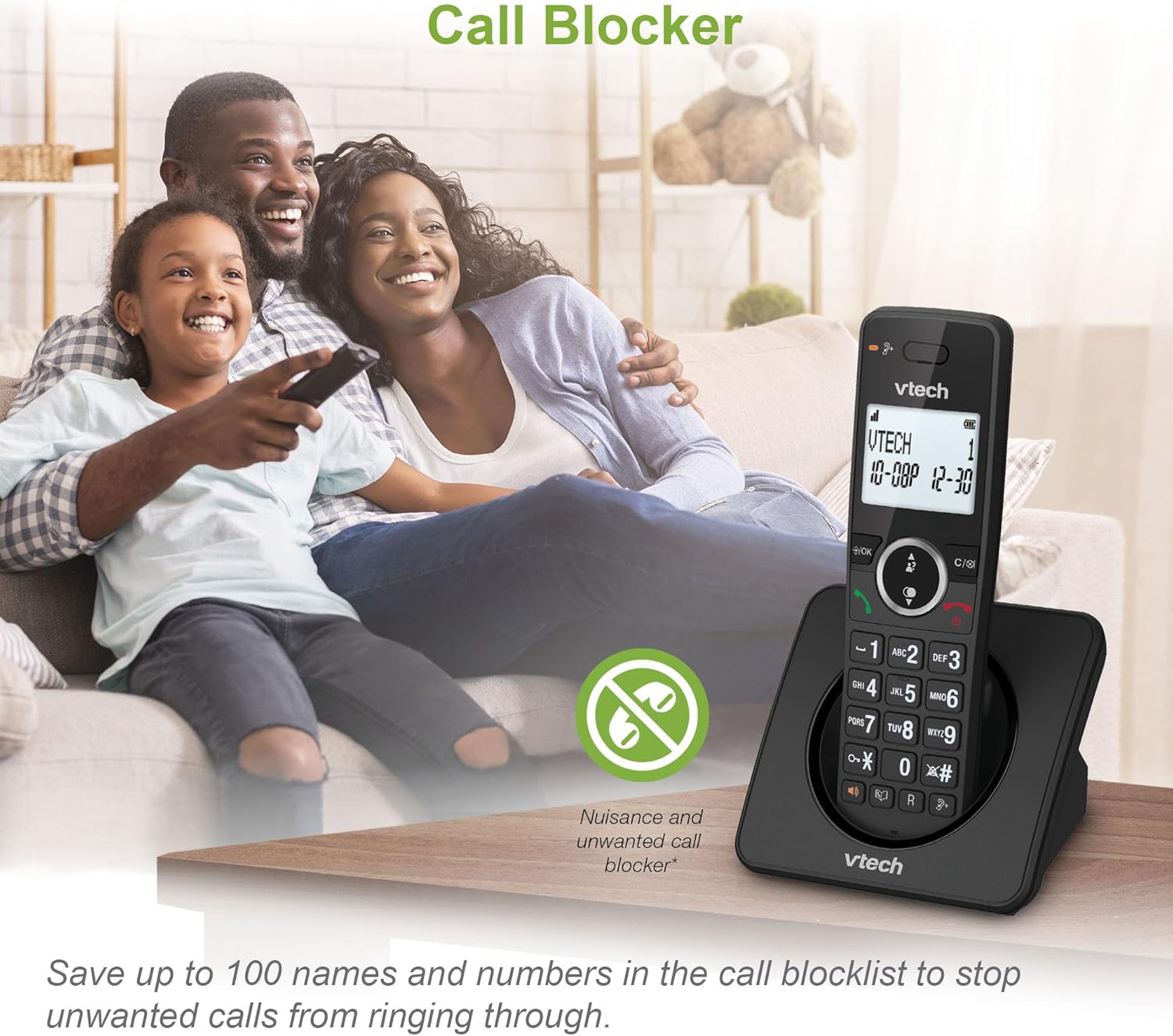
Image: A VTech ES2001 handset on a table with a family in the background, illustrating the call blocker feature. An icon of a crossed-out phone with a stop sign indicates the call blocker function.
4.3 Volume Booster
fitur ieu amplifies incoming sounds, enhancing clarity and loudness, which is ideal for hearing-impaired users or those who prefer higher volume levels.
- Activate the volume booster via the handset menu or a dedicated button if available.

Image: A close-up of the VTech ES2001 handset screen showing the volume booster icon and green sound waves emanating from the earpiece, indicating ampsora ngagedekeun.
4.4 Fungsi panganteur
The handset-to-handset intercom function allows you to communicate between the two handsets without using the landline.
- To initiate an intercom call, press the INTERCOM button on one handset and select the other handset.

Image: Two VTech ES2001 handsets on a wooden surface with black and blue arrows between them, symbolizing the intercom communication feature.
4.5 3-Jalan Konférénsi
This feature allows multiple users to participate in a conversation simultaneously, facilitating handset call transfer and intercom during a call.
- Refer to the detailed quick start guide for steps on initiating a 3-way conference call.

Image: Three individuals, each holding a phone, engaged in a conversation, visually representing the 3-way conference call feature.
4.6 Phonebook and Redial
- Buku telepon: Simpen dugi ka 100 nami sareng nomer dina buku telepon kanggo nelepon gancang.
- Nomer Panungtungan Balik deui: The phone stores the last 10 numbers dialed for easy redialing.
- ID nu nelepon: Displays the caller's number (and name if available) for incoming calls (requires subscription to caller display service). The phone stores up to 20 caller ID records.

Image: A composite image showing the VTech ES2001 handset displaying a phonebook entry, a list of caller ID records, a finger pressing a redial button, and an icon indicating 18 hours of talk time.
4.7 Fitur séjén
- Layar Backlit & Keypad: LCD sareng keypad nyaangan langkung gampang viewdina cahaya remang-remang.
- Handsfree Speakerphone: High-quality speakerphone function on the handset for hands-free conversations.
- Mode Eco: Reduces power consumption and transmission power.
- Fungsi Alarm: Set alarms via the handset menu.
- Fungsi mute: Pareuman sora mikropon anjeun nalika nelepon.
- Adjustable Ring Volume and Melodies: Customize your phone's ringtone.

Image: A VTech ES2001 handset on its charging base in a dimly lit room, showcasing its illuminated display and keypad for enhanced visibility.
5. Pangropéa
To ensure the longevity and optimal performance of your VTech ES2001 phone, follow these maintenance guidelines:
- beberesih: Wipe the phone and base units with a soft, damp cloth. Do not use cleaning sprays or abrasive cleaners.
- Hindarkeun Cairan: Jauhkeun telepon tina cai sareng cairan sanésna. Upami telepon baseuh, geura pegatkeun sambunganna sareng ngantepkeun teleponna dugi ka garing samemeh disambungkeun deui.
- Suhu: Store and operate the phone in a moderate temperature environment, away from direct sunlight or extreme heat/cold.
- Perawatan batré: Upami telepon teu tiasa dianggo kanggo waktos anu panjang, cabut batré tina héndsét.
6. Cara ngungkulan
If you experience issues with your VTech ES2001 phone, try the following common troubleshooting steps:
- Teu aya Nada Telepon: Ensure the telephone line cord is securely connected to both the base unit and the wall socket. Check if the power adapter is properly connected.
- Handset Teu Ngecas: Verify that the handset is correctly seated in the charging cradle and that the charging indicator is on. Ensure the power adapter for the charging base is plugged in.
- Kualitas Telepon goréng: Pindahkeun handset langkung caket kana unit dasar. Pariksa gangguan tina alat éléktronik anu sanés.
- Teu Bisa Nelepon/Narima Telepon: Confirm that the phone line is active. If you have multiple phones, check if another phone is off the hook.
- Display Blank: Ensure the handset batteries are charged. If the issue persists, try resetting the handset by removing and reinserting the battery.
For more complex issues, refer to the full user manual or contact VTech customer support.
7. Spésifikasi
| Fitur | Spésifikasi |
|---|---|
| Nomer modél | ES2001 |
| Tipe Telepon | DECT tanpa kabel |
| Warna | Hideung |
| Batré | 4 batré AAA diperlukeun (kaasup) |
| Waktu Ngobrol | Nepi ka 18 jam |
| Waktu sayaga | Nepi ka 250 jam |
| Kapasitas Buku Telepon | 100 ngaran jeung nomer |
| Kapasitas Pameungpeuk Telepon | Up to 100 blacklisted numbers |
| Catetan ID Nu Nelepon | 20 rékaman |
| Daptar Nomer Terakhir | 10 angka |
| Bahan | palastik |
| Item Beurat | 0.72 kg |
| Ukuran Paket | 18.3 x 14 x 11.4 cm |
| Negara asal | Cina |
8. Garansi jeung Rojongan
For warranty information and customer support, please refer to the documentation included with your product or visit the official VTech websitus. Simpen resi pameseran anjeun salaku bukti pameseran pikeun klaim garansi.
For further assistance, you may contact VTech customer service through their official channels.


