1. Bubuka
Thank you for choosing the BINNUNE 2.4GHz Wireless Gaming Headset. This manual provides detailed instructions to help you set up, operate, and maintain your headset for an optimal gaming and audio experience across various platforms including PS5, PS4, PC, Mac, and mobile devices via Bluetooth.
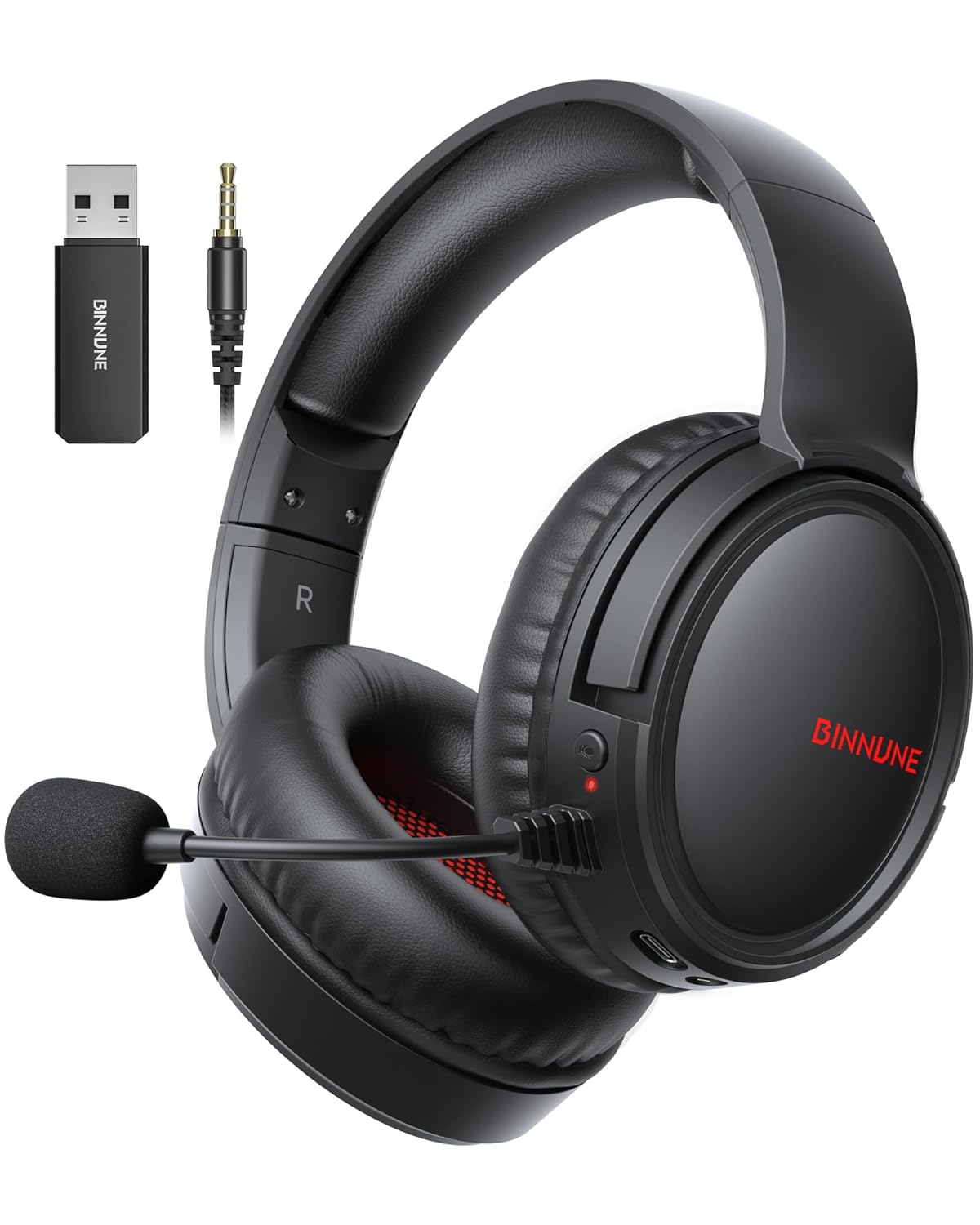
Figure 1: BINNUNE Wireless Gaming Headset (Model BW02-BT) with included accessories.
2. Naon dina Box
- BINNUNE Wireless Gaming Headset (BW02-BT)
- 2.4GHz USB Dongle
- Kabel Audio 3.5mm
- Kabel Ngecas USB-C
- Manual pamaké

Figure 2: All components included with your BINNUNE Gaming Headset.
3. Produk Langkungview jeung Kontrol
Familiarize yourself with the headset's controls and ports for seamless operation.
- Mikropon: Dual beamforming microphones with rotatable design for clear communication. Features ENC noise-canceling technology.
- Palabuhan USB-C: Pikeun ngecas headset.
- 3.5mm Audio Jack: For wired connection to compatible devices.
- Indikator LED: Displays power status, charging status, and connection mode.
- Tombol Daya: Pencét jeung tahan pikeun mareuman/nonaktipkeun.
- Kabayang Volume: Saluyukeun volume audio.
- Tombol Bisu: Ngajempékeun/nganonaktipkeun mikropon.
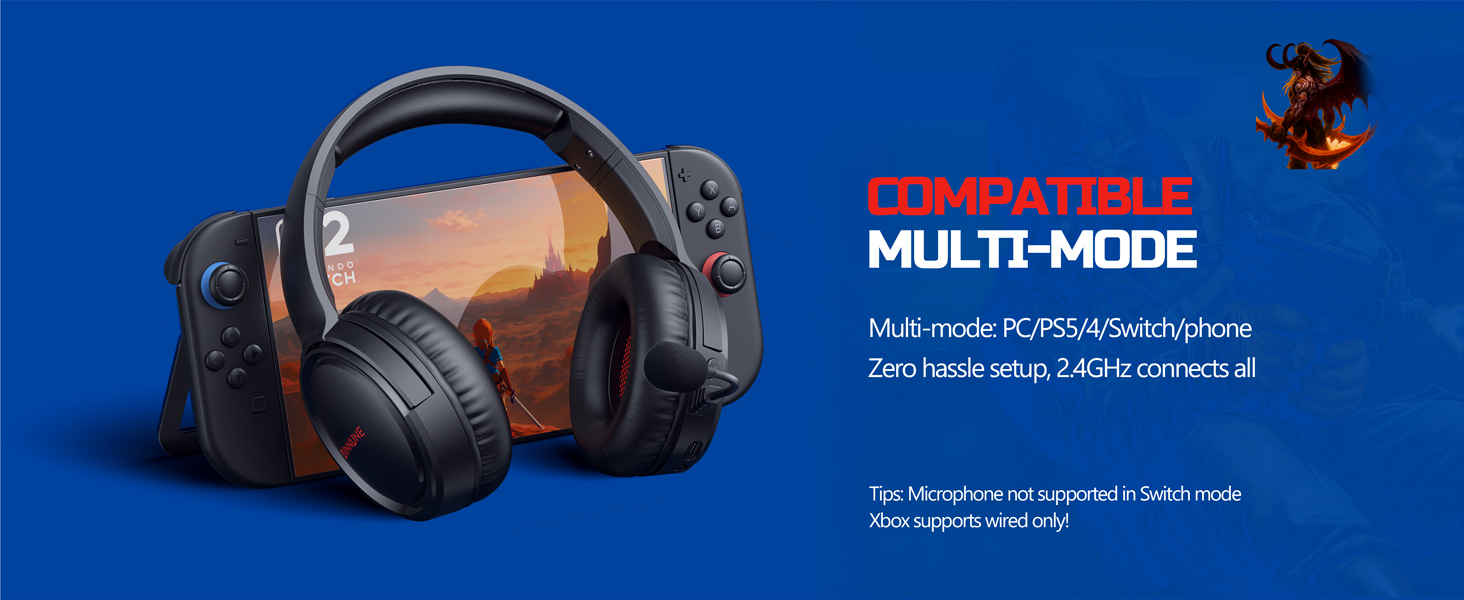
Figure 3: Key controls and ports on the BINNUNE Wireless Gaming Headset.
Video 1: A gancang leuwihview of the BINNUNE Gaming Headset's features and controls.
4. Setup jeung Connection
4.1 Ngecas Awal
Before first use, fully charge your headset. Connect the USB-C charging cable to the headset's USB-C port and the other end to a USB power source. The LED indicator will show charging status and turn off when fully charged. A full charge takes approximately 6 hours.

Figure 4: The headset offers up to 40 hours of battery life on a single charge.
4.2 2.4GHz Wireless Connection (USB Dongle)
This mode provides ultra-low latency audio (≤38ms) for gaming on PS5, PS4, PC, and Mac.
- Plug the 2.4GHz USB dongle into an available USB port on your PS5/4, PC, or Mac.
- Power on your BINNUNE headset by pressing and holding the power button.
- The headset will automatically connect to the dongle. The LED indicator will show a stable light when connected.
Catetan: The microphone is not available when connected to Nintendo Switch in 2.4GHz mode. Not compatible with XBOX.

Figure 5: The 2.4GHz USB dongle ensures a fast and stable connection.
4.3 Sambungan Bluetooth
Use Bluetooth mode for mobile phones, tablets, iPads, and other smart devices.
- Pastikeun headset dihurungkeun.
- Dina alat Anjeun, buka setelan Bluetooth tur aktipkeun Bluetooth.
- Select "BINNUNE BW02-BT" from the list of available devices to pair.
- The LED indicator will flash during pairing and show a stable light once connected.
Catetan: Bluetooth mode is not compatible with PS5/4. The microphone is not available when connected to Nintendo Switch in Bluetooth mode.
4.4 Sambungan Kabel (Kabel Audio 3.5mm)
For devices that do not support wireless connectivity or when battery is low.
- Sambungkeun hiji tungtung kabel audio 3.5mm kana colokan audio 3.5mm headset.
- Connect the other end to the 3.5mm audio port on your gaming device (e.g., PS5/4 controller, PC, phone).
Catetan: The microphone may not be available on some devices when using the wired connection.

Figure 6: Multiplatform compatibility of the BINNUNE headset across 2.4G, Bluetooth, and Wired modes.
Video 2: Demonstrating the multi-mode connectivity of BINNUNE Gaming Headsets for PS4/PS5/PC.
5. Parentah Operasi
5.1 Daya Hurung/Pareuman
Press and hold the Power Button for 3 seconds to turn the headset on or off. The LED indicator will light up or turn off accordingly.
5.2 Volume Control
Rotate the Volume Wheel up (+) to increase volume or down (-) to decrease volume.
5.3 Pamakéan Mikropon
The headset features a rotatable microphone. Flip the microphone down to use it. Press the Mute Button to toggle microphone mute on or off. The ENC noise-canceling technology helps ensure clear voice transmission.
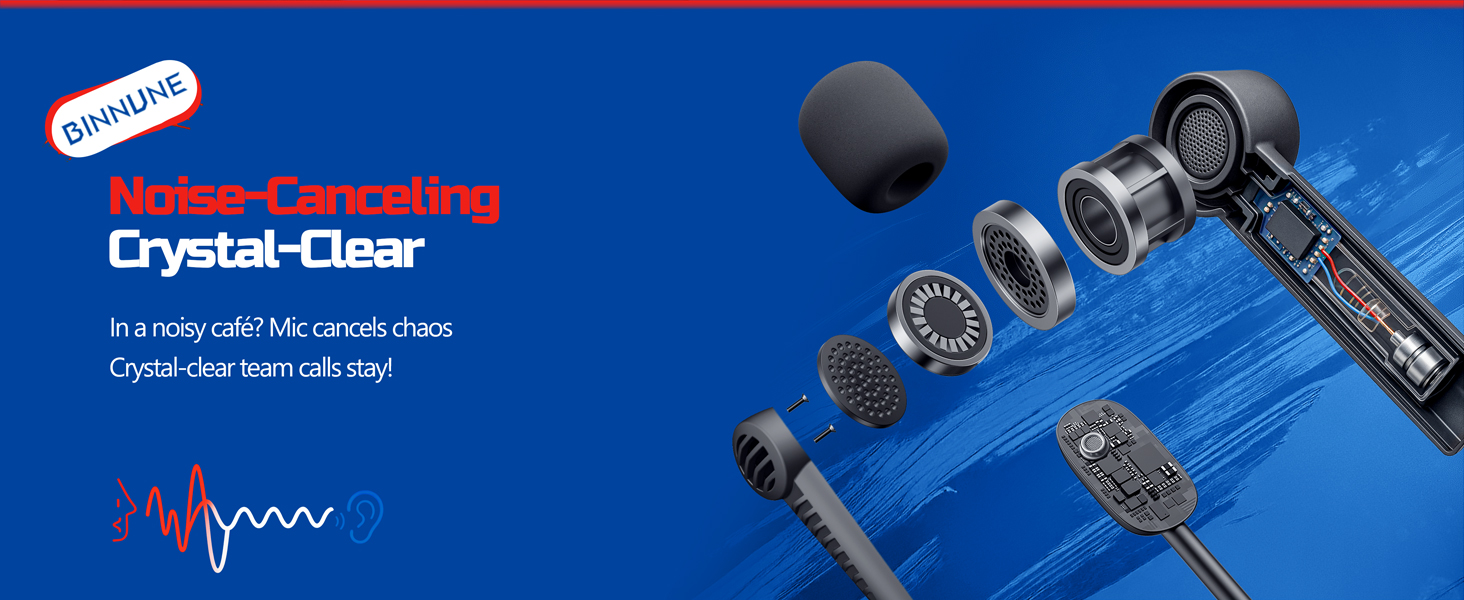
Figure 7: The noise-canceling microphone ensures crystal-clear voice calls by reducing background noise.
5.4 Ngalihkeun Antara Modeu
The headset supports seamless switching between 2.4GHz and Bluetooth modes. Refer to section 4 for specific connection steps for each mode. The headset prioritizes the 2.4GHz connection when the dongle is active.
6. Pangropéa
- beberesih: Use a soft, dry cloth to clean the headset. Avoid using abrasive cleaners or solvents.
- Panyimpenan: Simpen headset di tempat anu tiis sareng garing jauh tina sinar panonpoé langsung sareng suhu anu ekstrim.
- Perawatan batré: Pikeun manjangkeun umur batréna, ulah sering ngecas headset nepi ka béak. Cas sacara rutin, sanajan teu dianggo lila.
7. Cara ngungkulan
| Masalah | Mungkin Cukang lantaranana | Solusi |
|---|---|---|
| Taya sora tina headset. | Headset not powered on, low battery, incorrect connection mode, volume too low. | Ensure headset is on and charged. Check connection mode (2.4GHz/Bluetooth/Wired). Increase volume. |
| Mikropon teu jalan. | Microphone muted, incorrect input device selected on computer/console, compatibility issue in certain modes. | Unmute microphone. Check audio settings on your device to ensure BINNUNE headset is selected as input. Note mode limitations (e.g., Switch, some wired connections). |
| Cannot connect via 2.4GHz dongle. | Dongle not properly inserted, interference, headset too far from dongle. | Ensure dongle is fully inserted. Move closer to the dongle. Try a different USB port. |
| Teu bisa nyambung via Bluetooth. | Headset not in pairing mode, device Bluetooth off, already connected to another device. | Ensure headset is discoverable. Turn Bluetooth on your device. Disconnect from other devices. |
8. Spésifikasi
| Fitur | Rincian |
|---|---|
| Ngaran modél | BW02-BT |
| Téhnologi konektipitas | Wireless (2.4GHz, Bluetooth 5.3), Wired (3.5mm Jack) |
| Ukuran Supir Audio | 50 mm |
| Réspon Frékuénsi | 20 Hz - 20,000 Hz |
| Sensitipitas | 96 dB |
| Audio Latency (2.4GHz) | 32 Milliseconds (≤38ms advertised) |
| Kahirupan batré | Nepi ka 40 Jam |
| Waktu Ngecas | 6 Jam |
| Mikropon | Dual Beamforming with ENC Noise-Canceling |
| Bahan | Plastic (Headset), Leather (Ear Cushions) |
| Beurat | 13.4 ons |
| Alat nu cocog | Gaming Consoles (PS4, PS5), PC, Mac, Telephones, Laptops, Desktops |
9. Garansi jeung Rojongan
BINNUNE products are manufactured with high-quality standards. For any product-related inquiries, technical support, or warranty claims, please refer to the official BINNUNE store or contact their customer service directly.
Nganjang ka BINNUNE Store on Amazon kanggo inpormasi lengkep sareng dukungan.


