1. Bubuka
This manual provides detailed instructions for the installation, operation, and maintenance of your Diyeeni Video Doorbell. This device is designed to enhance home security by providing a visual and audio communication system with visitors at your door. Please read this manual thoroughly before using the product to ensure proper function and safety.
2. Produk Langkungview
2.1 Komponén
The Diyeeni Video Doorbell system consists of two main units:
- Unit Bel Panto Luar Ruangan: Equipped with an 8MP camera, 170° wide-angle lens, LED fill light for night vision, environmental sensors, and a doorbell button. This unit is designed for outdoor installation.
- Unit Tampilan Jero Ruangan: Features a 4.3-inch screen for viewing visitors and interacting via the two-way intercom.

Figure 2.1: The Diyeeni Video Doorbell system, showing the indoor display unit and the outdoor doorbell unit.

Gambar 2.2: Detil view of the outdoor doorbell unit, highlighting the 170° wide-angle camera, environmental sensors, LED fill light, and doorbell button.
2.2 Fitur konci
- 4.3-Inch Clear Display: Provides a comfortable and clear image for easy observation of visitors.
- 8MP High-Definition Camera: Captures clear images and video of the area outside your door.
- 170 ° Wide-Angle View: Nawiskeun widang anu lega view, covering the entire doorway for comprehensive visibility.
- Two-Way Intercom System: Enables convenient conversations with visitors through high-grade speakers and a microphone.
- Automatic Recording and Snapshots: Enhances security by automatically recording video or taking snapshots when the doorbell rings.
- Visi Peuting Definisi Luhur: Features an LED dark scene fill light that automatically activates at night, ensuring clear visibility in low-light conditions.
- Batré Kapasitas Tinggi 1000mAh: Provides strong endurance for extended operation.
- IP65 International Protection Rating: Indicates resistance to dust and water, suitable for outdoor use.

Figure 2.3: Illustration of the 170° ultra-large wide-angle view, providing extensive coverage of the doorway.
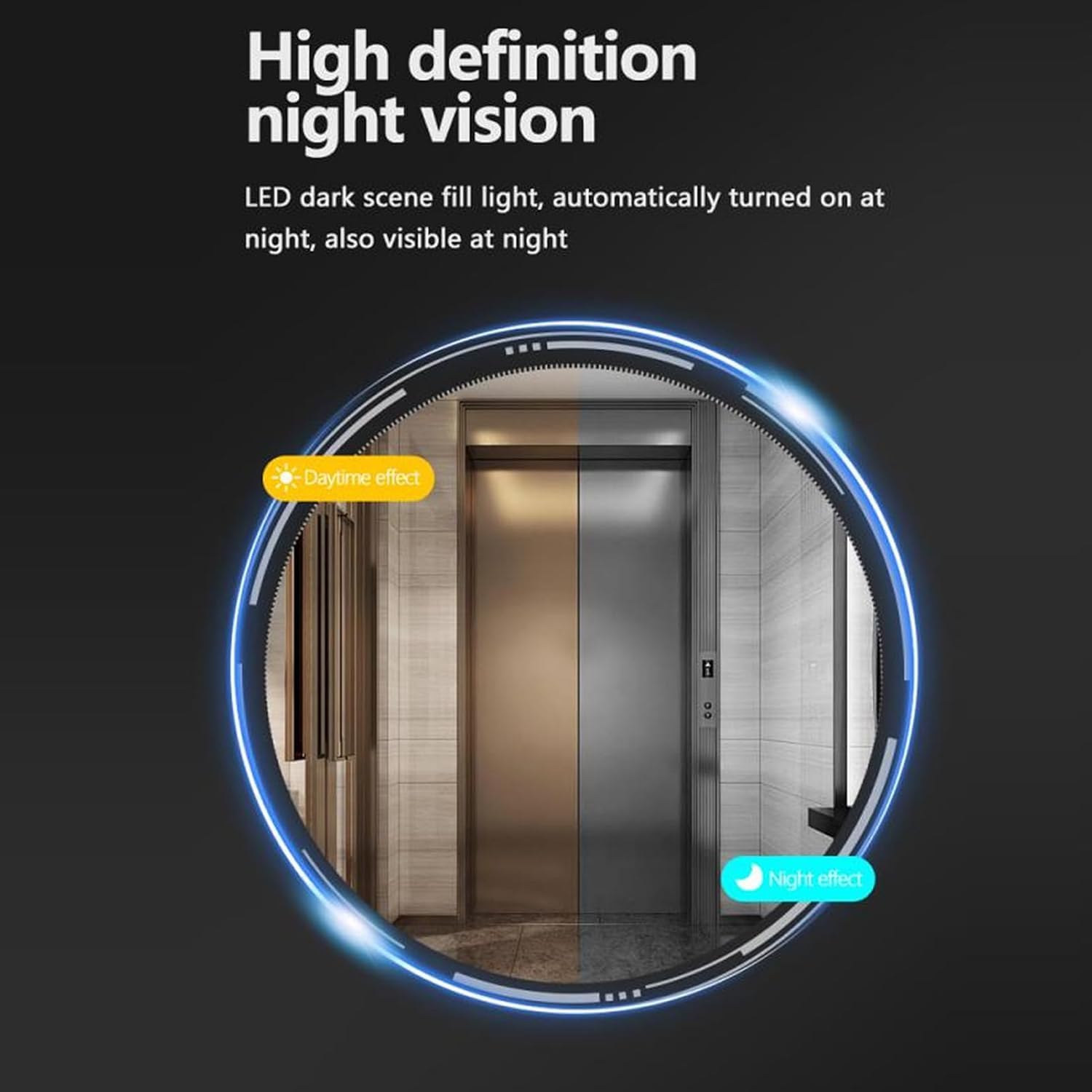
Figure 2.4: Comparison of daytime and nighttime visibility, demonstrating the high-definition night vision capability.
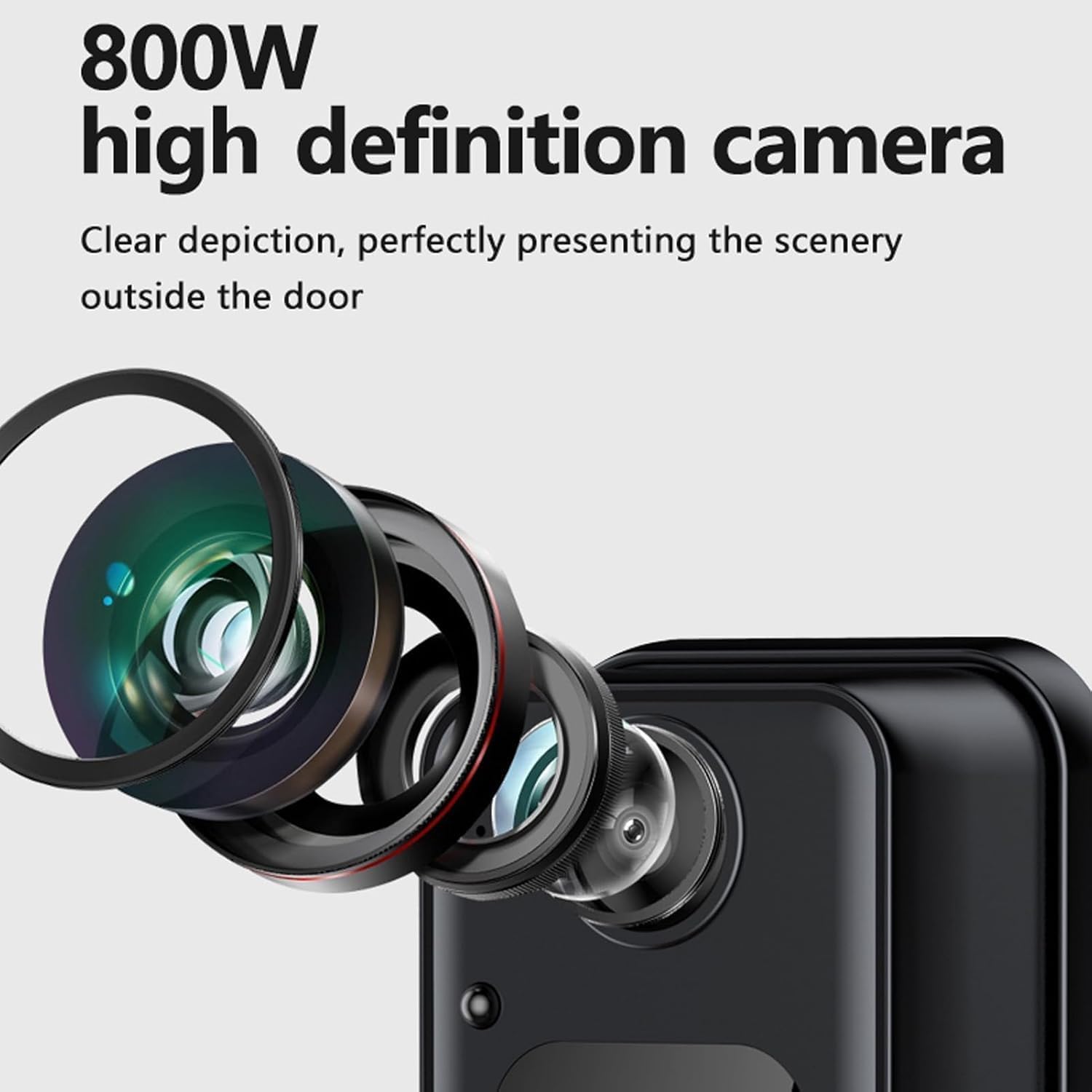
angka 2.5: Tutup-up view of the 800W high-definition camera lens, designed for clear image capture.

Figure 2.6: Visual representation of the 1000mAh high-capacity battery, indicating long-lasting power.
3. Setélan
3.1 Ngabongkar bungkusan sareng Inspeksi Awal
Carefully unpack all components and verify that all items are present and undamaged. The package should include the indoor display unit, outdoor doorbell unit, mounting hardware, and charging cable/adapter.
3.2 Ngecas Alat
Before first use, fully charge the indoor display unit. Connect the charging cable to the unit and plug the adapter into a standard wall socket. penting: The product requires connection to an adapter and socket for charging; direct USB port charging is not supported and may result in no charge or slow charging.
3.3 Pamasangan
- Pilih Lokasi: Select a suitable location for the outdoor doorbell unit near your door, ensuring a clear view of the entrance. The unit is wall-mountable and rated IP65 for outdoor use.
- Pasang Unit Luar Ruangan: Use the provided mounting hardware to securely attach the outdoor doorbell unit to the wall at an appropriate height.
- Place the Indoor Unit: Position the indoor display unit in a convenient location within your home where you can easily see and interact with it. Ensure it is within wireless range of the outdoor unit.
3.4 Daya Hurung/Pareuman
To power on the indoor display unit, press and hold the power button until the screen illuminates. To power off, press and hold the power button until the device shuts down. The outdoor unit is typically always on, powered by its internal battery.
4. Parentah Operasi
4.1 Answering a Visitor Call
When a visitor presses the doorbell button on the outdoor unit, the indoor display unit will ring and show a live video feed of the visitor. To engage in two-way communication, press the designated button on the indoor display unit. You can then speak with the visitor and hear their response.
4.2 Automatic Recording and Snapshots
The doorbell system is equipped with automatic recording and snapshot features. When a visitor presses the doorbell, the system will automatically record a video clip or take a snapshot, storing it internally. This provides a record of who visited your door.

Figure 4.1: Illustration of the automatic recording and photographing functions, highlighting the HD lens for clear captures.
4.3 Power Saving Standby Mode
When not in active use, the indoor display unit will automatically enter a power-saving standby mode. This is not a shutdown state. The unit will automatically reactivate and connect when the doorbell rings again, ensuring continuous readiness.
4.4 Important Operational Notes
- The product functions solely as a video doorbell. It allows you to see and communicate with visitors after they ring the bell.
- This device does not have a 'peep' function to view outside without the doorbell being pressed.
- The doorbell cannot be connected to a mobile phone.
- It does not function as a door opener.
5. Pangropéa
5.1 beberesih
To clean the indoor display unit and outdoor doorbell unit, use a soft, dry cloth. For stubborn marks, a slightly damp cloth can be used, followed by immediate drying. Avoid using abrasive cleaners, solvents, or chemical sprays, as these can damage the surfaces and electronic components.
5.2 Perawatan Batré
To prolong the life of the built-in battery, ensure regular charging using the provided adapter and socket. Avoid fully discharging the battery frequently. If the device will not be used for an extended period, charge it to approximately 50% before storage and recharge every few months.
5.3 Pertimbangan Lingkungan
While the outdoor unit is IP65 rated for water and dust resistance, avoid direct exposure to extreme weather conditions such as prolonged heavy rain or direct sunlight for extended periods, which could affect performance and longevity.
6. Cara ngungkulan
| Masalah | Mungkin Cukang lantaranana | Solusi |
|---|---|---|
| Indoor unit does not power on. | Batré béak. | Charge the indoor unit using the provided adapter and wall socket. Ensure it is not attempting to charge via a USB port directly. |
| No image on indoor display when doorbell rings. | Outdoor unit battery low or connection issue. | Check the outdoor unit's battery status. Ensure both units are within wireless range and there are no obstructions. |
| Poor audio quality during intercom. | Interference or distance between units. | Reduce interference sources. Ensure units are not too far apart. Speak clearly into the microphone. |
| Automatic recording/snapshot not working. | Storage issue or feature not enabled. | Ensure the internal storage is not full. Check device settings to confirm automatic recording is active. |
| Panempoan peuting teu jelas. | Obstruction of LED fill light or camera lens. | Clean the camera lens and ensure the LED fill light is not obstructed. |
7. Spésifikasi
| Fitur | Rincian |
|---|---|
| Nomer modél | Diyeenivi0csnw6g5 |
| Ukuran tampilan | 4.3 inci |
| Resolusi Masih Éféktif | 8 MP |
| Viewdina Angle | 170 darajat |
| Téhnologi konektipitas | Nirkabel, Wi-Fi |
| Sumber Daya | Batré (1000mAh) |
| Peunteun Protection Internasional | IP65 |
| Fitur husus | 2-Way Audio, Image Sensor, Auto Recording, Night Vision |
| Pamakéan jero rohangan / outdoor | Jero rohangan, Luar |
| Dimensi produk | 7.87 x 5.91 x 1.97 inci |
| Item Beurat | 13.6 ons |
8. Émbaran jaminan
For details regarding the warranty coverage for your Diyeeni Video Doorbell, please refer to the warranty card included with your purchase or consult your retailer's policy. Warranty terms and conditions may vary.
9. Rojongan
If you encounter any issues or require technical assistance with your Diyeeni Video Doorbell, please contact Diyeeni customer service through your retailer or the official brand website. Please have your model number (Diyeenivi0csnw6g5) and purchase information ready when contacting support.