1. Bubuka
This manual provides detailed instructions for the setup, operation, and maintenance of your LG 32UR500K-B Ultrafine 32-inch 4K UHD Computer Monitor. Please read this manual thoroughly before using your monitor to ensure proper and safe operation.
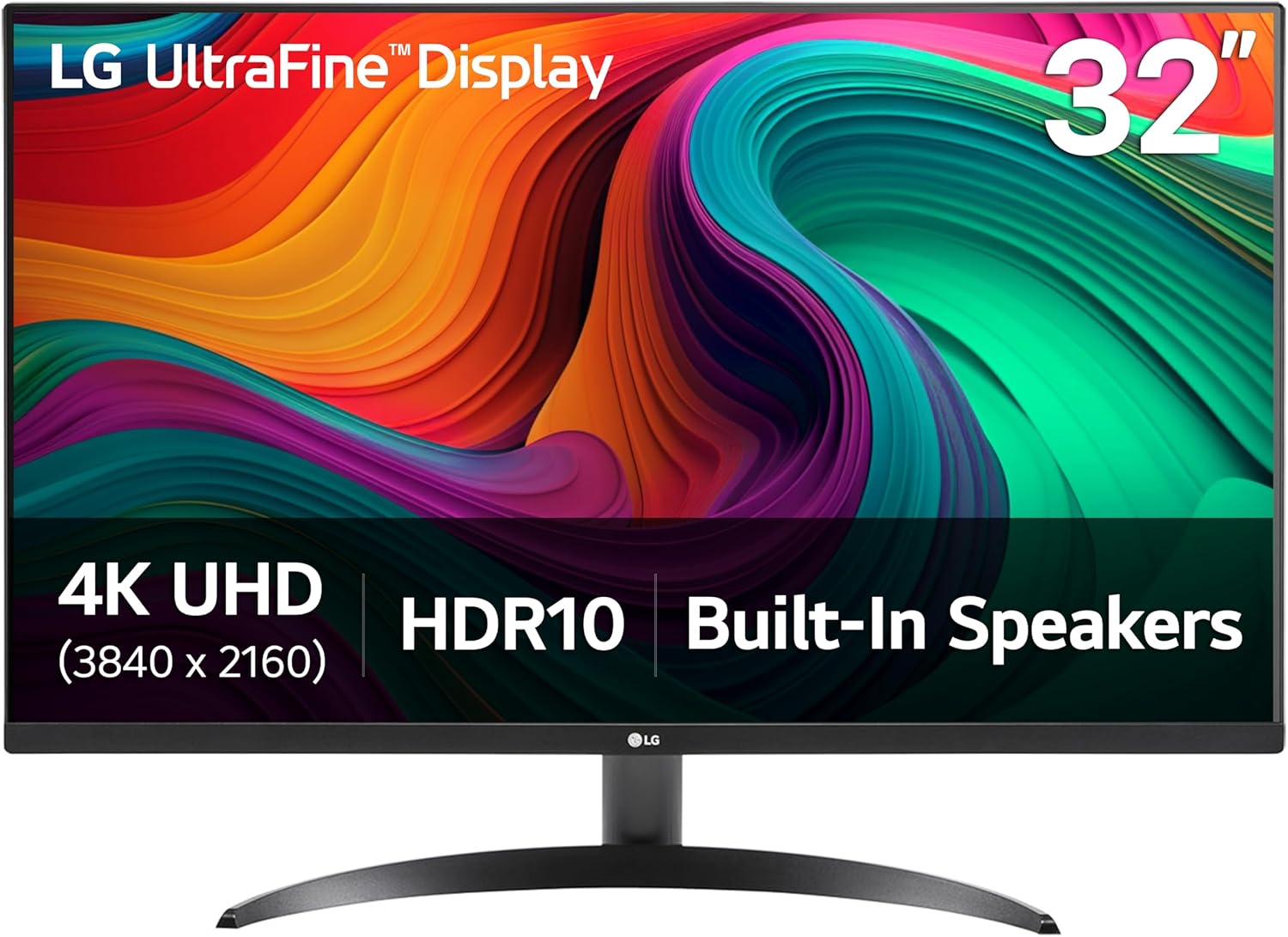
The LG 32UR500K-B features a 32-inch UHD 4K (3840 x 2160) display, HDR10 support, built-in speakers, and various display modes for an optimized viewpangalaman.
2. Eusi Paket
Pastikeun yén sadaya item aya dina kotak:
- Ngawaskeun
- Adaptor kakuatan
- Nangtung Base
- Nangtung beuheung
- Kabel HDMI
- Dokuméntasi (Pituduh Setelan Gancang, Kartu Garansi)
3. Setélan
3.1. Nangtung Majelis
- Taliti teundeun monitor ka handap dina permukaan anu lemes sareng bersih pikeun nyegah goresan.
- Attach the stand neck to the back of the monitor by aligning the tabs and pushing until it clicks into place.
- Attach the stand base to the stand neck. Secure it with the captive screw located on the underside of the base.

3.2. Nyambungkeun ka Komputer
Connect the monitor to your computer using one of the following methods:
- Sambungan HDMI: Use the provided HDMI cable to connect the monitor's HDMI port to your computer's HDMI output. The monitor features two HDMI ports.
- Sambungan DisplayPort: Use a DisplayPort cable (not included) to connect the monitor's DisplayPort to your computer's DisplayPort output.

3.3. Sambungan Daya
Sambungkeun adaptor daya ka input daya monitor, teras colokkeun kabel listrik kana stop kontak témbok.
4. Ngoperasikeun Monitor
4.1. Kadali dasar
The monitor features a joystick button located on the bottom center for navigating the OnScreen Display (OSD) menu. Press the joystick to access the main menu, then move it up/down/left/right to select options.
4.2. OnScreen Control Software
The OnScreen Control software allows you to customize the workspace by splitting the display or adjusting basic monitor options directly from your computer with a few mouse clicks. Installation of this software is required to utilize its full functionality.

4.3. Display Modes and Features
- 4K UHD tampilan: Enjoy clear images and vibrant colors with the 32-inch UHD 4K (3840 x 2160) resolution.
- HDR10 DCI-P3: Experience HDR10 content with up to 90% DCI-P3 color gamut expression for brilliant color and contrast.
- Modeu pamaca: Adjusts color temperature and luminance to reduce eye strain during long reading sessions.
- Flicker Aman: Minimizes screen flicker to provide a more comfortable viewpangalaman.

4.4. Fitur Audio
- Speaker Diwangun-di: The monitor includes two built-in stereo speakers.
- MaxxAudio: Equipped with Waves MaxxAudio for enhanced sound quality, making games and movies more immersive.

4.5. Fitur kaulinan
- Singkronisasi Aksi Dinamis: Ngurangan lag input pikeun pangalaman kaulinan anu langkung responsif.
- Hideung Stabilizer: Brightens dark scenes to improve visibility in games, helping to spot hidden enemies.

Video 4.1: Official LG video highlighting the 4K UHD display features of the UltraFine Monitor.
Video 4.2: Official LG video demonstrating the HDR capabilities of the UltraFine Monitor.
5. Pangropéa
Pangropéa anu leres mastikeun umur panjang sareng kinerja optimal monitor anjeun.
- Ngabersihan layar: Ngusap layar nganggo kaén anu lembut sareng teu aya serat. Pikeun tanda pengkuh, enteng dampen lawon jeung cai atawa cleaner layar husus. Ulah make bahan kimia kasar atawa bahan abrasive.
- Ngabersihan Casing: Anggo kaén anu lembut sareng garing pikeun ngabersihan monitor casing.
- Ventilasi: Pastikeun bukaan ventilasi monitor teu diblokir pikeun nyegah overheating.
- Pareum listrik: Pareuman monitor teras cabut tina stop kontak sateuacan dibersihkeun atanapi upami moal dianggo kanggo waktos anu lami.
6. Cara ngungkulan
Upami anjeun mendakan masalah sareng monitor anjeun, tingali léngkah-léngkah ngungkulan umum ieu:
- Henteu aya kakuatan:
- Ensure the power cord is securely connected to both the monitor and the wall outlet.
- Pariksa naha stop kontak listrik berpungsi leres ku cara nyolokkeun alat anu sanés.
- Henteu aya sinyal:
- Verify that the video cable (HDMI or DisplayPort) is securely connected to both the monitor and the computer.
- Pastikeun sumber input anu leres dipilih dina monitor ngalangkungan menu OSD.
- Check your computer's display settings to ensure the monitor is detected and configured.
- Layar kedip-kedip:
- Enable "Flicker Safe" mode in the monitor's settings.
- Pastikeun kabel vidéo teu ruksak sareng parantos nyambung kalayan leres.
- Coba kabel video atawa port béda.
- Kualitas Gambar goréng:
- Adjust brightness, contrast, and other picture settings in the OSD menu or via OnScreen Control software.
- Ensure the display resolution on your computer matches the monitor's native resolution (3840 x 2160).
For further assistance, please contact LG customer support.
7. Spésifikasi
| Fitur | Spésifikasi |
|---|---|
| merek | LG |
| Nomer modél | 32UR500K-B.AUS |
| Ukuran layar | 31.5 inci |
| Resolusi layar Max | 3840 x 2160 piksel (4K UHD) |
| Rasio Aspék | 16:9 |
| Pedaran Permukaan layar | Matte |
| Item Beurat | 13.7 pon |
| Ukuran produk (L x W x H) | 8.8 x 28.1 x 20.2 inci |
| Warna | Hideung |
| Konektipitas | HDMIx2, DisplayPort |
| Fitur husus | HDR10, Built-in Speaker x2, OnScreen Control, Reader Mode, Flicker Safe, Borderless Design, Tilt |
8. Garansi jeung Rojongan
For warranty information and customer support, please refer to the documentation included with your product or visit the official LG websitus. Simpen resi pameseran anjeun salaku bukti pameseran pikeun klaim garansi.
Dukungan Online: LG Rojongan Websitus