1. Bubuka
Thank you for choosing the iTOMA White Noise Machine 318. This device is designed to create a relaxing and comfortable environment conducive to sleep, relaxation, focus, and meditation. It offers a variety of soothing sounds, a convenient sleep timer, adjustable volume, and Bluetooth connectivity for personalized audio playback.

Gambar 1: Hareupeun view of the iTOMA White Noise Machine 318.
2. Fitur Produk
- Desain kompak sareng ramah-pamaké: Engineered for ease of use and portability, suitable for various settings.
- 30 Soothing Sound Options: Includes 10 white noises, 10 fan sounds, and 10 nature sounds (Rain, Sea waves, Brook, Bird, etc.) to cater to diverse preferences.
- Tingkat Volume saluyukeun: Offers a wide range of volume settings, from very low to adequately high, to effectively mask disturbing noises.
- Auto-Off Sleep Timer: Features 4 timer settings (15, 30, 60, or 90 minutes) for automatic shutdown, ideal for naps or bedtime routines. Continuous play option is also available.
- Konektipitas Bluetooth: Built-in Bluetooth speaker allows connection to smartphones or tablets for playing personal music or audio during relaxation, yoga, or meditation.
3. Eusi Paket
- 1 × iTOMA White Noise Machine 318
- 1 × Adaptor Daya
- 1 × Manual Pamaké (dokumén ieu)
4. Produk Langkungview
The iTOMA White Noise Machine 318 features an intuitive design with easily accessible controls. The main unit is compact and spherical, with a speaker grille on the front and control knobs on the side.

Figure 2: The mechanical knob design for volume and sound selection.
Kadali:
- Jilid Kenop: Located on the side, this knob allows you to adjust the sound output level.
- Sound Selection Knob: Also on the side, this knob is used to cycle through the different sound categories (White Noises, Fan Sounds, Nature Sounds) and individual sounds within each category.
- Tombol Timer: A dedicated button to set the auto-off timer.
- Tombol Bluetooth: Aktipkeun mode papasangan Bluetooth.
5. Setélan
- Unpack the iTOMA White Noise Machine 318 and its accessories from the packaging.
- Teundeun alat dina tempat nu datar, stabil.
- Connect the provided power adapter to the DC IN port on the back of the unit.
- Plug the power adapter into a standard electrical outlet. The device is now ready for use.
6. Parentah Operasi
6.1 Daya Hurung/Pareuman
To power on the device, rotate the main knob on the side. Rotate it again to power off.
6.2 Pamilihan Sora
Rotate the sound selection knob to cycle through the 30 available sounds. Sounds are categorized into White Noises, Fan Sounds, and Nature Sounds.
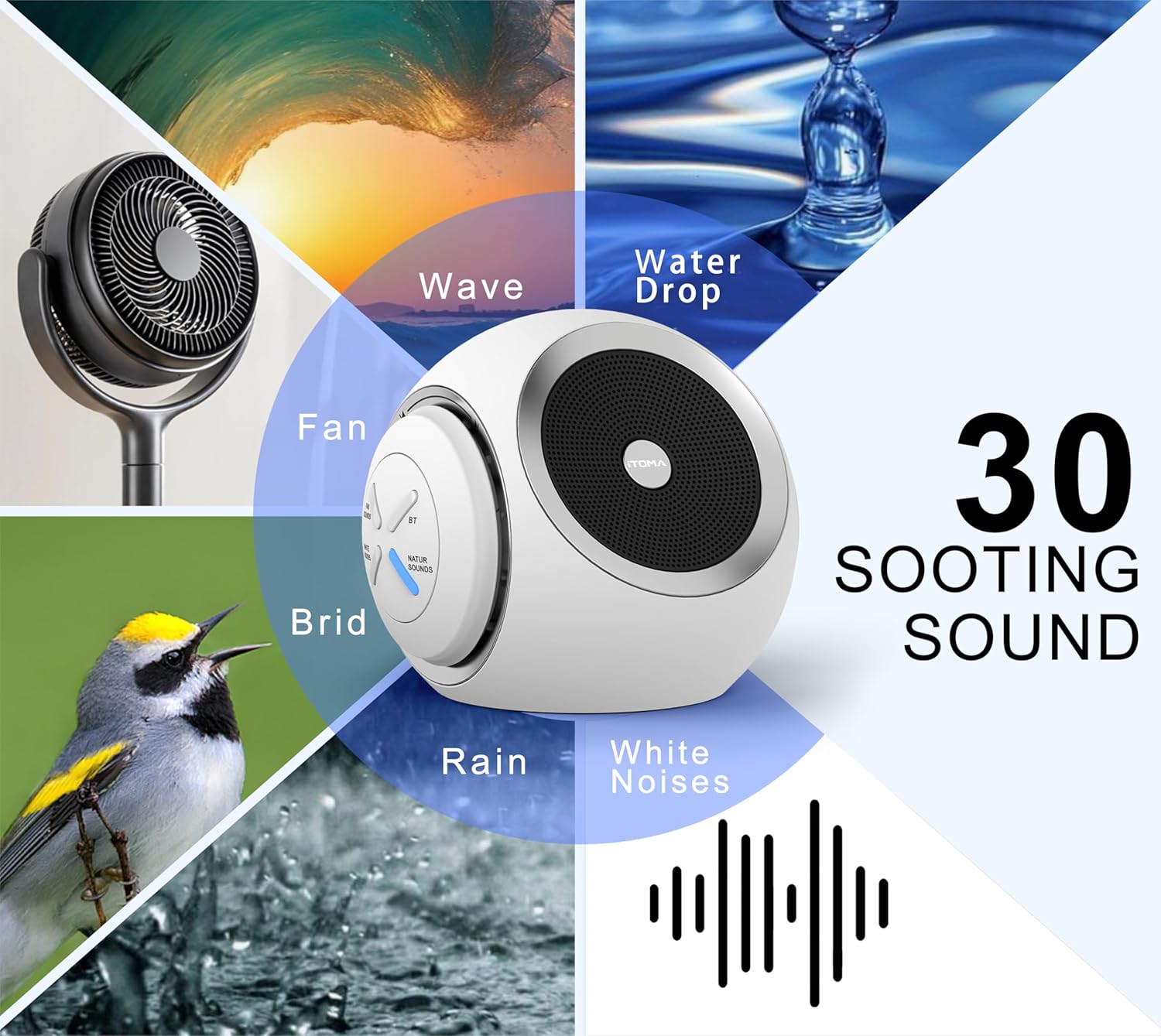
Figure 3: Visual representation of the 30 available soothing sounds.
6.3 Volume adjustment
Use the volume knob to increase or decrease the sound output. The device offers 16 distinct volume levels.
6.4 Timer Saré
Press the Timer button to activate the auto-off function. Each press cycles through the available timer settings: 15 minutes, 30 minutes, 60 minutes, 90 minutes, or continuous play. An indicator light will confirm the selected timer duration.

Figure 4: Sleep timer options for the device.
6.5 Nyapasangkeun Bluetooth
To use the device as a Bluetooth speaker:
- Press the Bluetooth button on the device. The Bluetooth indicator light will flash, indicating pairing mode.
- Dina smartphone atanapi tablet anjeun, aktipkeun Bluetooth sareng milarian alat anu sayogi.
- Select "iTOMA 318" from the list of devices to pair.
- Once paired, the Bluetooth indicator light will remain solid, and you can play audio through the device.
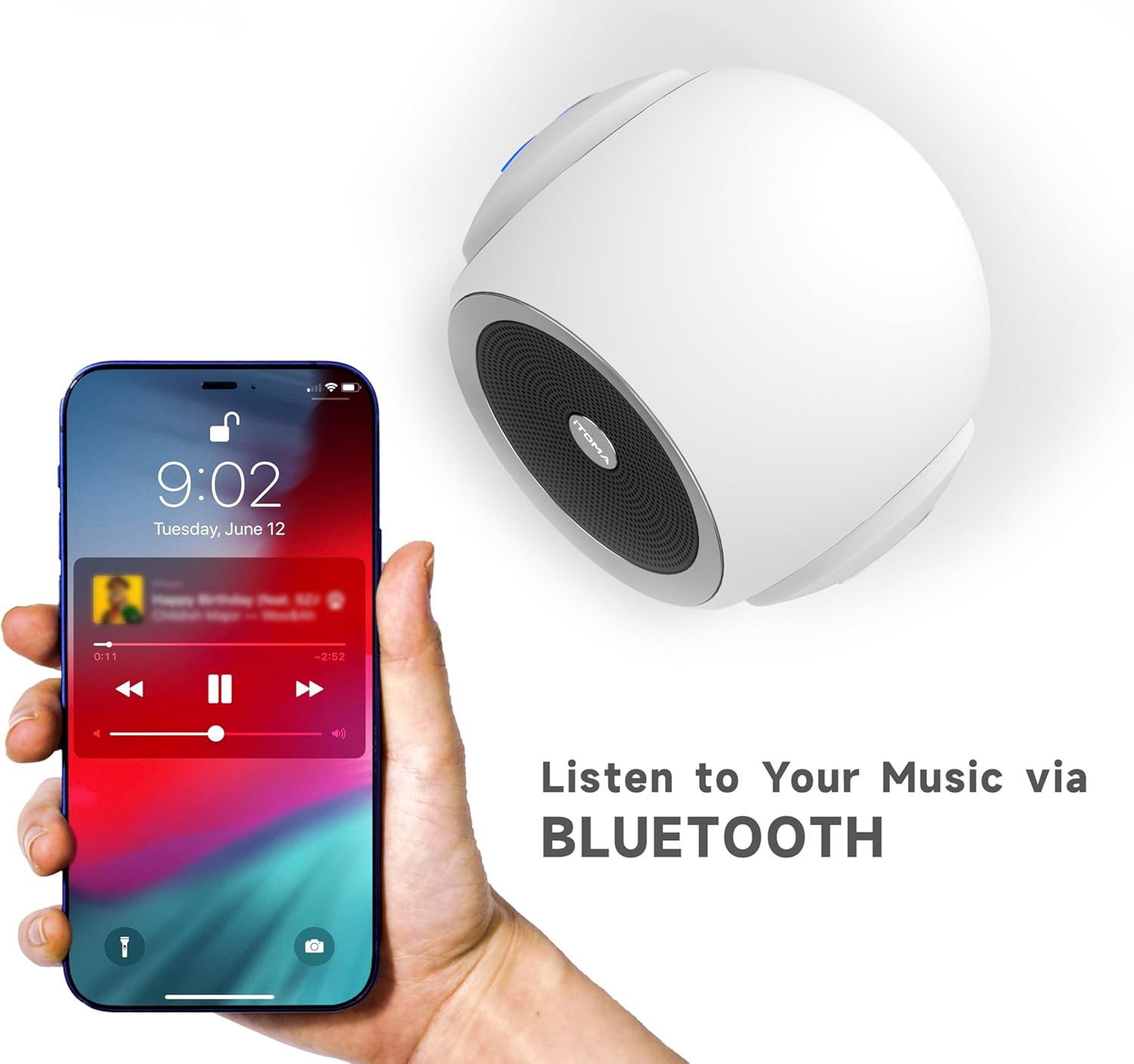
Figure 5: Bluetooth connectivity for playing personal audio.
6.6 Video produk
Video 1: An official product video demonstrating the iTOMA White Noise Machine 318's features and operation.
7. Pangropéa
- beberesih: Lap alatna ku lawon anu lemes sareng garing. Ulah nganggo pembersih cair atanapi bahan anu kasar.
- Panyimpenan: Simpen alat dina tempat anu tiis sareng garing upami henteu dianggo.
- Hindarkeun cai: Jauhkeun alat tina cai sareng Uap.
8. Cara ngungkulan
| Masalah | Mungkin Cukang lantaranana | Solusi |
|---|---|---|
| Alat teu hurung | Teu nyambung ka listrik kalawan bener. | Ensure the power adapter is securely plugged into the device and a working electrical outlet. |
| Taya kaluaran sora | Volume handap teuing atawa diredam. | Ningkatkeun polumeu nganggo kenop polumeu. |
| Bluetooth teu nyambung | Device is not in pairing mode or out of range. | Press the Bluetooth button to enter pairing mode. Ensure your smartphone/tablet is within range (approx. 10 meters) and Bluetooth is enabled. |
| Sound quality is poor via Bluetooth | Interference or distance from paired device. | Move the paired device closer to the white noise machine. Avoid obstacles between devices. |
9. Spésifikasi
- Ngaran modél: 318
- merek: iTOMA
- Ukuran produk: 6.2 x 2.3 x 3.5 inci
- Beurat barang: 1.37 pon
- Bahan: Acrylonitrile Butadiene Styrene (ABS), Plastik
- Sumber Daya: Kabel Listrik
- Pilihan sora: 30 (10 White Noises, 10 Fan Sounds, 10 Nature Sounds)
- Tingkat volume: 16
- Timer Saré: 15, 30, 60, 90 minutes, or Continuous Play
- Konektipitas: Bluetooth

Figure 6: Product dimensions of the iTOMA White Noise Machine 318.
10. Émbaran Kasalametan penting
Pernyataan ngeunaan suplemén dietary teu acan dievaluasi ku FDA sareng henteu dimaksudkeun pikeun ngadiagnosa, ngubaran, ngubaran, atanapi nyegah panyakit atanapi kaayaan kaséhatan.
Always ensure the device is used in a safe environment and according to the instructions provided. Keep out of reach of children and pets. Do not disassemble or attempt to repair the device yourself.
11. Garansi jeung Rojongan
For warranty information or technical support, please refer to the contact details provided with your purchase or visit the official iTOMA websitus. Simpen resi pameseran anjeun salaku bukti pameseran.


