Bubuka
The Panasonic ES-PV6B-W803 Series 900s Electric Shaver is designed for a precise and comfortable shaving experience. This compact, 5-blade shaver features an ultra-fast linear motor and a reactive beard sensor, adapting to your facial contours and beard density. It supports both wet and dry shaving and is equipped with USB-C charging for convenience.
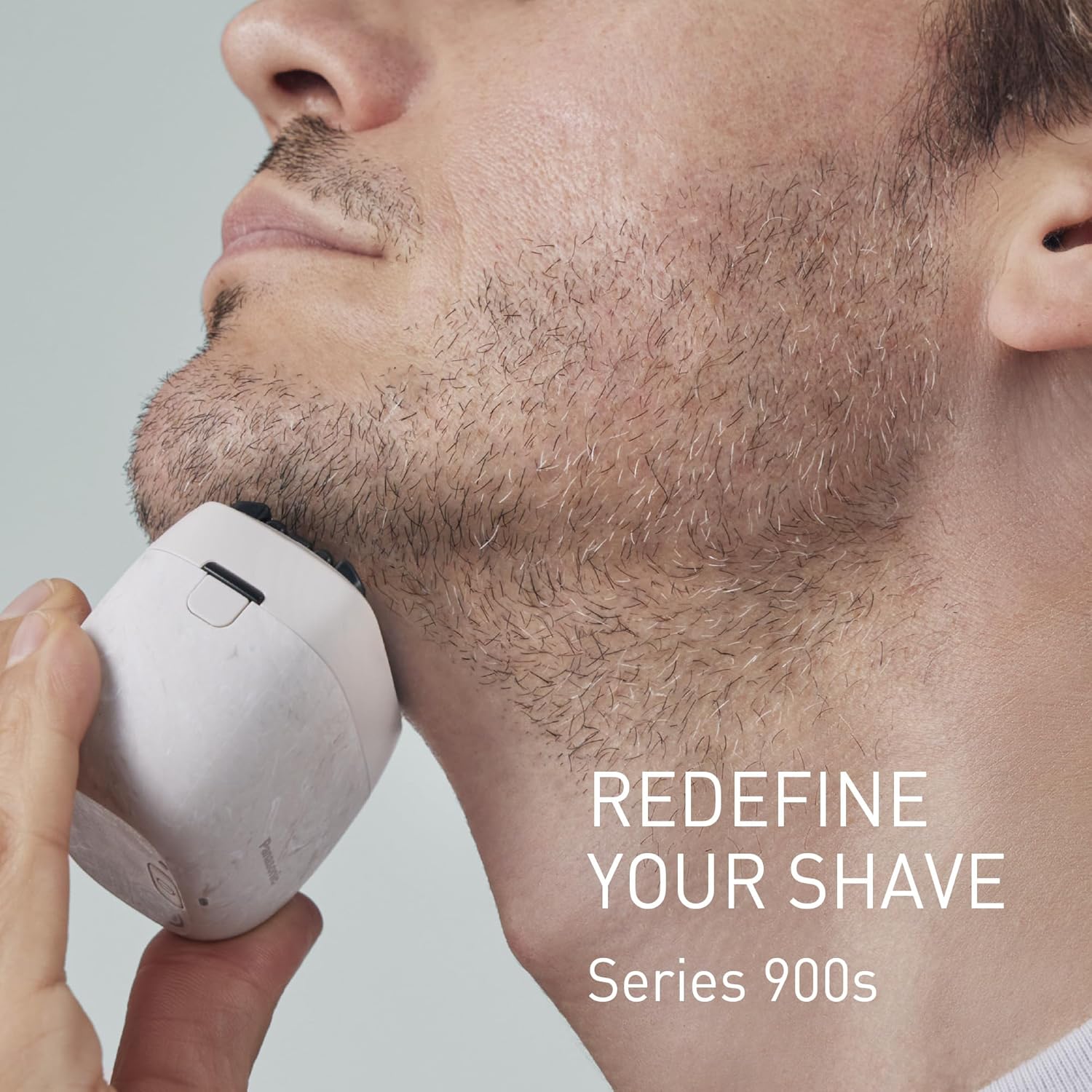
Image: The Panasonic Series 900s shaver in use, demonstrating its compact form factor and effective shaving.
Émbaran Kasalametan penting
Please read all safety warnings before using the shaver to ensure safe operation and prevent injury.
- Use with caution to avoid cuts or skin irritation.
- Clean the shaver regularly to prevent bacterial growth.
- Ulah make cukur bari keur ngecas.
- Do not immerse the shaver in water if it is not fully charged or if the charging port cover is not securely closed.
- Keep the shaver away from excessive water and humid environments when not in use or charging.
- Ulah nyobian muka atawa ngabongkar alat.
Setup jeung pamakéan munggaran
Unpacking sarta komponén
Carefully unpack your Panasonic ES-PV6B-W803 shaver. Ensure all components are present:
- Panasonic ES-PV6B-W803 Electric Shaver
- Kabel Ngecas USB-C
- Adaptor AC
- Sikat beberesih
- Minyak Pelumas
- Premium Travel Case

Image: Contents of the product package, including the shaver, charging accessories, cleaning tools, and travel case.
Ngecas Awal
Before the first use, fully charge the shaver. Connect the USB-C charging cable to the shaver and then to the AC adapter, plugging it into a power outlet. A full charge takes approximately 2 hours and provides up to 50 minutes of shaving time. Do not use the shaver while it is charging.

Image: The shaver being charged via USB-C, with icons showing 2-hour full charge and 50 minutes of shaving time.
Parentah Operasi
Shaving Modes: Wet and Dry
The ES-PV6B-W803 shaver is designed for both wet and dry use. Choose the method that best suits your preference and skin type.
- Cukur garing: For a quick and convenient shave, use the shaver on dry skin.
- Cukur baseuh: For a smoother and more comfortable shave, especially for sensitive skin, use the shaver with shaving gel or foam. It is also suitable for use in the shower.
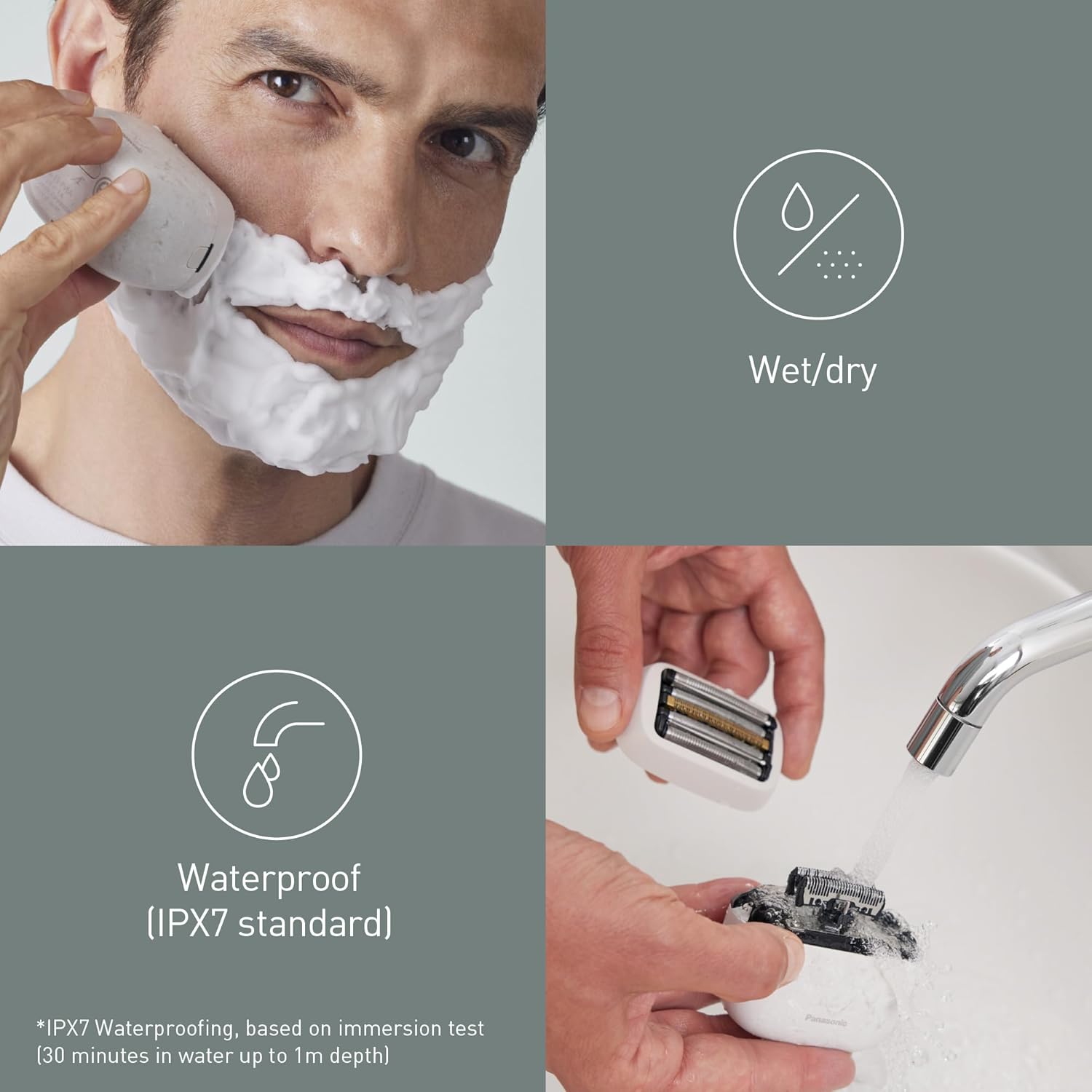
Image: Demonstrates the shaver's wet/dry capability and its waterproof design for easy rinsing.
Téhnik cukur
Turn on the shaver. Gently press the shaver head against your skin and move it in short, circular motions or straight strokes against the direction of hair growth. The shaver features a responsive beard sensor that automatically adjusts motor power based on your beard's density, ensuring an efficient and gentle shave without irritation.

Image: Visual representation of the responsive beard sensor technology in action.
The shaver is equipped with a 5-blade shaving system and an ultra-fast linear motor, providing approximately 70,000 cross-cutting actions per minute for a fast, smooth, and precise shave.

Gambar: Detil view of the 5-blade shaving system.

Image: Diagram illustrating the ultra-fast linear motor and its 70,000 cross-cutting actions per minute.
Pangropéa jeung beberesih
Bebersih sareng pangropéa teratur bakal mastikeun kinerja optimal sareng manjangkeun umur cukur anjeun.
beberesih poean
After each use, turn off the shaver and remove the outer foil frame. Rinse the shaver head and the inner blades thoroughly under running water. The shaver is IPX7 waterproof, allowing for easy and safe rinsing. Shake off excess water and allow the shaver to air dry completely before reattaching the protective cap.
Lubrication
To maintain blade sharpness and smooth operation, apply a drop of lubricating oil (included) to each outer foil and inner blade once a week or as needed. Turn on the shaver for a few seconds to distribute the oil evenly.
Panyimpenan
Store the shaver in its premium travel case when not in use or when traveling to protect it from damage. Ensure the shaver is clean and dry before storing.
Pamérésan masalah
If you encounter any issues with your Panasonic ES-PV6B-W803 shaver, please refer to the following common solutions:
| Masalah | Mungkin Cukang lantaranana | Solusi |
|---|---|---|
| Shaver teu hurung. | Batré béak. | Charge the shaver fully using the USB-C cable and AC adapter. |
| Reduced shaving performance. | Wilahna kusam atanapi katutupan ku rambut/leutak. | Clean the shaver head thoroughly. Apply lubricating oil to the blades. Consider replacing the outer foil and inner blades if they are old. |
| Iritasi kulit saatos cukur. | Improper shaving technique or dry shaving on sensitive skin. | Ensure you are shaving correctly. Try wet shaving with gel or foam. Clean the shaver head to ensure hygiene. |
If the problem persists, please consult the full product manual or contact Panasonic customer support for further assistance.
Spésifikasi produk
| Fitur | Rincian |
|---|---|
| merek | Panasonic |
| Nomer modél | ES-PV6B-W803 |
| Sistem cukur | 5-Agul |
| Bahan Sabeulah | Beusi sténless |
| Tipe Motor | Ultra-fast Linear Motor (70,000 cross-cutting actions/min) |
| Fitur husus | Wet/Dry Use, IPX7 Waterproof, Reactive Beard Sensor, NAGORI® Design |
| Sumber Daya | Battery Powered (1 Lithium-ion battery) |
| Ngecas | USB Tipe-C |
| Waktu Ngecas Pinuh | Kira-kira. 2 jam |
| Waktos Operasi | Nepi ka 50 menit |
| Ukuran (L x W x H) | 4.5 x 7.2 x 5.7 cm |
| Beurat | 145 gram |
| Warna | White (NAGORI® Marble) |
| Negara asal | Jepang |

Image: Physical dimensions of the shaver.

Image: The shaver's unique NAGORI design, made from seawater mineral components.
Garansi sareng Rojongan
For warranty information, please refer to the warranty card included in your product packaging or visit the official Panasonic website. For technical support, replacement parts, or service inquiries, please contact Panasonic customer support.
You can find contact details on the official Panasonic websitus: www.panasonic.com