Bubuka
This manual provides essential instructions for the safe and effective use of your PUSOKEI 4K Digital Camera. Please read this manual thoroughly before operating the camera and retain it for future reference.

Gambar: Hareup jeung tukang view of the PUSOKEI 4K Digital Camera, highlighting its 4K capability, 16X digital zoom, and anti-shake feature.
Eusi pakét
- 1 x PUSOKEI Digital Camera
- 1 x Tali Leungeun
- 1 x Kabel USB
Note: A memory card is not included and must be purchased separately.
Disetél
1. Ngecas Batré
The camera has a built-in 800mAh lithium battery. Before first use, ensure the camera is fully charged. Connect the camera to a power source using the provided USB cable. The charging indicator light will typically show the charging status and turn off or change color when fully charged.
2. Nyelapkeun Kartu Mémori
The camera supports memory cards up to 128GB. Locate the memory card slot, usually on the side or bottom of the camera. Insert the memory card with the metal contacts facing the correct direction until it clicks into place. Ensure the camera is powered off before inserting or removing the memory card.
3. Ngalampirkeun Tali Leungeun
Thread the included hand strap through the strap loop on the side of the camera to prevent accidental drops.

Gambar: Deukeut view of the side of the PUSOKEI 4K Digital Camera, showing the strap loop and tripod screw hole.
Ngoperasikeun kaméra
1. Powering on / Pareum
Press and hold the Power button (usually marked with a circle and a vertical line) to turn the camera on or off. The 2.4-inch screen will illuminate.
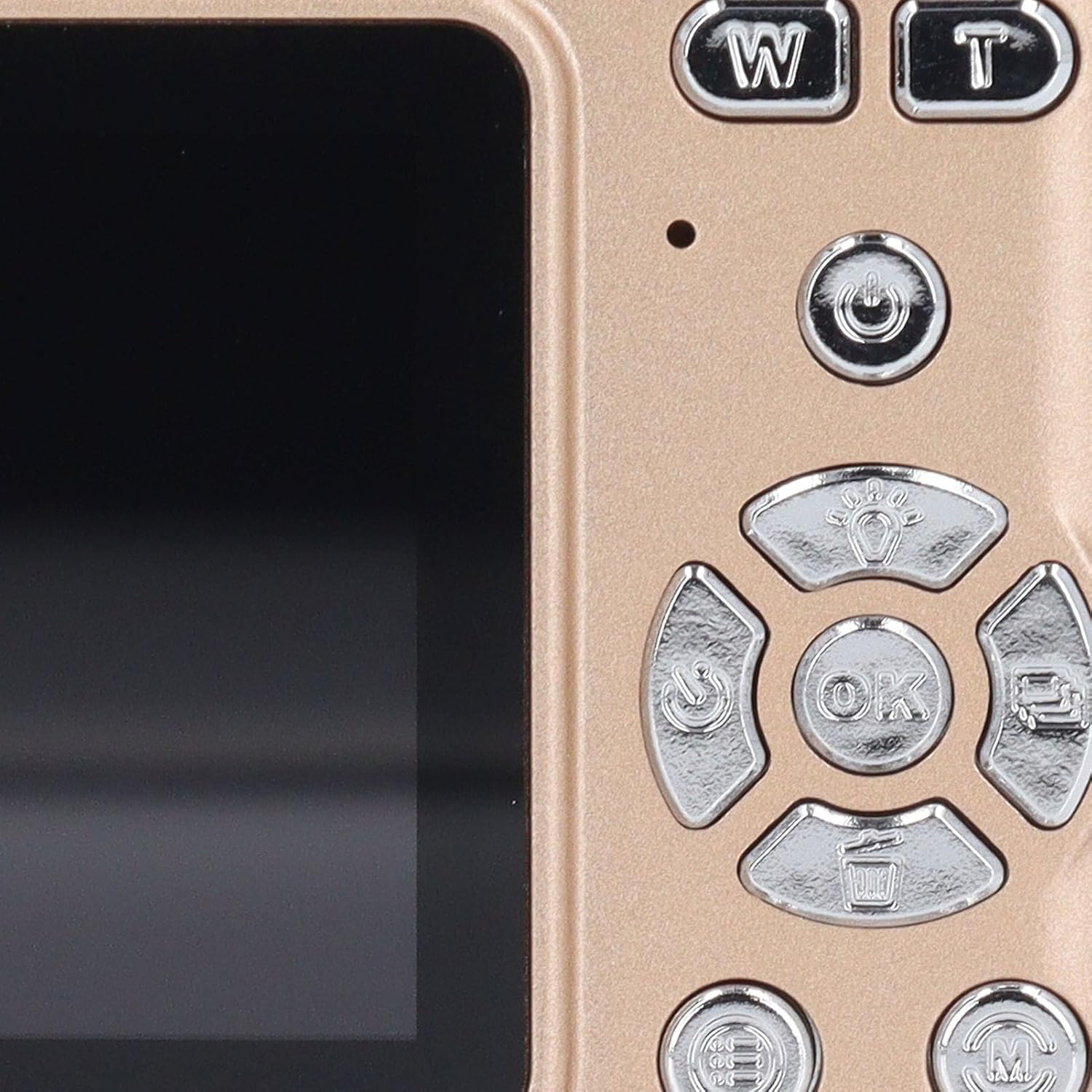
Image: Close-up of the camera's back panel, showing the power button, zoom controls (W/T), navigation buttons, OK button, and menu/delete buttons.
2. Nyokot Poto
- Otomatis Pokus: The camera features automatic focusing. Point the camera at your subject, and it will automatically adjust focus for clear images.
- Zum: Use the 'W' (Wide) and 'T' (Telephoto) buttons to adjust the 16X digital zoom.
- Tombol jepret: Press the shutter button (typically on top of the camera) halfway to focus, then press fully to capture the image.
- Senter LED: In low-light conditions, the built-in LED flashlight can be activated to improve scene lighting. Refer to the on-screen menu for flash settings.
- Fungsi Makro: For close-up shots of small objects, activate the macro function through the camera's menu. This allows for precise focus on delicate details.

Image: Demonstrating the camera's autofocus and macro capabilities, showing clear details of strawberries and a flower.

Image: The PUSOKEI 4K Digital Camera positioned against a background of various scenic photographs, illustrating its versatility.

Image: A collage of diverse photographs including cityscapes, nature scenes, and portraits, showcasing the camera's ability to capture various subjects.
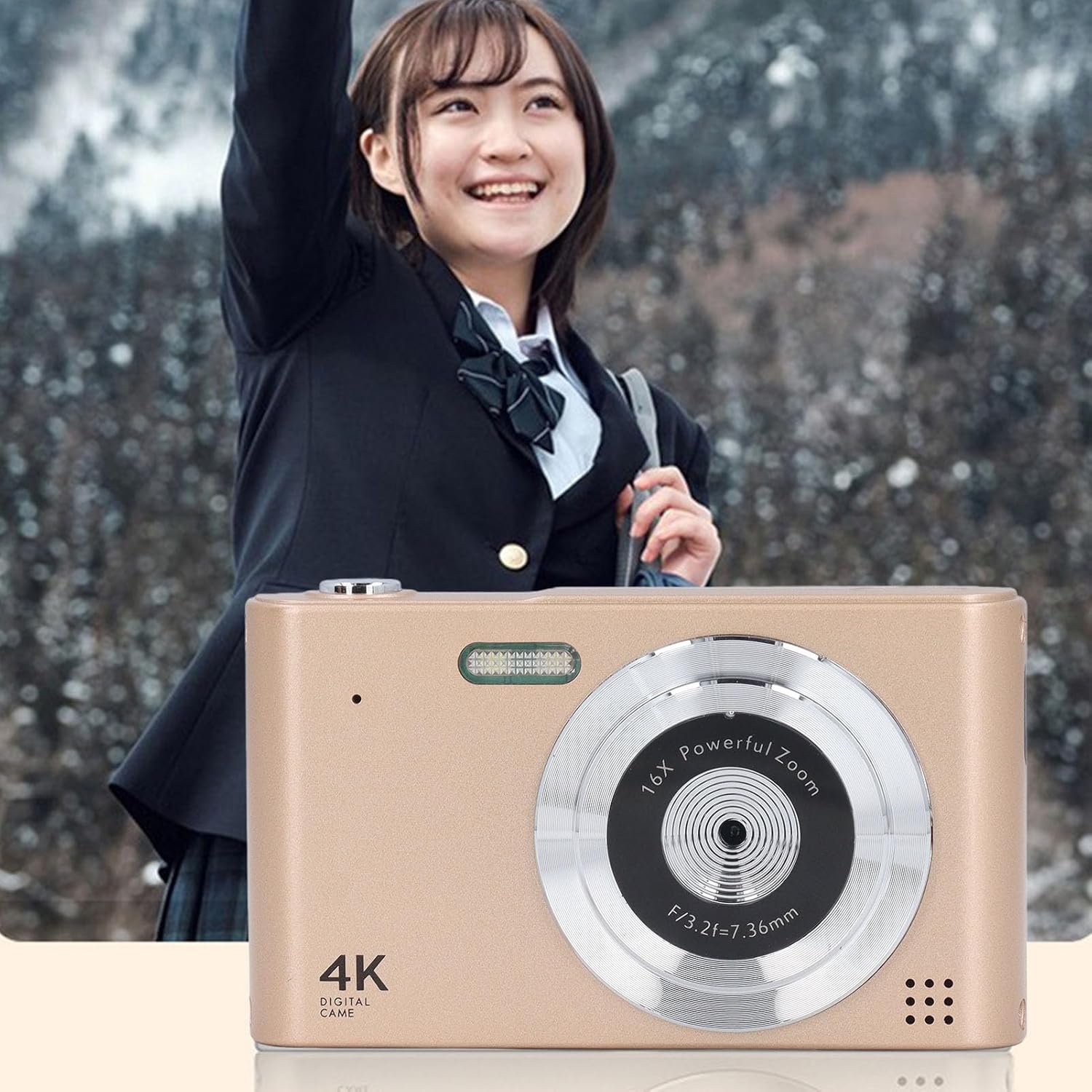
Image: The PUSOKEI 4K Digital Camera shown in use, capturing a moment with a person in a natural, outdoor setting.
3. Ngarékam Pidéo
Switch the camera to video mode (refer to the on-screen menu or mode dial, if present). Press the shutter button to start recording and press it again to stop. The camera supports up to 4K video resolution.
4. Reviewing Poto sareng Pidéo
Press the Playback button (often indicated by a triangle icon) to enter playback mode. Use the navigation buttons to scroll through your captured images and videos. Press the OK button to view video atawa ngazum kana poto.
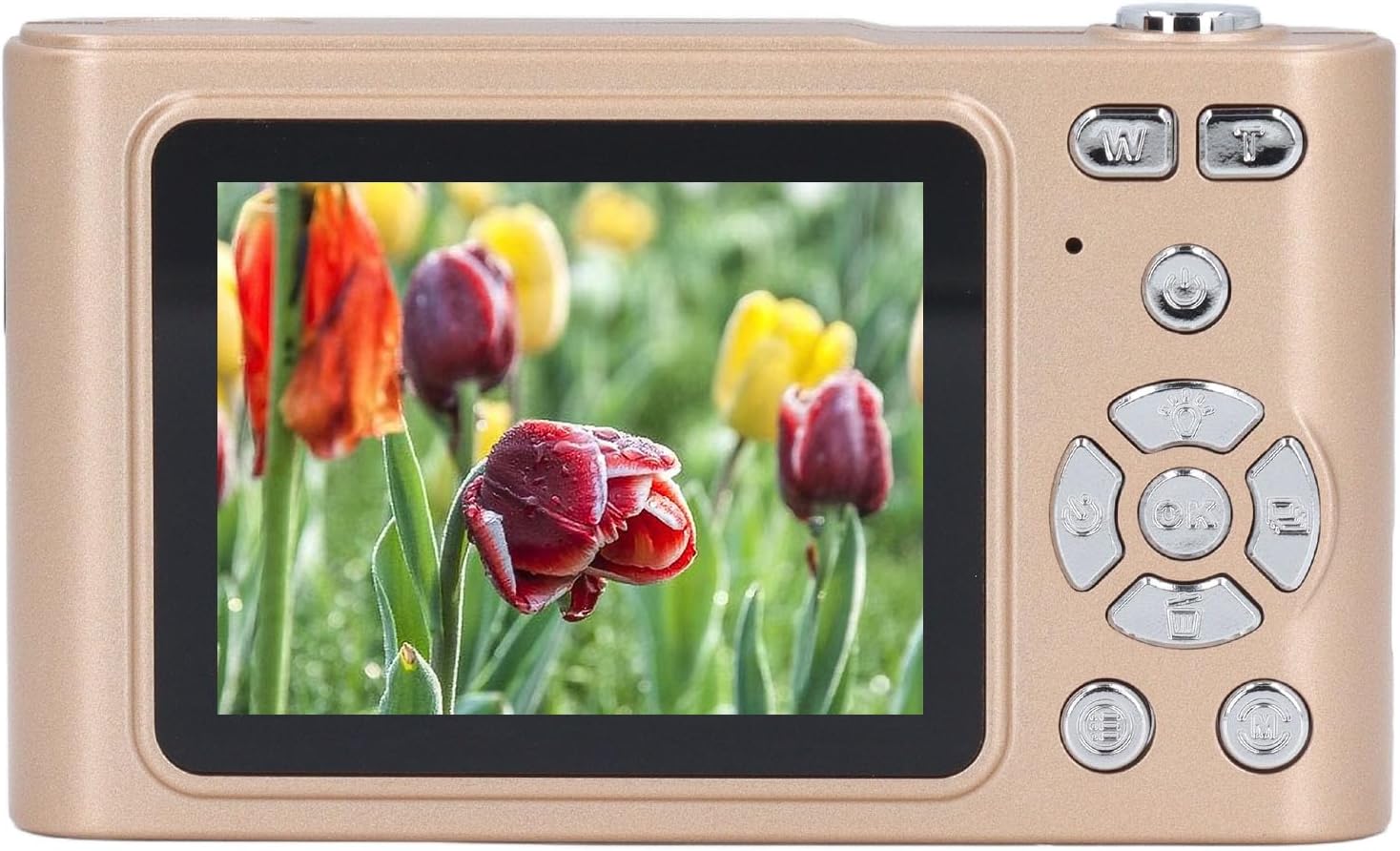
Gambar: Balik view of the PUSOKEI 4K Digital Camera displaying a vibrant image of tulips on its screen.
5. Nyambungkeun ka Komputer
Connect the camera to your computer using the provided USB Type-C cable. The camera should appear as a removable disk drive, allowing you to transfer photos and videos.
Pangropéa
- Ngabersihan Lensa sareng Layar: Use a soft, lint-free cloth specifically designed for optical surfaces to gently wipe the lens and screen. Avoid using harsh chemicals or abrasive materials.
- Perawatan batré: To prolong battery life, avoid fully discharging the battery frequently. Store the camera in a cool, dry place when not in use for extended periods.
- Panyimpenan: Store the camera in a protective case or bag to prevent scratches and damage from dust or moisture.
Pamérésan masalah
- Kaméra henteu hurung: Ensure the battery is fully charged. If the issue persists, try connecting the camera to a power source and attempting to turn it on while charging.
- Teu tiasa nyandak poto/video: Check if a memory card is inserted correctly and has sufficient free space. Ensure the camera is in the correct mode (photo or video).
- Gambar kabur: Ensure the lens is clean. Allow the camera to autofocus before fully pressing the shutter button. Check if macro mode is accidentally enabled for distant shots, or disabled for close-ups.
- Kasalahan kartu mémori: Reinsert the memory card. If the error persists, try formatting the card (this will erase all data) or using a different compatible memory card.
- Kaméra beku: Remove and reinsert the battery (if accessible) or press and hold the power button for an extended period (e.g., 10-15 seconds) to force a shutdown.
spésifikasi
| Fitur | Spésifikasi |
|---|---|
| Resolusi Gambar Maksimum | 48MP |
| Resolusi Pidéo Maksimum | 4K |
| Ukuran layar | Kira-kira. 2.4 inci |
| Zum Digital | 16X |
| Liang screw handap | 1/4 inci |
| Panganteur kaméra | Tipe C |
| Rojongan gudang | Up to 128GB memory card (not included) |
| Émbaran batré | Batré Litium Diwangun-di, 800mAh |
| Item Beurat | 7.7 ons |
| Ukuran Paket | 5.12 x 4.72 x 1.57 inci |
| Nomer modél | PUSOKEI58aqcu2wyt-11 |
Garansi sareng Rojongan
For warranty information and customer support, please refer to the documentation provided with your purchase or contact the seller directly. Keep your proof of purchase for warranty claims.


