Bubuka
This manual provides essential information for the setup, operation, and maintenance of your Panasonic TV-43W80AEZ 43-inch 4K Ultra HD Smart TV. Please read these instructions carefully before using your television to ensure proper functionality and to maximize your viewpangalaman. Simpen manual ieu pikeun rujukan ka hareup.
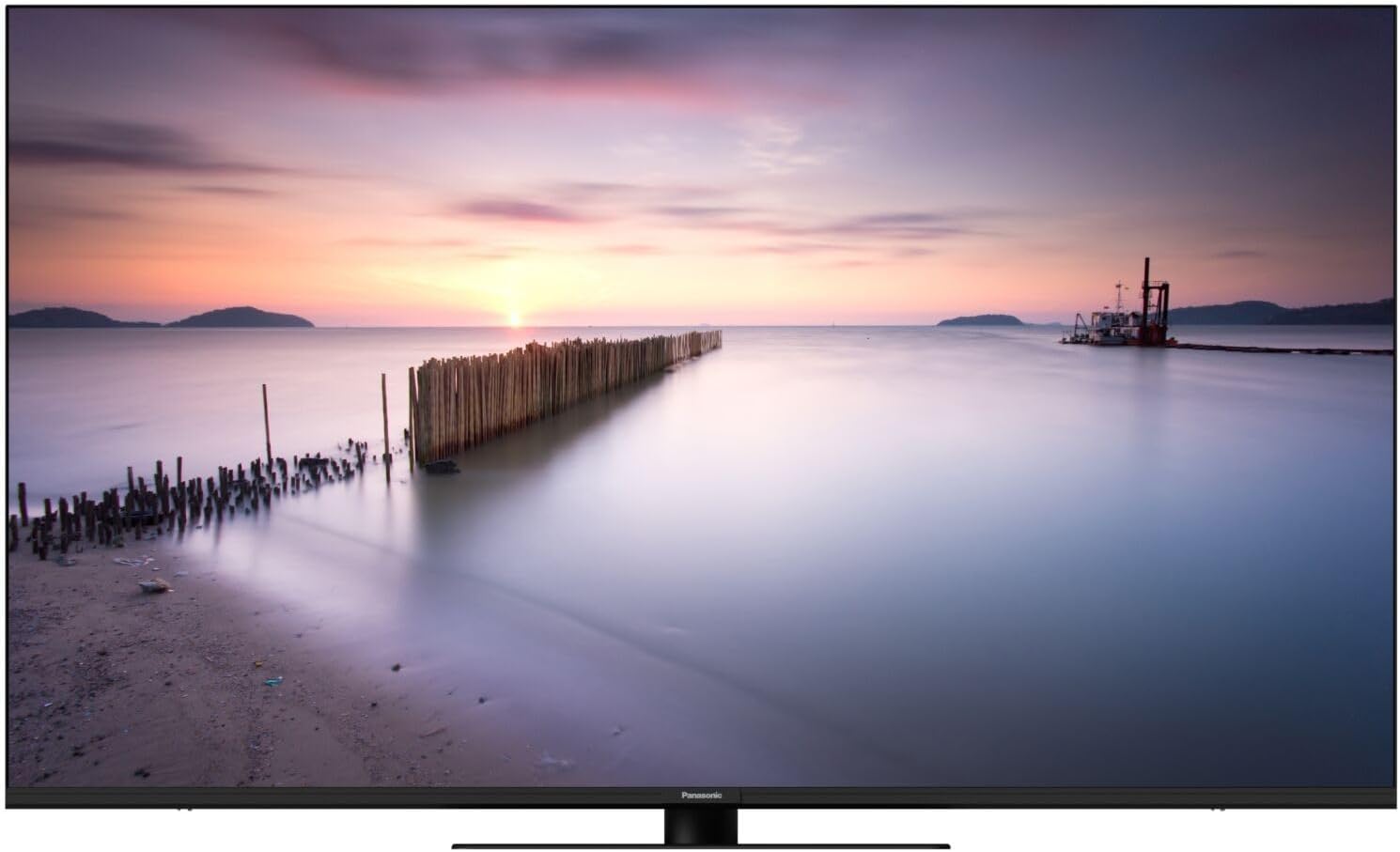
Image 1: The Panasonic TV-43W80AEZ displaying a vibrant sunset over a calm body of water, showcasing kamampuhan tampilan na.
Fitur konci
- Prosesor HCX: Experience enhanced contrast, sharpness, and color accuracy, delivering images faithful to the creator's original vision.
- Multi-HDR Support: Optimized brightness, contrast, and color with support for Dolby Vision, HLG, HDR10, and HDR10+ formats.
- Surround Sound Pro and Dolby Atmos: Immerse yourself in cinematic audio with advanced surround sound technology.
- Integrated Fire TV: Access favorite shows, movies, and live TV through an intuitive home screen with personalized viewing suggestions for up to six users.
- Game Plus Mode: Features ALLM HDMI 2.1, VRR, and Dolby Vision HDR Gaming support for smooth, detailed on-screen action and rapid response times.
- Alexa Voice Control and Airplay: Easily control the Smart TV using Alexa voice commands and share content from Apple devices via AirPlay.

Image 2: The Fire TV interface on the Panasonic TV, showing popular streaming applications and content recommendations.
Disetél
1. Unboxing jeung panempatan
- Cabut TV sacara saksama tina bungkusanna.
- Attach the stand or mount the TV according to the separate stand/mount installation guide.
- Place the TV on a stable, level surface or securely mount it to a wall. Ensure adequate ventilation around the TV.
2. Nyambungkeun Power
- Connect the power cord to the TV's power input.
- Colokkeun tungtung kabel listrik anu sanés ka stop kontak témbok.
3. Nyambungkeun Alat éksternal
Use the available ports (HDMI, USB, Ethernet) to connect external devices such as Blu-ray players, gaming consoles, sound systems, or network cables.
4. Setup Awal
- Hurungkeun TV nganggo tombol daya dina kadali jauh atawa TV sorangan.
- Turutan pitunjuk dina layar pikeun milih basa, nagara, sareng nyambung ka jaringan Wi-Fi anjeun.
- Complete the Fire TV setup, including signing in to your Amazon account.
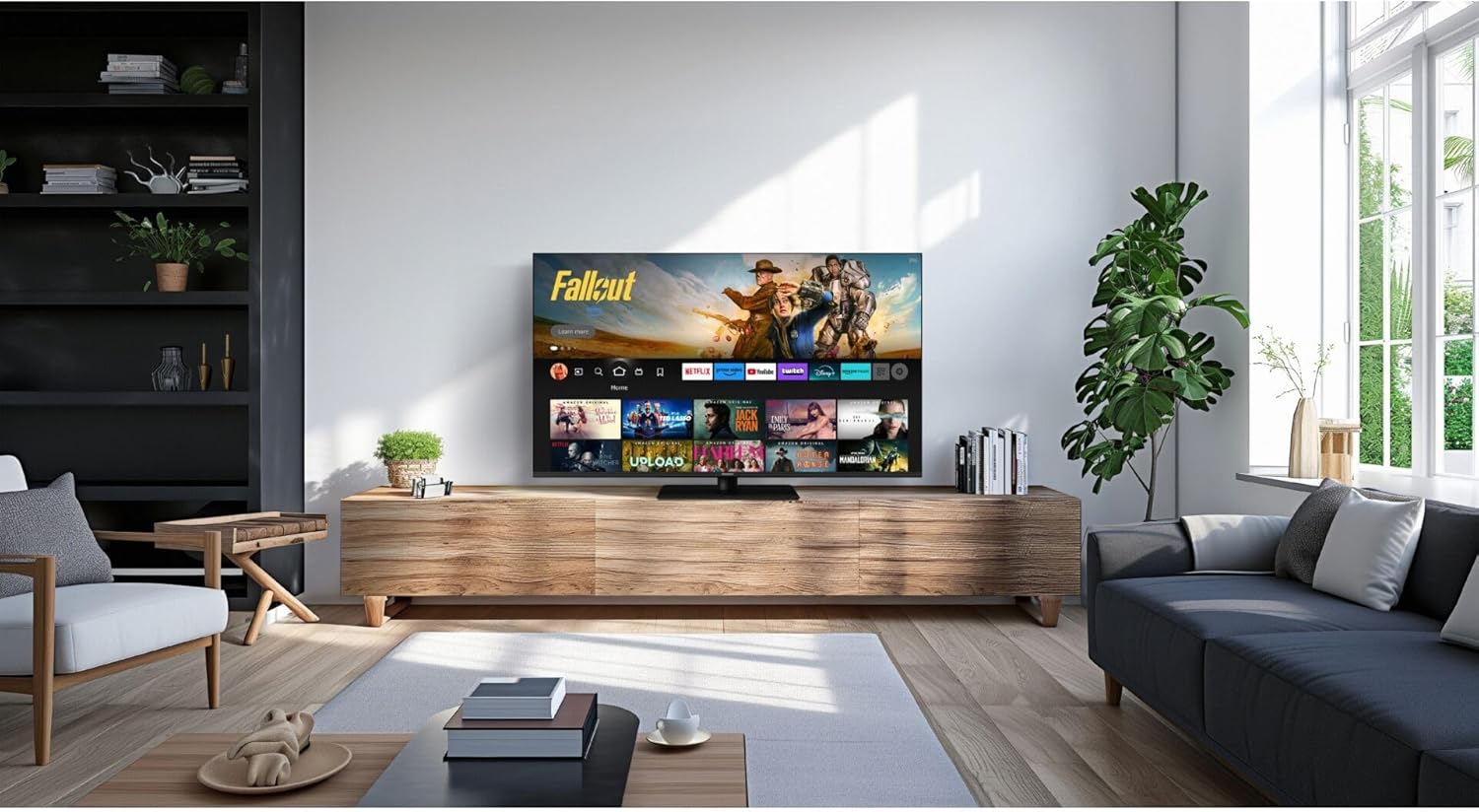
Image 3: The Panasonic TV-43W80AEZ positioned on a media console in a modern living room, demonstrating typical installation.
Parentah Operasi
Daya Hurung/Pareuman
Pencét éta Kakuatan tombol dina kadali jauh pikeun ngahurungkeun TV atawa mareuman.
Pilihan Input
Pencét éta Input button on the remote to cycle through connected sources (HDMI 1, HDMI 2, etc.).
Fire TV Navigation
Paké Pad arah na Pilih button on the remote to navigate the Fire TV interface. Access apps, settings, and content libraries.
Kontrol sora sareng Alexa
Pencét jeung tahan tombol Alexa button on your remote and speak your command. For example, "Open Netflix" or "Switch to HDMI 1."
Game Plus Mode
When a compatible gaming console is connected via HDMI, the TV may automatically switch to Game Plus Mode for optimized gaming performance. This mode reduces input lag and enhances visual fluidity.
AirPlay Functionality
To use AirPlay, ensure your Apple device and the TV are connected to the same Wi-Fi network. Select the AirPlay icon on your Apple device and choose your Panasonic TV from the list of available devices to mirror content or stream media.
Pangropéa
Ngabersihan Layar
- Pareuman TV jeung cabut colokan tina stop kontak listrik.
- Lembut usap layar nganggo kaen microfiber anu lemes sareng garing.
- Pikeun tanda pengkuh, enteng dampen lawon ku cai atawa cleaner layar husus (ulah menyemprot langsung kana layar).
- Hindarkeun ngagunakeun bahan kimia anu kasar, pembersih abrasive, atanapi anduk kertas, sabab ieu tiasa ngaruksak layar.
Ngabersihan Awak TV
- Ngusap permukaan luar ku kaén anu lembut sareng garing.
- Do not use liquid cleaners directly on the TV body.
Ventilasi
Ensure that the ventilation openings on the TV are not blocked. Proper airflow prevents overheating and extends the lifespan of the device.
Pamérésan masalah
| Masalah | Mungkin Cukang lantaranana | Solusi |
|---|---|---|
| Taya kakuatan | Kabel listrik dipegatkeun; outlet teu jalan. | Pariksa sambungan kabel kakuatan; test outlet jeung alat sejen. |
| Henteu aya gambar, tapi aya sora | Input salah dipilih; alat éksternal pareum atawa dipegatkeun. | Verify input source; check external device power and connections. |
| Henteu aya sora, tapi aya gambar | Volume muted atawa low teuing; setélan kaluaran audio salah. | Increase volume; check mute status; adjust audio settings in TV menu. |
| Kadali jauh teu jalan | batré maot; halangan antara remote jeung TV. | Replace batteries (2 AA included); remove obstructions; ensure line of sight. |
| Masalah sambungan Wi-Fi | Masalah router; kecap akses salah; TV jauh teuing ti router. | Restart router; re-enter Wi-Fi password; move TV closer or use Ethernet. |
If problems persist, consult the full electronic manual available online or contact Panasonic customer support.
spésifikasi
| Fitur | Rincian |
|---|---|
| merek | Panasonic |
| Nomer modél | TV-43W80AEZ |
| Ukuran layar | 43 inci |
| Warna | Hideung |
| Téknologi tampilan | LED |
| Resolusi | 4K Ultra HD |
| Refresh Laju | 60 Hz |
| Fitur husus | Dolby Vision and Atmos, Fire TV |
| Sambungan | Bluetooth, Wi-Fi, Ethernet, HDMI, USB |
| Total palabuhan USB | 2 |
| Komponén Kaasup | Remote Control, 2 AA Batteries |
| Ukuran produk (L x W x H) | 95.7 x 6.5 x 55.8 cm (kira-kira 37.7 x 2.6 x 22 inci) |
| Negara asal | kalkun |
Garansi sareng Rojongan
Your Panasonic TV-43W80AEZ is covered by a manufacturer's warranty. Please refer to the warranty card included with your product for specific terms and conditions. For technical support, service, or additional information, please visit the official Panasonic support websitus atanapi ngahubungan departemén layanan palanggan maranéhna.
Online resources and FAQs are often available to assist with common inquiries.


