1. Émbaran Kasalametan penting
Please read all safety instructions carefully before using your Xiaomi TV S Mini LED 75" 2025. Keep this manual for future reference.
- Sumber Daya: Sambungkeun TV ngan ka sumber kakuatan AC sakumaha dituduhkeun dina labél.
- Ventilasi: Pastikeun ventilasi nyukupan sabudeureun TV. Ulah meungpeuk bukaan ventilasi.
- Cai sareng Uap: Ulah ngalaan TV ka hujan atawa beueus. Ulah nempatkeun objék ngeusi cairan dina TV.
- beberesih: Cabut TV sateuacan beberesih. Paké lawon lemes, garing. Hindarkeun pembersih cair.
- Palayanan: Entong nyobian ngalayanan produk ieu nyalira. Rujuk sadayana ngalayanan ka tanaga jasa anu mumpuni.
- panempatan: Teundeun TV dina permukaan stabil, datar atawa pasang eta aman kana témbok maké VESA gunung cocog.
2. Eusi Paket
Pastikeun yén sadaya item aya dina bungkusan:
- Xiaomi TV S Mini LED 75" 2025
- Kadali jauh
- Kabel Daya
- TV Stand Components (if included)
- Manual pangguna (dokumén ieu)
3. Setup Guide
3.1 Ngabongkar bungkusan TV
Carefully remove the TV from its packaging. It is recommended to have two people for this process due to the size and weight of the 75-inch model.
3.2 Installing the TV Stand (Optional)
If you are not wall-mounting the TV, attach the included stand components according to the separate stand installation guide. Ensure all screws are tightened securely.
3.3 Pamasangan Tembok (Pilihan)
The Xiaomi TV S Mini LED 75" 2025 supports VESA wall mounts with a pattern of 400 x 300 mm. Use appropriate wall-mounting hardware and consult a professional for installation to prevent injury or damage.
3.4 Nyambungkeun périferal
Connect your devices to the TV's input ports. Refer to the back panel image for port locations.
Gambar: Tukangeun view of the TV displaying available connection ports.
- kakuatan: Sambungkeun kabel listrik ka TV teras ka stopkontak.
- HDMI: Connect Blu-ray players, game consoles, or other HDMI devices.
- USB: Sambungkeun alat panyimpenan USB pikeun playback media.
- Ethernet: Pikeun sambungan internét kabel.
- Antena/Kabel: Sambungkeun anteneu anjeun atanapi input TV kabel.
3.5 Daya Awal Hurung sareng Setup Kahiji-Waktos
After connecting all cables, plug in the TV and press the power button on the remote control. Follow the on-screen instructions to complete the initial setup, including network connection, Google account login, and channel scanning.

Gambar: Hareupeun view of the Xiaomi TV S Mini LED 75" 2025.
4. Parentah Operasi
4.1 Jauh Control Leuwihview
Kadali jauh anu kalebet nyayogikeun aksés ka sadaya pungsi TV. Familiarize diri jeung perenah tombol pikeun navigasi gampang.
4.2 Fungsi Dasar
- kakuatan: Pencét pikeun ngahurungkeun atanapi mareuman TV.
- Volume: Use the +/- buttons to adjust the sound level.
- Saluran: Anggo tombol CH +/- pikeun ngarobih saluran.
- Input: Select the desired input source (HDMI, AV, etc.).
- imah: Access the Google TV home screen.
4.3 Fitur Smart TV (Google TV)
Your Xiaomi TV runs on Google TV, offering a personalized entertainment experience.

Image: Google TV interface with app icons and content suggestions.
- Aplikasi: Unduh sareng pasang aplikasi ti Google Play Store.
- Asistén Sora: Use the built-in Google Assistant for voice commands.
- Rekomendasi eusi: Google TV provides personalized recommendations based on your viewkabiasaan.

Image: Using the Hey Google voice assistant to search for content.
4.4 Setélan tampilan
Adjust picture settings to optimize your viewpangalaman.
Gambar: Leuwihview of the TV's advanced display technologies.
- Modeu Gambar: Select from various preset modes (e.g., Standard, Vivid, Movie, Game) or customize your own.
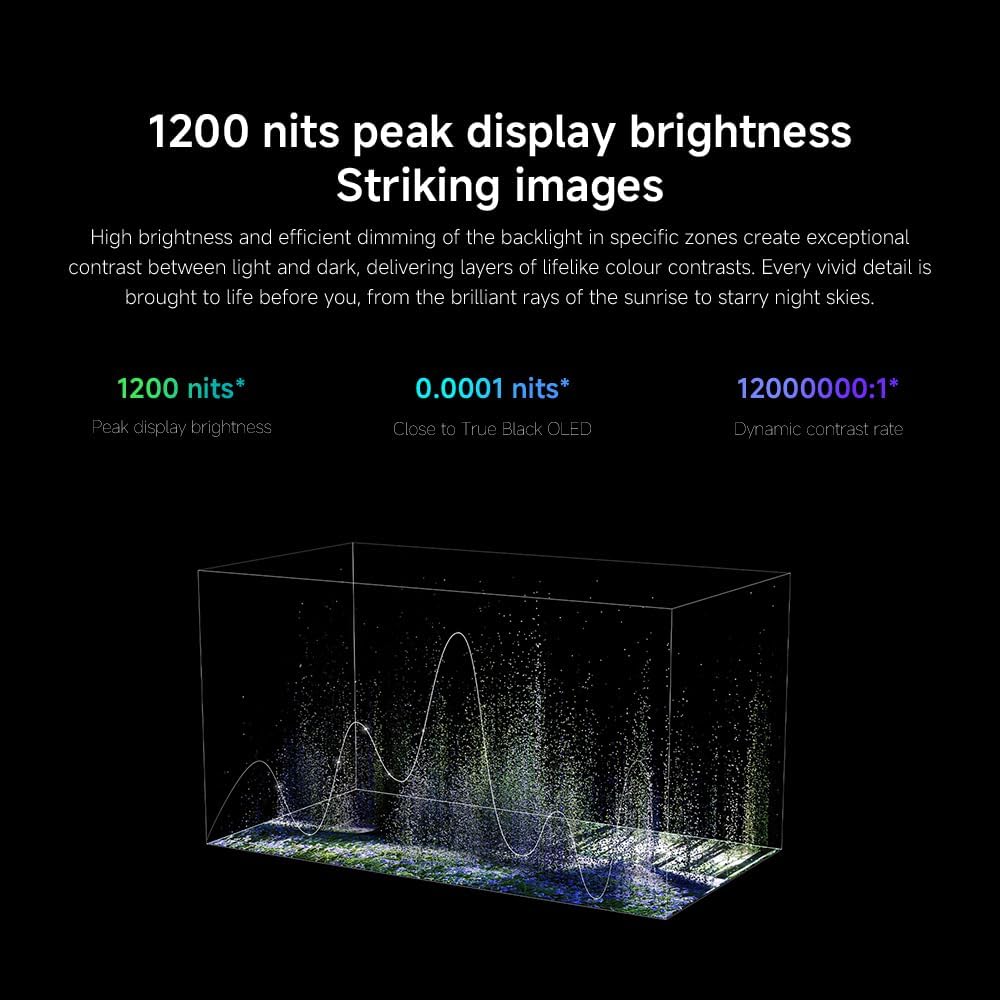
- Caang/Kontras: Fine-tune these settings for optimal visual clarity. The TV features 1200 nits peak brightness for stunning visuals.
- warna: Adjust color saturation and tint. The QD-MiniLED display offers accurate color reproduction.
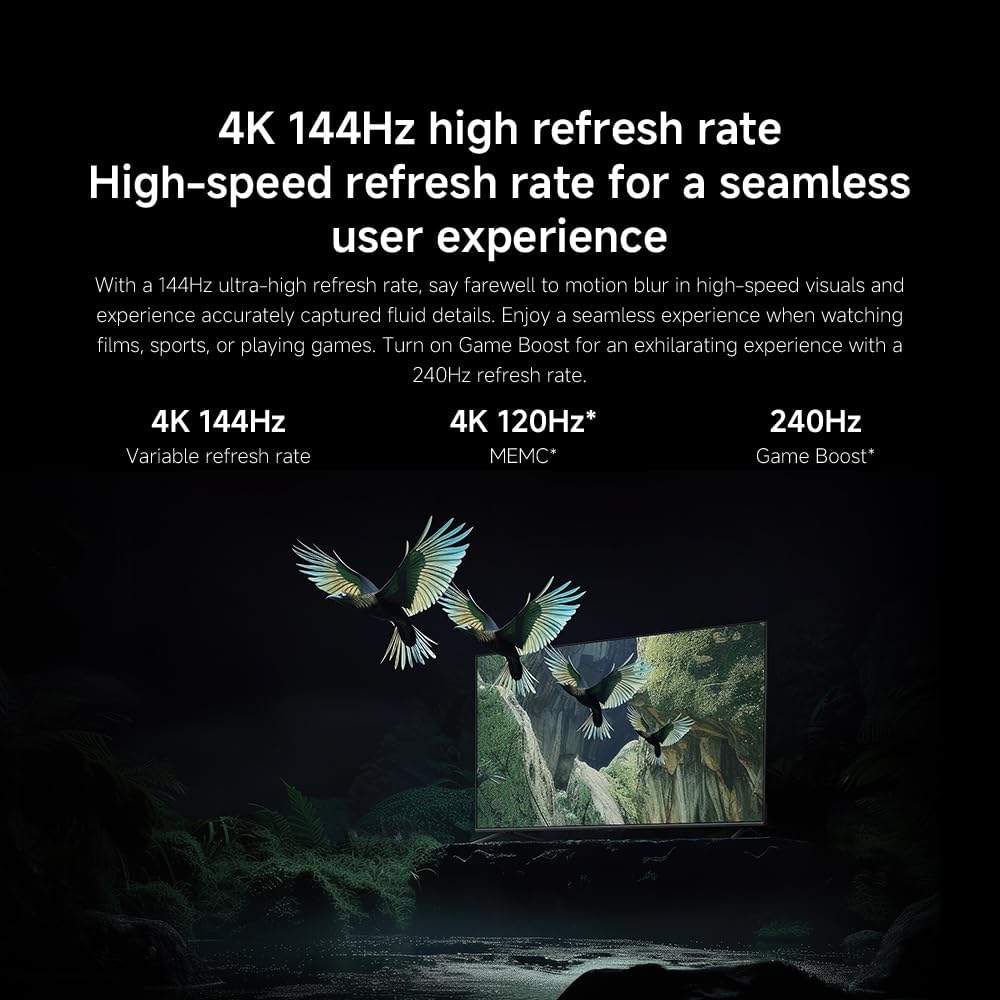
- Laju Refresh: The TV supports a 144Hz refresh rate for ultra-smooth motion.
- Mesin AI: The powerful AI engine enhances image quality automatically.

Image: Visual representation of the 144Hz refresh rate for seamless motion.
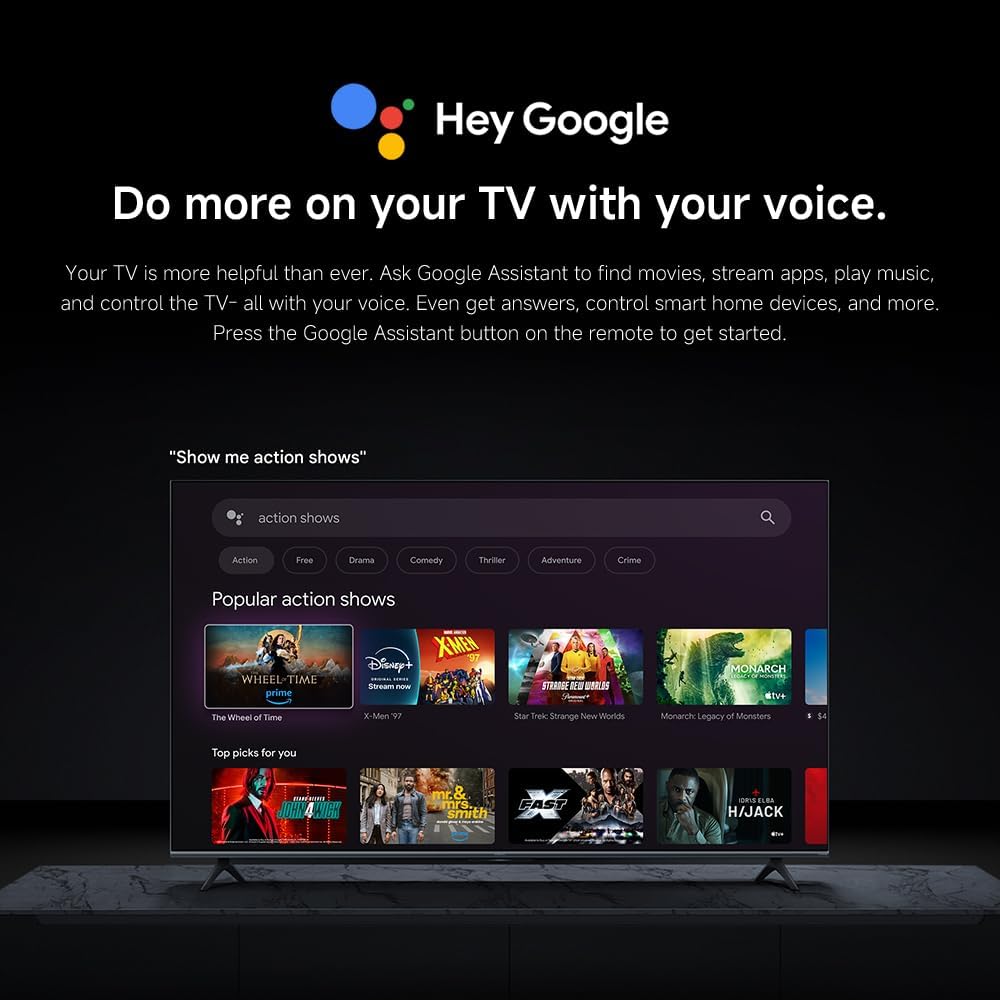
Image: The Quad cortex A73 processor, responsible for AI image enhancement and performance.
4.5 Setélan Audio
Configure audio output and sound enhancements.

Image: Depiction of the TV's quality audio-visual experience.
- Modeu Sora: Choose from preset sound modes (e.g., Standard, Movie, Music) or customize.
- Dolby Atmos: Enable Dolby Atmos for an immersive audio experience.
4.6 Konéktipitas
The TV offers various connectivity options.
- Bluetooth: Connect Bluetooth-enabled devices such as headphones or speakers.
- Wifi: Sambungkeun ka jaringan nirkabel bumi anjeun pikeun aksés internét.
- Apple AirPlay: Stream eusi langsung ti alat Apple Anjeun.
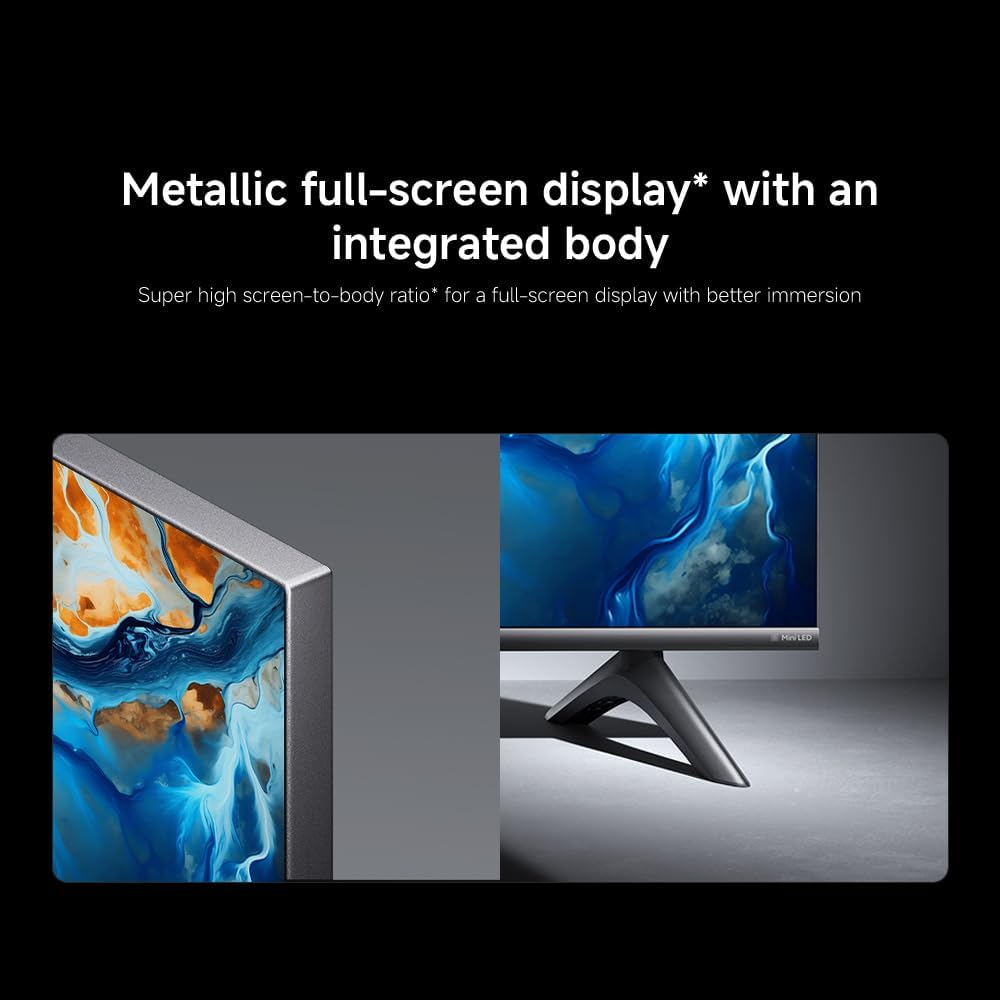
Image: Apple AirPlay functionality for streaming from Apple devices.
5. Pangropéa
5.1 Ngabersihan Layar
Pikeun ngabersihkeun layar, mimitina cabut heula kabel TV. Lap layar sacara saksama nganggo lawon anu lemes sareng henteu ngaganggu. Pikeun tanda anu bandel, usap sakedikampBilas lawon ku cai atanapi pembersih layar khusus, teras langsung usap dugi ka garing. Ulah nyemprotkeun cairan langsung kana layar.
5.2 Apdet parangkat lunak
The TV may receive software updates periodically to improve performance and add new features. Ensure your TV is connected to the internet to receive these updates. You can check for updates manually in the TV's settings menu.
6. Cara ngungkulan
Upami anjeun ngalaman masalah sareng TV anjeun, tingal solusi umum ieu:
| Masalah | Solusi anu mungkin |
|---|---|
| Taya kakuatan | Pariksa naha kabel daya parantos disambungkeun kalayan pageuh kana TV sareng stop kontak. Pastikeun stop kontakna tiasa dianggo. |
| Henteu aya gambar, tapi aya sora | Pariksa heula sumber input anu leres. Pariksa sambungan kabel ka alat éksternal. |
| Henteu aya sora, tapi aya gambar | Check volume level and mute status. Ensure audio cables are connected correctly. |
| Kadali jauh teu jalan | Ganti batré. Pastikeun teu aya halangan antara remote sareng TV. |
| Kualitas gambar henteu saé | Adjust picture settings (brightness, contrast, sharpness). Check antenna or cable connection. Ensure content source is high quality. |
| Smart TV features unresponsive | Check internet connection. Restart the TV by unplugging it for a few minutes and plugging it back in. |
If the issue persists after trying these steps, contact customer support.
7. Spésifikasi
Key technical specifications for the Xiaomi TV S Mini LED 75" 2025:
| Fitur | Spésifikasi |
|---|---|
| merek | XIAOMI |
| Nomer modél | 59292 |
| Ukuran layar | 75 inci |
| Téknologi tampilan | 4K UHD, LED, QD-MiniLED |
| Resolusi | 4K (3840 x 2160) |
| Refresh Laju | 144 Hz |
| Puncak Caang | 1200 nits |
| Sistem operasi | Google TV |
| Prosesor | Quad Cortex A73 |
| Ram | 3 GB |
| Panyimpenan | 32 GB |
| Téhnologi Audio | Dolby Atmos |
| Konektipitas | Bluetooth, Wi-Fi, Apple AirPlay |
| Ukuran produk (kalayan stand) | 42.5D x 166.8W x 102.8H cm |
| Beurat Produk (kalayan nangtung) | 31 kg |
| VESA Wall Mount | 400 x 300 mm |
| Komponén Kaasup | TV, remote control, power cable |
8. Garansi jeung Rojongan
Your Xiaomi TV S Mini LED 75" 2025 is covered by a manufacturer's warranty. Please refer to the warranty card included in your package for specific terms and conditions. For technical support, service inquiries, or to purchase accessories, please visit the official Xiaomi websitus atanapi ngahubungan puseur layanan otorisasi maranéhanana.
Sumberdaya Online: For additional information, FAQs, and software downloads, visit the official Xiaomi support page.