1. Bubuka
Thank you for choosing the pTron Basspods P181 True Wireless Stereo (TWS) Earbuds. These earbuds are designed to provide a high-quality audio experience with advanced features for convenience and durability. This manual will guide you through the setup, operation, and maintenance of your new earbuds.
2. Naon dina Box
- pTron Basspods P181 TWS Earbuds
- Ngecas Case
- Kabel Ngecas USB Tipe-C
- Manual pamaké
- S/M/L Size Eartips (one set pre-installed)
3. Produk Langkungview

Figure 1: pTron Basspods P181 Earbuds in their open charging case.

Figure 2: Key features including 13mm dynamic drivers, 300mAh charging case, Type-C charging port, and DC5V/1A charging input.
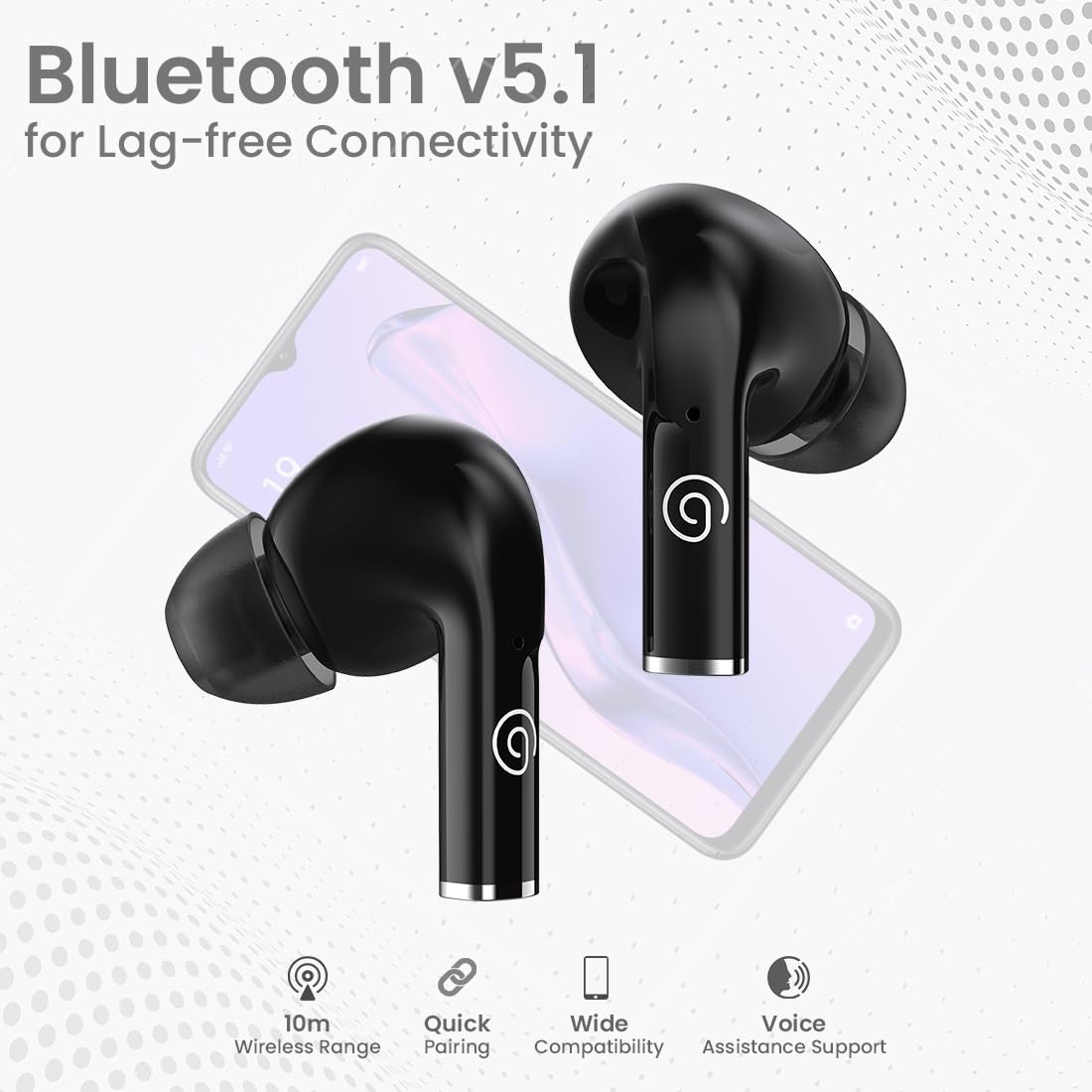
Figure 3: Bluetooth 5.1 for lag-free connectivity, featuring a 10-meter wireless range, quick pairing, wide compatibility, and voice assistance support.
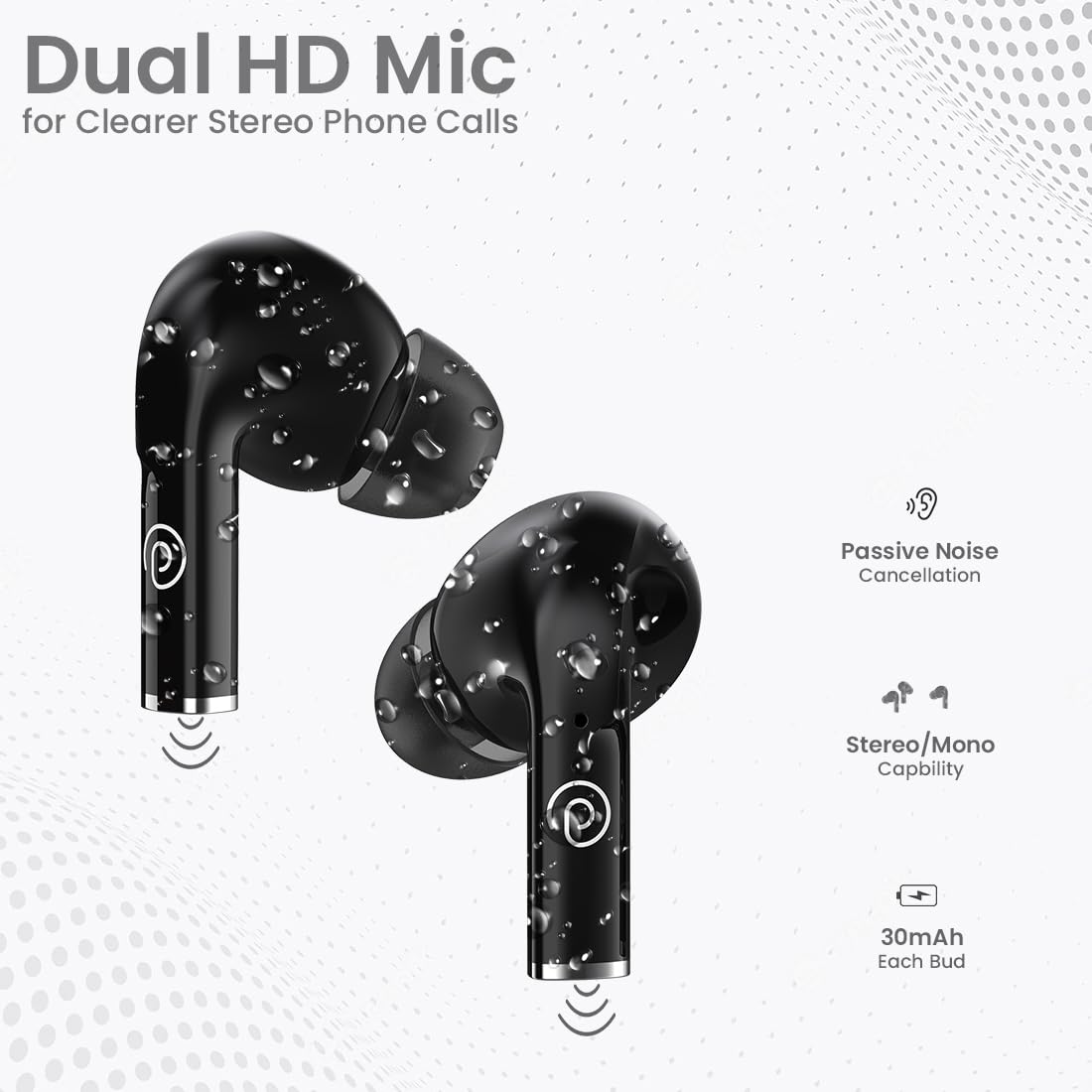
Figure 4: Dual HD Microphones for clear stereo phone calls, passive noise cancellation, stereo/mono capability, and 30mAh battery in each earbud.

Figure 5: Touch sensor controls for easy music and call management, including Play/Pause, Call Answer, Call Hangup, Next Track, Previous Track, and Voice Assistance.
4. Parentah Setup
4.1 Ngecas Awal
Before first use, fully charge the earbuds and the charging case. Connect the provided USB Type-C cable to the charging port on the case and a compatible power source (DC5V/1A). The indicator light on the case will show charging status. A full charge typically takes 1-1.5 hours.
4.2 Nyapasangkeun sareng Alat
- Pastikeun yén earbuds dicas pinuh.
- Buka wadah ngecas. Earbuds bakal otomatis asup kana mode papasangan.
- Dina telepon pinter atanapi tablet anjeun, aktipkeun Bluetooth.
- Milarian pikeun available Bluetooth devices and select "pTron Basspods P181".
- Sakali disambungkeun, earbuds bakal nunjukkeun pasangan suksés.
Fitur earbuds 1-Step Pairing jeung Sambungkeun deui otomatis, meaning they will automatically connect to the last paired device when removed from the case.
5. Parentah Operasi
5.1 Kontrol Toél
The pTron Basspods P181 earbuds feature intuitive touch controls on each earbud. Refer to the following table for common functions:
| Aksi | Fungsi |
|---|---|
| Ketok tunggal (L/R) | Maénkeun/Pareumkeun Musik, Waler Telepon |
| Ketok dua kali (L/R) | Tungtung Telepon |
| Triple tap (Right) | Lagu salajengna |
| Triple tap (Left) | Lagu saméméhna |
| Long press (L/R) | Aktipkeun Asisten Sora |
5.2 Stereo/Mono Mode
The earbuds can be used in either stereo (both earbuds) or mono (single earbud) mode. Simply remove one earbud from the case to use it independently. To switch back to stereo, take out the other earbud.
6. Ngecas
The pTron Basspods P181 provide up to 32 hours of total playtime with the included charging case. Each earbud has a 30mAh battery, and the charging case has a 300mAh capacity.
- To charge the earbuds, place them back into the charging case. They will automatically begin charging.
- To charge the case, connect it to a power source using the Type-C cable.
- Charging time for both earbuds and case is approximately 1-1.5 hours.
7. Pangropéa
To ensure the longevity and optimal performance of your pTron Basspods P181 earbuds, follow these maintenance guidelines:
- beberesih: Rutin ngabersihkeun earbuds sareng wadah ngecas ku kaén anu lembut sareng garing. Ulah make bahan kimia kasar atawa bahan abrasive.
- Tahan cai: The earbuds are IPX4 water/sweat resistant, making them suitable for workouts and light rain. Do not submerge them in water or expose them to heavy downpours. Ensure they are dry before placing them back in the charging case.
- Panyimpenan: Simpen earbud dina wadah ngecas nalika teu dianggo pikeun ngajagi tina lebu sareng karusakan.
- Suhu: Hindarkeun ngalaan earbuds ka suhu anu ekstrim (panas atanapi tiis) sabab ieu tiasa mangaruhan umur batre sareng kinerja.
8. Cara ngungkulan
Upami anjeun ngalaman masalah sareng earbud anjeun, cobian solusi ieu:
- Taya Sora/Kualitas Sora Lemah:
- Pastikeun earbud dipasangkeun sareng disambungkeun kalayan leres kana alat anjeun.
- Pariksa tingkat polumeu dina alat anjeun sareng earbuds.
- Bersihkeun kokotor tina muncung earbud sareng eartipna.
- Coba setel ulang earbud (tingali petunjuk produsén websitus pikeun parentah reset husus lamun diperlukeun).
- Earbuds Teu Ngecas:
- Pastikeun kabel ngecas disambungkeun aman ka duanana wadahna jeung sumber kakuatan.
- Verify the charging case has sufficient power.
- Bersihkeun kontak anu ngecas boh dina earbuds sareng wadahna.
- Masalah pasangan:
- Pareuman Bluetooth dina alat anjeun, teras hurungkeun deui.
- Forget the "pTron Basspods P181" from your device's Bluetooth list and attempt to pair again.
- Pastikeun teu aya alat Bluetooth séjén anu ngaganggu sambungan.
9. Spésifikasi
| Fitur | Rincian |
|---|---|
| Ngaran modél | Basspods P181 |
| merek | pTron |
| Téhnologi konektipitas | Nirkabel (Bluetooth 5.1) |
| Rentang Bluetooth | 10 Méter |
| Ukuran Supir Audio | 13 Milimeter |
| Tipe Supir Audio | Supir dinamis |
| Impedansi | 32 ohm |
| Kontrol bising | Isolasi Sora (Pembatalan Noise Pasif) |
| Mikropon | Dual HD Mic for Clear Calls |
| Tipe Kontrol | Toél Control |
| Tingkat Résistansi Cai | IPX4 Water/Sweat Resistant |
| Kapasitas Batré Earbud | 30mAh (each bud) |
| Ngecas Kapasitas Batré Case | 300 mah |
| Port ngecas | Tipe-C |
| Waktos ngecas | 1-1.5 Jam |
| Total Playtime | Nepi ka 32 Jam (kalayan wadah ngecas) |
| Alat nu cocog | Handphone, Tablet |
| Bahan | Acrylonitrile Butadiene Styrene (ABS) |
| Item Beurat | 43 gram |
| Dimensi produk | 6 x 4.5 x 2.4 cm |
| Negara asal | Cina |
10. Video produk
Video 1: Sakeudeungview of the pTron Basspods P181 TWS Earbuds, showcasing key features and design. This video is provided by the seller.
Video 2: Detailed product presentation of the pTron Basspods P181 TWS Earbuds, covering various aspects of functionality and user experience. This video is provided by the seller.
11. Garansi jeung Rojongan
The pTron Basspods P181 comes with a 1-Taun Garansi Produsén ti tanggal pameseran, ngan ukur nutupan cacad produksi.
Pikeun dukungan pelanggan, mangga kontak:
- Telepon: 040-67138888
- Surélék: rojongan@ptron.in


