1. Bubuka
Welcome to the BNCF Bpad 10 Tablet user manual. This guide provides essential information for setting up, operating, maintaining, and troubleshooting your new device. The BNCF Bpad 10 is designed for a seamless user experience, powered by a Snapdragon 685 processor and running Android 14.

Figure 1: BNCF Bpad 10 Tablet
2. Setup Awal
2.1. Eusi Paket
Sateuacan anjeun ngawitan, pastikeun sadaya item aya dina pakét:
- BNCF Bpad 10 Tablet
- Manual pamaké
- Type-C Charging Cable (5V/2A)
- Charge Adapter (5V/2A)
- SIM Card Ejector Pin

Figure 2: BNCF Bpad 10 Tablet Package Contents
2.2. Ngecas Tablet
For first-time use, fully charge the tablet. Connect the provided Type-C cable to the tablet's Type-C port and the other end to the power adapter. Plug the adapter into a wall outlet. The battery indicator on the screen will show charging status.

Figure 3: Charging the Bpad 10 Tablet
2.3. Powering on / Pareum
- Pikeun Ngahurungkeun: Press and hold the Power button until the BNCF logo appears.
- Pikeun mareuman: Pencét jeung tahan tombol Daya nepi ka pilihan daya nembongan, teras pilih 'Pareuman'.
- Pikeun ngamimitian deui: Pencét terus tahan tombol Daya dugi ka pilihan daya némbongan, teras pilih 'Restart'.
2.4. Konfigurasi awal
Saatos dihurungkeun pikeun anu munggaran, turutan pitunjuk dina layar pikeun:
- Pilih basa anjeun.
- Nyambung ka jaringan Wi-Fi.
- Setel akun Google Anjeun.
- Configure date and time.
- Setel konci layar (PIN, pola, kecap akses, atanapi pangakuan raray).
3. Ngoperasikeun Tablet
3.1. Android 14 Fitur
The BNCF Bpad 10 runs on Android 14, offering enhanced multitasking, security, and user-friendly features:
- Pangenal raray: Unlock your device securely using your face.
- Pamisah-layar: Use two applications simultaneously side-by-side for improved productivity.
- Smart Projection: Alihkeun layar tablet anjeun ka tampilan éksternal anu cocog.
- Potret Layar Tilu Ramo: Quickly capture screenshots by swiping down with three fingers.
- Kadali kolot: Manage and monitor device usage for children.

Figure 4: Android 14 User Interface Features
3.2. Tampilan sareng Visual
The tablet features a 10.1-inch FHD IPS display with 1920x1200 resolution and 60Hz refresh rate. It supports Widevine L1 for high-definition streaming on platforms like Netflix and Prime Video.

Figure 5: 10.1-inch FHD IPS Display
3.3. Kaméra
Equipped with 5MP front and 5MP rear cameras, the Bpad 10 allows for capturing photos, 4K videos, and conducting HD video calls.

Figure 6: Dual 5MP Cameras
3.4. Audio
The tablet features dual speakers for immersive audio. For private listening, connect headphones via the Type-C port using an appropriate adapter if needed.

Figure 7: Immersive Cinematic Sound
3.5. Konektipitas
The Bpad 10 supports 2.4G/5G WiFi and Bluetooth 5.0 for seamless wireless connections. GPS is also integrated for navigation.
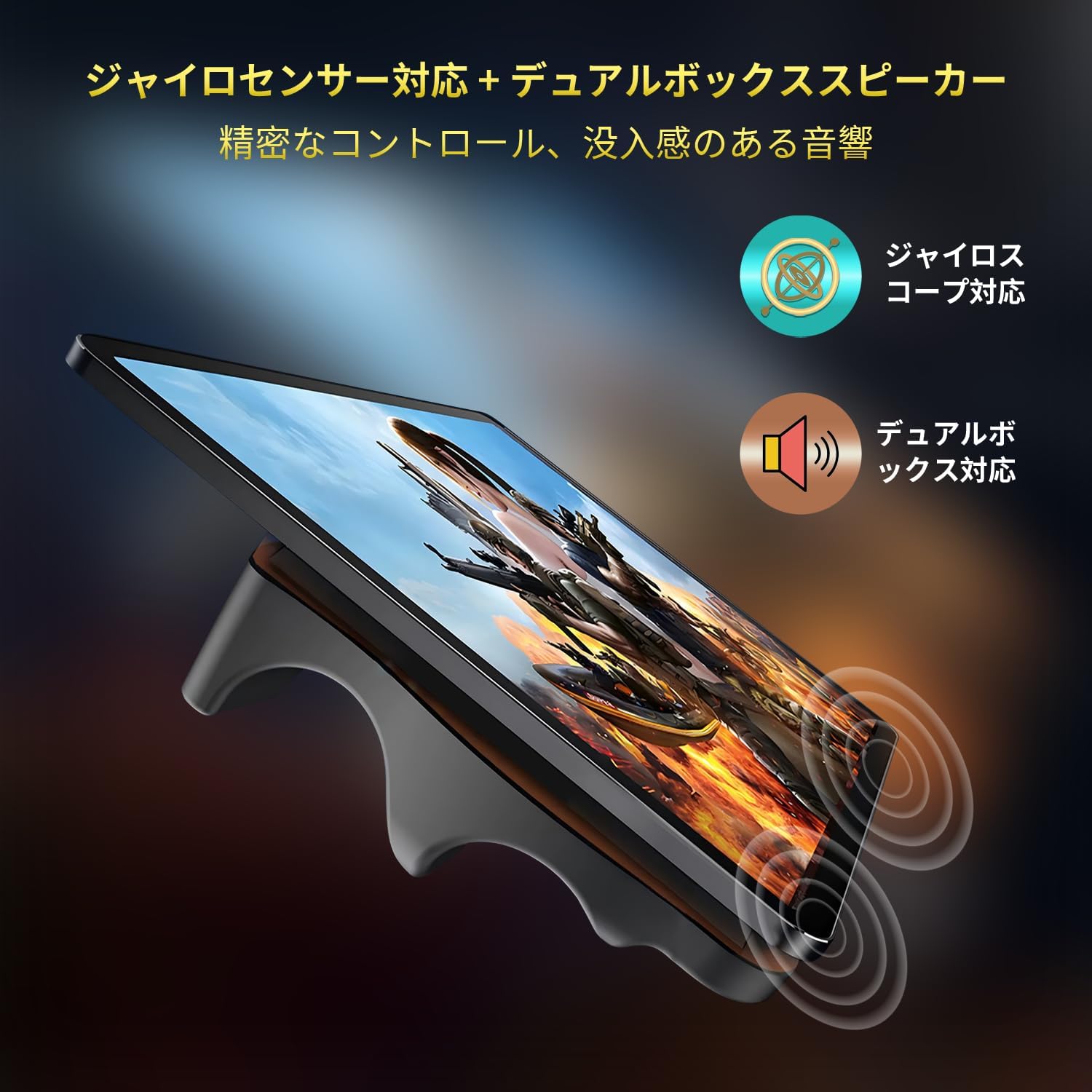
Figure 8: Dual WiFi and Bluetooth 5.0
4. Pangropéa
4.1. Kaperawatan batré
Pikeun manjangkeun umur batre:
- Hindarkeun suhu anu ekstrim.
- Ulah ngantep batré solokan sagemblengna saméméh ngecas rutin.
- Anggo carjer sareng kabel asli kanggo ngecas optimal.
4.2. Manajemén gudang
The tablet comes with 128GB of UFS storage, expandable up to 1TB via a MicroSD card. Regularly manage your storage by:
- Ngahapus teu perlu files jeung aplikasi.
- Moving large media files to an external MicroSD card.
- Ngagunakeun layanan panyimpenan awan.

Gambar 9: Konfigurasi Panyimpenan sareng RAM
5. Cara ngungkulan
This section addresses common issues you might encounter with your BNCF Bpad 10 tablet.
| Masalah | Mungkin Cukang lantaranana | Solusi |
|---|---|---|
| Tablet teu hurung | batré lemah; Sistem kacilakaan | Charge the tablet for at least 30 minutes. If unresponsive, press and hold the Power button for 10-15 seconds to force a restart. |
| Slow performance/App crashes | Too many apps running; Low storage; Software glitch | Close background apps. Clear cache. Free up storage space. Restart the tablet. Update apps and Android OS. |
| Masalah sambungan Wi-Fi | sandi salah; masalah router; gangguan sinyal | Verify Wi-Fi password. Restart router and tablet. Ensure tablet is within Wi-Fi range. |
| volume audio low | Volume settings; App specific volume; Speaker obstruction | Increase system volume. Check in-app volume settings. Ensure speakers are not covered. |
| leungitna sinyal GPS | Poor satellite reception; Software issue | Pastikeun anjeun gaduh jelas view of the sky. Restart GPS. Check location settings and permissions for apps. |
6. Spésifikasi
| Fitur | Rincian |
|---|---|
| merek | BNCF |
| Ngaran modél | Bpad 10 |
| Sistem operasi | Android 14 |
| Prosesor | Snapdragon 685 (2.8 GHz) |
| Ram | 12GB (4GB + 8GB Virtual) |
| Panyimpenan internal | 128GB UFS |
| Panyimpenan Expandable | Nepi ka 1TB via MicroSD |
| Ukuran layar | 10.1 inci |
| Resolusi layar | 1920 x 1200 piksel (FHD IPS) |
| Refresh Laju | 60Hz |
| Widevine Support | L1 |
| Kaméra hareup | 5MP |
| Kaméra tukang | 5MP |
| Kapasitas batré | 6500 mah |
| Ngecas | 18W PD Fast Charging (Type-C) |
| Konéktipitas Wireless | WiFi 2.4G/5G, Bluetooth 5.0 |
| Sénsor | Gyroscope, Light Sensor, Hall Sensor |
| Item Beurat | 1.07 pon (kira-kira 485g) |
| Dimensi produk | 9.45 x 6.14 x 0.31 inci (kira-kira 240 x 156 x 7.8 mm) |
7. Garansi jeung Rojongan
BNCF is committed to providing high-quality products and excellent customer service. For tablets purchased from the BNCF Official Flagship Store, customers benefit from a 12-month free repair warranty and lifetime technical support.
7.1. Sarat jeung Kaayaan jaminan
We offer a one-year warranty from the date of purchase. This warranty covers manufacturing defects and issues arising from normal use. Please retain your proof of purchase for warranty claims.
7.2. Rojongan Palanggan
If you encounter any issues or have questions regarding your BNCF Bpad 10 tablet, please contact our customer support. We aim to respond to all inquiries within 24 hours.
- Dukungan Online: Nganjang ka BNCF Official Store on Amazon pikeun FAQs sarta pilihan kontak.
- Rojongan Email: Refer to the contact information provided in your product packaging or on the official BNCF websitus.
Figure 10: BNCF One-Year Warranty & Support


