1. Bubuka jeung Leuwihview
The RGBlink mini-ISO is a compact, all-in-one 10-channel video mixer switcher designed for professional live production. It integrates multiple video and audio inputs, a 3.5-inch touchscreen multiview display, and advanced control features for seamless live streaming and recording. This manual provides essential information for setting up, operating, and maintaining your device.

Gambar 1: Hareupeun view of the RGBlink mini-ISO Video Mixer Switcher.
2. Setup jeung Sambungan
Proper connection of your video and audio sources is crucial for optimal performance. The mini-ISO offers a variety of input and output options.
2.1 Input Video
The mini-ISO supports up to 10 video inputs, including:
- 4 x SDI Inputs: For professional cameras and video sources.
- 4 x 4K60 HDMI Inputs: For high-resolution cameras, laptops, or other HDMI devices.
- NDI Input: For network-based video sources (requires license activation as per user manual).
- UVC/Webcam Input: For USB cameras or webkaméra.
2.2 Input Audio
The device features 7 audio inputs:
- 4 x HDMI-A Embedded Audio: Audio embedded within HDMI video signals.
- 2 x Analog Signal Inputs: For external microphones or line-level audio devices.
- 1 x USB-A Audio Input: For USB microphones or audio interfaces.
2.3 Kaluaran
Video and audio outputs are provided for monitoring, program output, and streaming:
- HDMI Output (Multiview): For monitoring all inputs and program output on an external display.
- USB-A UVC Output: For streaming up to 1080P60 to a computer.
- Port Ethernet (LAN): For network control, NDI, and streaming via TAO Cloud.

Figure 2: Detailed diagram of RGBlink mini-ISO input and output ports.
Video 1: Leuwihview of mini-ISO video mixer switcher inputs and outputs.
3. Parentah Operasi
The mini-ISO is designed for intuitive operation with its touchscreen and physical controls.
3.1 Input Switching
Use the numbered buttons (1-5) on the control panel to select your desired video input for program output. The 3.5-inch HD touchscreen allows you to monitor previews and adjust settings in real-time.

Figure 3: The 3.5-inch touchscreen displaying a multiview of inputs.
3.2 Ngacampurkeun Audio
The mini-ISO features dedicated knobs for audio input adjustments. Maintain flawless sync between audio and video with advanced AFV (Audio Follow Video) and delay settings. The professional audio console with dynamic button operation provides precise control for volume adjustment, one-key mute, and monitoring.
3.3 PTZ Camera Control
Control up to 5 PTZ cameras directly from the mini-ISO using its full-function keyboard and 5-axis joystick. You can manage pan, tilt, zoom, and focus, and save up to 4 PTZ presets for instant recall.
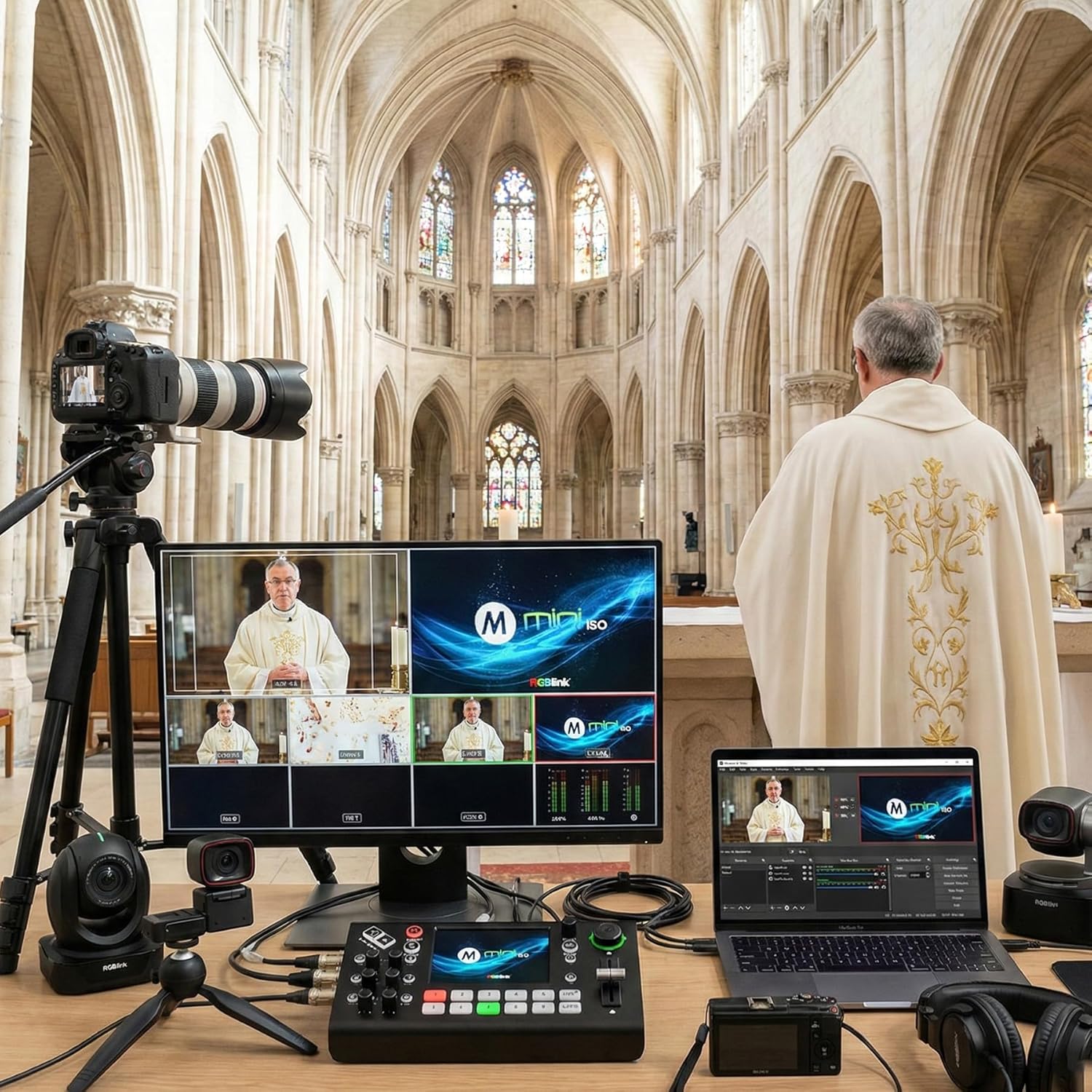
Figure 4: PTZ camera control interface on the mini-ISO touchscreen.
Video 2: Demonstrating PTZ camera remote control with the mini-ISO.
3.4 Konci Chroma
Create virtual studios with the one-click Chroma Key feature. Layer graphics, backgrounds, and multiple camera sources directly from the mini-ISO without additional software.

Figure 5: Chroma Key functionality on the mini-ISO.
3.5 Streaming
Stream directly to up to 4 platforms or restream to over 30 platforms simultaneously via TAO Cloud using RTMP(S). The device supports vertical live broadcasts and integrates with NDI|HX2 for FHD encoding. Ensure you apply for and import the necessary license as per the user manual for NDI functionality.
Video 3: Multi-camera live streaming setup with RGBlink mini-ISO.
3.6 Standalone Recording
Capture your program output directly to a USB-A drive (up to 2TB) without needing an external computer. The mini-ISO allows you to choose different recording bitrates, up to 16 Mbps, ensuring video clarity for later editing. You can monitor disk information during recording for reliability.
Video 4: Demonstrating the premium record function for customers.
4. Fitur Leuwihview
The RGBlink mini-ISO is packed with features to enhance your live production:
- 10 Input Video Switcher: Combines 4 SDI, 4 HDMI, NDI, and UVC/Webcam inputs.
- 3.5” Touchscreen Multiview tampilan: For real-time monitoring and settings adjustment.
- Chroma Key & Multi-Layer Effects: For virtual studios and dynamic visual compositions.
- NDI & RTMP Streaming: Direct streaming to multiple platforms with NDI|HX2 support.
- Professional Audio & Video Sync: 8 audio inputs with AFV and delay settings.
- Built-in PTZ Camera Control: Control up to 5 PTZ cameras with presets.
- Rekaman Mandiri: Record directly to USB-A drives.
- 15 Built-in Transition Effects: For creative production.
5. Pangropéa
5.1 Apdet firmware
To ensure optimal performance and access to the latest features, regularly update the device firmware. Firmware updates can be performed via LAN or a USB drive. Refer to the detailed user manual for specific instructions on the update process.

Figure 6: Steps for updating the mini-ISO firmware.
6. Cara ngungkulan
If you encounter issues with your RGBlink mini-ISO, consider the following general troubleshooting steps:
- Pariksa sambungan: Ensure all video, audio, and power cables are securely connected.
- Siklus kakuatan: Turn off the device, wait a few seconds, and then turn it back on.
- Pembaruan firmware: Ensure your device is running the latest firmware. Outdated firmware can cause unexpected behavior.
- Input Limitations: Note that the device switches 5 channels at a time.
- Kontrol PTZ: Verify IP settings and port numbers for PTZ cameras. Ensure mini-ISO and PTZ cameras are on the same network segment.
For more detailed troubleshooting, please refer to the comprehensive user manual provided with your product or visit the official RGBlink support resources.
7. Spésifikasi
| Spésifikasi | Nilai |
|---|---|
| Dimensi produk | 7.76 x 4.45 x 2.36 inci |
| Item Beurat | 1.32 pon |
| ASIN | B0DM64BH9W |
| Nomer modél barang | 230-0007-01-0 |
| Tanggal Kahiji Sadia | 10 Januari 2025 |
| Produsén | RGBlink Science & Technology Co.,Ltd |
| Warna | mini-ISO |
| Tipe Panyambung | HDMI, SDI |
| Alat nu cocog | Camcorder, Camera, Laptop, Monitor, Smartphone |
| Tipe Kabel | HDMI, SDI |
8. Garansi jeung Rojongan
The RGBlink mini-ISO Video Mixer Switcher is manufactured by RGBlink Science & Technology Co.,Ltd. For warranty information, technical support, or additional resources, please visit the official RGBlink Store or contact their customer service directly.


