1. Bubuka
Thank you for choosing the pTron Bassbuds Prism TWS Earbuds. These earbuds are designed to provide a high-quality audio experience with features such as 3D AudioScape, extended playtime, clear calls with TruTalk AI-ENC, low latency for gaming, and IPX5 water resistance. This manual provides essential information for setting up, operating, and maintaining your earbuds.
2. Eusi Paket
Punten pastikeun sadaya barang aya dina pakét:
- pTron Bassbuds Prism TWS Earbuds (Left and Right)
- Ngecas Case
- Kabel Ngecas USB Tipe-C
- Eartips (rupa-rupa ukuran)
- Manual pamaké

Image: pTron Bassbuds Prism TWS Earbuds and their charging case, showcasing the product's design and components.
3. Setélan
3.1 Ngecas Earbuds sareng Case
- Muatan Awal: Sateuacan dianggo anu munggaran, eusian pinuh earbud sareng wadah ngecas. Lebetkeun earbud kana wadah ngecas.
- Sambungkeun carjer: Connect the provided USB Type-C cable to the charging port on the case and the other end to a USB power adapter (not included).
- Indikator ngecas: The LED indicators on the charging case will illuminate to show charging status. Once fully charged, the indicators may turn solid or turn off, depending on the model.
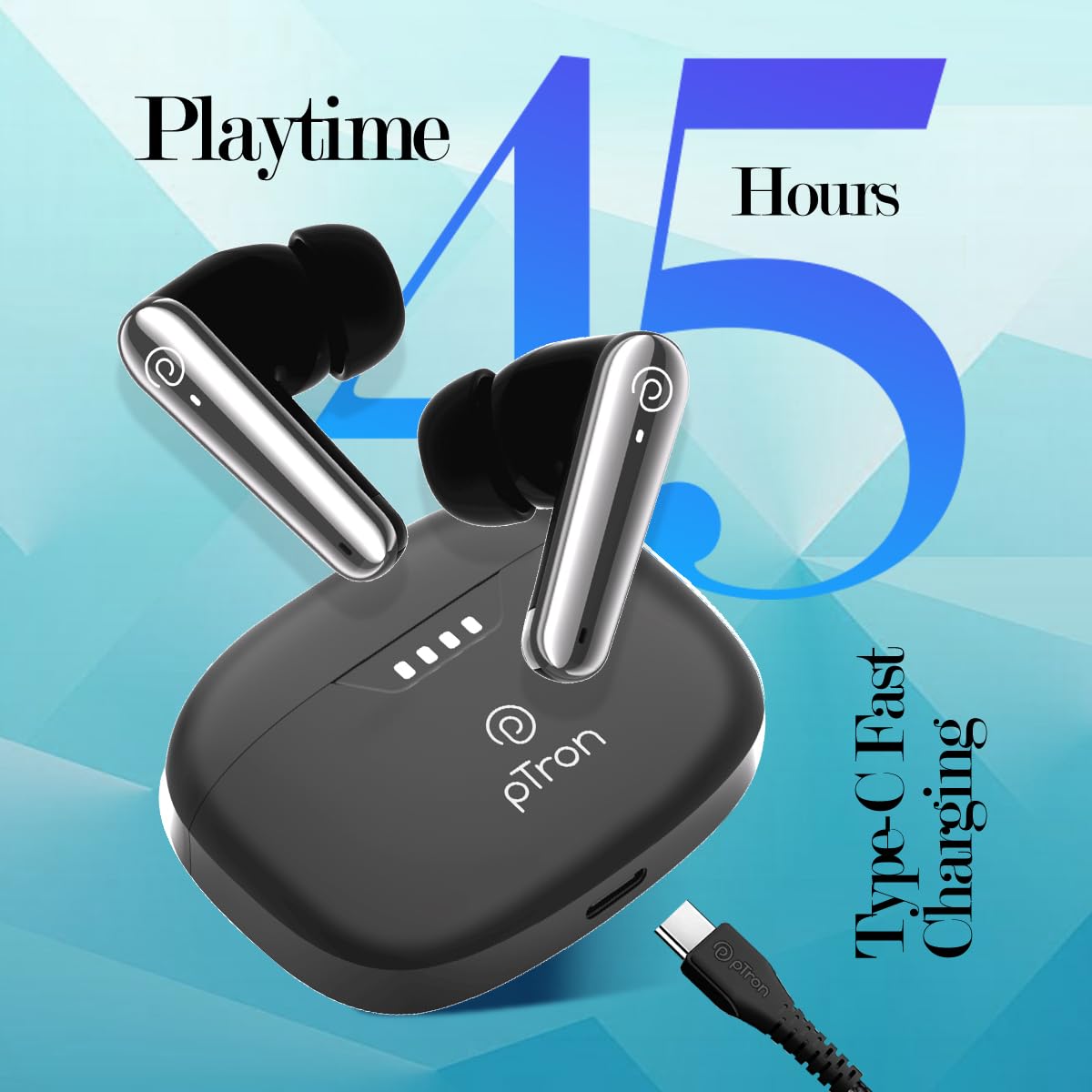
Image: The pTron Bassbuds Prism charging case connected via a Type-C cable, illustrating the fast charging capability and 45 hours playtime.
3.2 Nyapasangkeun sareng Alat Anjeun
- Daya Hurung: Buka wadah ngecas. Earbuds bakal otomatis hurung tur asup kana mode papasangan. Indikator LED dina hiji earbud bakal hurung, nunjukkeun yén éta siap dipasangkeun.
- Aktipkeun Bluetooth: Dina smartphone, tablet, atanapi laptop anjeun, aktipkeun Bluetooth.
- Pilih Alat: Milarian pikeun alat Bluetooth nu sadia tur pilih "pTron Bassbuds Prism" ti daptar.
- Konfirmasi: Once connected, a voice prompt will confirm successful pairing, and the LED indicators on the earbuds will turn off or flash slowly.
- Sambung deui: Earbud bakal otomatis nyambung deui ka alat anu terakhir dipasangkeun nalika dicabut tina casingna, salami Bluetooth diaktipkeun dina alat éta.
4. Ngoperasikeun Earbuds
4.1 Kontrol Toél
The pTron Bassbuds Prism feature intuitive touch controls on each earbud:
| Fungsi | Aksi |
|---|---|
| Daya Hurungkeun | Open charging case or long press touch sensor for 3 seconds. |
| Daya Pareum | Place earbuds back into charging case or long press touch sensor for 5 seconds. |
| Puter/Reureuh Musik | Ketok tunggal dina boh earbud. |
| Lagu salajengna | Ketok dua kali dina earbud Katuhu. |
| Lagu saméméhna | Ketok dua kali dina ceuli Kénca. |
| Ngajawab / mungkas Telepon | Ketok tunggal dina boh earbud. |
| Nolak Telepon | Pencét lila dina salah sahiji earbud salami 2 detik. |
| Aktipkeun Asisten Sora | Ketok tilu kali dina boh earbud. |
| Toggle Low Latency Mode | Ketok opat kali dina boh earbud. |
4.2 Fitur konci
- 3D AudioScape: Nyayogikeun pangalaman audio anu imersif.
- TruTalk AI-ENC: Environmental Noise Cancellation for clear call quality.
- Latensi Handap 50ms: Reduces audio delay, ideal for gaming and video synchronization.
- Asistén Sora: Compatible with your device's native voice assistant.
- Stereo/Mono Use: Unggal earbud tiasa dianggo sacara mandiri.
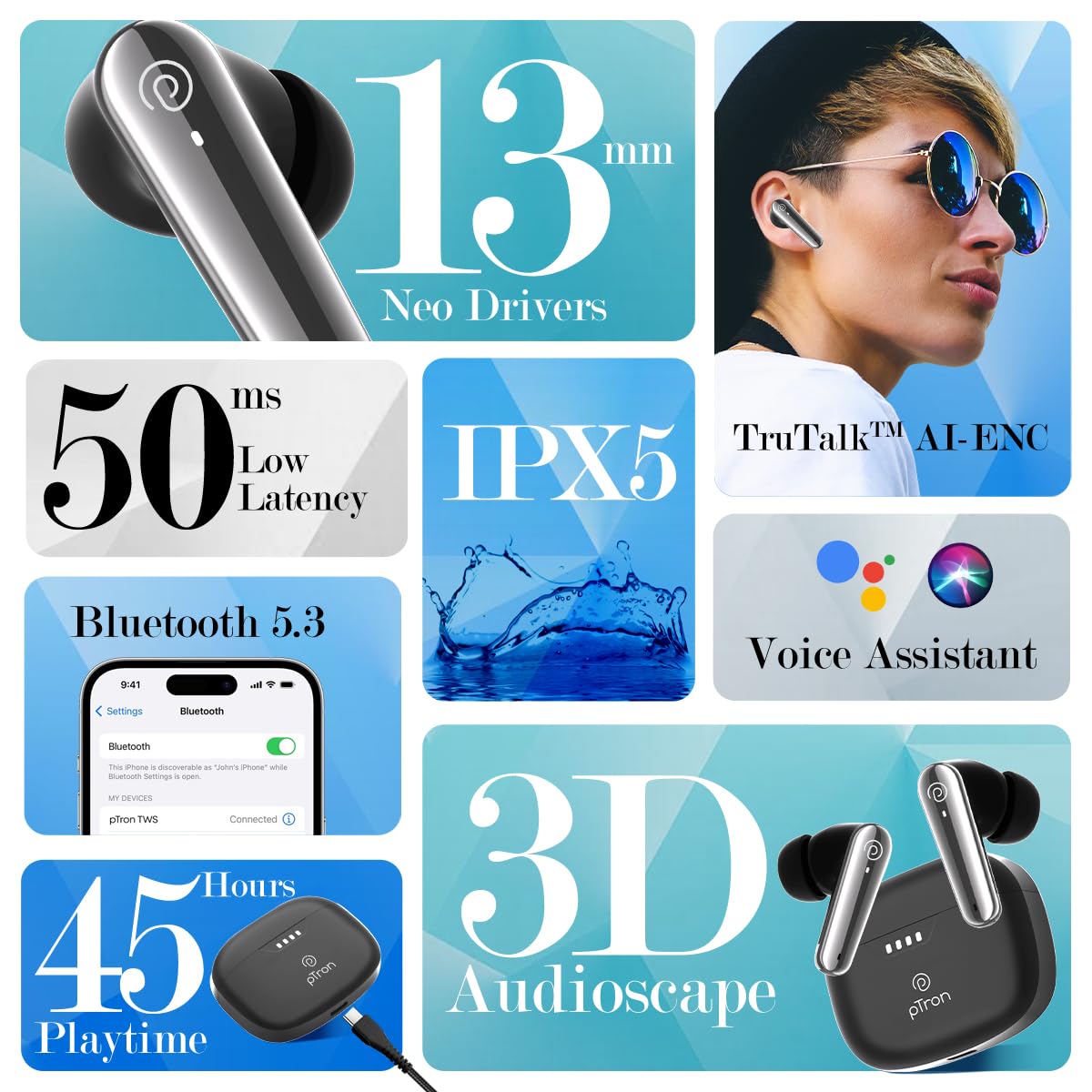
Image: A collage highlighting key features of the pTron Bassbuds Prism, including 13mm Neo Drivers, 50ms Low Latency, IPX5 rating, TruTalk AI-ENC, Bluetooth 5.3, Voice Assistant, 45 hours playtime, and 3D AudioScape.

Image: The pTron Bassbuds Prism earbuds and charging case, with text indicating "Experience Immersive AudioScape" and a large "3D" graphic.

Image: A person wearing a pTron Bassbuds Prism earbud, with text indicating 'TruTalk AI-ENC' for clear communication.

Image: pTron Bassbuds Prism earbuds in their case, with '50ms Low Latency' text, suggesting suitability for gaming.
5. Pangropéa
- beberesih: Anggo lawon anu lemes, garing, henteu lint pikeun ngabersihan earbuds sareng wadah ngecas. Ulah make bahan kimia kasar atawa bahan abrasive.
- Tahan cai: The earbuds are IPX5 water-resistant, meaning they can withstand splashes and sweat. They are not designed for submersion in water. Ensure the charging port is dry before charging.
- Panyimpenan: Simpen earbuds dina wadah ngecas nalika henteu dianggo pikeun ngajagi sareng tetep dicas. Hindarkeun suhu anu ekstrim.
- Perawatan batré: Pikeun manjangkeun umur batré, ulah sering ngosongkeun batré earbud sareng wadahna. Cas sacara rutin, sanaos henteu dianggo terus-terusan.
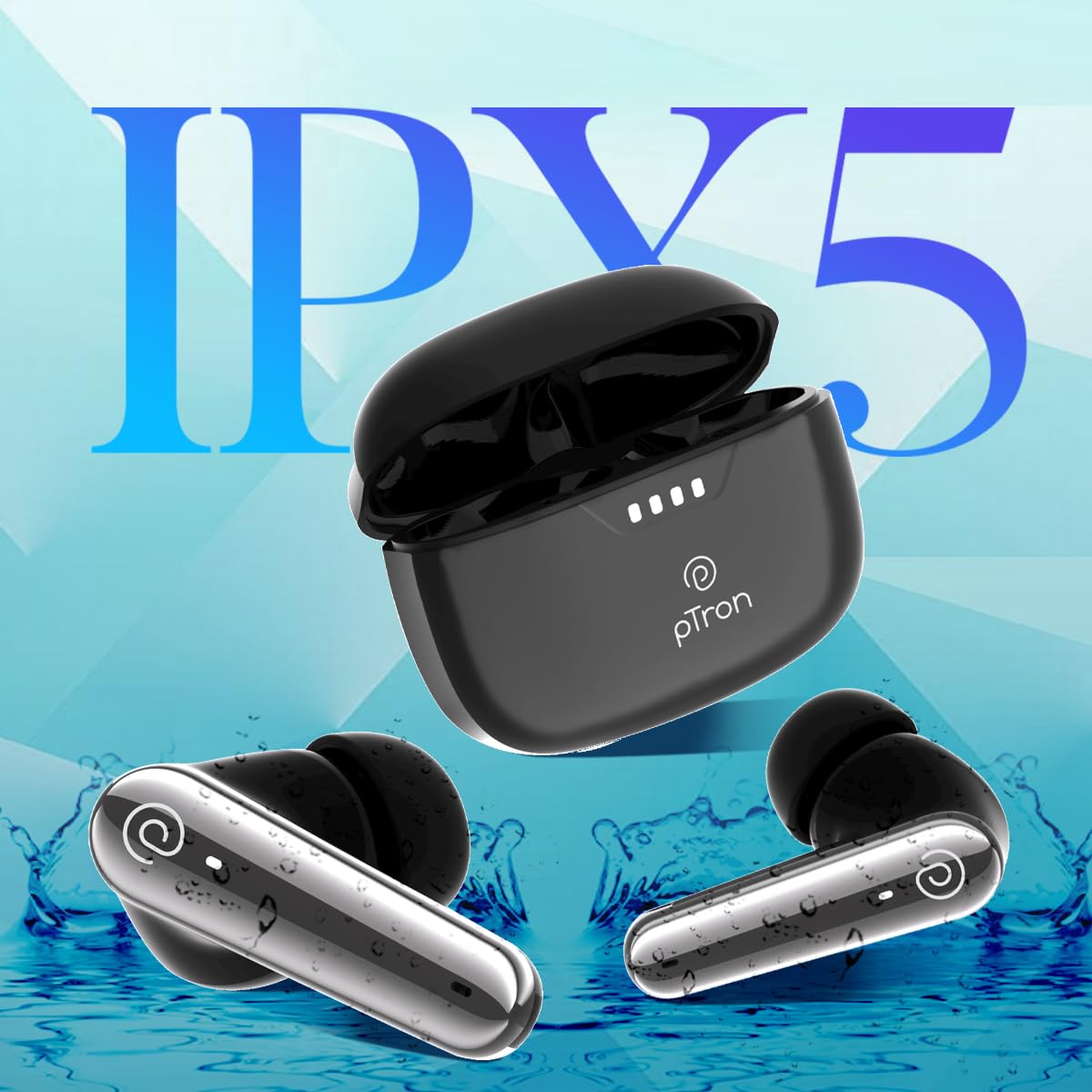
Image: pTron Bassbuds Prism earbuds with water splashes, illustrating their IPX5 water resistance rating.
6. Cara ngungkulan
| Masalah | Solusi |
|---|---|
| Earbuds teu dipasangkeun |
|
| Ngan hiji earbud jalan |
|
| Volume lemah atawa kualitas sora goréng |
|
| Kasus ngecas teu ngecas |
|
7. Spésifikasi
| Fitur | Rincian |
|---|---|
| Ngaran modél | Bassbuds Prism |
| Téhnologi konektipitas | Nirkabel (Bluetooth) |
| Vérsi Bluetooth | 5.3 |
| Rentang Bluetooth | 10 Méter |
| Ukuran Supir Audio | 13 Milimeter |
| Daya Tahan Batré (Gabungan) | 45 Jam |
| Port ngecas | Tipe-C |
| Tingkat Résistansi Cai | IPX5 |
| Kontrol bising | Sound Isolation (TruTalk AI-ENC for calls) |
| Tipe Kontrol | Toél, Sora |
| Item Beurat | 47 gram |
| Bahan | Acrylonitrile Butadiene Styrene (ABS) |
| Dimensi produk | 6.3 x 4.9 x 2.6 cm |
8. Jaminan & Dukungan
The pTron Bassbuds Prism TWS Earbuds come with a 1-Taun Garansi Produsén ti tanggal dibeuli, ngawengku defects manufaktur.
For warranty claims, technical support, or any other inquiries, please contact:
- Pabrikan: Palred Electronics Pvt. Ltd.
- Email Pelayanan Pelanggan: rojongan@ptron.in
- Telepon Palanggan: 040-67138888
- Alamat: SY.NO. 56, 1ST FLOOR, GUNDLAPOCHAMPDésa Ally, Gunung Taman Téknologi, TSIIC-IALA NACHARAM, Hyderabad - 500076, Telangana, India
Please retain your purchase receipt as proof of purchase for warranty services.


