1. Bubuka
This manual provides comprehensive instructions for the safe and effective use of your Artfone Smart_500 Smartphone. Please read this manual thoroughly before operating the device and retain it for future reference. The Artfone Smart_500 is designed with ease of use in mind, featuring large icons, a clear display, and essential functions for communication.
2. Alat Leuwihview
Familiarize yourself with the components of your Artfone Smart_500 smartphone.

Gambar 2.1: Hareup jeung tukang view of the Artfone Smart_500 smartphone placed in its charging dock. The front displays a simplified interface with large icons for Phone, Contacts, Camera, and Photos. The back shows the camera module and the SOS button.

Gambar 2.2: Sababaraha views of the Artfone Smart_500 smartphone, illustrating its front, back, and side profiles. This provides a comprehensive look at the device's physical design and button placement.
Komponén konci:
- Tampilan Hareup: 5-inch IPS screen for clear viewinteraksi jeung interaksi.
- Tombol fisik: Dedicated buttons for call answer/end, volume control, and power.
- Tombol SOS: Located on the rear for emergency alerts.
- Kaméra: Rear 13MP camera with LED flash, Front 5MP camera.
- Port ngecas: Port USB-C di handap.
- Tempat ngecas: Included for convenient desktop charging.
3. Setélan
3.1 Kartu SIM sareng Pamasangan Kartu Micro SD
- Pareuman alat lengkep.
- Locate the SIM/Micro SD card tray on the side of the phone.
- Paké alat ejector SIM disadiakeun pikeun muka baki.
- Carefully place your Nano-SIM card(s) and/or Micro SD card into the designated slots. Ensure correct orientation.
- Gently nyorong baki deui kana telepon nepi ka ngaklik kana tempatna.
3.2 Daya Awal Hurung
- Pencét terus tahan tombol Daya (biasana di sisi katuhu) nepi ka layar hurung.
- Turutan pitunjuk dina layar pikeun ngalengkepan setelan awal, kalebet pilihan basa, sambungan Wi-Fi, sareng setelan akun Google.
3.3 Ngecas Alat
The Artfone Smart_500 can be charged using the included USB-C cable or the charging station.
- Ngagunakeun Stasiun Ngecas: Place the phone into the charging station, ensuring the charging contacts align. The phone will indicate that it is charging.
- Ngagunakeun Kabel USB-C: Connect the USB-C cable to the phone's charging port and the other end to a compatible power adapter.
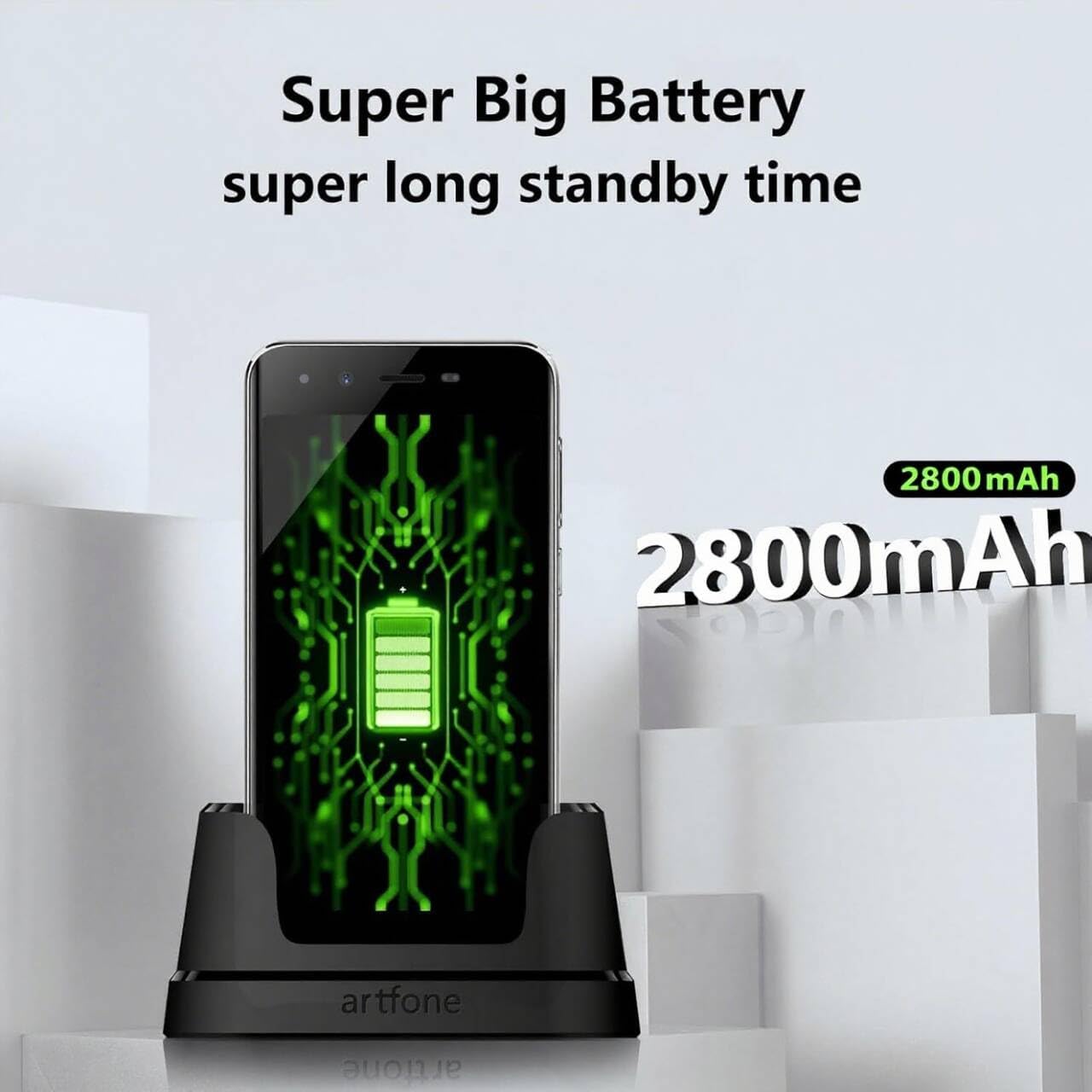
Image 3.1: The Artfone Smart_500 smartphone in its charging dock, displaying a battery icon on the screen. Text indicates 'Super Big Battery' and 'super long standby time', highlighting the device's 2550mAh battery capacity.
4. Operasi dasar
4.1 Napigasi
- Layar cabak: Tap icons to open applications, swipe to navigate between screens.
- Layar Utama: Features large, easy-to-identify icons for common functions like Phone, Contacts, Camera, and Photos.
- Tombol Balik: Mulih ka layar saméméhna.
- Tombol Aplikasi panganyarna: Nembongkeun aplikasi nu nembe dipake.
4.2 Nelepon jeung Narima Telepon
- Nelepon: Tap the 'Phone' icon, enter the number using the large keypad, then tap the green call button.
- Narima Telepon: When a call comes in, tap the green 'Answer' button on the screen or press the dedicated answer button.
- Nutup Telepon: Tap the red 'End Call' button on the screen or press the dedicated end call button.
4.3 Kontak
- Nambahkeun Kontak: Tap the 'Contacts' icon, then tap the '+' or 'Add New Contact' button. Enter the contact's name and phone number, then save.
- Calling a Contact: Tap the 'Contacts' icon, select the desired contact, then tap the phone icon next to their name.
4.4 Olahtalatah
- Tap the 'Messages' icon (if available on home screen, otherwise find in app drawer).
- Tap 'Start new chat' or the '+' icon.
- Enter the recipient's number or select from contacts, then type your message and tap 'Send'.
4.5 Kaméra
The Artfone Smart_500 features a 13MP rear camera and a 5MP front camera.

Image 4.1: A hand holding the Artfone Smart_500 smartphone, with text emphasizing its 13-megapixel camera for high-definition photography.
- Tap the 'Camera' icon on the home screen.
- Arah kaméra ka subjek anjeun.
- Ketok tombol jepret dina layar pikeun nyandak poto.
- Use the LED flash in low-light conditions.
4.6 Fungsi Darurat SOS
The SOS button is a critical safety feature for emergencies.

Image 4.2: A visual representation of the SOS button located on the back of the Artfone Smart_500 smartphone. The diagram illustrates how pressing this button can alert pre-set emergency contacts such as family members (daughter, son, spouse), a doctor, or first responders.
- Nyetél Kontak SOS: Buka setélan SOS dina menu telepon pikeun nambahkeun nepi ka 5 nomer kontak darurat.
- Aktipkeun SOS: In an emergency, press and hold the SOS button on the back of the phone.
- The phone will automatically call the pre-set emergency numbers one by one until a connection is made.
- Simultaneously, an emergency SMS message, including your location, will be sent to these contacts.
5. Fitur canggih
5.1 Android 12 Operating System
Your Artfone Smart_500 runs on Android 12, providing access to a wide range of applications and features.
- Google Play Store: Access the Play Store to download additional applications such as WhatsApp, social media, and utility tools.
- Ngotektak Internét: Use the pre-installed browser to access the internet.
- Multimédia: View videos, photos, and listen to music.
5.2 Konéktipitas

Image 5.1: A prominent 4G logo positioned above the Artfone Smart_500 smartphone, which displays a strong 4G signal indicator. This highlights the device's 4G connectivity for high-definition voice calls and faster internet.
- 4G/3G/2G: Supports various cellular networks for reliable communication.
- 4G VoLTE: Ensures high-quality voice calls with reduced background noise.
- Wifi: Nyambung ka jaringan nirkabel pikeun aksés internét.
- Bluetooth: Pair with wireless headphones or other Bluetooth devices.
6. Pangropéa
6.1 Perawatan Batré
- Pikeun manjangkeun umur batré, ulah ngantep telepon kakeunaan suhu anu ekstrim.
- Charge the battery regularly, but avoid leaving it fully charged or fully depleted for extended periods.
- Use only the original charger and charging station provided with the device.
6.2 beberesih
- Ngusap layar sareng awak nganggo lawon anu lemes sareng teu aya serat.
- Hindarkeun ngagunakeun bahan kimia anu kasar atanapi bahan abrasive.
7. Cara ngungkulan
Masalah umum sareng Solusi:
- Telepon teu hurung: Pastikeun batréna geus dieusian. Sambungkeun ka carjer sareng cobian deui.
- Kualitas telepon goréng: Check network signal strength. Ensure VoLTE is enabled in settings if available.
- Aplikasi anu dibekukeun: Close background applications. Restart the phone.
- Batré gancang boros: Reduce screen brightness. Close unused apps. Check battery usage in settings to identify power-hungry apps.
- SOS button not working: Verify that emergency contacts are correctly set up in the SOS settings.
Lamun masalah persist, mangga ngahubungan rojongan customer.
8. Spésifikasi
| Fitur | Spésifikasi |
|---|---|
| Ngaran modél | SMART_500 |
| Sistem operasi | Android 12.0 |
| tampilan | Layar Sentuh IPS 5 inci |
| Prosesor | 1.5 GHz Quad-Core (MTK 6739WW) |
| Ram | 3 GB |
| Panyimpenan internal | 32 GB (tiasa dilegaan nganggo Micro SD) |
| Kaméra tukang | 13 MP sareng LED Flash |
| Kaméra hareup | 5 MP |
| Kapasitas batré | 2550 mAh Litium-ion |
| Waktu sayaga | 50-80 hours (average) |
| Waktu Ngobrol | 5-6 hours (average) |
| Konektipitas | 4G, 3G, 2G (4G VoLTE) |
| Port ngecas | USB Tipe-C |
| Fitur husus | SOS Button, Charging Station, Large Icons, High Volume |

Image 8.1: A visual representation of the phone's internal platform, highlighting the MTK 6739WW processor, 32GB of ROM (internal storage), and 3GB of RAM.
9. Garansi jeung Rojongan
For warranty information and customer support, please refer to the documentation included in your product packaging or visit the official Artfone websitus. Inpormasi ngeunaan kasadiaan suku cadang sareng apdet parangkat lunak teu sayogi ayeuna.
Pabrikan: artfone


