1. Bubuka
This manual provides essential information for setting up, operating, maintaining, and troubleshooting your LG gram 17 inch laptop. Please read this manual thoroughly before using your device to ensure proper functionality and longevity.
2. Setélan
2.1 Mimiti Power-On
- Buka bungkusan laptop: Carefully remove the LG gram 17 laptop and all accessories from its packaging.
- Sambungkeun Kakuatan: Plug the AC adapter into the laptop's power port (USB Type-C Thunderbolt 4 port) and then into a wall outlet.
- Daya Hurung: Buka tutup laptop teras pencét tombol daya, biasana aya di pojok katuhu luhur kibor.
- Initial Windows 11 Pro Setup: Turutan pituduh dina layar pikeun ngarengsekeun setelan Windows 11 Pro, kalebet pilihan basa, sambungan jaringan, sareng nyiptakeun akun pangguna.
2.2 Nyambungkeun périferal
The LG gram 17 offers various ports for connecting external devices:
- Alat USB: Use the 2x USB 3.2 Gen 2 Type-A ports for mice, keyboards, or external storage.
- USB-C / Thunderbolt Devices: Use the 2x Thunderbolt 4 USB 4.0 Gen 3 Type-C ports for high-speed data transfer, external displays, or charging.
- Tampilan éksternal: Connect an external monitor via the HDMI port or a Thunderbolt 4 port (with appropriate adapter, if needed).
- Audio: Use the 3.5mm headphone-out jack for headphones or external speakers.
- Kartu SD Mikro: Insert a Micro SD card into the dedicated slot for additional storage or data transfer.

Gambar: Leuwihview of the LG gram 17 laptop's connectivity ports, including USB Type-A, USB Type-C Thunderbolt 4, HDMI, headphone-out, and Micro SD slot.
3. Fitur
3.1 Pintonan
The LG gram 17 features a large 17-inch WQXGA (2560 x 1600) IPS touchscreen display with DCI-P3 99% color gamut support, providing vibrant colors and sharp details.

Image: The LG gram 17's 17-inch WQXGA IPS display, highlighting its 16:10 aspect ratio and DCI-P3 99% color accuracy.
3.2 Kinerja
Powered by the Intel Core Ultra 7 processor with 47 NPU TOPS, 32GB DDR5 RAM, and a 2TB PCIe SSD, the laptop delivers responsive performance for multitasking, productivity, and demanding applications.

Image: The LG gram 17 laptop, emphasizing its Intel Core Ultra processor and AI capabilities with up to 47 TOPS NPU.
3.3 Design and Input
The LG gram 17 is designed to be ultra-thin and lightweight, making it highly portable. It features a backlit keyboard for comfortable typing in various lighting conditions and a precision touchpad with scroll and gesture functions.

Gambar: A lengkep view of the LG gram's backlit keyboard, illustrating the illumination of the keys for use in low-light environments.
3.4 Kahirupan batré
Equipped with a 77WHr Lithium Ion battery, the laptop offers up to 23.5 hours of video playback, ensuring extended usage on a single charge.

Image: The LG gram laptop screen showing "23.5 hrs" to represent its long battery life, with a visual of the laptop in use.
3.5 Operating System and AI Features
The LG gram 17 comes with Windows 11 Pro pre-installed, featuring AI-driven tools for enhanced productivity, creativity, and accessibility, including Copilot+PC functionalities.
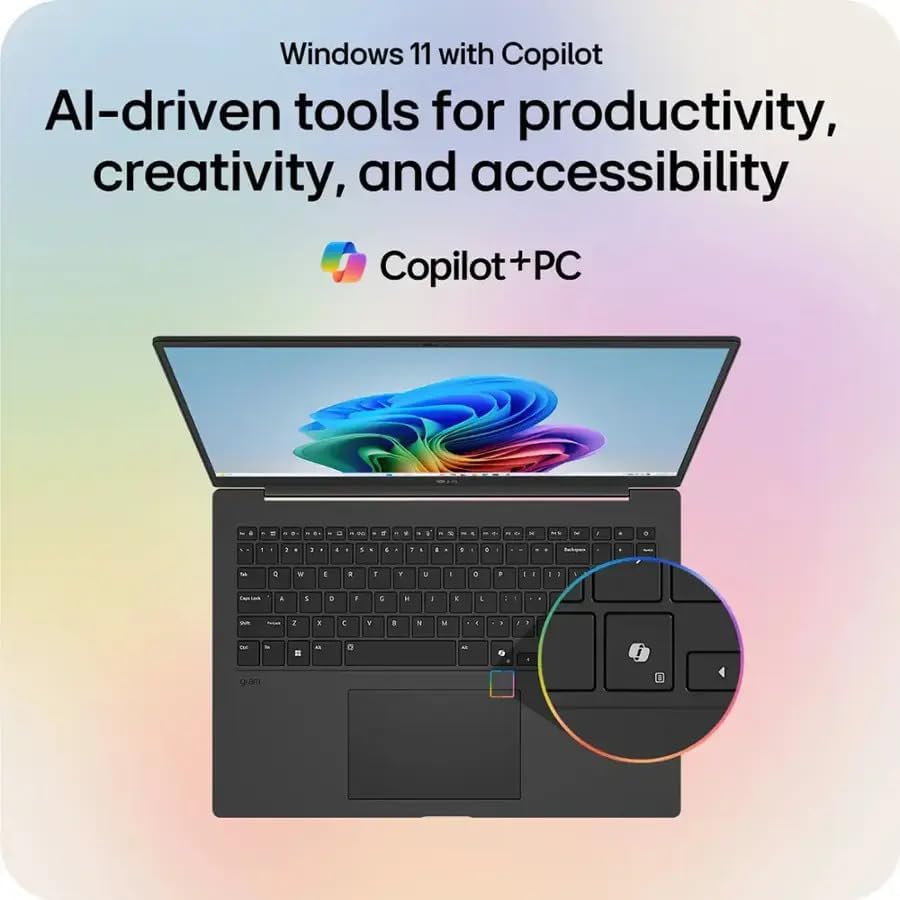
Gambar: The LG gram laptop showcasing the Windows 11 interface with Copilot, emphasizing its AI-driven tools for productivity and creativity.
3.6 Fungsi Layar Toél
The 17-inch WQXGA display is a touchscreen, allowing for intuitive interaction using your fingers or a compatible stylus.
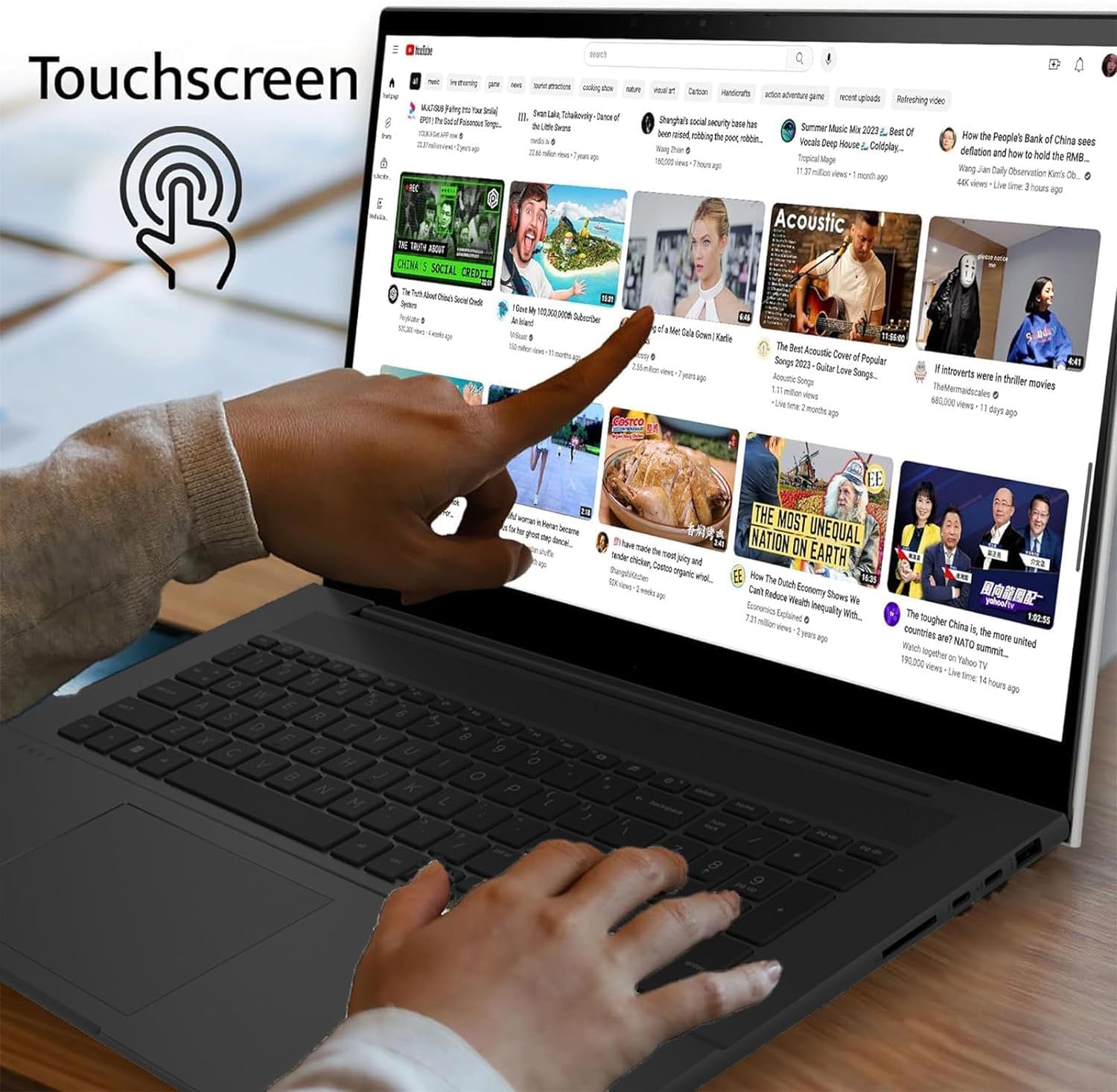
Image: A user's hand touching the screen of the LG gram laptop, illustrating its touchscreen capability.
4. Parentah Operasi
4.1 Pamakéan Dasar
- kibor: Use the full-size backlit keyboard for typing. Function keys (F1-F12) often have secondary actions (e.g., volume, brightness) accessible by pressing the Fn key.
- Touchpad: The precision touchpad supports multi-touch gestures for navigation, scrolling, and zooming.
- Layar cabak: Interact directly with the display using touch gestures. Swipe, tap, pinch-to-zoom, and other gestures are supported.
4.2 Manajemén kakuatan
- Ngecas: Connect the AC adapter to any Thunderbolt 4 (USB-C) port for charging. The battery indicator light will show charging status.
- Modeu Bobo: Tutup tutupna atanapi pencét sakeudeung tombol daya pikeun nempatkeun laptop kana mode sare.
- Pareuman: To turn off the laptop, go to Start > Power > Shut down.
4.3 Konektipitas jaringan
- Wifi: The laptop supports Intel Wi-Fi 7. To connect, click the Wi-Fi icon in the taskbar, select your network, and enter the password.
- Bluetooth: Enable Bluetooth in Windows settings to pair with wireless accessories like headphones or mice.
5. Pangropéa
5.1 beberesih
- layar: Make kaen nu lemes, teu aya lint rada dampdikumbah ku cai atawa pembersih layar. Hindarkeun bahan kimia anu kasar.
- Keyboard sareng Chassis: Paké lawon lemes, garing. Pikeun kokotor nekad, a rada damp lawon bisa dipaké, mastikeun euweuh cairan anu asup kana liangna.
5.2 Perawatan Batré
- Hindarkeun suhu anu ekstrim.
- Ulah pinuh discharge batré remen.
- Pikeun neundeun jangka panjang, ngeusi batre kira-kira 50-60%.
5.3 Apdet parangkat lunak
Regularly check for and install Windows updates and LG driver updates to ensure optimal performance and security. Go to Start > Settings > Windows Update.
6. Cara ngungkulan
- Laptop Teu Bisa Dihurungkeun:
- Ensure the AC adapter is securely connected and the outlet is functional.
- Coba colokan listrik anu béda.
- If the battery is completely drained, it may take a few minutes of charging before it can power on.
- Masalah tampilan:
- If the screen is blank, try pressing Fn + F10 (or the appropriate function key for display output) to cycle through display modes.
- Ensure display drivers are up to date.
- Henteu aya sambungan Wi-Fi:
- Pariksa naha Wi-Fi diaktipkeun dina setélan Windows.
- Balikan deui router sareng modem anjeun.
- Jalankeun Windows Network Troubleshooter.
- Performance Lambat:
- Tutup aplikasi anu teu perlu.
- Pariksa prosés latar tukang anu ngonsumsi sumber daya anu luhur (Manajer Tugas).
- Pastikeun rohangan kosong anu cekap dina SSD.
- Jalankeun scan virus.
7. Spésifikasi
| Fitur | Rincian |
|---|---|
| Ngaran modél | LG gram 17 |
| Sistem operasi | Windows 11 Pro |
| Prosesor | Intel Core Ultra 7 258V (3.7 GHz) |
| Grafika | Intel Arc Graphics (Terpadu) |
| Ram | 32 GB DDR5 RAM |
| Panyimpenan | 2TB PCIe SSD |
| tampilan | 17.3-inch WQXGA (2560 x 1600) IPS Touchscreen, DCI-P3 99% |
| Téhnologi nirkabel | Intel Wi-Fi 7 + Bluetooth |
| Palabuhan | 2x Thunderbolt 4 USB 4.0 Gen 3 Type-C, 2x USB 3.2 Gen 2 Type-A, 1x HDMI, 1x Headphone-out, 1x Micro SD Slot |
| kibor | Keyboard Backlit |
| Batré | 77WHr Lithium Ion, up to 23.5 hours (video playback) |
| Ukuran (L x W x H) | 14 x 11 x 0.7 inci |
| Beurat | 3.19 pon |
8. Garansi jeung Rojongan
The LG gram 17 laptop comes with a standard warranty. Specifically, a 1-year standard warranty is provided on the upgraded SSD. For detailed warranty terms and conditions, please refer to the documentation included with your product or visit the official LG support websitus.
For technical assistance, troubleshooting, or service inquiries, please contact LG customer support.