Bubuka
Thank you for choosing the Westinghouse USB Rechargeable Water Pump Dispenser. This device is designed to provide convenient and efficient water dispensing from large water bottles. Its foldable spout and rechargeable battery make it ideal for home, office, or travel use. Please read this manual carefully before use to ensure proper operation and maintenance.

Gambar 1: Hareupeun view of the Westinghouse Water Pump Dispenser.
Émbaran Kasalametan
- Ulah neuleumkeun unit utama dina cai atawa cairan séjén.
- Jauhkeun tina jangkauan barudak.
- Use only with potable water.
- Do not use with hot liquids (above 50°C / 122°F) or liquids other than water.
- Ensure the USB charging cable is disconnected before cleaning.
- Ulah nyobian ngabongkar atawa ngalereskeun alat sorangan. Kontak rojongan customer pikeun pitulung.
- Charge the device using a standard 5V USB power adapter.
Eusi pakét
Mangga parios pakét kanggo barang-barang ieu:
- Water Pump Dispenser Unit
- Food-grade Silicone Water Hose
- Kabel Ngecas USB (Tipe-C)
- Manual pamaké
Produk Leuwihview
Familiarize yourself with the components of your water pump dispenser:
- Foldable Spout: Delivers water and folds for compact storage.
- Panél kontrol: Features touch buttons for operation and LED indicators.
- Port ngecas USB-C: Pikeun ngecas batré internal.
- Inlet cai: Connects to the silicone water hose.
- Silicone Water Hose: Draws water from the bottle.

Figure 2: Key features of the water pump dispenser.

Gambar 3: Sisi view demonstrating the foldable spout design.
Disetél
Follow these steps to set up your water pump dispenser:
- Bersihkeun selang: Before first use, rinse the silicone water hose thoroughly with clean water.
- Sambungkeun selang: Insert one end of the silicone hose firmly into the water inlet port at the bottom of the dispenser unit.
- Insert into Bottle: Place the other end of the silicone hose into the water bottle. Ensure the hose reaches the bottom of the bottle for optimal water drawing.
- Mount the Dispenser: Place the dispenser unit securely on top of the water bottle opening. The dispenser is designed to fit most standard bottle sizes (e.g., 1.5, 2.6, 3, 4, 5 gallon bottles).
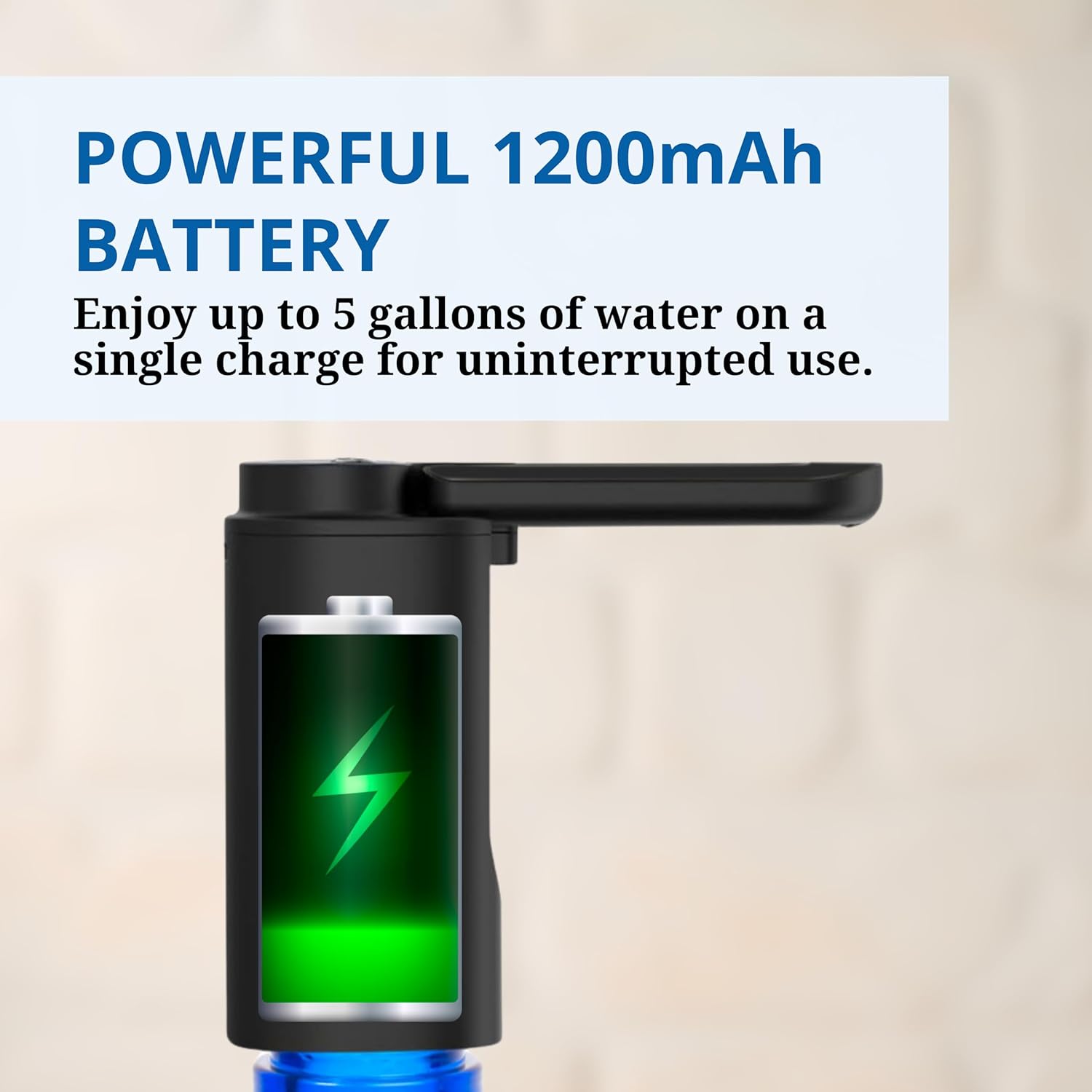
Figure 4: The dispenser is compatible with various bottle types.

Figure 5: Dispenser mounted on a water bottle.
Parentah Operasi
Using your water pump dispenser is simple:
- Unfold the Spout: Gently lift the spout to its upright dispensing position.
- Ngaluarkeun Cai: Press the power button on the control panel to start dispensing water. The LED light will illuminate.
- Ngeureunkeun Dispensing: Press the power button again to stop the water flow.
- Aliran kontinyu: For continuous water flow, press and hold the power button for approximately 3 seconds. Press again to stop.
- Lipat pikeun Panyimpenan: After use, gently fold the spout back down to protect it from dust and save space.

Figure 6: One-touch operation for dispensing water.

Figure 7: The foldable spout design for convenience.
Ngecas
The dispenser is equipped with a powerful 1200mAh rechargeable battery. When the battery is low, the LED indicator may flash or the pump performance may decrease.
- Sambungkeun carjer: Plug the provided USB-C charging cable into the charging port on the dispenser.
- Nyambung ka Daya: Connect the other end of the USB cable to a standard 5V USB power adapter (not included) or a USB port on a computer.
- Indikator ngecas: The LED indicator will show the charging status. It typically glows steadily while charging and turns off or changes color when fully charged.
- muatan pinuh: A full charge provides enough power to dispense approximately 5 gallons of water.

Figure 8: The dispenser features a powerful 1200mAh battery.
Pangropéa jeung beberesih
Regular cleaning ensures hygiene and extends the life of your dispenser:
- Bersihan luar: Ngusap bagian luar dispenser ku lemes, damp lawon. Ulah make cleaners abrasive atawa neuleumkeun unit dina cai.
- Selang beberesih: Periodically remove and rinse the silicone water hose with warm, soapy water. Ensure it is thoroughly rinsed to remove any soap residue.
- Bersihan spout: Clean the spout regularly with a damp cloth. For thorough cleaning, you can run clean water through the dispenser.
- Panyimpenan: When not in use for an extended period, ensure the dispenser is clean and dry. Store it in a cool, dry place with the spout folded.
Pamérésan masalah
| Masalah | Mungkin Cukang lantaranana | Solusi |
|---|---|---|
| No water dispensed / Weak flow | Low battery; Hose not properly inserted; Hose blocked; Water bottle empty. | Charge the dispenser; Re-insert hose firmly; Clean hose; Replace water bottle. |
| Dispenser teu hurung | Batréna béak pisan. | Connect to charger and allow a few minutes for it to power on. |
| Leak cai | Hose not properly connected; Dispenser not seated correctly on bottle. | Ensure hose is firmly attached; Re-seat dispenser on bottle opening. |
| Indikator ngecas teu jalan | Faulty USB cable or power adapter; Charging port issue. | Coba kabel USB sareng adaptor kakuatan anu béda. |
spésifikasi
- Jumlah modél: WWPP138
- ukuran: 7 x 7 x 12 cm (Jalna x Rubak x Jangkungna)
- beurat: 270 gram
- Bahan: palastik
- warna: Hideung
- Sumber Daya: Batré dioperasikeun
- Kapasitas batré: 1200mAh (bisa dicas deui)
- Port ngecas: USB Tipe-C
- Gaya: Lipat
- Jenis pamasangan: Nangtung sorangan
Garansi sareng Rojongan
For warranty information or technical support, please refer to the warranty card included in your package or contact Westinghouse customer service. Keep your purchase receipt as proof of purchase.


