1. Bubuka
The Elitech LogEt5T is a reusable USB temperature data logger designed for precise temperature monitoring across various applications, including biosciences, cold chain logistics, and industrial environments. It features automatic PDF and CSV report generation, a wide temperature range, and enhanced data integrity functions.
Fitur konci:
- Enhanced Shadow Data Function: Ensures data integrity even during accidental shutdowns or restarts.
- Reusable Temperature Logger: Wide temperature range of -30°C to 70°C with high accuracy (±0.1°C).
- Parameter anu tiasa disaluyukeun: Easily modify temperature units, alarm ranges, and logging intervals.
- Automatic PDF & CSV Reports: Generates reports automatically without additional software.
- On-screen Data Visualization: Displays current, max, min, MKT values, date, and recording points.

2. Setélan
2.1 Setup Awal
- Pamasangan batré: The device comes with a pre-installed CR2450 battery. Ensure it is properly seated.
- Software Installation (Optional for Advanced Features): For advanced functionalities and detailed analysis, download the Elitechlog software from the official Elitech websitus. Parangkat lunak ieu cocog sareng Windows sareng macOS.
2.2 Customizing Parameters
Before starting a new recording, you can customize various parameters using the Elitechlog software:
- Hijian suhu (°C/°F)
- Alarm thresholds (high and low temperature limits)
- Logging interval (how frequently data is recorded)
- Mimitian reureuh
- Perlindungan sandi
3. Parentah Operasi
3.1 Starting a Recording
Pencét jeung tahan tombol MULAI button on the device until the recording indicator appears on the LCD screen. The device will begin logging data according to the configured interval.
3.2 Stopping a Recording
Pencét jeung tahan tombol EUREUN button on the device until the recording indicator disappears. The device will cease logging data.
3.3 Viewing Data on Screen
The LCD screen provides real-time and summary data. Press the MULAI button briefly to cycle through different display modes:
- Suhu Ayeuna
- Maximum Temperature (MAX)
- Minimum Temperature (MIN)
- Average Temperature (AVG)
- Suhu Kinétik Rata-rata (MKT)
- Tanggal jeung Waktos
- Number of Recorded Points (LOG)

3.4 Data Export and Report Generation
To access recorded data:
- Connect the LogEt5T to a computer's USB port.
- The device will automatically generate a PDF report and a CSV file containing all recorded data. These files can be found in the device's storage when connected to a computer.
- For more detailed analysis, open the Elitechlog software and import the data. The software allows for graphical comparison of data and trend analysis.

3.5 Reusing the Logger
The LogEt5T is reusable. To clear data and prepare for a new recording cycle:
- Sambungkeun alat ka PC.
- Open the Elitechlog software.
- Perform a quick reset and confirm the action within the software.
Catetan: Always save historical data before resetting the device to prevent data loss.

4. Pangropéa
4.1 Ngagantian batré
The LogEt5T uses a CR2450 button cell battery. When the battery indicator on the LCD screen shows low power, replace the battery:
- Taliti muka kompartemen batré.
- Leupaskeun batré CR2450 heubeul.
- Selapkeun batré CR2450 anyar, mastikeun polaritasna bener.
- Tutup kompartemen batré anu aman.
4.2 Beberesih sareng Panyimpenan
- Bersihkeun alat ku kaen anu lemes sareng garing. Ulah make cleaners abrasive atawa pangleyur.
- Simpen alat dina tempat anu tiis sareng garing jauh tina sinar panonpoé langsung sareng suhu anu ekstrim.
- Ensure the USB port is protected from moisture and dust when not in use.
5. Cara ngungkulan
Masalah umum sareng Solusi:
- Device not starting: Check battery level. Replace if low.
- No data export: Ensure the device is properly connected to the USB port. Try a different USB port or cable.
- Parangkat lunak henteu mikawanoh alat: Ensure Elitechlog software is installed correctly. Restart the software and reconnect the device.
- Bacaan teu akurat: Ensure the device is placed in an appropriate environment, away from direct heat sources or extreme drafts. Refer to specifications for operating range.
For further assistance, consult the Elitechlog software's help section or contact Elitech customer support.
6. Spésifikasi
The following table details the technical specifications of the Elitech LogEt5T USB Temperature Data Logger:
| Fitur | Spésifikasi |
|---|---|
| Ngaran modél | LogEt5T |
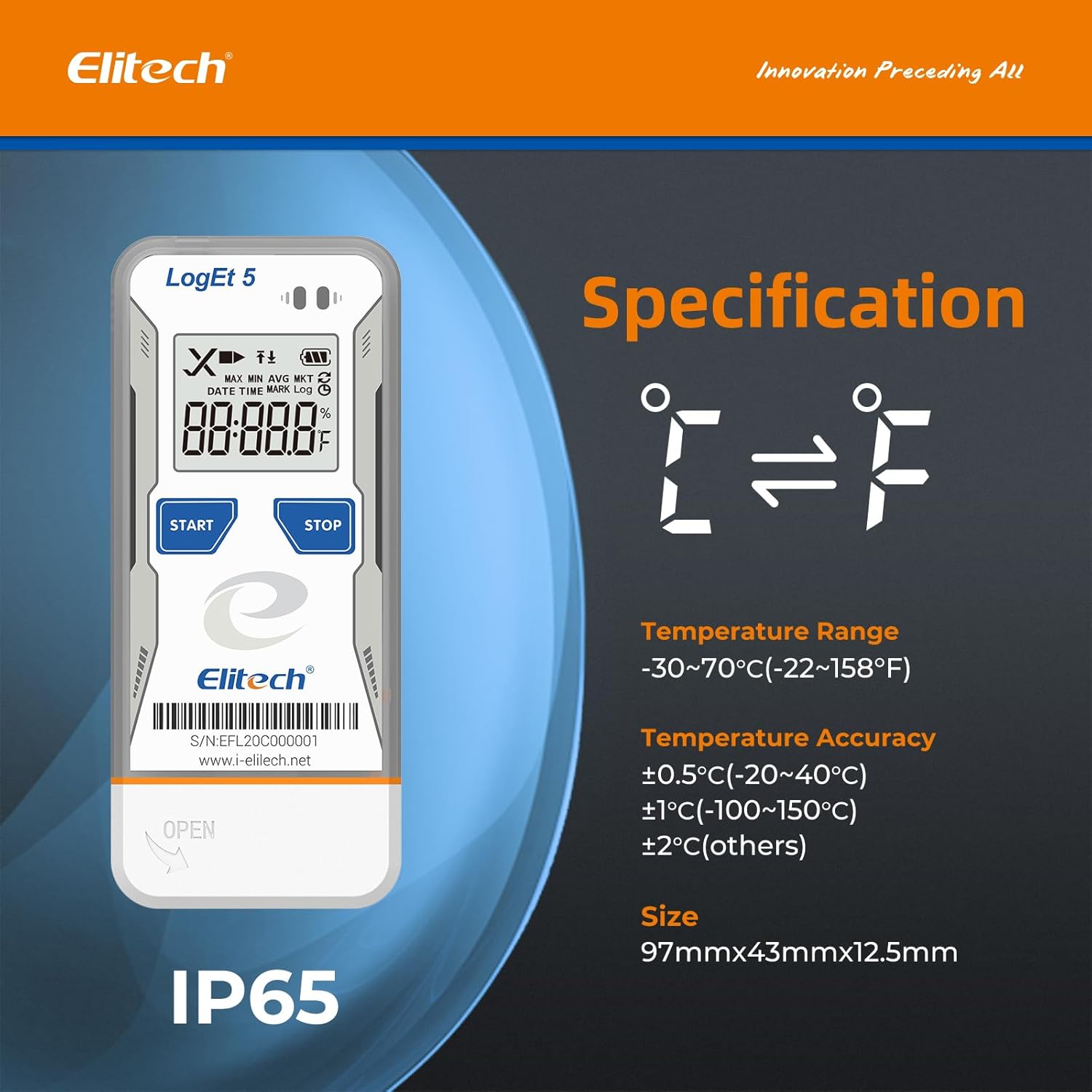
| Rentang Suhu | -30°C nepi ka 70°C (-22°F nepi ka 158°F) |
| Akurasi Suhu | ±0.5°C (-20~40°C), ±1°C (-100~150°C), ±2°C (others) |
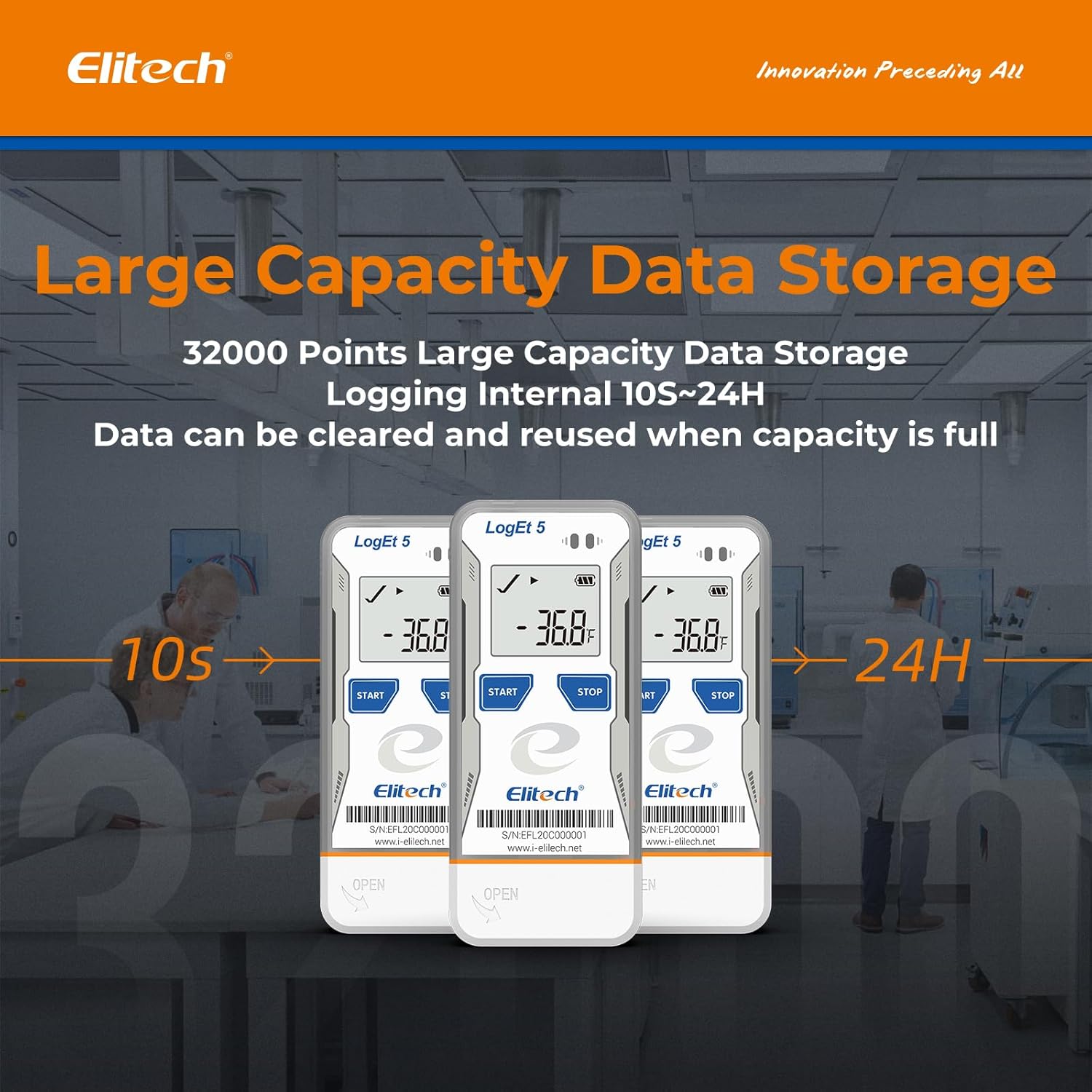
| Kapasitas Panyimpenan Data | 32,000 titik |
| Interval Logging | Configurable (from 10 seconds to 24 hours) |
| Téhnologi konektipitas | USB |
| Tipe tampilan | LCD Digital |
| Sumber Daya | Battery powered (1x CR2450, included) |
| Bahan | Baja Tahan Karat (éksterior) |
| Diménsi | 97mm x 43mm x 12.5mm |
| Beurat | 80 gram |
| minuhan | FDA 21 CFR Part 11 |

7. Garansi jeung Rojongan
For information regarding product warranty, technical support, or service, please refer to the official Elitech website or contact Elitech customer service directly. Details are typically provided with the product packaging or available online.
Anjeun oge bisa nganjang ka Elitech Brand Store on Amazon pikeun émbaran leuwih produk jeung sumber rojongan.