1. Produk Langkungview
The GIGABYTE GP-UD850GM-A is an 850W 80 Plus Gold certified fully modular power supply designed for high-performance computing systems. It features high-quality Japanese capacitors and a +12V Single Rail for exceptional power output and stability.
Fitur konci:
- 850W Capacity with Single +12V Rail
- 80 Plus Gold Certified for high efficiency
- ATX Form Factor for broad compatibility
- Fully Modular Design for clean cable management
- Japanese Capacitors for enhanced durability and stability
- 120mm Hydraulic Bearing Fan for quiet and efficient cooling
- Comprehensive Protection: OVP/OPP/SCP/UVP/OCP/OTP
- Dijieun di Taiwan
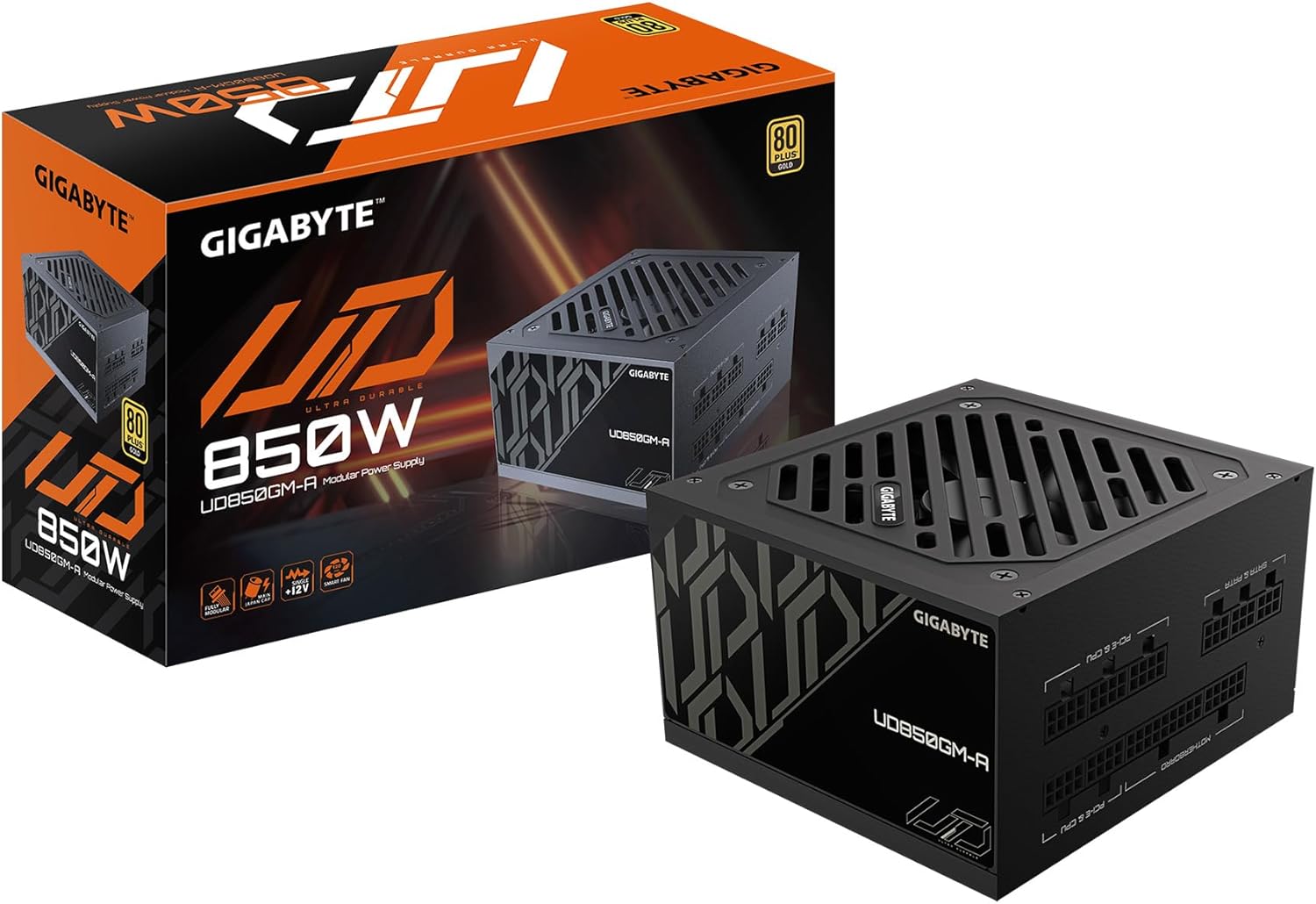
Figure 1: GIGABYTE GP-UD850GM-A 850W Power Supply and its packaging.
Produk Leuwihview Video:
Produk resmi di luhurview video demonstrating the key features and physical aspects of the GIGABYTE GP-UD850GM-A power supply.
2. Émbaran Kasalametan
Please read and understand all safety instructions before installing or operating your power supply unit (PSU). Failure to do so may result in personal injury or damage to equipment.
- Bahaya listrik: Ulah muka PSU casing. Tinggi voltages are present inside, even when the unit is unplugged. Servicing should only be performed by qualified personnel.
- Ventilasi: Ensure adequate airflow around the PSU. Do not block any ventilation openings.
- Uap: Keep the PSU away from water, humidity, and liquids.
- Suhu: Operate the PSU within its specified temperature range. Avoid extreme heat or cold.
- Grounding: Always connect the PSU to a grounded power outlet.
- Manajemén Kabel: Ensure all cables are properly connected and routed to prevent damage or interference.
3. Eusi Paket
Pastikeun yén sadaya item anu didaptarkeun di handap kalebet kana pakét anjeun:
- GIGABYTE GP-UD850GM-A 850W Power Supply Unit
- Kabel Daya AC
- Modular Cable Set (including ATX/MB, CPU/EPS, PCI-e, SATA, 4 Pin Peripheral/Floppy)
- Pamasangan screws
- Manual pamaké

Figure 2: Assortment of fully modular cables included with the power supply.
4. Pedaran Fisik
The GP-UD850GM-A features a compact design, measuring approximately 140mm in length, making it suitable for various PC cases, including smaller mid-towers. It incorporates a 120mm hydraulic bearing fan for efficient cooling and quiet operation, which can turn off under low load for silent performance.

Gambar 3: Top view of the power supply showing the 120mm fan.
The power supply is fully modular, meaning all cables are detachable. This allows for improved cable management and airflow within your PC case. The modular ports are clearly labeled for easy connection.

Figure 4: Modular connection panel with labeled ports.
The side panel features an 'ULTRA DURABLE' design, which is visible through power supply windows in compatible PC cases.
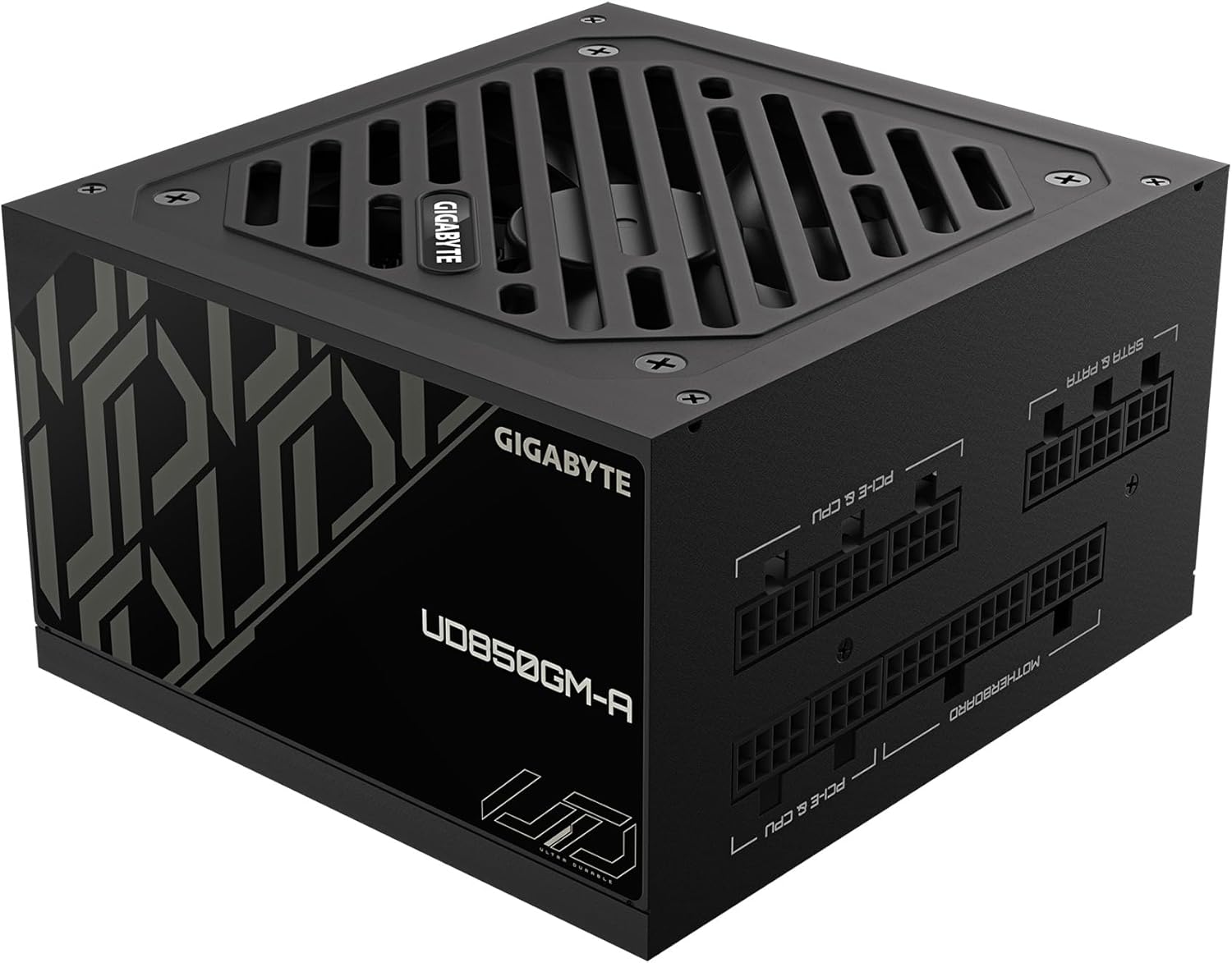
Gambar 5: Sisi view with 'ULTRA DURABLE' branding.
5. Setup jeung Instalasi
Follow these general steps to install your GIGABYTE GP-UD850GM-A power supply. Refer to your PC case and motherboard manuals for specific instructions.
- Nyiapkeun Kasus PC anjeun: Ensure your PC case is powered off and unplugged. Remove the side panel(s) to access the PSU mounting area.
- Pasang PSU: Insert the PSU into the designated bay in your PC case. Secure it with the provided mounting screws.
- Connect Essential Cables:
- Connect the 20+4 pin ATX motherboard cable to the PSU and your motherboard.
- Connect the 4+4 pin CPU/EPS cable(s) to the PSU and your motherboard's CPU power connector(s).
- Connect the appropriate PCI-e 6+2 pin cables to the PSU and your graphics card(s). This PSU supports the new 12VHPWR connector for compatible GPUs.
- Sambungkeun Kabel Periferal: Connect SATA power cables to your storage drives (HDDs, SSDs) and other peripherals as needed. Use 4-pin peripheral/floppy cables for older devices if necessary.
- Manajemén Kabel: Route all cables neatly behind the motherboard tray or in designated cable management channels to improve airflow and aesthetics. Use zip ties or Velcro straps to secure them.
- Cék ahir: Double-check all connections to ensure they are secure. Replace the PC case side panel(s).
- Daya Hurung: Connect the AC power cable to the PSU and a grounded wall outlet. Flip the power switch on the PSU to the 'ON' position. Power on your computer.
6. Parentah Operasi
Once installed, operating the GIGABYTE GP-UD850GM-A is straightforward:
- Hurungkeun/Pareuman: Use the main power switch located on the rear of the PSU to turn the unit on or off. Always ensure your computer is properly shut down before flipping this switch.
- Operasi Kipas: The 120mm hydraulic bearing fan is designed for quiet operation. Under low system loads, the fan may stop spinning entirely to minimize noise. It will automatically activate and adjust its speed as the system load and temperature increase.
- Efisiensi: The 80 Plus Gold certification ensures high power efficiency, reducing wasted energy and heat generation.
7. Pangropéa
Pangropéa rutin ngabantosan mastikeun umur panjang sareng kinerja optimal PSU anjeun:
- beberesih lebu: Periodically clean dust from the PSU's fan and ventilation grilles using compressed air. Ensure the PC is powered off and unplugged before cleaning. Hold the fan blades gently to prevent over-spinning during cleaning.
- Pamariksaan kabel: Occasionally inspect all modular cables for any signs of wear, fraying, or damage. Replace any damaged cables immediately.
- Kaayaan Lingkungan: Maintain a clean, dry, and well-ventilated environment for your PC to prevent dust buildup and overheating.
8. Cara ngungkulan
If you encounter issues with your GIGABYTE GP-UD850GM-A PSU, try the following troubleshooting steps:
- Henteu aya kakuatan:
- Ensure the AC power cable is securely connected to both the PSU and the wall outlet.
- Pariksa heula saklar daya tukang PSU aya dina posisi 'ON'.
- Pariksa stop kontak dina témbok ku cara nyolokkeun alat anu sanés.
- Ensure all modular cables (especially the 20+4 pin ATX and 4+4 pin CPU) are firmly seated in both the PSU and motherboard.
- Instabilitas Sistem / Kacilakaan:
- Pastikeun syarat kakuatan sistem anjeun henteu ngaleuwihan kapasitas 850W PSU.
- Pariksa sambungan kabel leupas.
- Ngawas suhu sistem pikeun mastikeun komponén teu overheating.
- If possible, test the PSU with another known-good system or use a PSU tester.
- Bising kipas:
- Clean any dust buildup from the fan and grilles.
- Ensure adequate airflow within the PC case.
- If the fan is excessively loud even under low load, it may indicate a fault.
If problems persist after trying these steps, contact GIGABYTE customer support or a qualified technician.
9. Spésifikasi
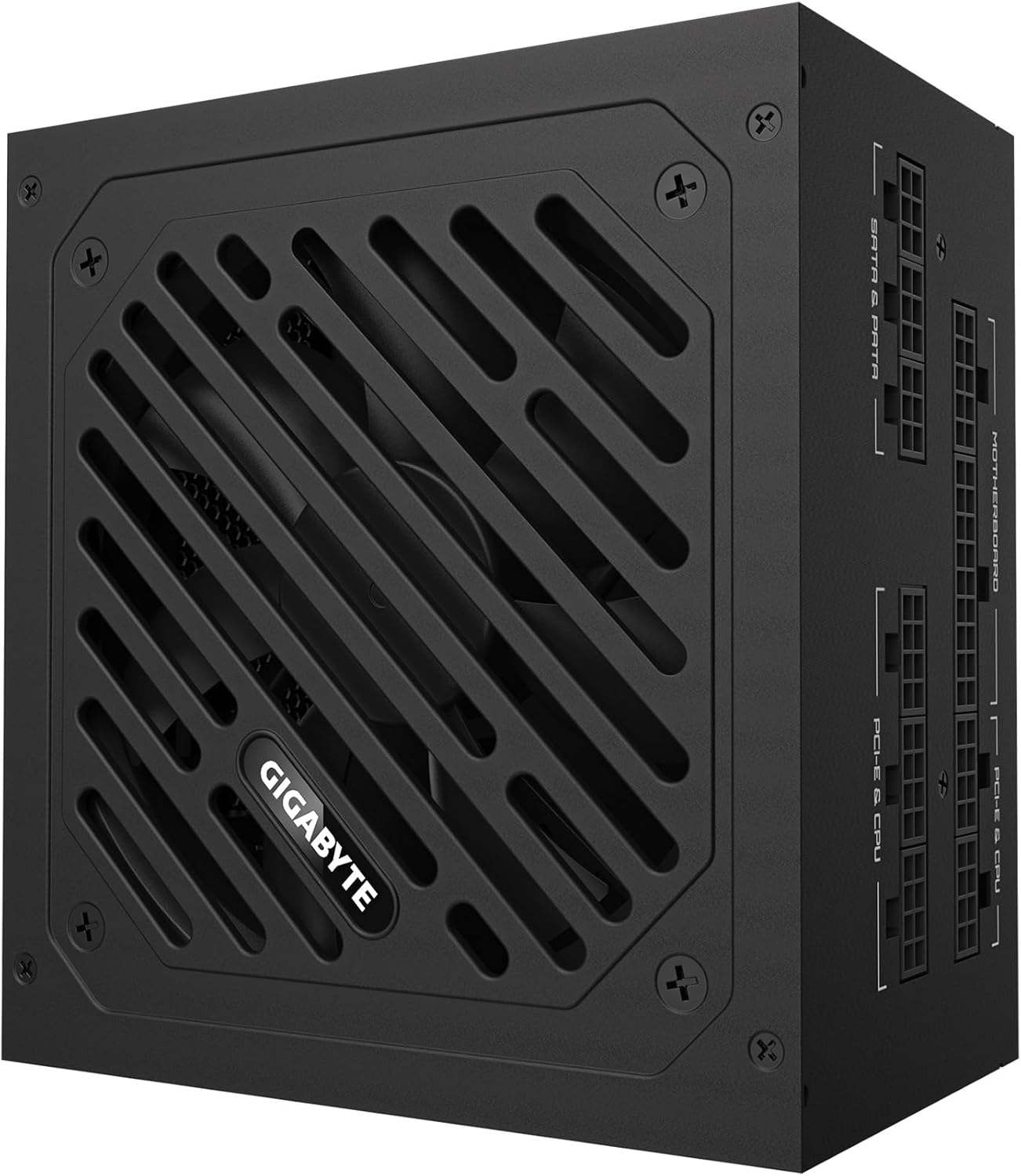
Figure 6: Detailed specification label on the power supply.
| Fitur | Rincian |
|---|---|
| merek | GIGABYTE |
| Ngaran modél | GP-UD850GM-A |
| Kaluaran Wattage | 850 Watt |
| Sertifikasi efisiensi | 80 Ditambah Emas Certified |
| Faktor Bentuk | ATX |
| Desain suplai kakuatan | Pinuh Modular |
| Métode Cooling | Air (120mm Hydraulic Bearing Fan) |
| Alat nu cocog | Gaming Console (and PC components) |
| Tipe Panyambung | ATX, PCI Express (including 12VHPWR) |
| Item Beurat | 6.5 pon |
| Dimensi produk | 12.4 x 8.1 x 4.6 inci |
| Warna | Hideung |
| Produsén | GIGABYTE |
| Tanggal Kahiji Sadia | 28 Januari 2025 |
10. Garansi jeung Rojongan
Kanggo inpormasi garansi sareng dukungan téknis, mangga tingal GIGABYTE resmi websitus atanapi ngahubungan layanan palanggan maranéhanana langsung. Simpen resi pameseran anjeun pikeun klaim jaminan.
GIGABYTE offers various protection plans for their products. Please check the product's official page or contact GIGABYTE support for details on available warranty and extended protection options.


