1. Bubuka
This manual provides detailed instructions for the setup, operation, and maintenance of your CANYON HEXAGON 7 True Wireless Earbuds. Please read this manual thoroughly before using the product to ensure proper function and longevity. The HEXAGON 7 earbuds feature Bluetooth 5.4 connectivity, Active Noise Cancellation (ANC), Environmental Noise Cancellation (ENC), and wireless charging capabilities.
2. Eusi Paket
Pastikeun yén sadaya item aya dina bungkusan:
- CANYON HEXAGON 7 True Wireless Earbuds (Left and Right)
- Ngecas Case
- Kabel Ngecas USB Tipe-C
- Manual pamaké
3. Produk Langkungview
The CANYON HEXAGON 7 earbuds are designed for comfort and high-quality audio, featuring a distinctive hexagonal design. The charging case provides extended battery life and supports wireless charging.

Image 3.1: CANYON HEXAGON 7 True Wireless Earbuds and Charging Case. The earbuds are white with beige ear tips, resting inside their matching white and beige charging case.
3.1 Unique Design
The Hexagon 7 series features an elegant and angular design, ensuring a comfortable and secure fit while providing a distinct aesthetic.

Image 3.2: The CANYON HEXAGON 7 earbuds and their open charging case are displayed on a laptop keyboard, highlighting their unique hexagonal design.
3.2 Kontrol Toél
The earbuds are equipped with intuitive touch controls for managing playback, calls, and other functions.

Image 3.3: The CANYON HEXAGON 7 earbuds and their charging case are shown on a notebook with design sketches, illustrating their compact form factor and touch-sensitive surfaces.
3.3 Ngabatalkeun Noise Aktif (ANC)
The Active Noise Cancelling feature reduces ambient noise, allowing for a more immersive audio experience.
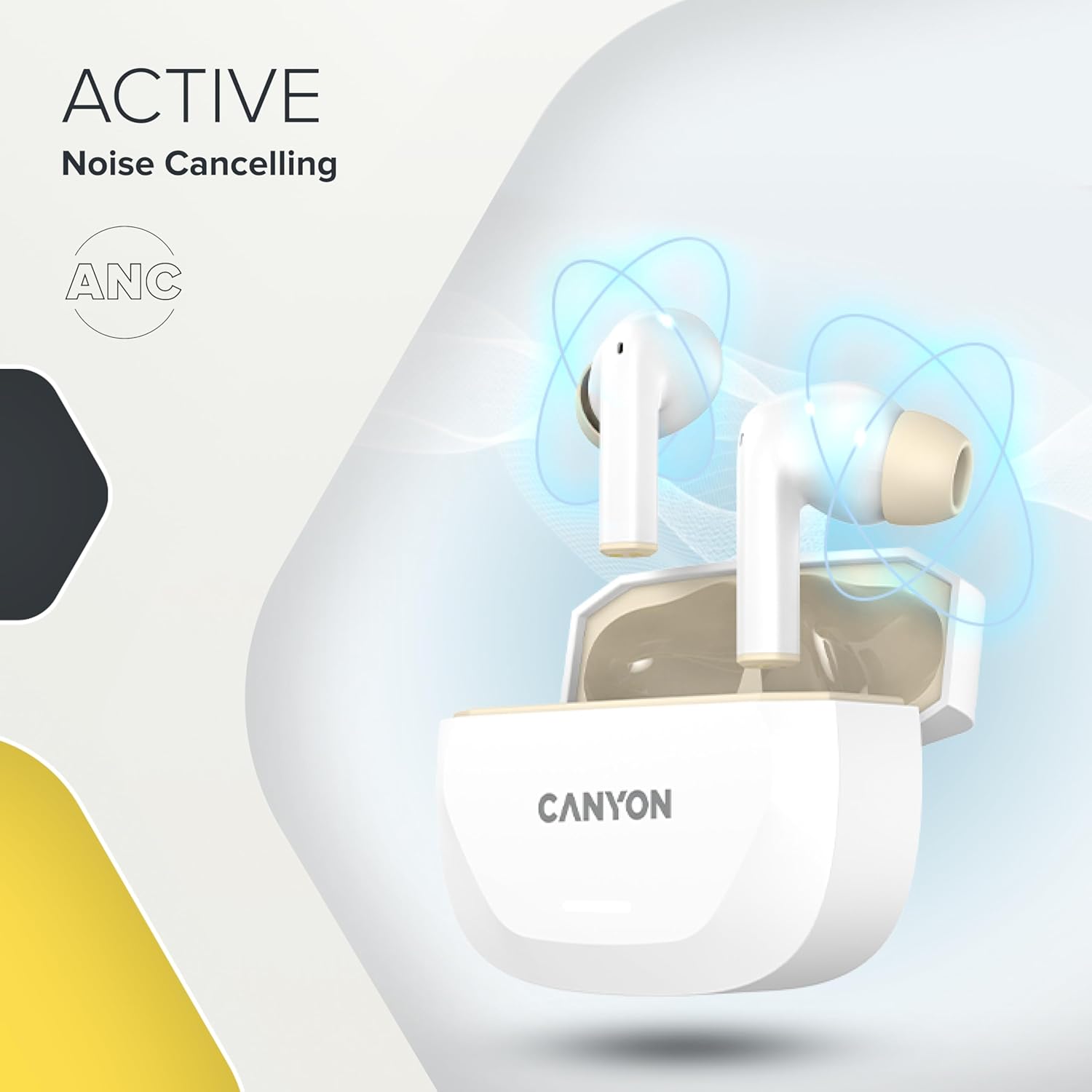
Image 3.4: A visual representation of Active Noise Cancelling (ANC) technology, showing sound waves being canceled around the CANYON HEXAGON 7 earbuds in their open case.
4. Setélan
4.1 Ngecas Earbuds sareng Case
Saméméh dipaké munggaran, eusian pinuh ku earbuds jeung wadah ngecas.
- Ngagunakeun Kabel USB-C: Connect the provided USB Type-C cable to the charging port on the case and to a power source. The charging indicator will show the charging status. A full charge takes approximately 1.5 hours for the earbuds and 2 hours for the case.
- Ngecas nirkabel: Place the charging case on any Qi-compatible wireless charging pad. Ensure the case is properly aligned for efficient charging.

Image 4.1: The CANYON HEXAGON 7 charging case is shown resting on a wireless charging pad, indicating its wireless charging capability.

Image 4.2: A graphic illustrating the quick recharge feature of the CANYON HEXAGON 7 earbuds, with a battery icon showing rapid charging progress.
4.2 Nyapasangkeun sareng Alat
- Buka wadah ngecas. Earbuds bakal otomatis asup kana mode papasangan.
- Dina alat Anjeun (smartphone, tablet, jsb), aktipkeun Bluetooth.
- Milarian pikeun available Bluetooth devices and select "CANYON HEXAGON 7".
- Saatos nyambung, sora konfirmasi bakal diputer, sareng lampu indikator dina earbud bakal robih.
4.3 Konéksi Multititik
The HEXAGON 7 supports connecting to two devices simultaneously. To use this feature:
- Pasangkeun earbud sareng alat anu munggaran sapertos anu dijelaskeun di luhur.
- Nonaktipkeun Bluetooth dina alat anu munggaran. Earbud bakal lebet deui kana modeu papasangan.
- Pasangkeun earbud sareng alat kadua.
- Re-enable Bluetooth on the first device. The earbuds should automatically connect to both devices. You can then switch between them seamlessly.
5. Parentah Operasi
5.1 Kontrol Toél
The touch-sensitive areas on the earbuds allow for various functions:
- Puter / Reureuh: Ketok tunggal dina boh earbud.
- Lagu salajengna: Ketok dua kali dina earbud katuhu.
- Lagu Sateuacanna: Ketok dua kali dina earbud kénca.
- Volume Up: Ketok tilu kali dina earbud katuhu.
- Volume Turun: Ketok tilu kali dina earbud kénca.
- Ngajawab / mungkas Telepon: Ketok sakedap boh earbud salami sauran asup atanapi sauran aktip.
- Nolak Telepon: Pencet jeung tahan boh earbud salila 2 detik dina mangsa telepon asup.
- Aktipkeun Asisten Sora: Pencét terus tahan salah sahiji earbud salami 3 detik (nalika teu keur nelepon).
5.2 ANC and ENC Functions
The HEXAGON 7 features Active Noise Cancellation (ANC) and Environmental Noise Cancellation (ENC) for calls.
- ANC Activation/Deactivation: Press and hold the touch area on the left earbud for 2 seconds to cycle through ANC On, ANC Off, and Transparency modes.
- ENC for Calls: Environmental Noise Cancellation is automatically active during phone calls, utilizing the 4 built-in microphones to filter out background noise and ensure clear voice transmission.
5.3 Kahirupan batré
The earbuds provide up to 6.5 hours of playback with ANC off, and 5.5 hours with ANC on. The charging case extends the total playtime to 27 hours.
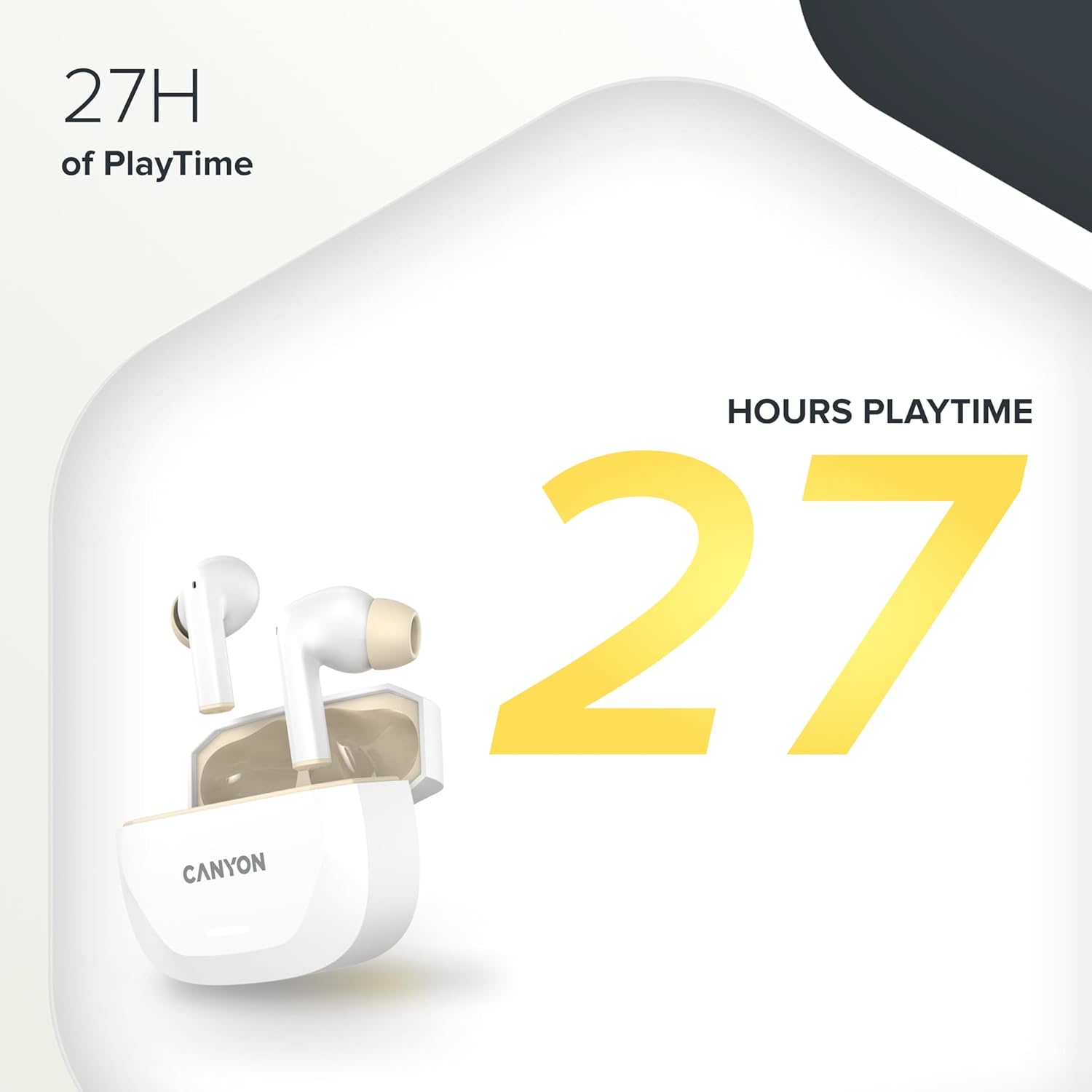
Image 5.1: A graphic highlighting the 27 hours of total playtime offered by the CANYON HEXAGON 7 earbuds with their charging case.
6. Pangropéa
6.1 beberesih
- Rutin ngabersihkeun earbuds sareng wadah ngecas ku lawon anu lemes, garing, teu aya lint.
- Ulah make cleaners abrasive, alkohol, atawa pangleyur kimiawi.
- Gently remove any earwax or debris from the ear tips and speaker grilles using a small, soft brush or cotton swab.
6.2 Panyimpenan
- Nalika henteu dianggo, simpen earbuds dina wadah ngecasna pikeun ngajagi sareng tetep dicas.
- Simpen alat dina tempat anu tiis, garing, jauh tina sinar panonpoé langsung sareng suhu anu ekstrim.
7. Cara ngungkulan
If you encounter issues with your CANYON HEXAGON 7 earbuds, refer to the following common solutions:
| Masalah | Solusi anu mungkin |
|---|---|
| Earbuds teu dipasangkeun |
|
| Teu aya sora atanapi volume handap |
|
| Masalah ngecas |
|
| ANC henteu tiasa dianggo sacara efektif |
|
8. Spésifikasi
| Fitur | Rincian |
|---|---|
| Ngaran modél | Sagi genep 7 |
| Téhnologi nirkabel | Bluetooth 5.4 |
| Noise Cancelling | Active Noise Cancellation (ANC), Environmental Noise Cancellation (ENC) with 4 microphones |
| Kahirupan Batré (Earbuds) | Nepi ka 6.5 jam (ANC pareum), 5.5 jam (ANC on) |
| Total Playtime (kalawan Case) | Nepi ka 27 jam |
| Waktu Ngecas (Earbuds) | Kira-kira. 1.5 jam |
| Waktu Ngecas (Kasus) | Kira-kira. 2 jam |
| Pangecas Interface | USB Type-C, Wireless (Qi-compatible) |
| Métode kontrol | Toél Control |
| Sambungan Multipoint | Yes, connect to two devices simultaneously |
| Bahan | palastik |
| Tingkat Résistansi Cai | Waterproof (specific IP rating not provided) |
| Impedansi | 32 ohm |
| Réspon Frékuénsi | 20 Hz (lower limit, upper limit not specified) |
| Alat nu cocog | Mobile phones, tablets, PCs |
9. Garansi jeung Rojongan
CANYON products are designed for reliability and performance. For warranty information, technical support, or service inquiries, please refer to the official CANYON websitus atanapi ngahubungan pangecér lokal Anjeun. Simpen bukti pameseran anjeun pikeun klaim garansi.
Manufacturer: CANYON


