Bubuka
Thank you for choosing the Emerson EVP-2002 Home Theater LCD Projector. This manual provides essential information for setting up, operating, and maintaining your projector to ensure optimal performance and longevity. Please read this manual thoroughly before using the product and retain it for future reference.
Naon dina Box
Saatos ngabongkar bungkusan, pastikeun sadaya barang di handap ieu aya:
- Emerson EVP-2002 Projector
- UL Approved Power Adaptor
- Kadali jauh
- Panutup Lensa Projector
- Manual pangguna (dokumén ieu)
Produk Leuwihview
The Emerson EVP-2002 is designed to deliver an immersive home theater experience with its advanced LCD technology and versatile connectivity options.

Gambar: Hareupeun view of the Emerson EVP-2002 projector, showcasing the lens and ventilation. This compact projector is designed for home entertainment.
Fitur konci:
- Hiburan Imersif: Transforms your space into a theater for sports, movies, and TV shows.
- Konektipitas Bluetooth: Allows easy pairing with external audio devices.
- Effortless Media Streaming: Compatible with streaming devices like Amazon Fire Stick, Roku, or Google Chromecast (not included).
- Visual Vivid: Advanced LCD projector delivers high-quality resolution with clarity and color vibrancy.
- Versatile Multi-Media Functionality: Supports HDMI and USB flash drives for various video, audio, and photo formats.
- Bohlam LED anu tahan lama: Durable LED bulb with up to 30,000 hours of lifespan.
- Powerful Built-In Speakers: Delivers clear, full-bodied sound.

Gambar: Sisi view of the Emerson EVP-2002 projector, showing its compact cylindrical design and adjustable stand.
Dimensi produk jeung beurat:
- ukuran: 6.75 x 4.12 x 4.98 inci
- beurat: 1.43 pon

Image: Diagram illustrating the dimensions (6.75 in. length, 4.12 in. width, 4.98 in. height) and weight (1.43 lbs) of the Emerson EVP-2002 projector.
Guide Setup
1. Panempatan
Position the projector on a stable, flat surface. Ensure there is adequate ventilation around the unit. The distance from the screen or wall will determine the image size. Adjust the projector's angle using its stand for optimal projection.
2. Sambungan Daya
- Connect the UL Approved Power Adaptor to the DC IN port on the projector.
- Plug the power adaptor into a standard electrical outlet.
- Lampu indikator daya kedah hurung.
3. Nyambungkeun Sumber Input
The EVP-2002 offers multiple input options:
- HDMI: Connect an HDMI cable from your source device (e.g., laptop, game console, streaming stick) to the HDMI port on the projector.
- USB: Selapkeun flash drive USB kana port USB pikeun muterkeun média files langsung.
- 3.5mm Audio: Connect external speakers or headphones using a 3.5mm audio cable to the AUX OUT port.

Gambar: Tukangeun view of the Emerson EVP-2002 projector, showing the various input ports including HDMI, USB, and DC power input.
Parentah Operasi
1. Daya Hurung / Pareum
- To power on, press the Power button on the projector or the remote control.
- To power off, press the Power button again. The projector will enter standby mode.
2. Nyaluyukeun Pokus
Rotate the focus ring located near the lens until the projected image appears clear and sharp.
3. Pilihan Sumber
Use the "Source" button on the remote control or the projector's control panel to cycle through available input sources (HDMI, USB, etc.).
4. Konektipitas Bluetooth
- Ensure Bluetooth is enabled on your external audio device (e.g., speaker, headphones).
- On the projector, navigate to the Bluetooth settings (refer to on-screen menu if available, or press the dedicated Bluetooth button if present).
- Pilih alat Anjeun tina daptar alat nu sadia pikeun dipasangkeun.
- Sakali dipasangkeun, audio bakal dialihkeun ngaliwatan alat Bluetooth anu disambungkeun.
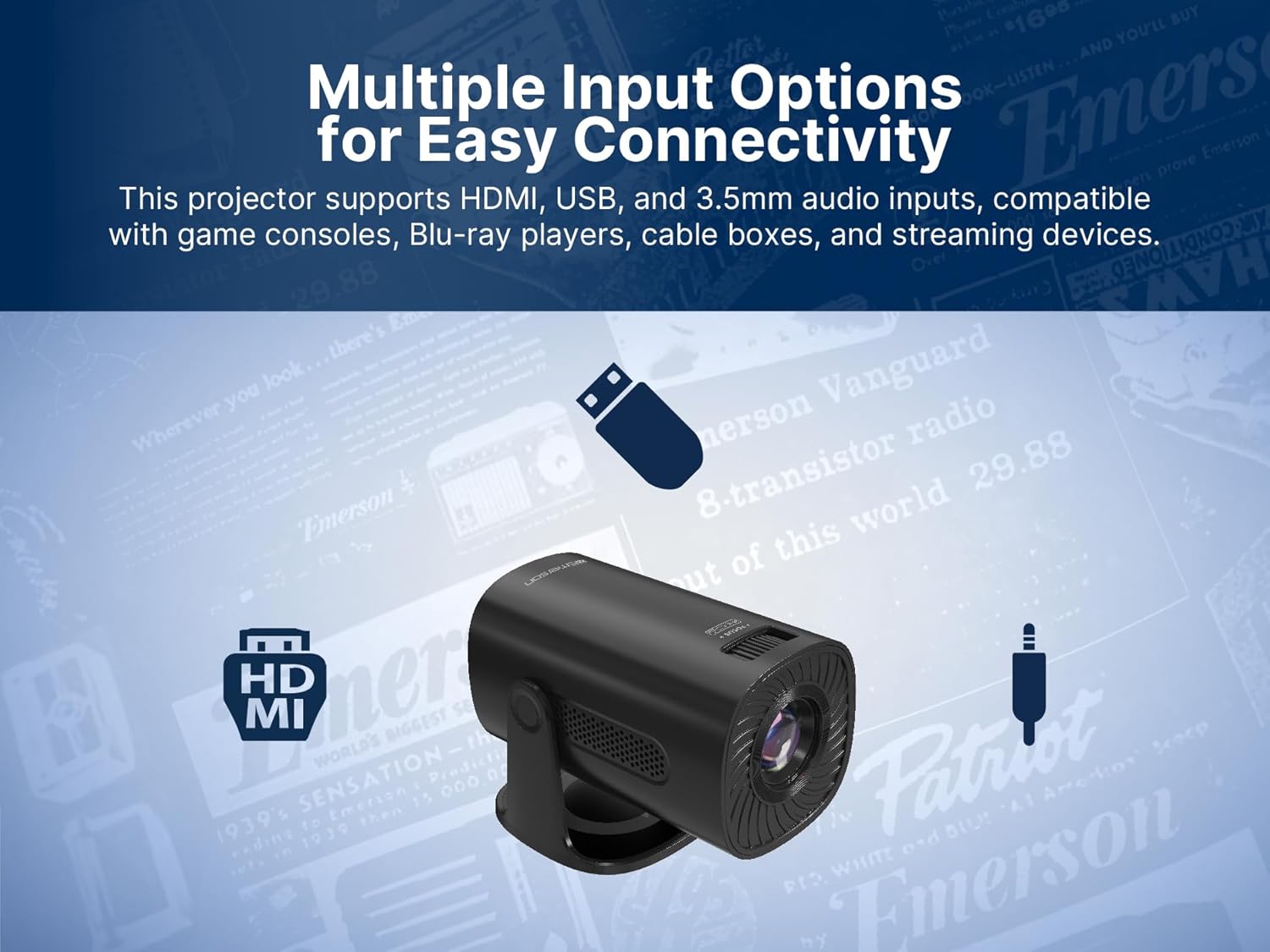
Image: The Emerson EVP-2002 projector displaying a Bluetooth icon, indicating its wireless audio connectivity feature.
5. Putereun Média (USB)
- Lebetkeun flash drive USB anu ngandung média anu cocog files kana port USB.
- Select "USB" as the input source.
- Napigasi ngaliwatan polder jeung files using the remote control or projector buttons.
- Pilih a file pikeun ngamimitian playback.

Image: The Emerson EVP-2002 projector connected to a USB drive, illustrating its capability to play various media formats directly.
Pangropéa
Pangropéa anu leres mastikeun umur panjang sareng kinerja optimal proyektor anjeun.
1. Ngabersihan Lensa
- Always power off and unplug the projector before cleaning.
- Anggo lawon anu lemes sareng henteu ngaganggu anu khusus dirancang pikeun lénsa optik.
- Gently wipe the lens in a circular motion. Avoid harsh chemicals or abrasive materials.
- Replace the lens cover when the projector is not in use to protect it from dust.
2. Ngabersihkeun Awak Proyéktor
- Ngusap bagian luar ku kaén anu lemes sareng garing.
- Do not use liquid cleaners or sprays directly on the projector.
3. Ventilasi
- Ensure the ventilation vents are not blocked to prevent overheating.
- Periodically check and gently clean any dust accumulation on the vents using a soft brush or compressed air.
Pamérésan masalah
Upami anjeun mendakan masalah sareng proyektor anjeun, tingal masalah sareng solusi umum ieu:
| Masalah | Mungkin Cukang lantaranana | Solusi |
|---|---|---|
| Taya gambar projected |
|
|
| Gambar kabur |
|
|
| Taya sora |
|
|
| Projector overheats |
|
|
spésifikasi
| Fitur | Rincian |
|---|---|
| Nomer modél | EVP-2002 |
| merek | Emerson |
| Dimensi produk | 6.75 x 4.12 x 4.98 inci |
| Item Beurat | 1.43 pon |
| Resolusi tampilan | 1280 x 720 |
| Téhnologi konektipitas | Bluetooth |
| Fitur husus | Diwangun-Dina Speaker |
| Dianjurkeun Mangpaat | bisnis, atikan, kaulinan, Bioskop imah |
| Produsén | Naxa Electronics, Nyarita. |
Video produk
Emerson EVP-2002 Product Video - 360 Spin
Video: A 360-derajat view of the Emerson EVP-2002 projector, showcasing its design and various angles. This video provides a comprehensive visual overview of the product's exterior.
Garansi sareng Rojongan
Émbaran jaminan
For detailed warranty information, please refer to the warranty card included with your product or visit the official Emerson websitus. Simpen resi pameseran anjeun salaku bukti pameseran pikeun klaim garansi.
Rojongan Palanggan
Upami anjeun peryogi bantosan salajengna, dukungan téknis, atanapi gaduh patarosan anu henteu katutupan dina manual ieu, mangga ngahubungi dukungan pelanggan Emerson. Rincian kontak biasana tiasa dipendakan dina bungkusan produk, Emerson resmi websitus, atawa kartu jaminan.


