Bubuka
Hatur nuhun pikeun meuliasing the MONODEAL Portable CD Player. This device is designed to provide high-quality audio playback from your favorite CDs, with the added convenience of Bluetooth connectivity and built-in stereo speakers. Please read this manual carefully before using the product to ensure proper operation and to maximize its lifespan.
Eusi pakét

Figure 1: Package Contents. The image displays the MONODEAL Portable CD Player alongside its included accessories: a dual AUX cable, a USB-C charging cable, wired earphones, and the user manual.
- MONODEAL Portable CD Player (Model: MD-602)
- Kabel Ngecas USB-C
- Dual AUX Cable
- Earphone kabel
- Manual pamaké
Produk Leuwihview

Gambar 2: Hareupeun view of the MONODEAL Portable CD Player, highlighting the central control panel with playback buttons, mode selection, volume, and the digital display showing track information and battery status.
The MONODEAL Portable CD Player features a compact design with intuitive controls. It includes a digital display for track information, battery status, and mode indicators. Key features include:
- Speaker stéréo diwangun-di: Enjoy audio without headphones.
- Konektipitas Bluetooth 5.0: Easily connect to Bluetooth headphones, earphones, or speakers.
- Sababaraha Modeu Puter: Play in order, repeat track, repeat all, A-B repeat, and shuffle.
- EQ Sound Effects: Choose from BBS, Pop, Jazz, Rock, and Classic.
- Fungsi Résumé: Remembers the last played track.
- Pamancar FM: Connect to car stereos or home radios via FM.
- Batré anu tiasa dicas deui: Long-lasting 2000mAh battery for extended playback.
Disetél
1. Ngecas Alat
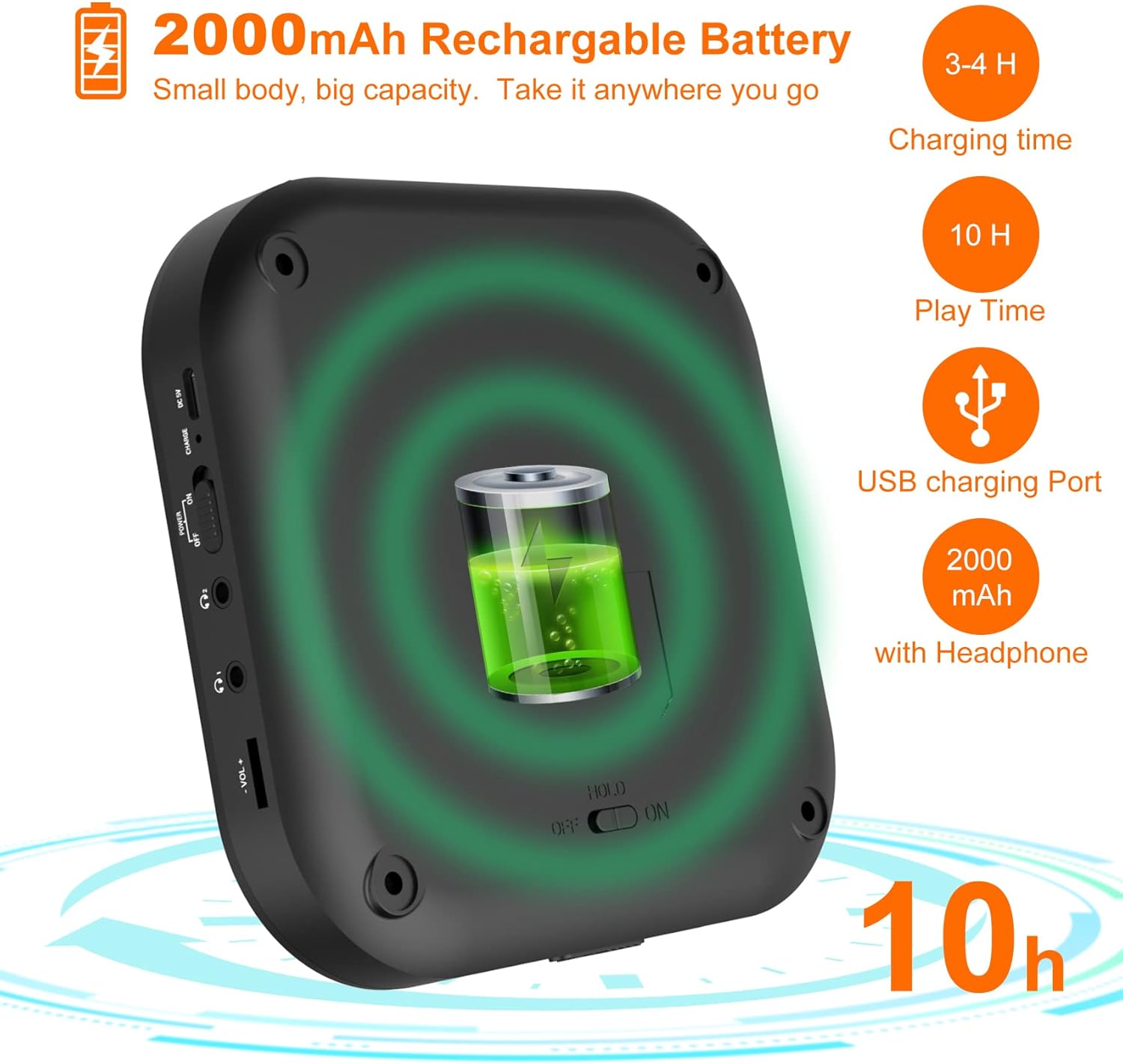
Figure 3: Battery and Charging. This image illustrates the 2000mAh rechargeable battery capacity, indicating a charging time of 3-4 hours and a play time of up to 10 hours with headphones, using the USB charging port.
Before first use, fully charge the CD player. Connect the supplied USB-C charging cable to the device's USB-C port and the other end to a USB power adapter (not included) or a computer's USB port. The charging indicator light will show the charging status. A full charge typically takes 3-4 hours and provides up to 10 hours of playback with headphones.
2. Nyelapkeun CD
- Gently slide the "OPEN" switch to open the CD compartment lid.
- Teundeun CD kana spindle kalawan sisi labél nyanghareup ka luhur.
- Pencét lalaunan bagian tengah CD dugi ka ngaklik kana tempatna.
- Tutup tutup kompartemen CD pageuh nepi ka kait.
Parentah Operasi
Playback dasar
- Ensure the "HOLD" switch on the side of the player is in the "OFF" position.
- Pencét éta MUTER / Reureuh tombol (▶‖) pikeun ngamimitian playback.
- Pencét éta MUTER / Reureuh tombol deui pikeun ngareureuhkeun playback.
- Ngagunakeun éta saméméhna (⏮) jeung TERAS (⏭) buttons to skip tracks. Press and hold to fast forward or rewind.
- Saluyukeun polumeu nganggo VOL+ jeung VOL- kancing.
Sambungan Bluetooth

Figure 4: Bluetooth Connectivity. This image demonstrates the player's built-in Bluetooth 5.0, showing its compatibility with Bluetooth headphones, earphones, and speakers, with a woman enjoying music wirelessly.
- Hurungkeun pamuter CD.
- Pencét éta Bluetooth tombol (&B;) to activate Bluetooth pairing mode. The Bluetooth indicator will flash.
- Enable Bluetooth on your desired device (headphones, speaker, etc.) and set it to pairing mode.
- Select "MONODEAL CD Player" from the list of available devices.
- Sakali disambungkeun, indikator Bluetooth bakal eureun kedip-kedip tur tetep solid.
Fungsi pamancar FM

Figure 5: Car Connection Options. This image illustrates two methods to connect the CD player to a car audio system: via AUX connection or FM connection, highlighting its suitability for cars without a built-in CD player.
The player can transmit audio to an FM radio, ideal for car stereos without a CD player.
- Pencét éta PROG/FM button to enter FM transmission mode.
- The display will show the FM frequency. Use the saméméhna (⏮) jeung TERAS (⏭) tombol pikeun nyaluyukeun frékuénsi.
- Tune your car radio or home radio to the same FM frequency.
- Adjust the volume on your radio for optimal sound.
Play Modes and EQ Settings

Figure 6: Play Modes and EQ. This image shows a family enjoying music, with text detailing the 5 available play modes (Play in order, Repeat a track, Repeat all, A-B repeat, Shuffle) and 5 EQ sound effects (BBS, Pop, Jazz, Rock, Classic).
- Tombol MODE: Press to cycle through different play modes:
- Siklus Tunggal: Ngulang lagu ayeuna.
- KABEH: Repeats all tracks on the CD.
- panganteur: Muterkeun 10 detik mimiti unggal lagu.
- SHUF: Maén lagu dina urutan acak.
- AB ulang: Pencét éta AB button at the start point (A) and again at the end point (B) of the desired section to repeat it. Press a third time to cancel.
- Tombol EQ: Press to cycle through different equalizer sound effects: BBS, Pop, Jazz, Rock, Classic.
Pangropéa
- Keep the device clean by wiping it with a soft, dry cloth. Do not use liquid cleaners or aerosols.
- Avoid exposing the player to extreme temperatures, direct sunlight, or high humidity.
- Ulah ngabongkar alat. Perbaikan ngan kedah dilakukeun ku tanaga anu mumpuni.
- Upami henteu dianggo salami lami, simpen pamuter di tempat anu tiis sareng garing.
Pamérésan masalah
| Masalah | Mungkin Cukang lantaranana | Solusi |
|---|---|---|
| Pamuter henteu hurung. | Batré béak. HOLD switch is ON. | Ngecas batré. Set HOLD switch to OFF. |
| Taya sora tina speaker / headphone. | Volume handap teuing. Headphone teu nyambung kalawan bener. Bluetooth device not connected. | Ningkatkeun volume. Pastikeun headphone dicolokkeun pinuh. Pasangkeun deui alat Bluetooth. |
| CD skips or stops. | CD is dirty or scratched. Player is subjected to strong vibrations. | Clean the CD with a soft cloth. Use on a stable surface. |
| Teu bisa nyambung via Bluetooth. | Alat kaluar tina jangkauan. Bluetooth not in pairing mode. | Move device closer. Ensure player and receiving device are in pairing mode. |
spésifikasi
| Fitur | Rincian |
|---|---|
| merek | MONODEAL |
| Nomer modél | MD-602 |
| Warna | pérak |
| Téhnologi konektipitas | Bluetooth, USB |
| Format Audio Dirojong | CD |
| Includes MP3 Player | Sumuhun |
| Jenis Batré | 1 Batré litium-ion diperyogikeun |
| Kapasitas batré | 2000mAh (approx. 10 hours playback with headphones) |
| UPC | 673143964531 |
Garansi sareng Rojongan
For warranty information or technical support, please refer to the contact details provided with your purchase or visit the official MONODEAL websitus. Simpen resi pameseran anjeun salaku bukti pameseran pikeun klaim garansi.


