Bubuka
This manual provides essential instructions for setting up, operating, and maintaining your Csasan T70 Smart Watch. Please read this guide thoroughly to ensure proper use and to maximize your device's functionality.

Image: Csasan T70 Smart Watch, showcasing its 1.91-inch HD screen and rose gold design.
Naon dina Box
Pastikeun yén sadaya barang aya dina bungkusan produk anjeun:
- Jam pinter x1
- carjer magnét x1
- Buku pituduh x1
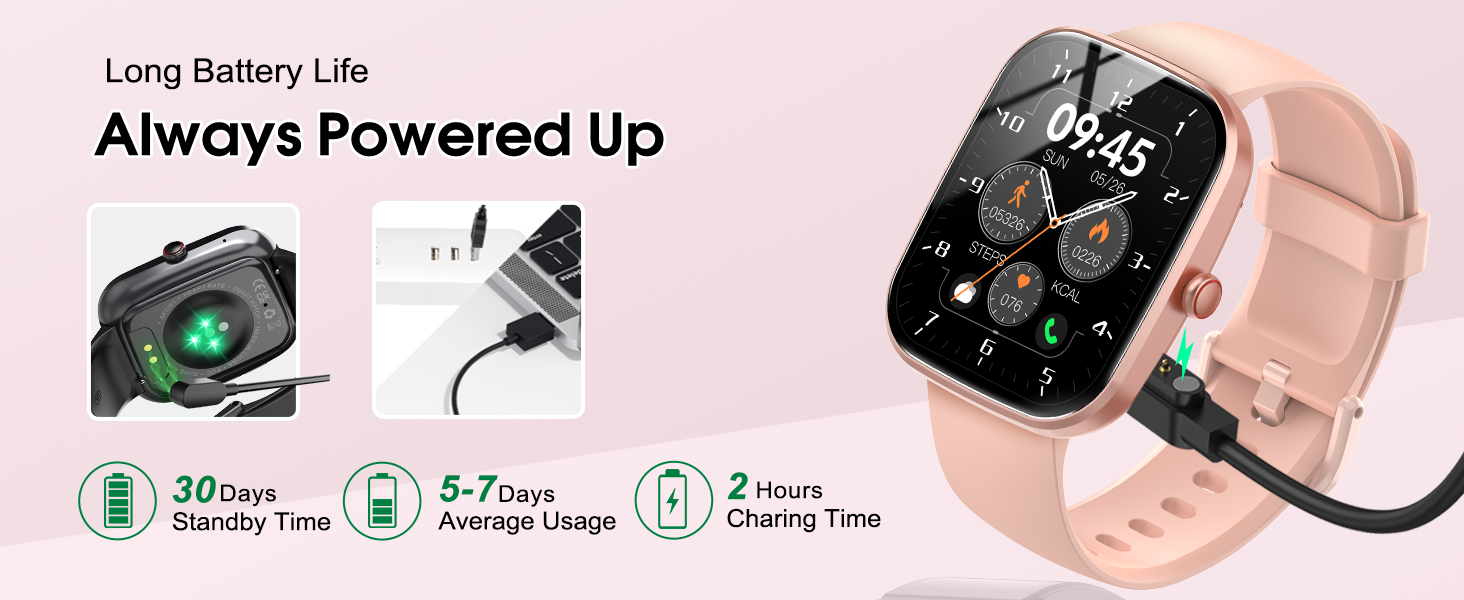
Image: Visual representation of the Csasan T70 Smart Watch package contents and watch dimensions.
Disetél
1. Ngecas Awal
Before first use, fully charge your smart watch. Connect the magnetic charger to the charging points on the back of the watch and plug the USB end into a power adapter (not included) or a computer USB port. A full charge typically takes approximately 2 hours.

Image: The Csasan T70 Smart Watch connected to its magnetic charger, illustrating the charging process and battery life indicators.
2. Pamasangan Aplikasi
Download the "Gloryfit" application from your smartphone's app store (available for iOS and Android devices). This app is required to connect your watch and access all features.
3. Papasangan Parangkat
Follow these steps to pair your Csasan T70 Smart Watch with your smartphone:
- Download the "GloryFit" app from your app store.
- Hurungkeun Bluetooth telepon anjeun.
- Open the "GloryFit" app. Find "T70 (ID-XXXX)" and select it to bind. Complete the Bluetooth pairing request by selecting "Pair".
- After successful pairing, the watch can directly answer and make calls.
For iOS 13.0 and below, an additional step is required for audio Bluetooth connection:
- Swipe right on the watch screen and turn on the "Phone" function switch.
- Open your phone's settings and navigate to Bluetooth.
- Find "T70 (ID-XXXX)" in the list of devices and click connect.
- After this connection, the watch can fully utilize call functions.
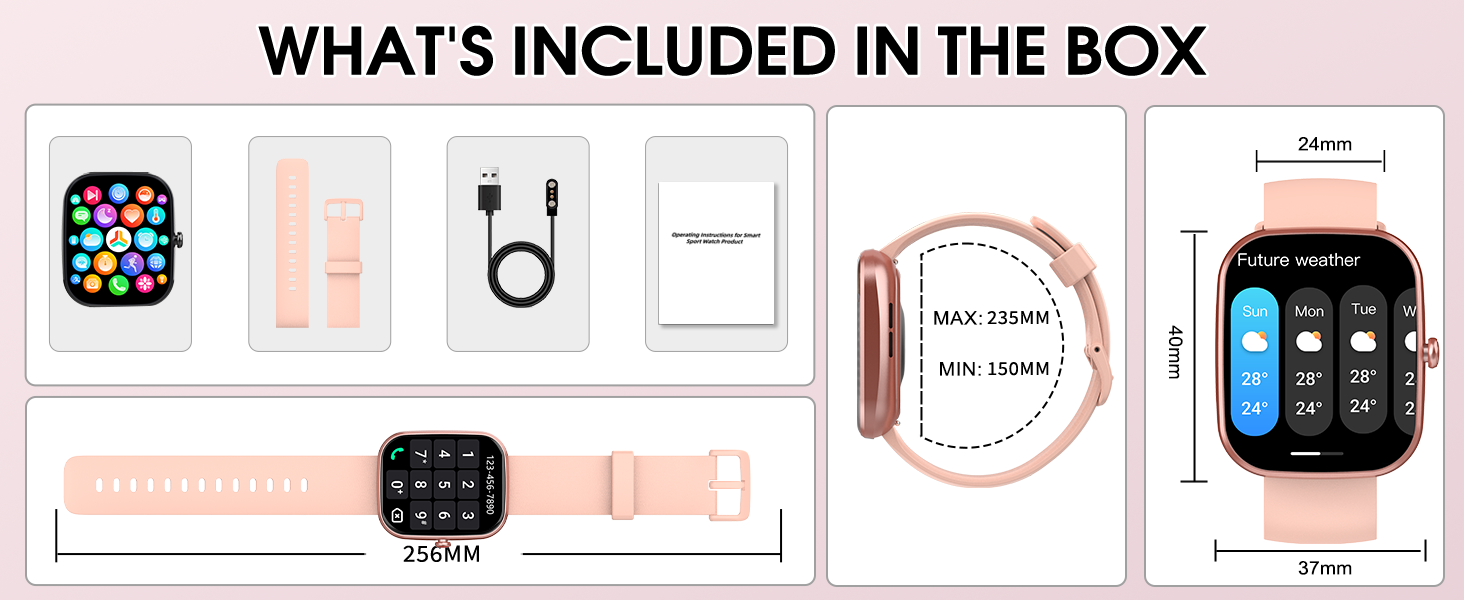
Image: Detailed visual instructions for connecting the Csasan T70 Smart Watch to both iOS and Android devices.
Parentah Operasi
1. Napigasi Dasar
The Csasan T70 Smart Watch features a 1.91-inch HD full touch display. Navigate by swiping across the screen and tapping icons. Raise your wrist to wake the screen.

Image: The 1.91-inch HD touch screen of the Csasan T70 Smart Watch, showing options for customizing watch faces.
2. Rupa Jam Tangan Anu Tiasa Disaluyukeun
Personalize your watch by choosing from over 100 watch faces available in the GloryFit app. You can also upload your own photos to create custom watch faces.
3. Wireless Calls and Message Push
Once paired, you can answer and make calls directly from your wrist. The watch features clear speaker sound quality. It also supports full-network message push for various applications (e.g., Instagram, YouTube, Messenger, Gmail, Snapchat, Facebook, Twitter, WhatsApp). Note that the smart watch cannot reply to messages.

Image: The Csasan T70 Smart Watch demonstrating its Bluetooth call functionality, including phone dial, calling screen, call records, and contacts.

Image: The Csasan T70 Smart Watch receiving notifications from popular apps, along with reminders for drinking water, sedentary alerts, weather, and alarm clock.
4. Kontrol Musik
Control music playback on your smartphone directly from your watch. You can tap to play/pause, skip tracks, and adjust volume.
5. Kaméra Jauh Control
Use your smart watch as a remote shutter for your phone's camera, making it easier to capture group photos or selfies.

Image: The Csasan T70 Smart Watch functioning as a remote control for a smartphone camera.
6. Fungsi séjén
The watch includes various useful features:
- Ramalan Cuaca: Kéngingkeun apdet cuaca sacara real-time.
- Jam alarem: Setel sababaraha alarm.
- Timer & Stopwatch: For various activities.
- Panginget Sedentary: Ngajurung anjeun pikeun mindahkeun saatos période teu aktip.
- Panggihan Telepon: Ngabantosan milarian telepon pinter anu dipasangkeun.
- Nyukcruk Siklus Awéwé: Ngawaskeun siklus menstruasi.
- Latihan napas: Latihan napas dipandu.
- Kalkulator: Itungan dasar dina pigeulang anjeun.
- Senter: Ngagunakeun layar salaku sumber cahaya.
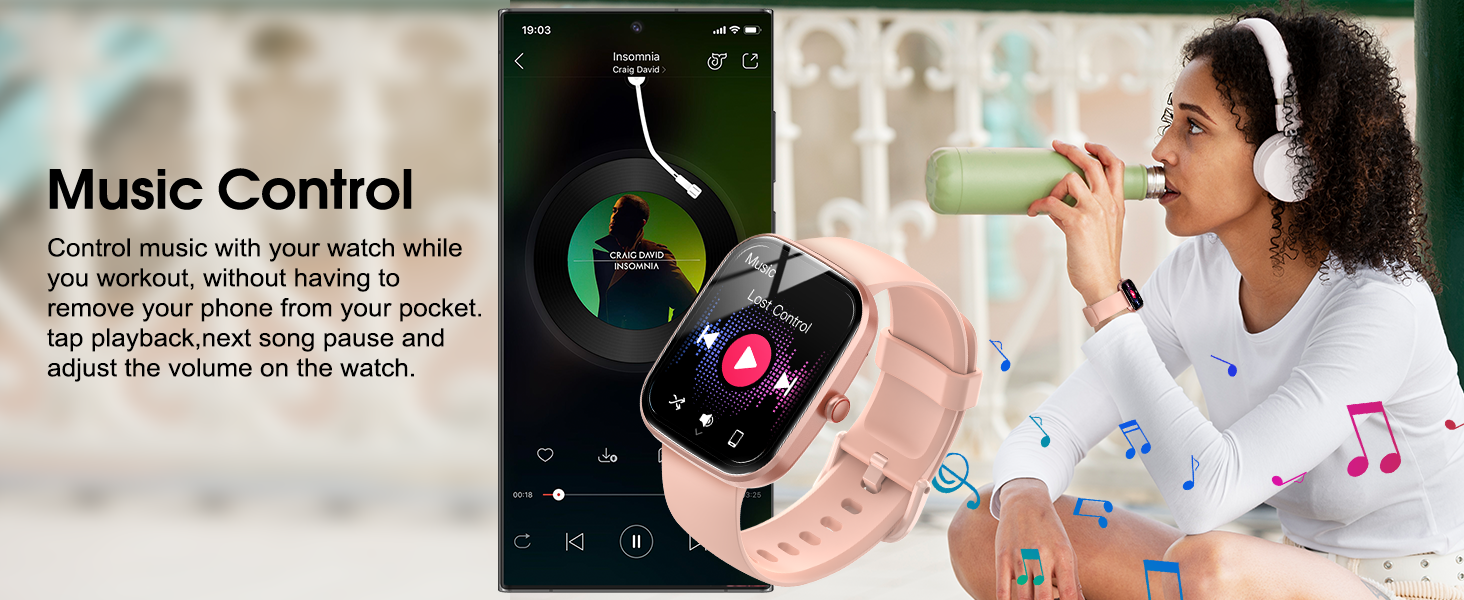
Image: A collage illustrating the diverse multi-functional features of the Csasan T70 Smart Watch.
Pelacak Kabugaran sareng Kaséhatan
1. 110+ Modeu olahraga
The Csasan T70 Smart Watch offers over 110 sports modes, including running, cycling, swimming, and fitness activities. It tracks your steps, distance, and calories burned during workouts.

Image: The Csasan T70 Smart Watch highlighting its 110+ sports modes and displaying activity data such as steps, calories, and distance.
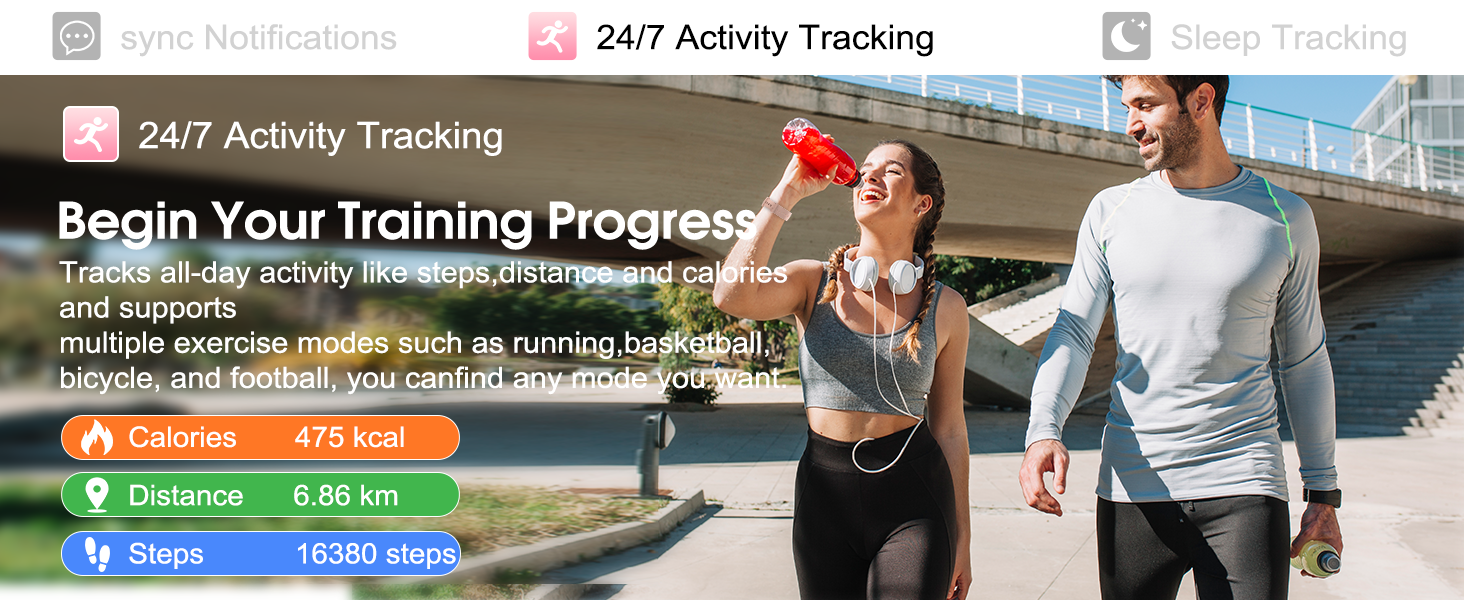
Image: The Csasan T70 Smart Watch tracking daily activity, including calories, distance, and steps, during an outdoor workout.
2. Ngawaskeun Laju Jantung
The watch features a built-in high-performance sensor for 24/7 real-time heart rate monitoring. This data helps you understand your physical condition and adjust your exercise intensity. Note: The data is for reference only and should not be used for medical diagnosis.
3. Pangimeutan Saré
The smart watch automatically measures your sleep patterns, providing data on awake, light, and deep sleep stages. This information can help you adjust your sleep habits for improved rest.

Image: The Csasan T70 Smart Watch displaying heart rate monitoring data during activity and sleep tracking data during rest.
Pangropéa
1. Tahan cai (IP68)
The Csasan T70 Smart Watch is IP68 waterproof, making it resistant to sweat, rain, and splashes from daily activities like hand washing. Important: Do not use the watch in hot water environments such as saunas, or for prolonged soaking in water, as this may affect its waterproof integrity.
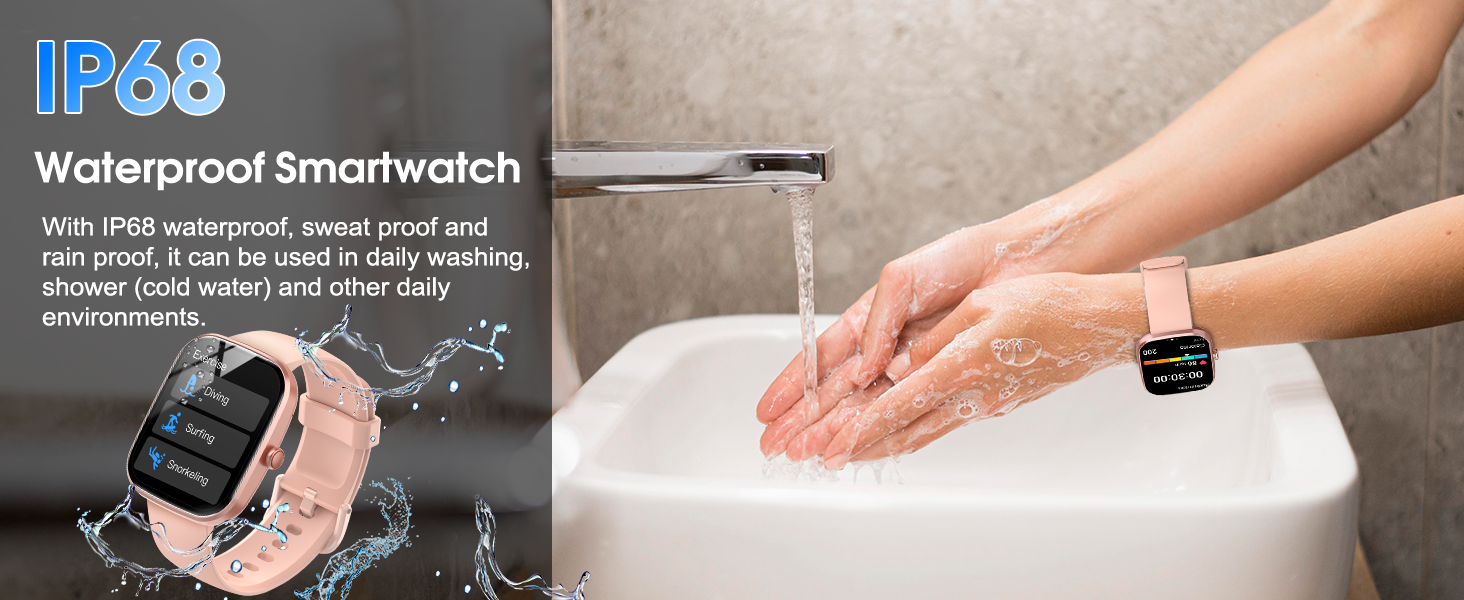
Image: The Csasan T70 Smart Watch being used in a wet environment, illustrating its IP68 waterproof capabilities.
2. beberesih
Ngusap arloji sareng tali sacara teratur nganggo lawon anu lembut sareng garing. Upami diperlukeun, make rada damp lawon lajeng garing tuntas. Ulah make bahan kimia kasar atawa bahan abrasive.
3. Kaperawatan batré
To prolong battery life, avoid extreme temperatures and fully discharge the battery only occasionally. Charge the watch when the battery level is low.
Pamérésan masalah
1. Arloji Teu Nyala
- Pastikeun arloji dicas pinuh. Sambungkeun ka carjer sahenteuna 30 menit.
- Pencét terus tahan tombol sisi salami sababaraha detik.
2. Masalah Pasangan
- Pastikeun Bluetooth diaktipkeun dina smartphone Anjeun.
- Pastikeun arlojina aya dina jangkauan telepon anjeun.
- Balikan deui jam tangan sareng smartphone anjeun.
- Hapuskeun cache Bluetooth dina telepon anjeun (upami aya) teras cobian pasangkeun deui.
- Ensure the "GloryFit" app has necessary permissions.
3. Inaccurate Tracking
- Pastikeun arloji dipaké pas dina pigeulang anjeun, kira-kira lebar hiji ramo tina tulang pigeulang anjeun.
- Calibrate the watch through the "GloryFit" app if a calibration option is available.
- Pastikeun inpormasi pribadi anjeun (jangkung, beurat, umur) parantos diasupkeun kalayan leres dina aplikasi.
4. Bewara Teu Nembongan
- Check that the watch is properly connected to your phone via Bluetooth.
- Verify that notification permissions are enabled for the "GloryFit" app in your phone's settings.
- Ensure notifications are enabled for specific apps within the "GloryFit" app.
- Check if "Do Not Disturb" mode is active on either your watch or phone.
spésifikasi
- Ngaran modél: T70
- merek: Csasan
- Ukuran layar: 1.91 inci
- Jenis tampilan: HD Layar Toél Pinuh
- Wangun: Sagi opat
- Sistem operasi: Android (cocog sareng Android 5.0+ sareng iOS 9.0+)
- Téknologi konektipitas: Bluetooth
- Standar Komunikasi Nirkabel: Bluetooth
- Fitur husus: Activity Tracker, Heart Rate Monitor, Sleep Monitor, 110+ Sports Modes, Bluetooth Calling, Message Push
- Tahan cai: IP68
- Jenis Batré: Lithium Polymer (1 x 12V battery included)
- Waktu Ngecas: Kurang leuwih 2 jam
- Average Usage Time: 5-7 poé
- Waktu sayaga: Nepi ka 30 dinten
- Beurat barang: 3.2 ons
- Ukuran Paket: 6.89 x 3.74 x 0.75 inci
- GPS: Taya GPS
Garansi sareng Rojongan
Csasan is committed to providing excellent customer service and product support.
- Rojongan Hirupna: Access to lifetime support and satisfied solutions.
- 24 Hours Service: Quick service available via email.
- Kawijakan Pengembalian 30 Dinten: Ngarasakeun kawijakan balik 30 poé tanpa alesan.
- 2 Years Free Replacement: Benefit from a 2-year free replacement policy.

Gambar: Leuwihview of Csasan's customer support and warranty policies.
For further assistance or inquiries, please refer to the contact information provided with your product or visit the official Csasan websitus.


