Crelander 10.1-inch Android 13 Tablet User Manual
Modél: T40
Bubuka
This user manual provides comprehensive instructions for setting up, operating, and maintaining your Crelander 10.1-inch Android 13 Tablet. Designed for versatility and performance, this tablet comes equipped with a powerful processor, ample storage, and a vibrant display, making it suitable for various tasks from entertainment to productivity.

Image: The Crelander 10.1-inch Android 13 Tablet shown with its accompanying keyboard, mouse, and stylus, highlighting its 12GB RAM and 512GB ROM capabilities.
Naon dina Box
Saatos unboxing, mangga pariksa yen sakabeh item di handap ieu kaasup:
- Crelander 10.1-inch Android 13 Tablet
- Kasus pelindung
- Kibor nirkabel
- Mouse nirkabel
- Stylus Pen
- Kabel USB-C
- OTG Data Cable
- Manual pangguna (dokumén ieu)
- Pelindung layar
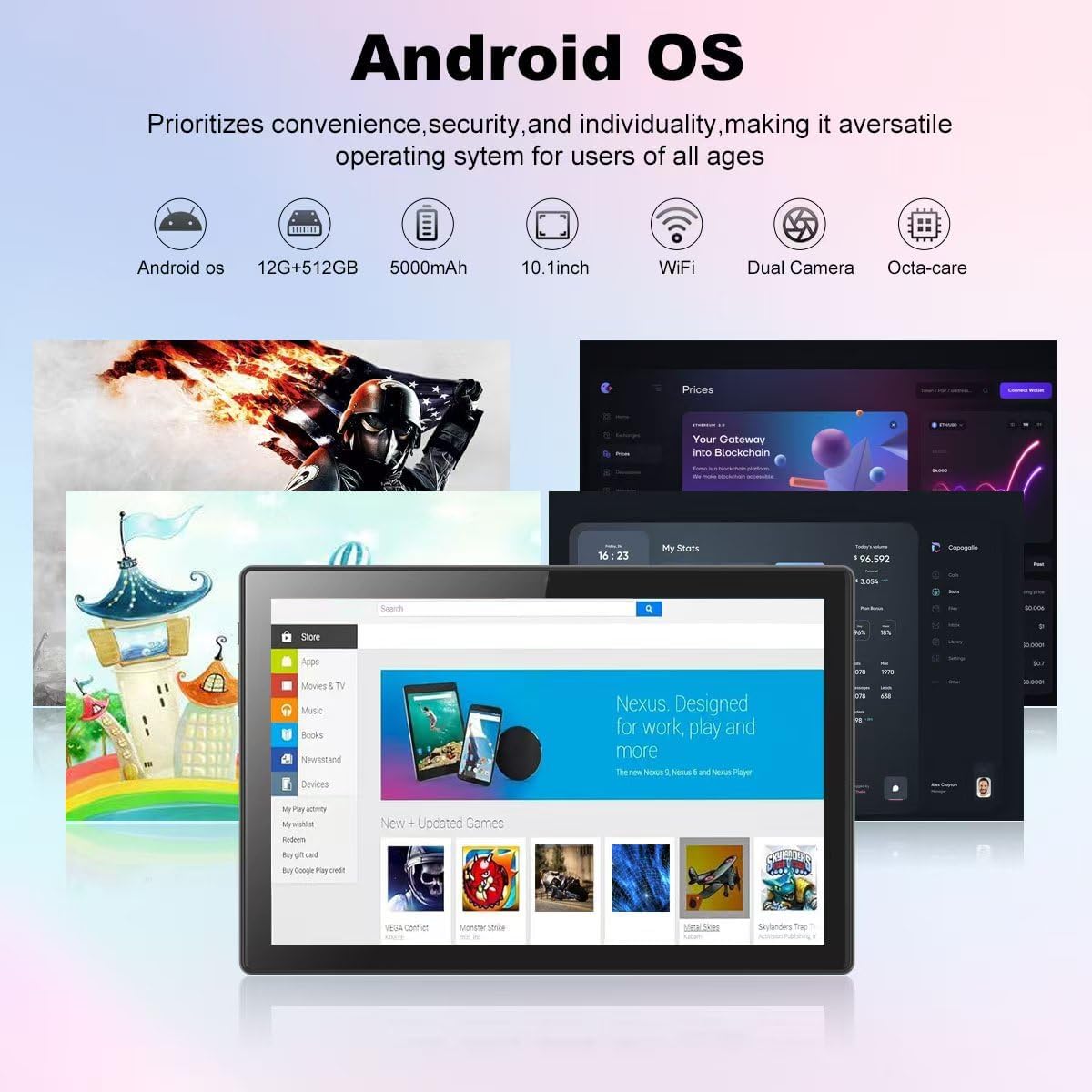
Image: A visual representation of the Crelander tablet package contents, including the tablet, protective case, keyboard, mouse, stylus, and cables.
Produk Leuwihview
Komponen Fisik

Image: A detailed diagram illustrating the various ports and buttons on the Crelander tablet, including the Type-C port, Reset button, Volume controls, Power button, Headphone Jack, TF-Card/SIM-Card slot, and speakers.
- Tipe-C Port: Pikeun ngecas sareng mindahkeun data.
- Tombol Reset: Small pinhole for system reset if needed.
- Tombol Volume: Saluyukeun volume audio.
- Tombol Daya: Pencét terus tahan pikeun hurung/pareum atawa ngamimitian deui. Pencét sakeudeung pikeun sare/hudang.
- Jack headphone: 3.5mm kaluaran audio.
- TF-Card / SIM-Card Slot: Insert a TF (MicroSD) card for expandable storage (up to 1TB) or a SIM card for cellular data (if supported by your model).
- Panyatur: Kaluaran audio anu terintegrasi.
Fitur konci
- tampilan: 10.1-inch 1280x800 IPS HD Touch Screen for vibrant visuals.
- Kinerja: 12GB RAM and 512GB ROM, powered by Android 13 for smooth multitasking.
- Panyimpenan anu tiasa dilegakeun: Supports up to 1TB via Micro SD card.
- Kaméra: Dual cameras (5MP Front, 13MP Rear) for photos and video calls. Features LED Flash and Face Unlock.
- Konektipitas: Built-in WiFi and Bluetooth for seamless wireless connections.
- Batré: Batré 8000mAh kanggo panggunaan anu lami.

Gambar: Hiji leuwihview of the Crelander tablet's features, including its 10-inch HD screen, dual camera system, 8000mAh battery, SIM card slot, and Android OS.

Image: Details on the tablet's camera capabilities, showing 5MP front and 13MP rear cameras, LED flash, and face unlock functionality.
Disetél
Ngecas Awal
Before first use, fully charge the tablet using the provided USB-C cable and a compatible power adapter. The battery indicator on the screen will show charging status.
Ngahurungkeun/Pareuman
- Pikeun Ngahurungkeun: Press and hold the Power button until the Crelander logo appears.
- Pikeun mareuman: Press and hold the Power button until a power menu appears, then select "Power off".
- Pikeun ngamimitian deui: Press and hold the Power button until a power menu appears, then select "Restart".
Nyambungkeun Asesoris
The tablet comes with a keyboard, mouse, and stylus for enhanced productivity. These accessories typically connect via Bluetooth.
- Keyboard/Beurit:
- Pastikeun kibor/mouse geus dicas jeung hurung.
- Dina tablet, buka Setelan > Alat nu disambungkeun > Bluetooth.
- Hurungkeun Bluetooth sareng milarian alat anu sayogi.
- Select the keyboard/mouse from the list and follow on-screen pairing instructions.
- Stylus: The provided stylus is a passive capacitive stylus and does not require pairing. Simply use it directly on the screen.
Ngoperasikeun Tablet
Napigasi Dasar
Tablet ieu nganggo Android 13, anu nawiskeun antarmuka pangguna anu intuitif. Anggo gerakan toél pikeun navigasi:
- Ketok: Pilih hiji item atawa buka aplikasi.
- Gesek: Gulung ka kaca atanapi ménu.
- Ciwit-pikeun-Zoom: Ngazum gede atawa leutik dina gambar na web kaca.
- Pencét Panjang: Aksés ménu kontekstual atanapi pindahkeun ikon.

Image: A screenshot of the Android OS interface on the Crelander tablet, showcasing various applications and the overall user experience.
Konektipitas Wi-Fi
Pikeun nyambung ka jaringan Wi-Fi:
- Pindah ka Setelan > Jaringan & Internét > Wi-Fi.
- Hurungkeun Wi-Fi.
- Pilih jaringan anu dipikahoyong tina daptar.
- Lebetkeun kecap akses upami dipenta teras ketok "Sambungkeun".
SIM Card Installation (if applicable)
If your model supports cellular data, you can install a SIM card:
- Locate the SIM card slot on the side of the tablet (refer to Product Overview diagram).
- Use the SIM ejector tool (not explicitly listed but implied for SIM slot) or a paperclip to open the tray.
- Place the SIM card correctly into the tray.
- Gently nyorong baki deui kana slot nepi ka clicks kana tempatna.
Ngagunakeun Kaméra
The tablet features a 5MP front camera and a 13MP rear camera. Open the "Camera" app to capture photos or record videos.

Image: The tablet's dual camera setup, showing the rear camera module and a user taking a photo with the tablet.
Video Playback Demonstration
Watch this video to see the Crelander tablet in action, demonstrating its display quality and accessory integration.
Video: An official product video from Crelander, showcasing the 10.1-inch Android 13 Tablet, its accessories, and demonstrating video playback and general usage.
spésifikasi
| Fitur | Spésifikasi |
|---|---|
| merek | Crelander |
| Ngaran modél | T40 |
| Sistem operasi | Android 13 |
| Ukuran layar | 10.1 inci |
| Resolusi layar Max | 1280x800 Piksel |
| Prosésor Brand | MT6750 |
| Ram | 12 GB |
| Panyimpenan internal (ROM) | 512 GB |
| Panyimpenan Expandable | Up to 1TB via TF (MicroSD) Card |
| Kaméra hareup | 5 MP |
| Kaméra tukang | 13 MP |
| Kapasitas batré | 8000 mah |
| Konektipitas | Wi-Fi, Bluetooth |
| Item Beurat | 3.3 pon |
| Ukuran produk (L x W x H) | 10 x 0.3 x 7 inci |
| Warna | Grey Hideung |

Image: Diagram showing the physical dimensions of the Crelander 10.1-inch tablet.
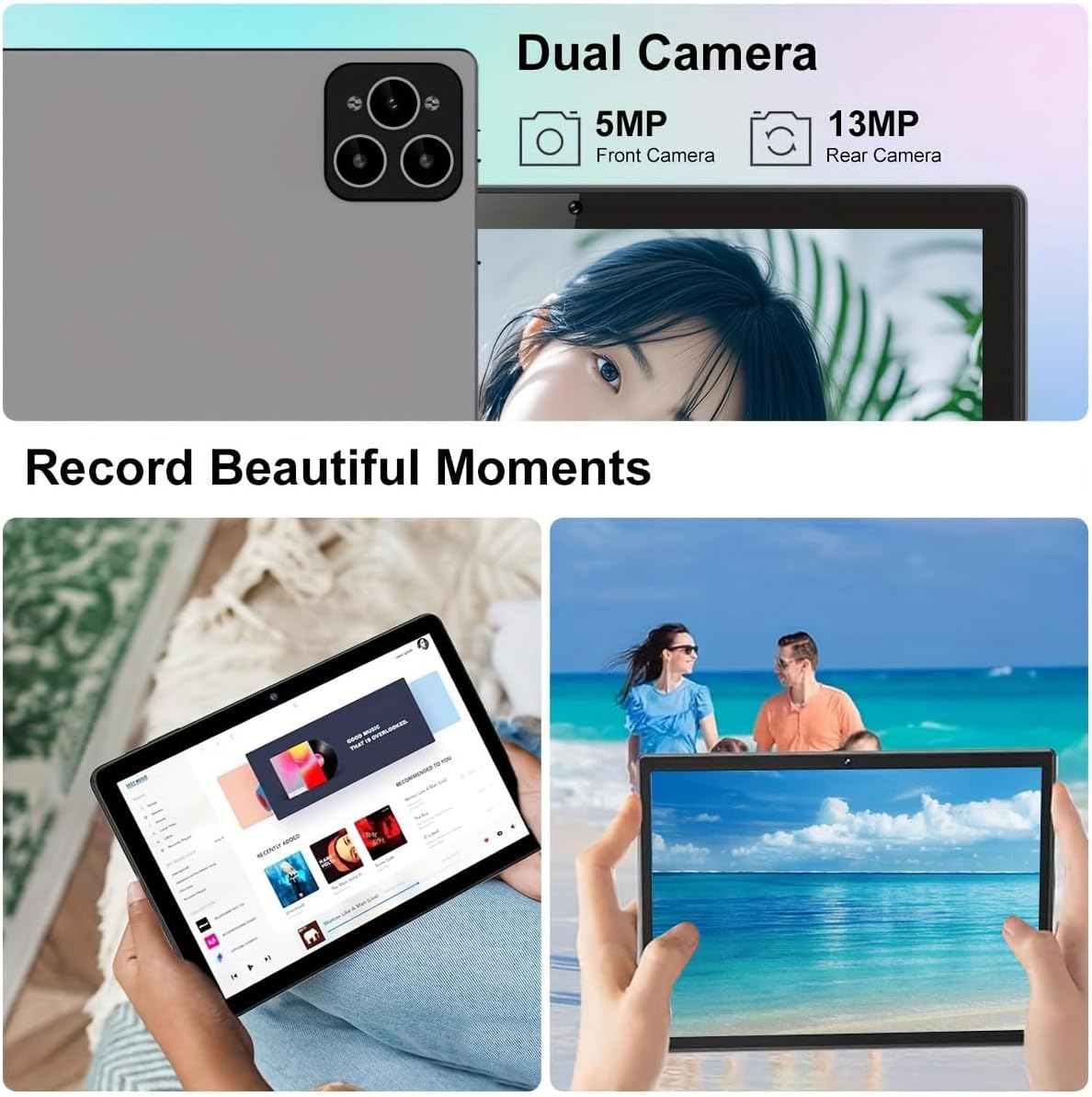
Image: Visual representation of the tablet's storage (12GB RAM, 512GB ROM, 1TB expandable) and processor (MTK 6763) capabilities.
Pangropéa
- beberesih: Anggo lawon anu lemes sareng henteu lint pikeun ngabersihan layar sareng awak. Hindarkeun pembersih abrasive atanapi pangleyur.
- Perawatan batré: To prolong battery life, avoid extreme temperatures and do not let the battery fully drain frequently.
- Apdet parangkat lunak: Rutin pariksa sareng pasang apdet sistem pikeun mastikeun kinerja sareng kaamanan anu optimal. Pindah ka Setélan > Sistem > Apdet sistem.
- Manajemén Panyimpenan: Périodik mupus teu perlu filesareng aplikasi pikeun ngajaga rohangan panyimpenan sareng kinerja anu cekap.
Pamérésan masalah
| Masalah | Solusi |
|---|---|
| Tablet teu hurung. | Ensure the tablet is fully charged. Press and hold the Power button for at least 10 seconds. |
| Teu bisa nyambung ka Wi-Fi. | Check if Wi-Fi is enabled in settings. Restart your router. Ensure you are entering the correct password. |
| Tablet laun atanapi teu ngaréspon. | Tutup aplikasi anu teu dianggo. Hapus cache. Pareuman heula tablet. Pertimbangkeun pikeun ngareset pabrik upami masalah masih aya (cadangkeun data heula). |
| Asesoris (keyboard/mouse) teu nyambung. | Ensure accessories are charged and in pairing mode. Re-pair them via Bluetooth settings. |
Garansi sareng Rojongan
Crelander offers dedicated after-sales support for any inquiries or issues you may encounter with your tablet. Please refer to your purchase documentation for specific warranty terms and contact information. For general support, visit the official Crelander websitus atanapi ngahubungan layanan palanggan maranéhna.
Sumberdaya Online:
- Crelander Store on Amazon: Visit Crelander Store


