1. Bubuka
This manual provides detailed instructions for the setup, operation, and maintenance of your symcode Industrial 433Mhz Wireless Barcode Scanner, Model MJ-2020-370LB. This device features both Bluetooth 6.0 and 433Mhz wireless connectivity, an IP65 drop-proof design, and a convenient charging cradle. It is designed for efficient barcode scanning in various industrial and commercial environments.
2. Eusi Paket
Punten parios yén sadaya barang aya dina pakét anjeun:
- Barcode Scanner (x1)
- 433Mhz Base (x1)
- Buku Panduan Pamaké (x1)
3. Produk Langkungview
The symcode MJ-2020-370LB barcode scanner is engineered for durability and ease of use. It features an ergonomic design with a curved, thickened handle and a smooth trigger for comfortable grip during extended operation. The scanner is accompanied by a charging cradle that also serves as the 433Mhz wireless receiver.
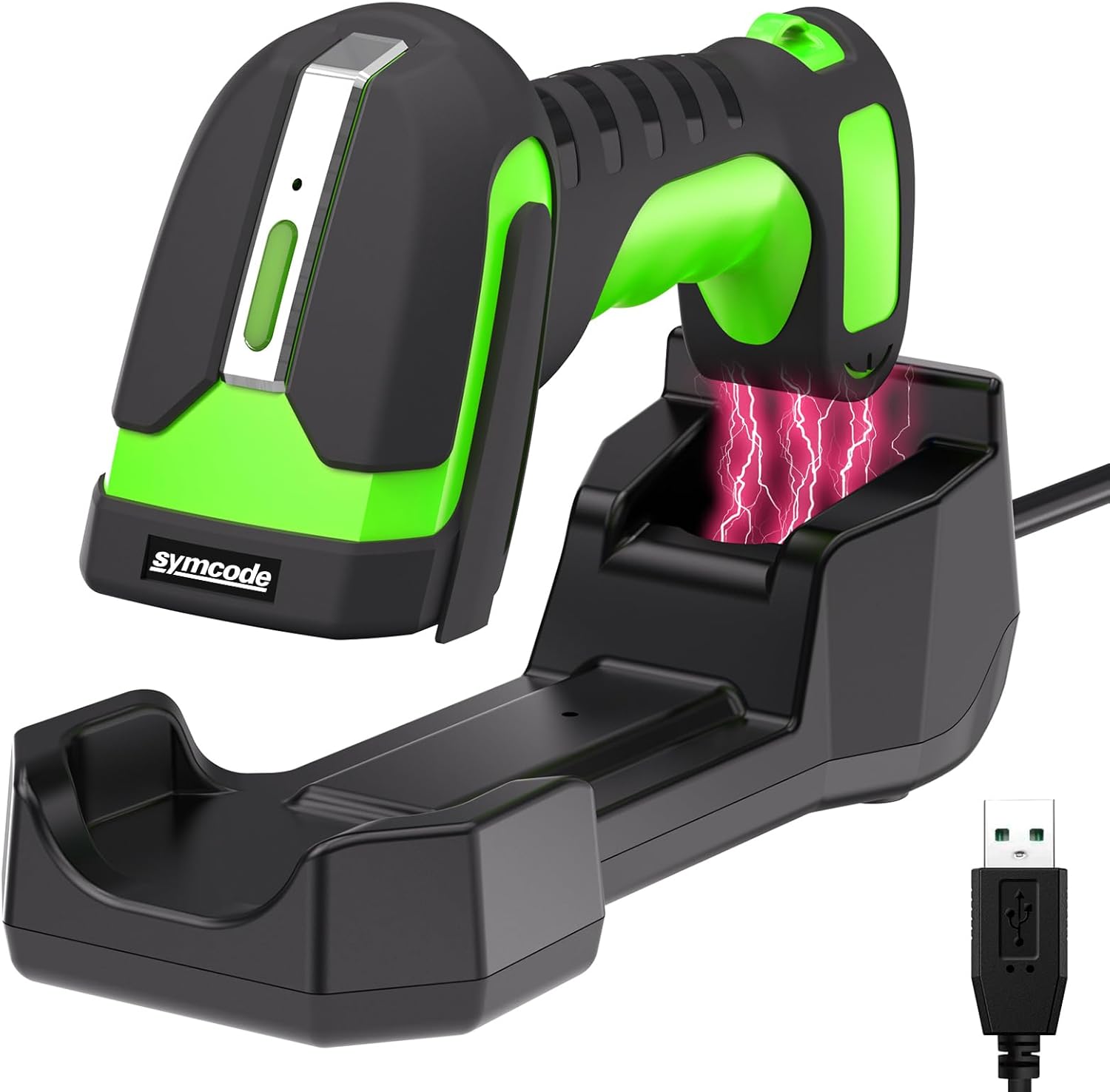
Image 3.1: The symcode MJ-2020-370LB barcode scanner resting in its charging cradle, with a USB cable for connection.
4. Setélan
4.1. Ngecas Scanner
The scanner is equipped with an 1800mAh high-capacity rechargeable Lithium Polymer battery. Before initial use, fully charge the scanner.
- Place the scanner into the charging cradle.
- Sambungkeun cradle ngecas ka sumber kakuatan ngagunakeun kabel USB disadiakeun.
- A full charge typically takes approximately 4 hours, providing up to 30 hours of scanning time.

Image 4.1: Illustration of the scanner charging wirelessly in its cradle, highlighting the 1800mAh battery capacity and charging/scanning times.
4.2. Nyambungkeun Scanner
The scanner supports two primary connection methods: 433Mhz wireless and Bluetooth 6.0.
4.2.1. 433Mhz Wireless Connection
- Connect the 433Mhz dongle base to your host device (e.g., laptop, desktop).
- The scanner will automatically pair with the base.
- This connection offers an extended range of up to 650 meters (approximately 2132 feet) between the scanner and the base.
4.2.2. Sambungan Bluetooth 6.0
- Ensure Bluetooth is enabled on your host device (e.g., laptop, tablet, smartphone).
- Follow your device's instructions to search for and pair with the barcode scanner.
- The Bluetooth connection range is up to 20 meters (approximately 65 feet).
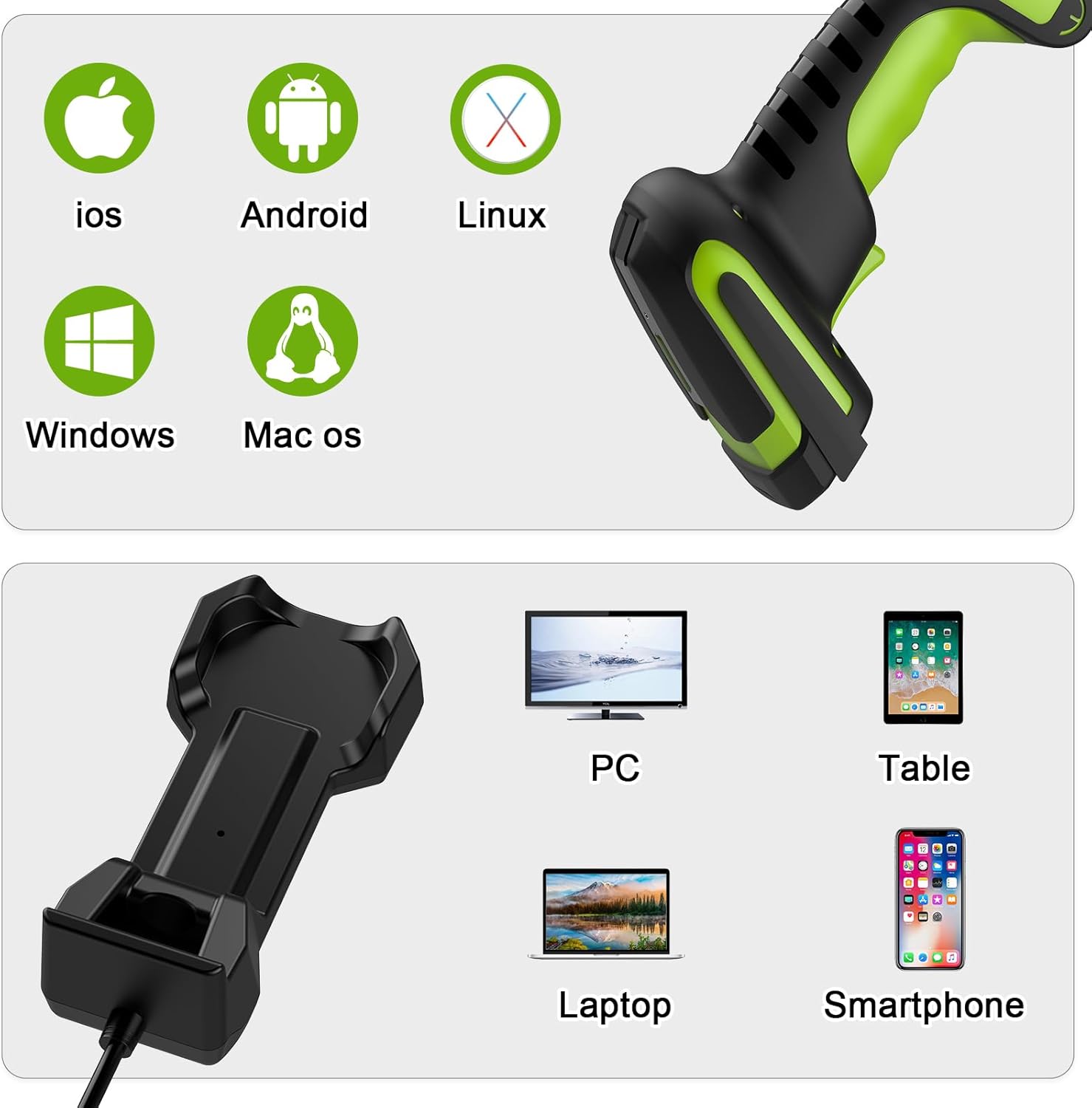
Gambar 4.2: Examples of connecting the scanner via 433Mhz dongle to a laptop and via Bluetooth to a tablet.
4.3. Kasaluyuan Alat
The scanner is compatible with a wide range of operating systems and devices:
- Sistem Operasi: iOS, Android, Linux, Windows, Mac OS
- Paranti: PC, Laptop, Tablet, Smartphone
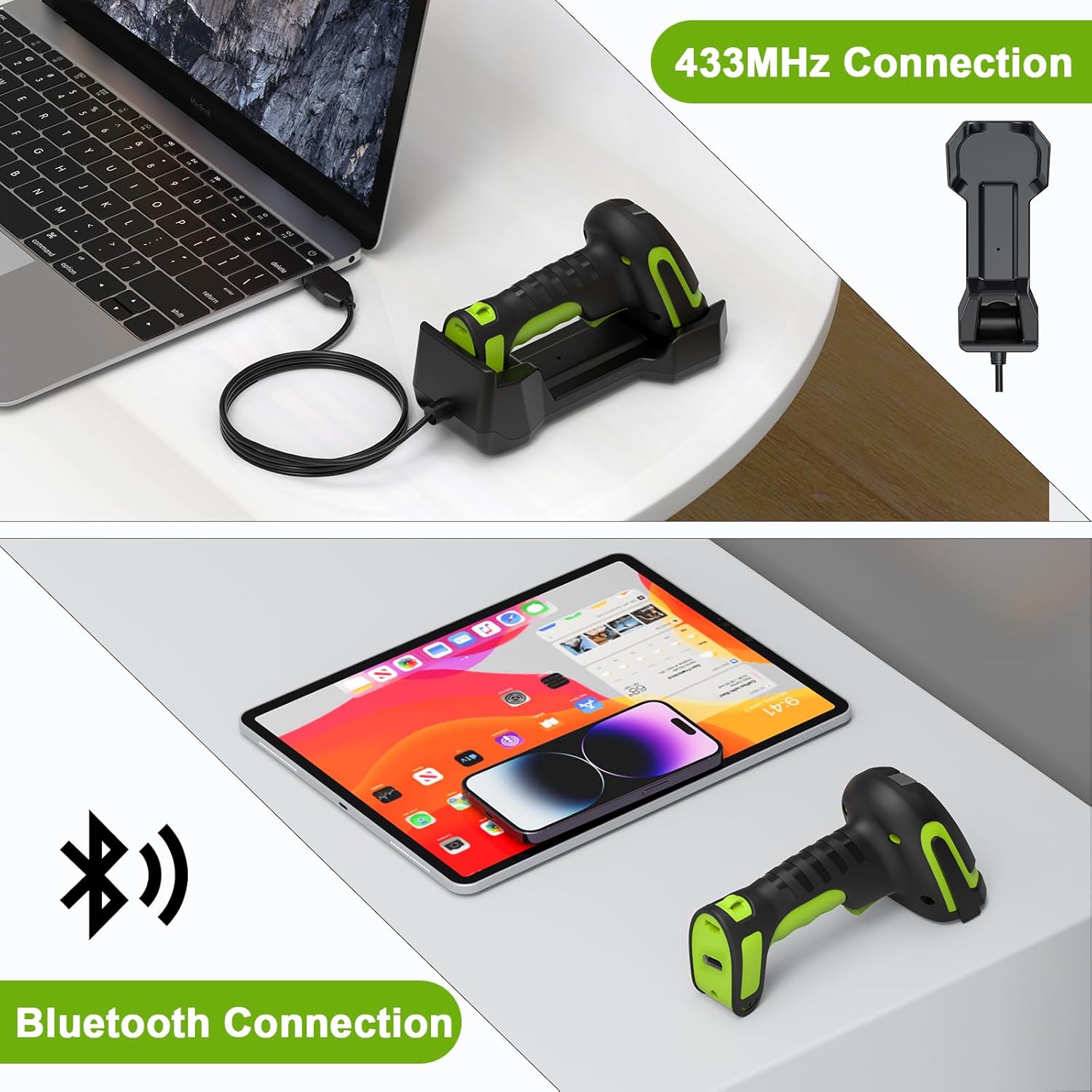
Image 4.3: Icons representing compatible operating systems (iOS, Android, Linux, Windows, Mac OS) and devices (PC, Laptop, Tablet, Smartphone).
5. Parentah Operasi
5.1. Modeu Nyeken
The MJ-2020-370LB offers flexible scanning modes to suit various operational needs:
- Modeu Pemicu Manual: Press the trigger to scan each barcode.
- Modeu nyeken kontinyu: The scanner continuously scans without needing to press the trigger.
- Auto-Sensing Scanning Mode: The scanner activates when a barcode is presented within its scanning field.
- Modeu mémori: This mode allows for barcode storage when outside the range of Bluetooth or 433Mhz connectivity. It supports storage of up to 100,000 barcodes. Data can be uploaded once connectivity is re-established.
5.2. Scanning Range
The scanner is designed for versatile use, including scanning barcodes on goods at heights in warehouses.
- The effective scanning distance for barcodes is typically between 30 cm and 2.5 meters (approximately 1 foot to 8.2 feet).
- Barcodes closer than 25 cm (approximately 9.8 inches) may not be readable.
- The wireless connection range for the 433Mhz base is up to 650 meters.

Image 5.1: Diagram illustrating the scanner's long-range capability, showing a scanning range of 0-650 meters for wireless communication, and its application for barcodes at heights.

Image 5.2: A person using the scanner to read a barcode on a pallet in a warehouse, demonstrating its extended range capability (10-650cm).
5.3. Barcode Compatibility
The scanner is designed to read various 1D laser barcode types:
- Code11, Code39, Code93, Code32, Code128, Coda Bar
- UPC-A, UPC-E, EAN-8, EAN-13, JAN.EAN/UPC Add-on2/5
- MSI/Plessey, Telepen, China Postal Code
- Interleaved 2 of 5, Industrial 2 of 5, Matrix 2 of 5
Catetan: This scanner is not designed to read on-screen barcodes.
6. Pangropéa
To ensure optimal performance and longevity of your barcode scanner, follow these maintenance guidelines:
- beberesih: Use a soft, dry, lint-free cloth to clean the scanner's exterior and scanning window. Avoid abrasive cleaners or solvents.
- Panyimpenan: Store the scanner and cradle in a cool, dry place away from direct sunlight and extreme temperatures.
- Perawatan batré: For prolonged storage, ensure the battery is partially charged (around 50%). Avoid fully discharging the battery for extended periods.
- Daya tahan: The scanner features an IP65 drop-proof design, providing protection against dust and water jets, and resistance to drops from up to 2.5 meters. However, avoid intentional misuse or excessive force.
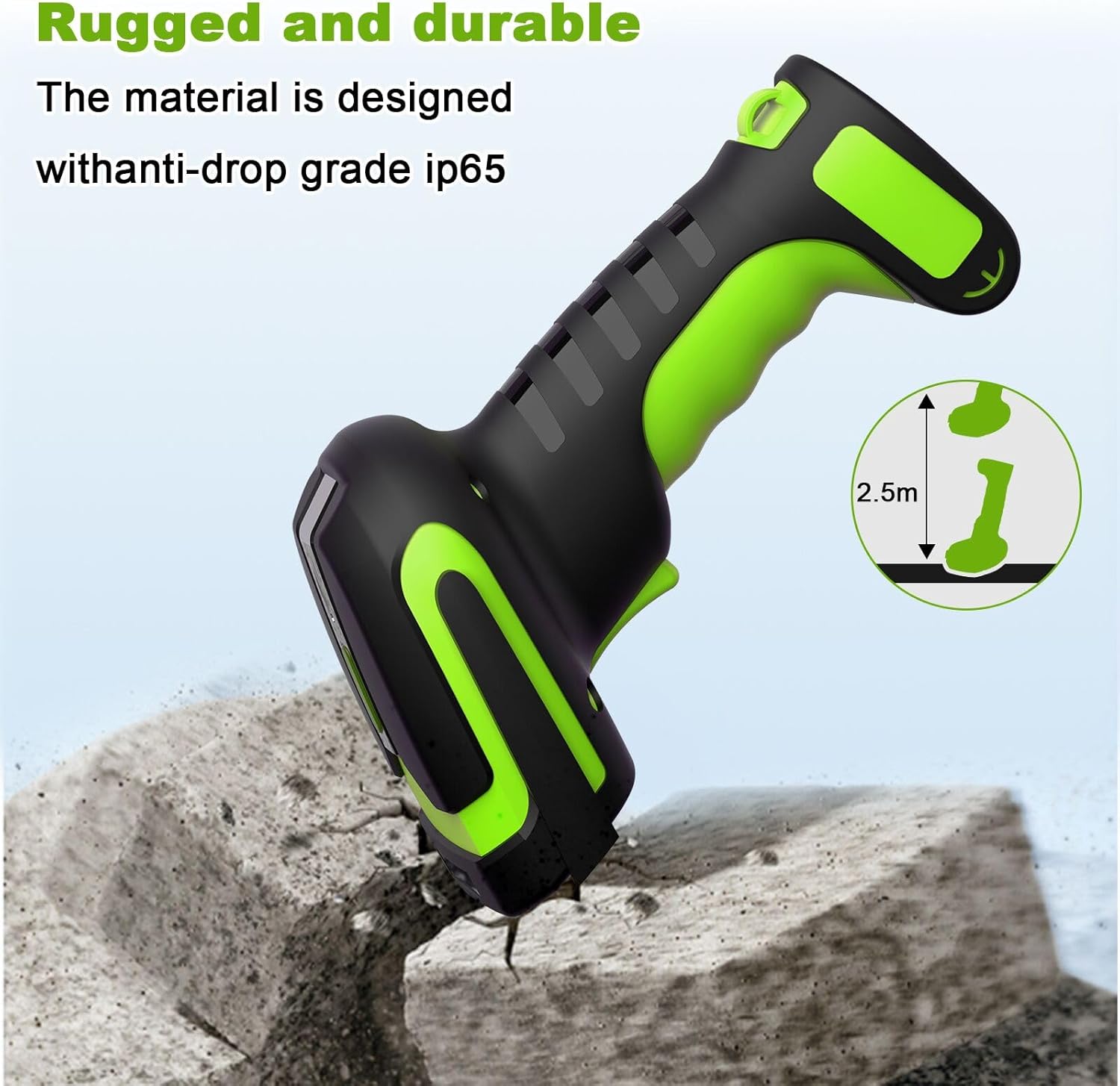
Image 6.1: Illustration highlighting the rugged and durable design of the scanner, indicating its anti-drop grade IP65 and resistance to drops from 2.5 meters.
7. Cara ngungkulan
Upami anjeun ngalaman masalah sareng scanner anjeun, mangga tingal masalah sareng solusi umum ieu:
- Scanner henteu maca barkod: Ensure the barcode is within the optimal scanning range (30cm-2.5m). Barcodes closer than 25cm may not be readable. Check if the barcode type is supported (1D laser codes only; on-screen barcodes are not readable).
- No connection (433Mhz): Verify the 433Mhz dongle base is securely connected to your device. Ensure the scanner is within the 650m wireless range of the base.
- No connection (Bluetooth): Confirm Bluetooth is enabled on your host device and the scanner is paired. Ensure the scanner is within the 20m Bluetooth range.
- Scanner teu ngecas: Ensure the scanner is correctly seated in the charging cradle and the cradle is connected to a power source. Check the USB cable for damage.
- Data not transmitting: If using Memory Mode, ensure you are back within range and have initiated the data upload process.
For more detailed troubleshooting or specific configuration settings, please refer to the comprehensive user manual included in your package or contact symcode customer support.
8. Spésifikasi
| Fitur | Spésifikasi |
|---|---|
| Métode sambungan | Bluetooth 6.0, 433Mhz Wireless |
| Beurat | 156g (0.34 lbs) |
| Voltage jeung Ayeuna | 5V ±0.5V DC1800mA |
| Sumber Cahaya | Aiming: 528nm LED, Illumination: 630nm LED |
| Field of Depth | 50 ~ 300 mm |
| Gulung / Pitch / Yaw | 360°, ±65°, ±60° |
| Decode Capability (1D) | UPC/EAN and with supplemental, Code 39, Code 93 full ASCII, Tri-optic Code 39, RSS variants, UCC/EAN 128, Code 128, Code 128 full ASCII, Code 93, Codabar(NW1), Interleaved 2 of 5, etc. |
| Nyitak Kontras | 25% bédana reflectance minimum |
| Image (Pixels) | 0.35 Megapixels (752 pixels H x 480 pixels V) |
| Suhu Operasi | 0 ℃ ~ 50 ℃ (32 ℉ ~ 122 ℉) |
| Suhu Panyimpenan | -40 ℃ ~ 70 ℃ (-40 ℉ ~ 158 ℉) |
| Kalembaban | 5% ~ 95% non-condensing |
| Batré | 1 batré Litium Polimér (kaasup) |
| 433Mhz Wireless Range | Nepi ka 650M |
| Rentang Wireless Bluetooth | Nepi ka 20M |
| Waktu Ngecas | Kira-kira. 4 jam |
| Scanning Time (per charge) | Nepi ka 30 jam |
| Kamampuh mémori | Nepi ka 100,000 barkod |
| Serelek Protection | IP65, resistant to drops from 2.5 meters |
| UPC | 765569540960 |
9. Garansi jeung Rojongan
Warranty information for the symcode Industrial 433Mhz Wireless Barcode Scanner MJ-2020-370LB is typically provided with the product at the time of purchase or can be found on the manufacturer's official websitus. Punten tahan bukti pameseran anjeun pikeun klaim garansi.
For technical support, service, or further inquiries, please refer to the contact information provided in the physical user manual included with your product or visit the official symcode support channels.


