Bubuka
This user manual provides comprehensive instructions for the operation, maintenance, and troubleshooting of your DigiLand 10.1-inch Android 14 Tablet. Please read this manual thoroughly before using your device to ensure proper functionality and to maximize your user experience. This tablet is designed for versatile use, offering high performance for various applications, from entertainment to productivity.
Naon dina Box
Upon opening the package, please verify that all listed items are present and in good condition:
- (1) Leather case *1
- (2) USB cable *1
- (3) 5V/2A Adaptor *1; US standard
- (4) Manual *1 (This document)
- (5) Warranty card *1

For a visual guide to unboxing your tablet, please refer to the official unboxing video below.
Video 1: Android 14 Tablet Unboxing Video. This video demonstrates the unboxing process and shows the tablet and its included components.
Produk Leuwihview
The DigiLand 10.1-inch Android 14 Tablet is engineered for high performance and user convenience. Key features include:
- Sistem operasi: Android 14 with upgraded personal privacy protection and security.
- Mémori & Panyimpenan: 12GB RAM + 128GB ROM, with support for TF card expansion for additional storage.
- Prosesor: New generation Octa-Core CPU (Max 2.0 GHz) for faster and more stable performance.
- tampilan: 10.1-inch 1280x800 HD IPS screen with Widevine L1 support for high-fidelity streaming on platforms like Netflix, YouTube, and Disney+.
- Konektipitas: Ultra-fast WiFi 6 and energy-efficient Bluetooth 5.0.
- Kaméra: 8-megapixel front camera and 13-megapixel rear camera.
- Desain: Lightweight (485g) and slim (9mm thin body) for portability.
- Batré: Batré 6000 mAh kanggo panggunaan anu lami.
- Multifungsi: Supports split-screen function for enhanced multitasking.
Komponén jeung Fitur

The tablet features a headset jack, power button, volume up/down buttons, front camera, reset pinhole, memory card slot, and a Type-C charging port. The rear of the tablet houses the main camera module.

This image provides a visual summary of the tablet's core specifications, including its operating system, display size, memory, processor, battery capacity, camera resolution, and physical dimensions.

Tablet éta nawiskeun ample storage for your applications, photos, videos, and documents, with expandable memory options.
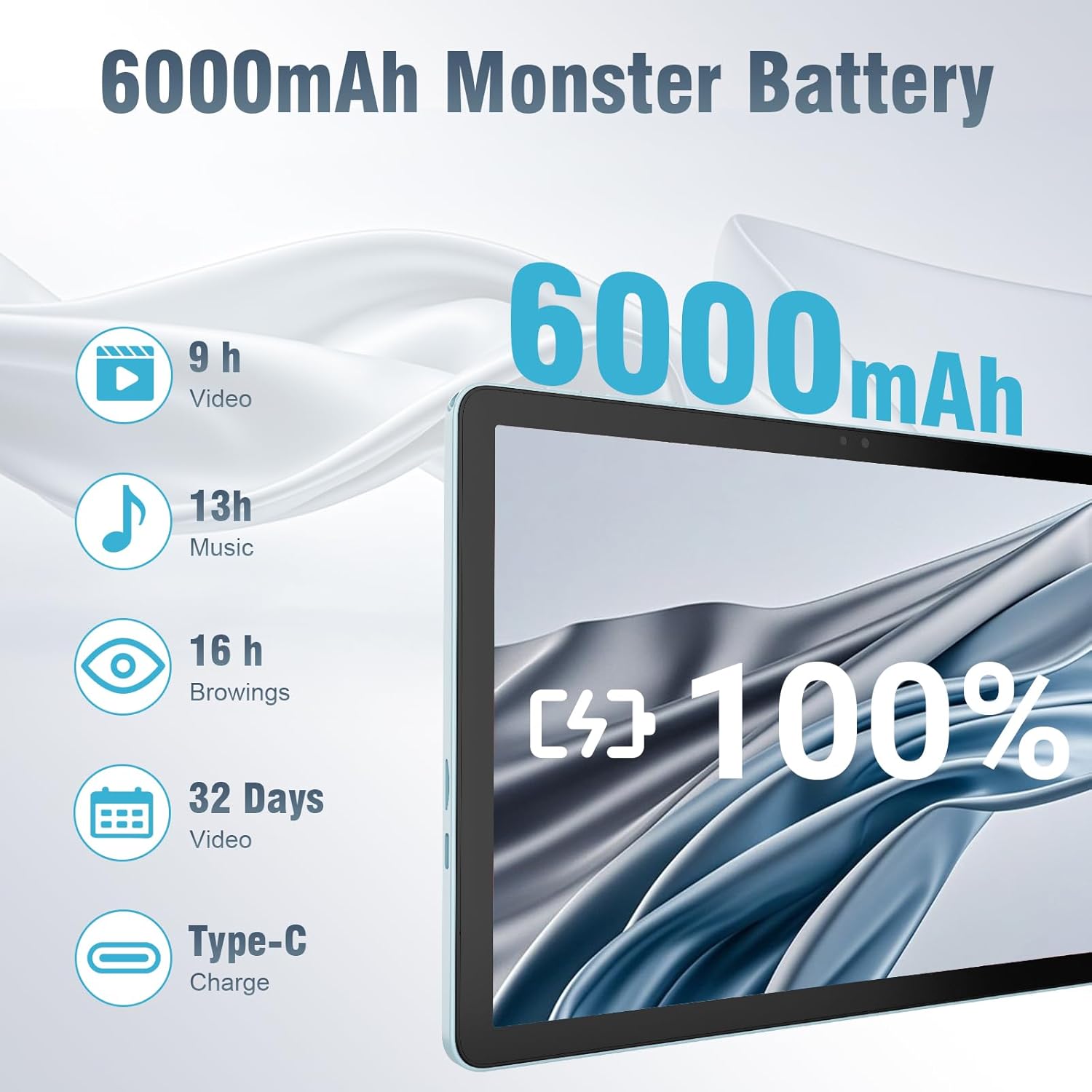
The 6000mAh battery provides extended usage times for various activities, and it supports convenient Type-C charging.
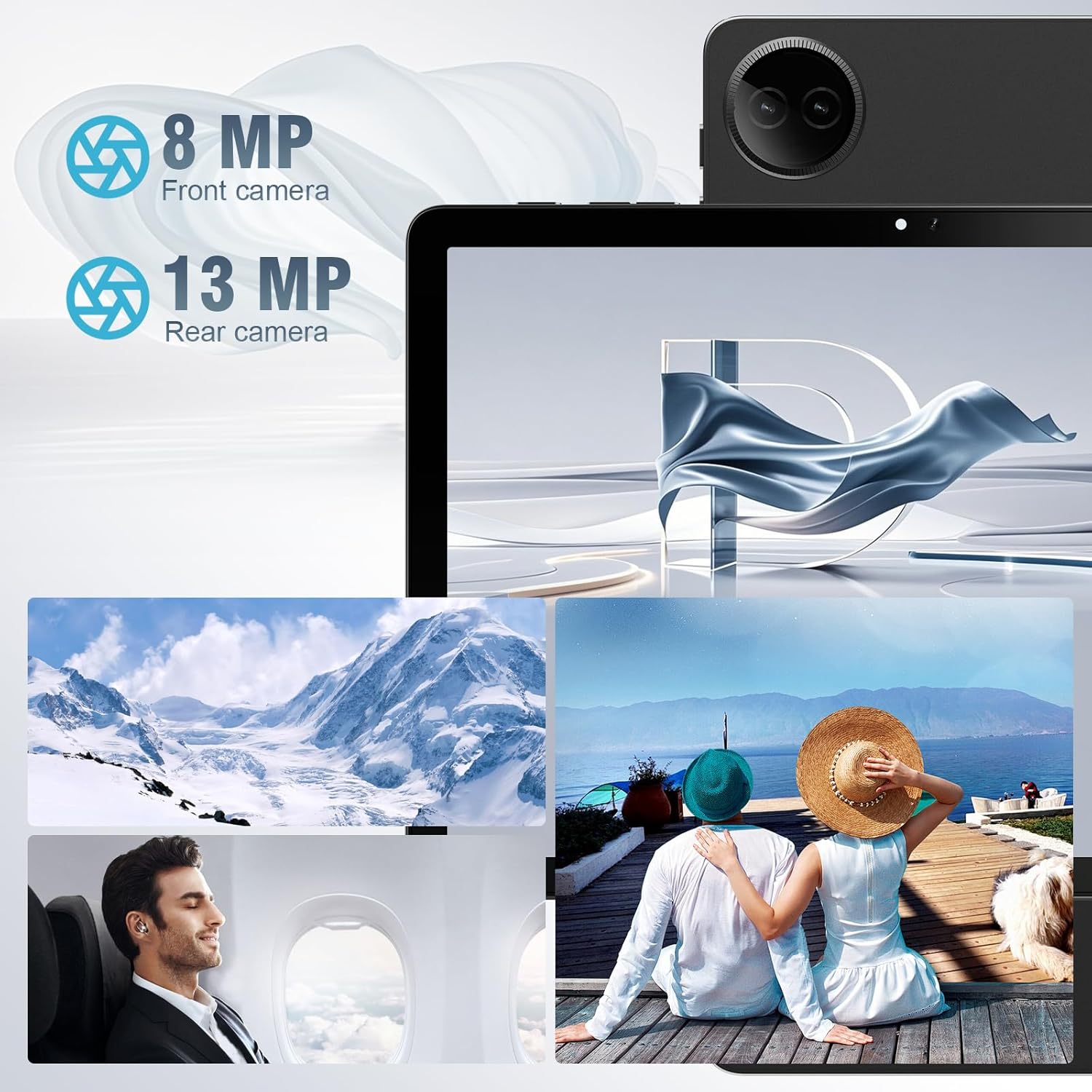
Equipped with both front and rear cameras, the tablet is suitable for capturing moments and engaging in video communication.

The 10.1-inch HD display provides a clear and immersive visual experience with wide viewdina sudut.

The split-screen function allows for efficient multitasking, enabling you to use two applications simultaneously.
Disetél
Daya Awal Hurung sareng Setup
- Ngeusi batre tablet: Before first use, fully charge the tablet using the provided USB cable and power adapter. Connect the Type-C end of the cable to the tablet's charging port and the USB end to the power adapter, then plug the adapter into a wall outlet.
- Daya Hurung: Press and hold the Power button located on the side of the tablet until the DigiLand logo appears on the screen.
- Konfigurasi awal: Follow the on-screen prompts to complete the initial setup. This typically includes selecting your language, connecting to a Wi-Fi network, setting up your Google account, and configuring basic security settings.
- Lebetkeun Kartu TF (Opsional): If you wish to expand storage, carefully insert a TF (microSD) card into the designated memory card slot. Ensure the tablet is powered off before inserting or removing the card.
For a visual demonstration of the power-on sequence and initial interaction, refer to the unboxing video in the "What's in the Box" section.
Parentah Operasi
Napigasi Dasar
- Gerak layar rampa: Navigate the tablet using standard Android gestures: tap to select, swipe to scroll, pinch to zoom, and long-press for contextual menus.
- Layar Utama: The main interface where you can access apps, widgets, and notifications.
- Panel Bewara: Gesek ka handap ti luhur layar pikeun ngakses setelan gancang sareng bewara.
- Laci Aplikasi: Gesek ka luhur tina handapeun layar pikeun view sadaya aplikasi anu dipasang.
Nyambungkeun ka Wi-Fi sareng Bluetooth
- Wifi: Pindah ka Setelan > Jaringan & Internét > Wi-Fi. Turn on Wi-Fi, select your desired network, and enter the password if required. The tablet supports ultra-fast WiFi 6.
- Bluetooth: Pindah ka Setélan> Alat anu nyambung> preferensi Konéksi> Bluetooth. Turn on Bluetooth, then select "Pair new device" to connect to Bluetooth headphones, speakers, or other compatible devices. The tablet features energy-efficient Bluetooth 5.0.
Ngagunakeun Kaméra
Access the Camera app from your home screen or app drawer. You can switch between the 8MP front camera and the 13MP rear camera within the app. Tap the screen to focus and press the shutter button to capture photos or start/stop video recording.
Multitasking with Split Screen
To use the split-screen feature, open an application, then swipe up from the bottom of the screen and hold to reveal the recent apps overview. Tap the app icon at the top of the app's card and select "Split screen." Choose a second app from the recent apps or app drawer to open it alongside the first. Adjust the size of each app by dragging the divider in the middle of the screen.
Pangropéa
- beberesih: Anggo lawon anu lemes sareng henteu ngaganggu pikeun ngabersihkeun layar sareng awak tablet. Hindarkeun nganggo pembersih atanapi pelarut anu abrasif.
- Perawatan batré: Pikeun manjangkeun umur batré, ulah nepi ka tablet kakeunaan suhu anu ekstrim. Disarankeun pikeun ngajaga muatan batré antara 20% sareng 80% supados umur batréna optimal.
- Apdet parangkat lunak: Pariksa sareng pasang apdet sistem sacara rutin pikeun mastikeun tablet anjeun ngagaduhan patch kaamanan sareng paningkatan kinerja pangénggalna. Buka Setélan > Sistem > Apdet sistem.
- Manajemén Panyimpenan: Périodik mupus teu perlu files and uninstall unused apps to free up storage space and maintain optimal performance.
- Perlindungan: Use the provided leather case to protect your tablet from scratches and minor impacts.
Pamérésan masalah
This section addresses common issues you might encounter with your tablet. If you experience problems not covered here, please contact customer support.
| Masalah | Mungkin Cukang lantaranana | Solusi |
|---|---|---|
| Tablet teu hurung. | Batré lemah; sistem ngadat. | Cas tablet sahenteuna 30 menit. Upami masih teu ngaréspon, pencét sareng tahan tombol daya salami 10-15 detik pikeun maksa ngamimitian deui. |
| Masalah sambungan Wi-Fi. | sandi salah; kaluar tina rentang; masalah router. | Verify Wi-Fi password. Move closer to the router. Restart your Wi-Fi router. Forget the network and reconnect. |
| Aplikasi ngalambatkeun atanapi ngadat. | Loba teuing aktip ngajalankeun; gudang low; aplikasi luntur. | Tutup aplikasi latar tukang. Hapus cache aplikasi (Setelan > Aplikasi > [Ngaran Aplikasi] > Panyimpenan & cache > Hapus cache). Free up storage space. Update the app from Google Play Store. |
| Layar teu ngaréspon. | glitch software samentara. | Force restart the tablet by holding the power button. |
| Tablet teu ngecas. | kabel / adaptor lepat; port ngecas kotor. | Ensure cable and adapter are securely connected. Try a different compatible cable and adapter. Clean the charging port gently with a dry, soft brush. |
spésifikasi
| Fitur | Rincian |
|---|---|
| merek | DigiLand |
| Ngaran modél | Tablet PC 10.1 inci |
| Sistem operasi | Android 14 |
| Ukuran layar | 10.1 inci |
| Resolusi layar Max | 800x1280 |
| Prosésor Brand | MK G80 (Octa-core) |
| Kapasitas Panyimpenan Mémori | 128 GB (expandable via TF card) |
| Ram | 12GB |
| Kaméra hareup | 8 MP |
| Kaméra tukang | 13 MP |
| Konektipitas | WiFi 6, Bluetooth 5.0 |
| Kapasitas batré | 6000 mAh |
| Item Beurat | 2.82 pon (kira-kira 485g) |
| Ukuran produk (L x W x H) | 9.53 x 6.34 x 0.3 inches (approx. 9mm thin) |
| Warna | Biru |
Garansi sareng Rojongan
DigiLand is committed to product quality and customer satisfaction.
- Garansi: This Android 14 tablet comes with a one-year warranty from the date of purchase.
- Rojongan Palanggan: If you encounter any quality problems or require assistance, please contact us via your Amazon Purchase Record. Our team will endeavor to provide the best service and ensure your satisfaction.
- Rencana panyalindungan: Additional protection plans may be available for purchase, such as a 2-Year Protection Plan or Complete Protect, which covers eligible past and future purchases. Please refer to your purchase details for more information on these options.


