1. Produk Langkungview
The Baseus EnerGeek 145W Power Bank is a high-capacity portable charging device designed to provide fast and efficient power to a wide range of electronic devices, including laptops, smartphones, and tablets. It features a 20000mAh battery, a maximum output of 145W, and an integrated 60cm retractable USB-C cable for convenience.

Image: The Baseus EnerGeek 145W Power Bank, showcasing its compact design and the integrated retractable USB-C cable. The digital display is visible, indicating battery status.
Fitur konci:
- Kaluaran Maks. 145W: Supports Power Delivery for rapid charging of high-power devices.
- Kapasitas 20000mAh: Provides multiple charges for smartphones and laptops.
- Integrated 60cm Retractable USB-C Cable: Durable and convenient for storage and use.
- Multi-Port Charging: Two USB-C ports and two USB-A ports allow simultaneous charging of up to four devices.
- Témbongkeun Digital calakan: Real-time display of battery level, charging power, and remaining time.
- Sistim cooling canggih: Features conductive graphene, aerogel insulation, and an AI-powered chip for effective temperature regulation.
2. Eusi Paket
Mangga parios pakét kanggo barang-barang ieu:
- Baseus EnerGeek 145W Power Bank (EnerGeek GR11)
- Manual pamaké
- (Additional accessories may vary by region or package)
3. Setup jeung pamakéan munggaran
3.1 Ngecas Awal
Before first use, it is recommended to fully charge the Baseus EnerGeek Power Bank. This ensures optimal battery performance and longevity.
- Connect the integrated USB-C cable or a separate USB-C cable to the power bank's input port (USB-C1 or USB-C2).
- Connect the other end of the cable to a compatible USB-C wall charger (100W charger recommended for fastest charging).
- Layar digital bakal némbongkeun status ngecas sareng persén batrétage. Power bank tos dicas pinuh nalika tampilanna nunjukkeun 100%.

Image: The Baseus EnerGeek Power Bank connected to a wall charger via its integrated USB-C cable, illustrating the fast charging input capability.
4. Parentah Operasi
4.1 Alat ngecas
The Baseus EnerGeek Power Bank can charge up to four devices simultaneously using its various output ports.
- Ngagunakeun Kabel USB-C Terpadu: Pull out the 60cm retractable USB-C cable and connect it to your device's USB-C port.
- Ngagunakeun kabel éksternal: Connect your device's charging cable to one of the available USB-C (C2, C3) or USB-A (A1) output ports on the power bank.
- The power bank will automatically detect the connected device and begin charging. The digital display will show the output power.
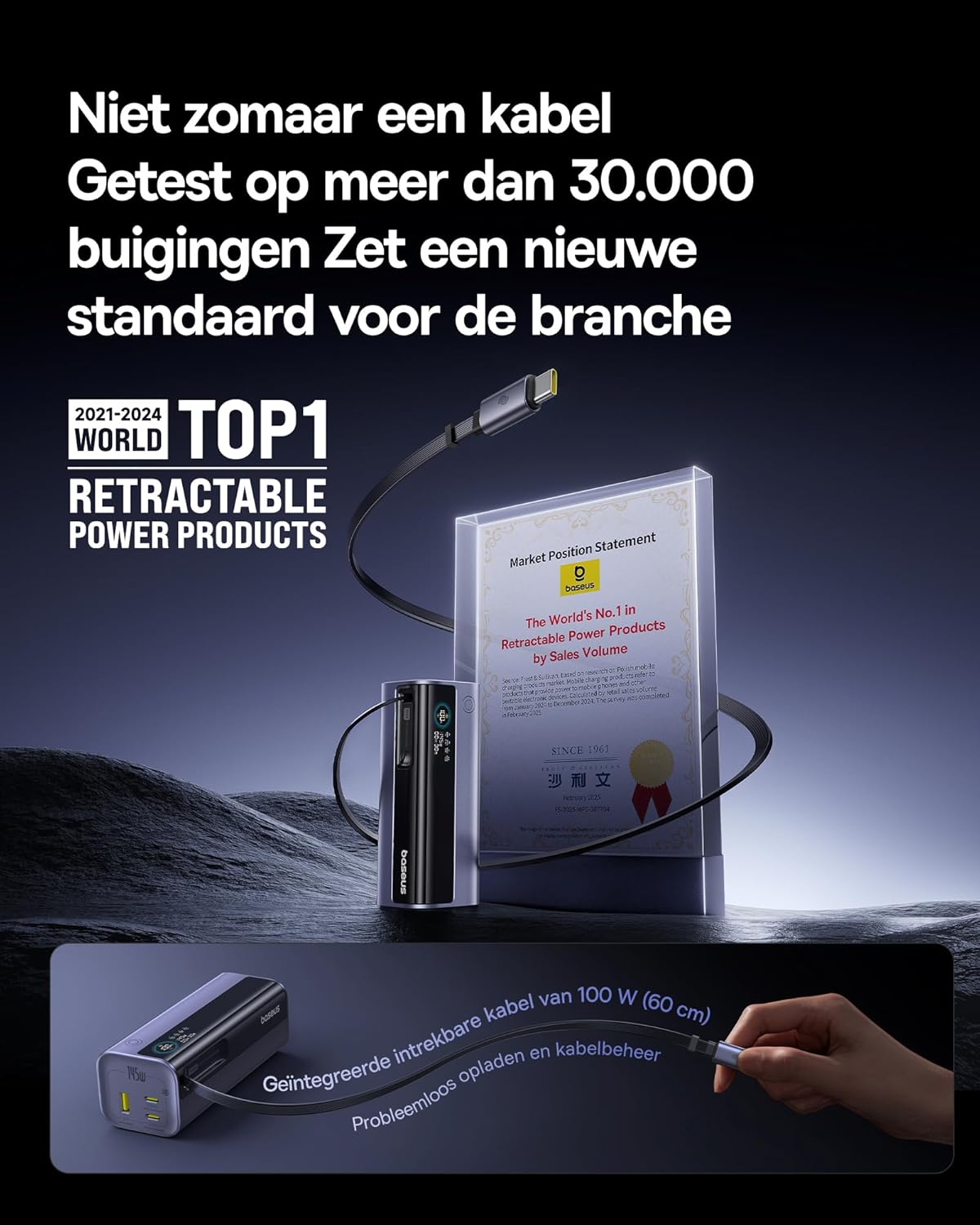
Image: The Baseus EnerGeek Power Bank connected to a laptop and an iPhone, demonstrating its ability to charge multiple devices simultaneously with high power output.
4.2 Ngartos Tampilan Digital
The intelligent digital display provides real-time information:
- Tingkat batré: Nembongkeun persén batré sésanatage.
- Charging Power (Input/Output): Némbongkeun arus cai ayeunatage being drawn or delivered.
- Waktos sésana: Estimates the time left for the power bank to fully charge or discharge.
- Status I/O: Indicates which ports are active for input or output.

Gambar: A lengkep view of the Baseus EnerGeek Power Bank's digital display, showing battery percentage, current wattage, sareng diperkirakeun waktos sésana.
4.3 Retracting Kabel
To retract the integrated USB-C cable, gently pull it out slightly further, then release it. The cable will automatically retract into the power bank's housing.
5. Pangropéa sarta perawatan
- Keep the power bank away from extreme temperatures (hot or cold), direct sunlight, and humid environments.
- Ulah ngalaan bank kakuatan ka cai atawa cairan séjén.
- Hindarkeun ngaragragkeun atanapi matuhkeun bank daya kana dampak anu kuat.
- Clean the surface of the power bank with a soft, dry cloth. Do not use harsh chemicals or abrasive materials.
- Store the power bank in a cool, dry place when not in use for extended periods. It is recommended to charge it to about 50-70% before long-term storage.
6. Cara ngungkulan
| Masalah | Mungkin Cukang lantaranana | Solusi |
|---|---|---|
| Power bank teu ngecas | Low battery on power bank; faulty charging cable; incompatible wall adapter. | Ensure the power bank has some charge. Try a different USB-C cable and a compatible wall adapter (e.g., 100W PD charger). |
| Alat teu ngecas tina bank daya | Power bank battery is empty; faulty device cable; device not compatible with power bank output. | Recharge the power bank. Try a different charging cable for your device. Ensure your device supports the power bank's output specifications. |
| Ngecas lalaunan | Cable or adapter not supporting fast charging; multiple devices connected reducing individual output. | Use a high-quality, fast-charging compatible cable and adapter. Disconnect other devices to maximize output to a single device. |
| tampilan digital teu jalan | Power bank is off; temporary software glitch. | Press the power button to activate the display. If the issue persists, try fully discharging and recharging the power bank. |
7. Spésifikasi
| Fitur | Rincian |
|---|---|
| Nomer modél | EnerGeek GR11 |
| Kapasitas batré | 20000 mah |
| Daya Kaluaran Max | 145W (Jumlah) |
| USB-C1 Cable Output | 100W Max |
| Kaluaran USB-C2 | 100W Max |
| Kaluaran USB-C3 | 100W Max |
| Kaluaran USB-A1 | 33W Max |
| Input (USB-C) | 100W Max |
| Diménsi | 13 x 5.2 x 4.9 cm |
| Beurat | 465 g |
| Jenis Batré | Litium-ion |
| Fitur husus | Digital display, Integrated cable, Fast charging |
8. Garansi jeung Rojongan
Kanggo inpormasi garansi sareng dukungan palanggan, mangga tingal ka Baseus resmi. websitus atanapi ngahubungan pangecér ti saha anjeun dibeuli produk. Simpen bukti pameseran anjeun pikeun klaim garansi.
Pabrikan: Baseus
ASIN: B0F83VMZJT
Tanggal munggaran sayogi: 9 Méi 2025
Pikeun pitulung salajengna, anjeun tiasa nganjang ka Toko Baseus di Amazon.


