1. Bubuka
This manual provides essential information for the safe and efficient operation of your LG 65-Inch NANO80 4K Smart TV (Model: 65NANO80AUA). Please read this manual thoroughly before using the product and retain it for future reference.

Gambar 1.1: Hareupeun view of the LG 65-Inch NANO80 4K Smart TV.
2. Émbaran Kasalametan penting
Always follow basic safety precautions when using this television to reduce the risk of fire, electric shock, and injury. Keep this manual handy for quick reference.
- Sumber Daya: Connect the TV to an AC 120V, 60Hz power outlet. Do not overload power outlets.
- Ventilasi: Pastikeun ventilasi ditangtoskeun sabudeureun TV. Ulah meungpeuk bukaan ventilasi.
- Cai sareng Uap: Ulah ngalaan TV ka hujan atawa beueus. Ulah nempatkeun objék ngeusi cairan dina TV.
- beberesih: Cabut TV sateuacan beberesih. Paké lawon lemes, garing. Hindarkeun pembersih cair.
- panempatan: Place the TV on a stable, level surface or mount it securely to a wall. Keep out of reach of children.
- Palayanan: Entong nyobian ngalayanan produk ieu nyalira. Rujuk sadayana ngalayanan ka tanaga jasa anu mumpuni.
3. Setup Guide
3.1 Ngabongkar bungkusan
Cabut TV sareng sadaya asesoris sacara saksama tina bungkusan. Simpen bungkusan pikeun kaperluan angkutan atanapi jasa anu bakal datang.
3.2 Stand Assembly (Table Mount)
If using the included stand for table mounting:
- Teundeun layar TV ka handap dina tempat nu datar tur lemes pikeun nyegah karuksakan.
- Attach the stand components to the TV using the provided screws, ensuring they are securely fastened.
- Angkat TV sacara saksama teras teundeun dina permukaan datar anu stabil.

Gambar 3.1: Sisi view of the TV illustrating the stand assembly.
3.3 Nyambungkeun périferal
Connect external devices to your TV using the appropriate ports. The LG NANO80AUA features multiple connectivity options:
- HDMI: For high-definition audio and video from devices like gaming consoles, Blu-ray players, or set-top boxes.
- USB: Pikeun nyambungkeun alat panyimpenan USB pikeun muterkeun media files.
- Ethernet: Pikeun sambungan internét kabel.
- Bluetooth: For wireless connection to compatible headphones or speakers.
- Wifi: Pikeun aksés internét nirkabel.
Gambar 3.2: Tukangeun view TV anu mintonkeun rupa-rupa port input.
3.4 Daya Awal Hurung sareng Setup
- Colokkeun kabel listrik kana TV teras kana stop kontak témbok.
- Press the power button on the TV or the Magic Remote.
- Turutan pitunjuk dina layar pikeun ngarengsekeun setelan awal, kalebet pilihan basa, sambungan jaringan, sareng panyeken saluran.
4. Ngoperasikeun TV
4.1 Magic Remote Usage
The LG Magic Remote provides intuitive control over your TV. It features a dedicated AI button for quick access to smart features.
- panunjuk: Point and click on the screen like a mouse.
- Kontrol sora: Press the AI icon and speak into the remote to search for content or control TV functions.

Image 4.1: The LG Magic Remote highlighting its AI features.
4.2 Fitur Smart TV (webOS 25)
Your LG NANO80AUA runs on webOS 25, offering a universe of entertainment and smart functionalities.
- Aplikasi streaming: Access popular streaming services like Netflix, Prime Video, Disney+, and Apple TV. (Internet connection and subscriptions may be required).
- ID Sora AI: The TV can recognize individual voice signatures to offer personalized content recommendations.
- Pilarian AI: Nyayogikeun saran sareng solusi anu dipersonalisasi, kalebet integrasi sareng Microsoft Copilot.
- AI Chatbot: Understands your intent and provides immediate solutions for settings configuration and troubleshooting.
- Saluran LG: Access over 100 free channels with an internet connection.
- Pangeunteungan layar: Use Apple AirPlay 2 and Google Cast to display content from your smartphone, tablet, or computer.
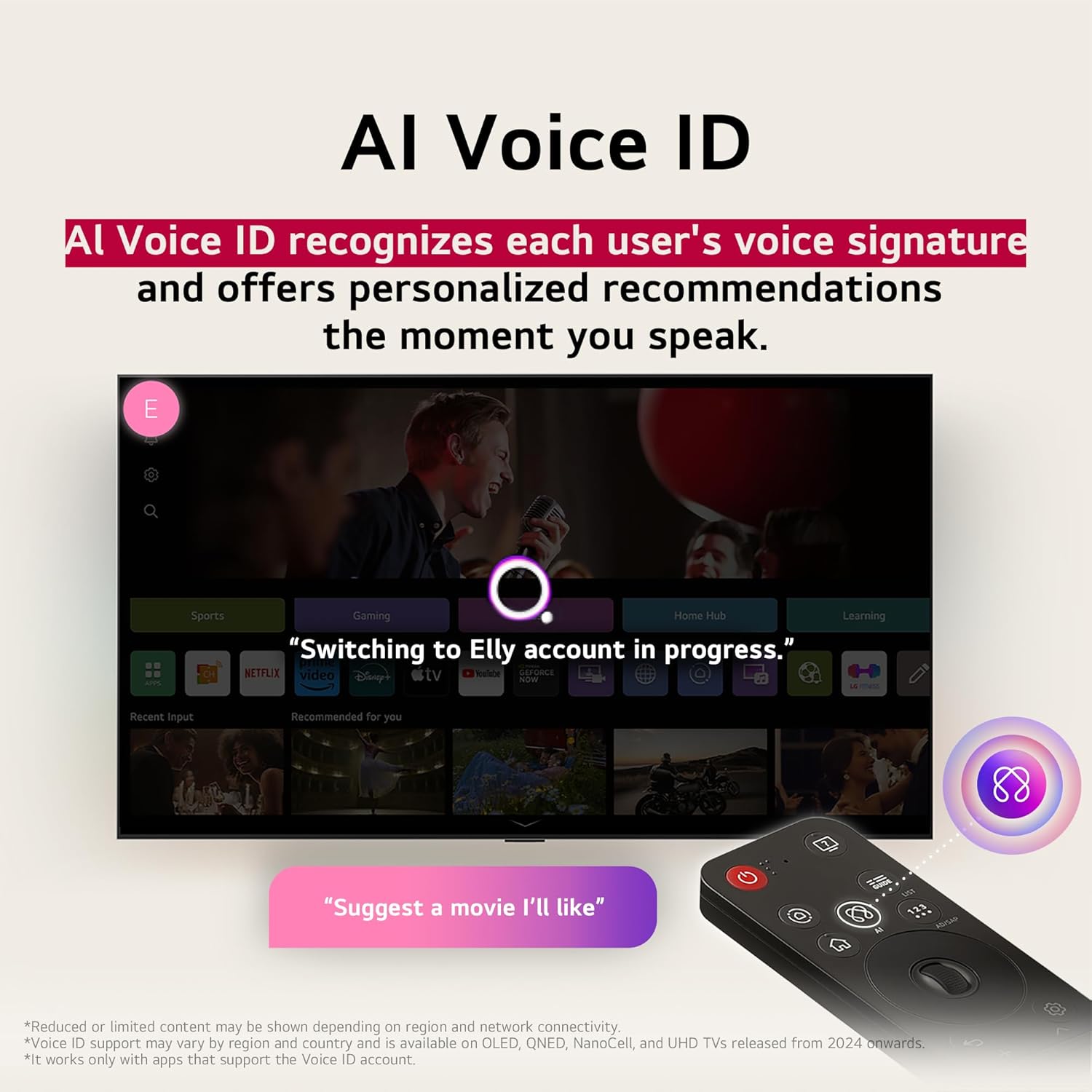
Image 4.2: AI Voice ID in action, providing personalized recommendations.

Image 4.3: AI Search interface on the LG TV.

Image 4.4: AI Chatbot providing assistance on the LG TV.
4.3 Setélan Gambar
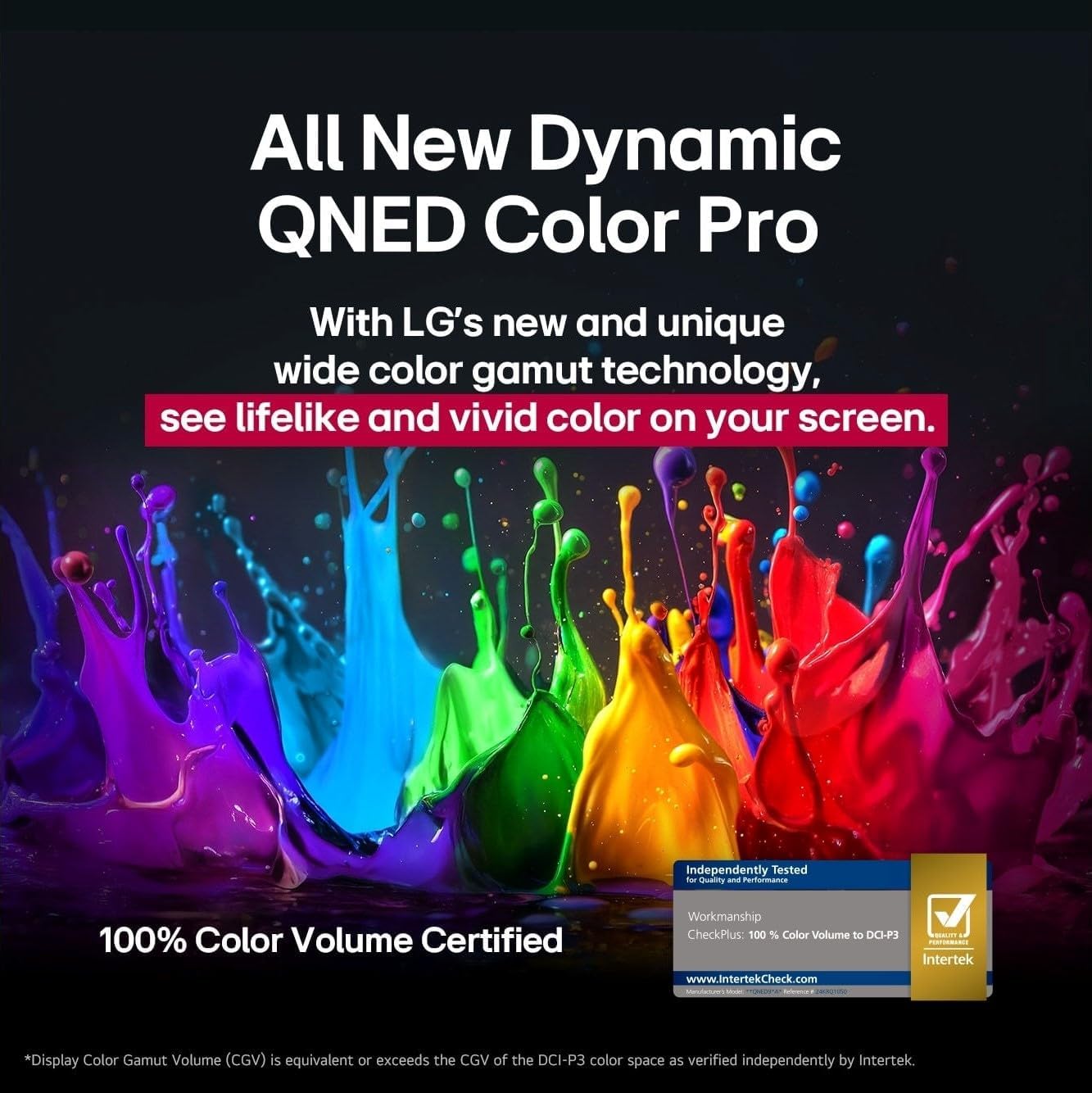
Your NANO80AUA TV delivers stunning 4K visuals with advanced picture technologies.
- 4K UHD tampilan: Enjoy content in ultra-high definition.
- α7 AI Processor 4K Gen 8: Enhances brightness, sound, and refines picture detail with 4K upscaling and Dynamic Tone Mapping Pro.
- NanoCell Display: Experience over a billion vibrant colors.
- HDR10 & HGIG: Supports High Dynamic Range for improved contrast and color in compatible content.
- AI Gambar Pro: Nganalisis unggal pigura pikeun ningkatkeun resolusi, kacaangan, jero, sareng kajelasan.
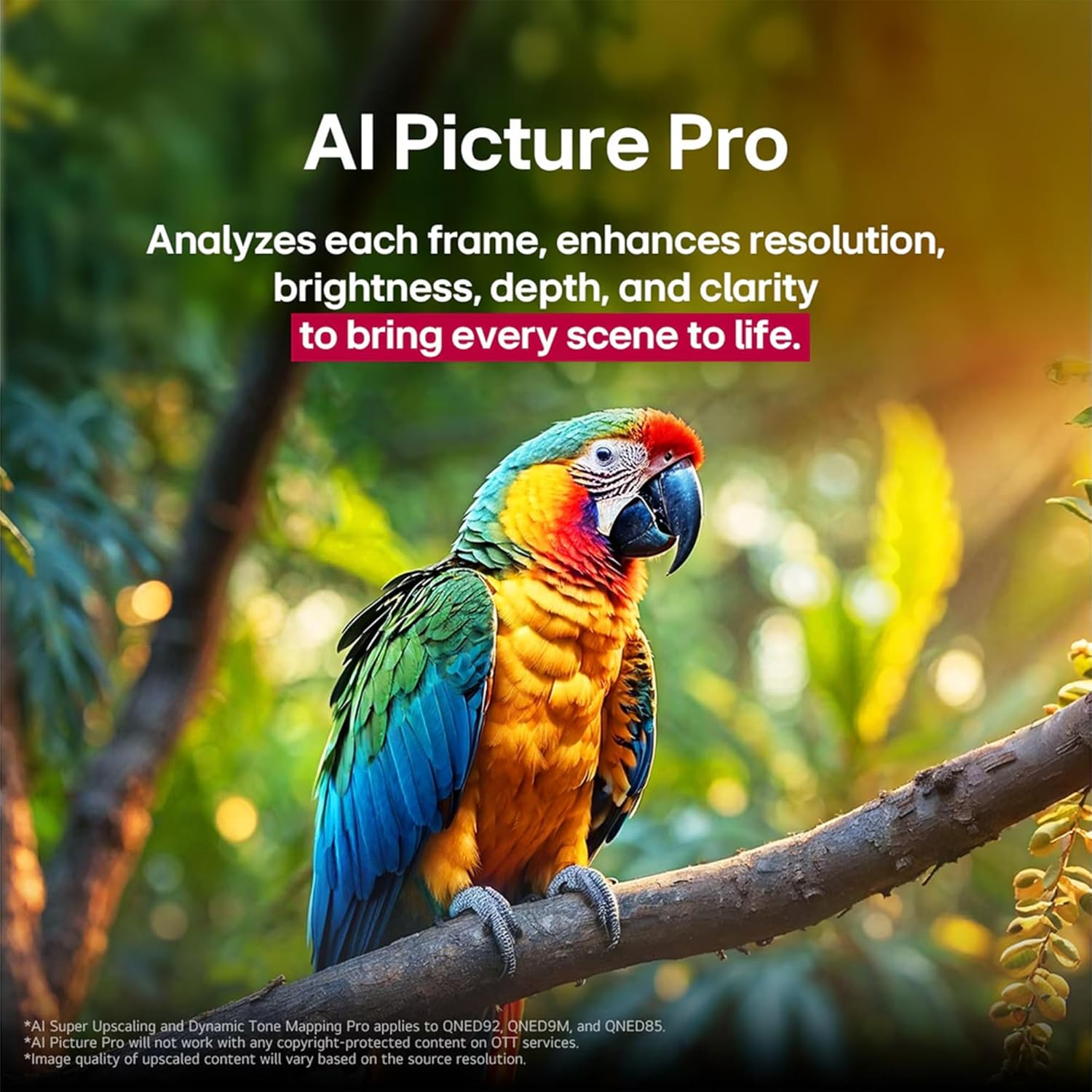
Image 4.5: The α7 AI Processor 4K Gen 8, responsible for picture enhancements.

Image 4.6: AI Picture Pro analyzing and enhancing image quality.
4.4 Setélan Sora
The TV features integrated sound enhancements for an immersive audio experience.
- AI Sora Pro: Fine-tunes your sound for impact, adapting to the content and environment.
- Konfigurasi Speaker: 2.0 channel with 20 Watts output.
- Kaluaran Audio: Digital audio output mode.
4.5 Fitur kaulinan
Dioptimalkeun pikeun pangalaman kaulinan responsif:
- ALLM (Modeu Latency Lemah Otomatis): Otomatis pindah ka modeu low-latency pikeun kaulinan smoother.
- HGIG (HDR Gaming Interest Group): Ensures HDR gaming content is displayed as intended by game developers.
- VRR (Variable Refresh Rate): Supported for smoother gameplay, reducing screen tearing and stuttering. (Only works with games or PC inputs that support 60Hz).

Image 4.7: Gaming experience on the LG NANO80AUA with VRR.
5. Pangropéa
5.1 Ngabersihan TV Anjeun
- layar: Ngusap layar nganggo kaén anu lembut sareng teu aya serat. Pikeun tanda pengkuh, enteng dampen the cloth with water or a specialized screen cleaner (ensure it's TV-safe).
- Pigura jeung Stand: Anggo lawon anu lemes sareng garing pikeun ngusap lebu.
- penting: Never spray cleaners directly onto the screen or frame. Always unplug the TV before cleaning.
5.2 Apdet parangkat lunak
Your LG TV supports the webOS Re:New Program, which provides software upgrades over five years. Ensure your TV is connected to the internet to receive the latest updates for optimal performance and new features.
6. Cara ngungkulan
Upami anjeun ngalaman masalah sareng TV anjeun, tingal solusi umum ieu:
| Masalah | Solusi anu mungkin |
|---|---|
| Taya kakuatan | Pariksa naha kabel listrik dicolokkeun aman kana TV sareng stop kontak témbok. Nguji stop kontak jeung alat sejen. |
| Henteu aya gambar, tapi aya sora | Pastikeun sumber input anu bener dipilih. Pariksa sambungan kabel ka alat éksternal. |
| Henteu aya sora, tapi aya gambar | Check the volume level and mute settings. Verify audio cable connections. If using external speakers, ensure they are powered on and correctly configured. |
| Kadali jauh teu jalan | Replace the batteries in the Magic Remote. Ensure there are no obstructions between the remote and the TV. Re-pair the remote if necessary. |
| Teu bisa nyambung ka Wi-Fi | Restart your router and modem. Check Wi-Fi settings on the TV and ensure the password is correct. Move the TV closer to the router if possible. |
For more detailed troubleshooting, refer to the on-screen help guide or visit the LG support websitus.
7. Spésifikasi
Key technical specifications for the LG 65-Inch NANO80 4K Smart TV (Model: 65NANO80AUA):
- merek: LG
- model: 65NANO80AUA
- Model Taun: 2025
- Ukuran layar: 65 inci
- Téknologi tampilan: 4K UHD NanoCell
- Resolusi: 3840 x 2160 piksel (4K)
- Laju Refresh: 60 Hz
- Prosesor: Prosesor α7 AI 4K Gen 8
- Sistem operasi: webOS 25
- Rojongan HDR: HDR10, HGIG
- Daya Kaluaran Audio: 20 Watt (2.0 Saluran)
- Konektipitas: Bluetooth, Ethernet, HDMI, USB, Wi-Fi
- Fitur kaulinan: ALLM (Auto Low Latency Mode), VRR (Variable Refresh Rate)
- Asisten sora: Alexa Diwangun-di
- Ukuran (kalayan stand): 145.4 cm (W) x 90.3 cm (H) x 26.9 cm (D)
- beurat: 27.5 kg
- Komponén Kaasup: Power Cable, Magic Remote, Stand, Remote Control Batteries
Catetan: Spésifikasi tiasa robih tanpa aya bewara.
8. Garansi jeung Rojongan
For warranty information, product registration, and technical support, please visit the official LG websitus atanapi ngahubungan layanan palanggan LG. Simpen resi pameseran anjeun pikeun klaim jaminan.
Dukungan Pelanggan LG: Visit LG Support Page