1. Produk Langkungview
The BUGANI Luster Bluetooth Speaker is a portable wireless stereo speaker designed for high-quality audio output with dynamic colorful lighting. It features Bluetooth 5.3 connectivity, IPX6 waterproofing, and extended playtime, making it suitable for various indoor and outdoor environments.

Image: The BUGANI Luster Bluetooth Speaker, showcasing its design and the vibrant light effects, surrounded by water splashes to highlight its waterproof capabilities.
2. Naon dina Box
- BUGANI Luster Bluetooth Speaker
- Kabel Ngecas USB-C
- Kabel AUX-in
- Gancang Mimitian Guide
- Lanyard anu tiasa dicabut
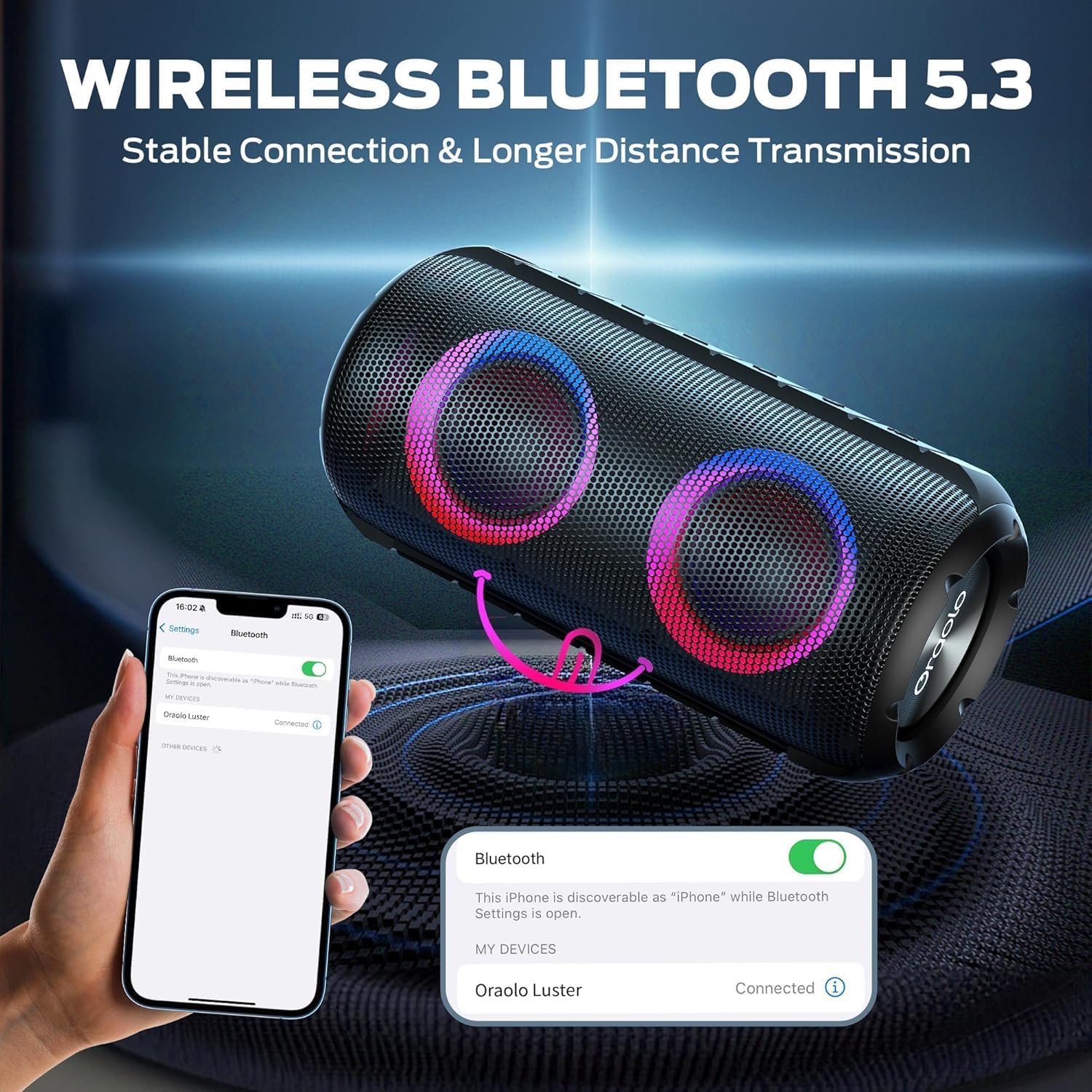
Image: The BUGANI Luster Bluetooth Speaker with its detachable lanyard, illustrating its portability and ease of carrying.
3. Setélan
3.1 Ngecas Awal
Before first use, fully charge the speaker. Connect the provided USB-C cable to the speaker's charging port and the other end to a USB power adapter (not included) or a computer's USB port. The charging indicator light will show the charging status.
3.2 Daya Hurung/Pareuman
- Daya Hurung: Pencét jeung tahan tombol Daya (⏻) for 2-3 seconds until you hear an audible prompt and the lights illuminate.
- Pareum listrik: Pencét jeung tahan tombol Daya (⏻) for 2-3 seconds until you hear an audible prompt and the lights turn off.
3.3 Nyapasangkeun Bluetooth
- Pastikeun spiker hurung sareng dina modeu pasangan Bluetooth (ditunjukkeun ku lampu biru anu kedip-kedip).
- Dina alat anjeun (smartphone, tablet, jsb.), aktipkeun Bluetooth sareng milarian alat anu sayogi.
- Select "BUGANI Luster" from the list of devices.
- Once connected, you will hear a confirmation sound, and the Bluetooth indicator light will become solid blue.
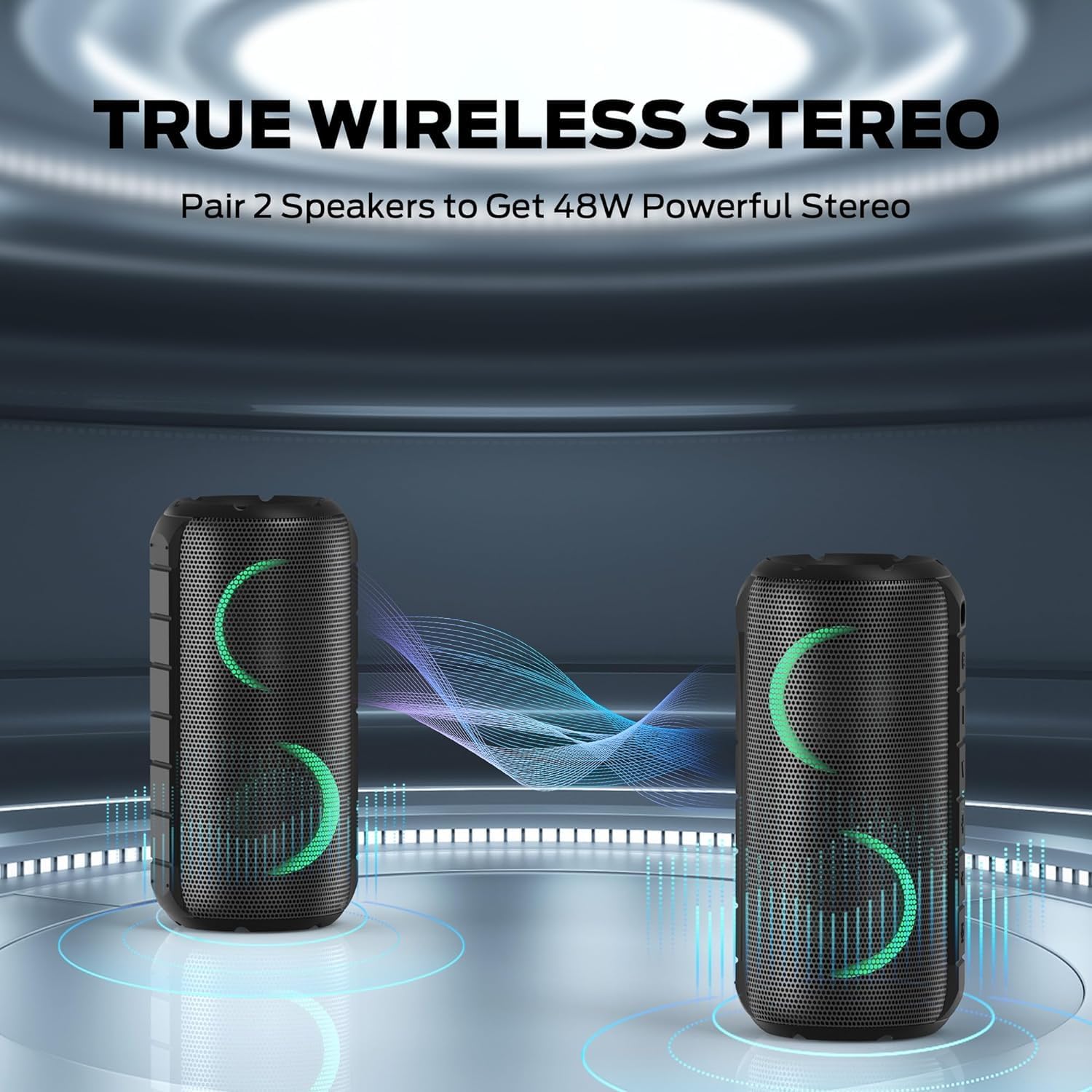
Image: A smartphone displaying its Bluetooth settings, showing a successful connection to the "Oraolo Luster" (BUGANI Luster) speaker, demonstrating the ease of Bluetooth 5.3 pairing.
3.4 Leres Wireless Stereo (TWS) papasangan
To achieve a more immersive stereo sound, you can pair two BUGANI Luster speakers together.
- Pastikeun duanana spiker dihurungkeun sareng henteu nyambung ka alat Bluetooth mana waé.
- On one speaker (this will be the primary speaker), press the TWS button (often indicated by two interlocking circles or a dedicated TWS icon). The speaker will enter TWS pairing mode.
- The primary speaker will automatically search for the secondary speaker. Once connected, you will hear a confirmation sound, and the lights on both speakers will synchronize.
- Ayeuna, sambungkeun alat Anjeun ka speaker primér via Bluetooth sakumaha dijelaskeun dina bagian 3.3. Audio bakal diputer ngaliwatan duanana speaker dina stereo.

Image: Two BUGANI Luster speakers positioned to illustrate their True Wireless Stereo (TWS) pairing capability, creating a wider soundstage.
3.5 Sambungan AUX-in
For non-Bluetooth devices, use the provided 3.5mm AUX-in cable.
- Connect one end of the 3.5mm AUX-in cable to the speaker's AUX-in port.
- Sambungkeun tungtung nu sejen ka jack kaluaran audio alat Anjeun.
- The speaker will automatically switch to AUX-in mode.
4. Parentah Operasi
4.1 Fungsi Tombol

Gambar: A close-up view of the BUGANI Luster speaker's top panel, clearly showing the control buttons for various functions.
| Tombol | Fungsi (Pencét pondok) | Fungsi (Pencét Panjang) |
|---|---|---|
| ⏻ (Kakuatan) | N/A | Daya Hurung/Pareuman |
| + (Volume up) | Volume Up | Lagu salajengna |
| - (Volume Turun) | Volume Turun | Lagu saméméhna |
| ▶‖ (Maén / Reureuh) | Puter / Reureuh; Ngajawab / mungkas Telepon | Reject Call; Activate Voice Assistant |
| 💡 (Light Mode) | Cycle through Light Modes | Hurungkeun / Pareum Lampu |
| TWS (TWS Pairing) | N/A | Lebetkeun Mode Papasangan TWS |
4.2 Colorful Light Show
The speaker features a dynamic RGB light system with 7 colors and 5 light modes. Press the Light Mode button (💡) to cycle through the available modes. Long press the button to turn the lights on or off.

Image: The BUGANI Luster speaker showcasing its vibrant and dynamic colorful light patterns, which enhance the listening experience.
4.3 Telepon bebas leungeun
Nalika disambungkeun via Bluetooth, mikropon internal dina spiker ngamungkinkeun nelepon tanpa kedah nganggo leungeun.
- Ngajawab / mungkas Telepon: Short press the Play/Pause button (▶‖).
- Nolak Telepon: Long press the Play/Pause button (▶‖).
4.4 Aktipkeun Asisten sora
Long press the Play/Pause button (▶‖) to activate your phone's voice assistant (e.g., Siri, Google Assistant).
5. Pangropéa
5.1 beberesih
Ngusap spéker ku hipu, damp lawon. Ulah nganggo pembersih abrasif, alkohol, atanapi pangleyur kimia, sabab ieu tiasa ngaruksak permukaan atanapi komponén internal.
5.2 Perawatan Tahan Cai (IPX6)
The speaker has an IPX6 waterproof rating, meaning it is protected against powerful water jets. It is suitable for use in rainy conditions or near water bodies like pools and beaches. However, it is henteu designed for submersion in water. Ensure the charging port cover is securely closed before exposing the speaker to water.
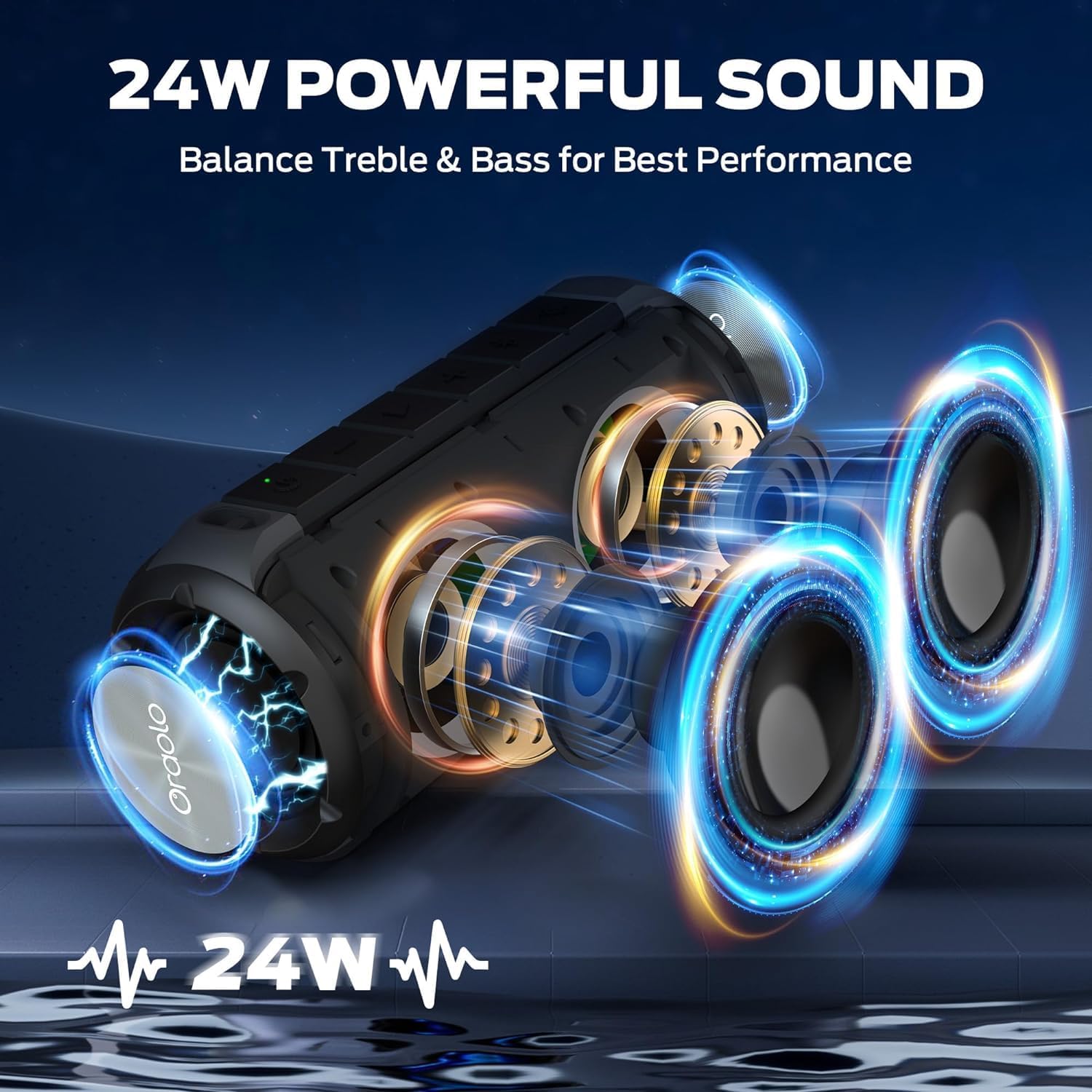
Image: The BUGANI Luster speaker resting on a wet rock with water droplets, visually confirming its IPX6 waterproof rating for outdoor use.
5.3 Panyimpenan
Simpen spéker dina tempat anu tiis sareng garing jauh tina sinar panonpoé langsung sareng suhu anu ekstrim. Upami nyimpen kanggo waktos anu panjang, ngeusi batre sakitar 50% unggal sababaraha bulan pikeun ngajaga kasehatan batre.
6. Cara ngungkulan
6.1 Taya Daya
- Pastikeun spéker dicas pinuh.
- Pencét terus tahan tombol Daya salami 2-3 detik.
6.2 Taya Sora
- Pariksa tingkat polumeu boh dina speaker sareng alat Anjeun nu disambungkeun.
- Ensure the speaker is correctly paired via Bluetooth or the AUX-in cable is securely connected.
- Upami nganggo Bluetooth, cobian pegatkeun sambungan sareng pasangkeun deui alat.
6.3 Masalah Nyapasangkeun Bluetooth
- Ensure the speaker is within the effective range (up to 33 feet/10 meters) of your device.
- Hapuskeun riwayat pasangan Bluetooth dina alat anjeun teras cobian pasangkeun deui.
- Turn off and on both the speaker and your device.
- Pastikeun teu aya alat Bluetooth sanés anu ngaganggu.
6.4 TWS Pairing Fails
- Pastikeun kadua speaker dicas pinuh sareng teu nyambung ka alat Bluetooth anu sanés.
- Place the speakers close to each other during the TWS pairing process.
- Follow the TWS pairing steps precisely as described in section 3.4.
7. Spésifikasi
| Fitur | Rincian |
|---|---|
| merek | BUGANI |
| Ngaran modél | M166 |
| Tipe Speaker | Speaker stereo portabel |
| Speaker Maksimum Kaluaran Power | 24 Watt |
| Téhnologi konektipitas | Bluetooth 5.3, Auxiliary (3.5mm AUX-in) |
| Peunteun waterproof | IPX6 |
| Waktu maén | Nepi ka 24 jam (dina volume 50%, lampu pareum) |
| Dimensi produk | 4 "D x 8" W x 4" H |
| Item Beurat | 1.34 pon (0.61 Kilogram) |
| Batré | 1 batré AA diperlukeun (kaasup) |
8. Garansi jeung Rojongan
BUGANI products are manufactured to high-quality standards. For specific warranty information and support, please refer to the warranty card included with your product or visit the official BUGANI websitus. Simpen resi pameseran anjeun salaku bukti pameseran pikeun klaim garansi.
For technical assistance or customer service inquiries, please contact BUGANI customer support through their official channels.


